Nomid
How to Choose an MDM for Rugged Android Devices in Logistics: A Technical Evaluation Guide
A rugged handheld in a distribution center has a different life from an office smartphone. It is dropped on concrete, scanned thousands of times a shift, handed from one worker to the next at shift change, and carried through dead zones in the back of a trailer. If the device management layer beh...
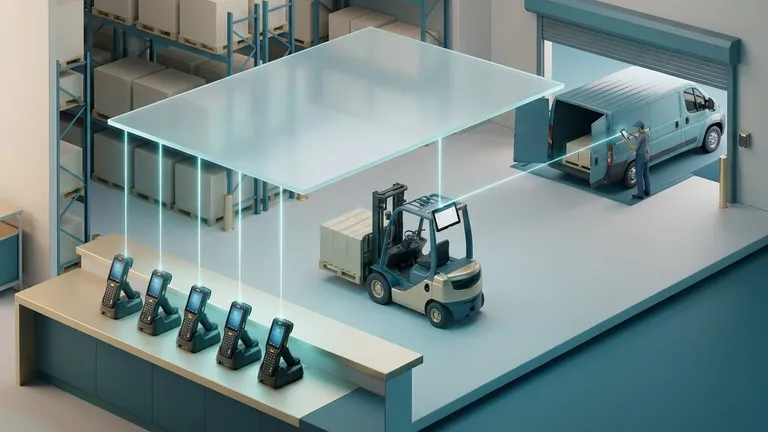
Table of Contents
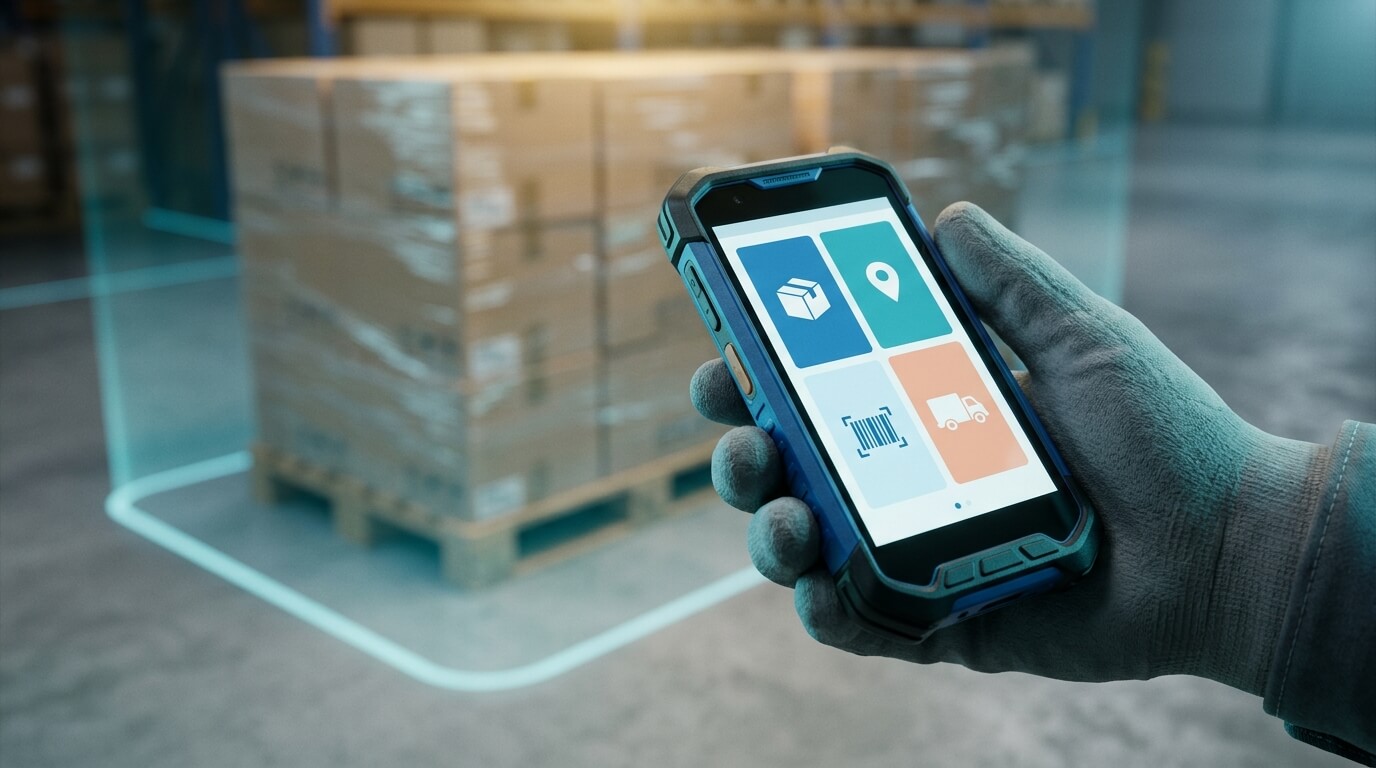
A rugged handheld in a distribution center has a different life from an office smartphone. It is dropped on concrete, scanned thousands of times a shift, handed from one worker to the next at shift change, and carried through dead zones in the back of a trailer. If the device management layer behind it is misconfigured, the failure is not a nuisance. A driver cannot capture proof of delivery, a picker cannot reach the warehouse app, or a lost scanner sits unlocked in a parking lot.
This guide shows IT and operations leads how to evaluate a mobile device management (MDM) platform for rugged Android in logistics. It starts with definitions, moves through the technical criteria that matter, and ends with a scoring framework and a pilot plan you can take to your directors. It is written to stay useful as hardware and Android versions change, so it focuses on architecture and process rather than version numbers.
1. Start With the Vocabulary: What You Are Actually Buying
MDM, EMM and UEM
Mobile device management (MDM) is software that enrolls devices, applies configuration and restrictions, distributes apps, and lets administrators lock, locate or wipe devices remotely. Enterprise mobility management (EMM) is the older, broader label that adds app and content management. Unified endpoint management (UEM) extends the idea to laptops and desktops. In practice, vendors use the terms loosely, so evaluate capabilities rather than labels.
Android Enterprise and the Android Management API
Android Enterprise is Google's framework for managing Android in organizations. It defines how a management app can control a device, how work data is separated, and how apps are approved and delivered. The Android Management API (AMAPI) is Google's modern interface for building management products on that framework. A device policy controller (DPC) is the on-device component that receives and enforces the policy.
Google deprecated the older "device administrator" approach in favor of Android Enterprise. If a vendor's rugged story still depends on legacy device admin, treat that as a risk. Features can be restricted or removed in newer Android versions, and that leaves you stranded when the devices are upgraded.
Management modes
- Fully managed device: The organization owns the device and controls the whole thing. This is the standard mode for logistics fleets.
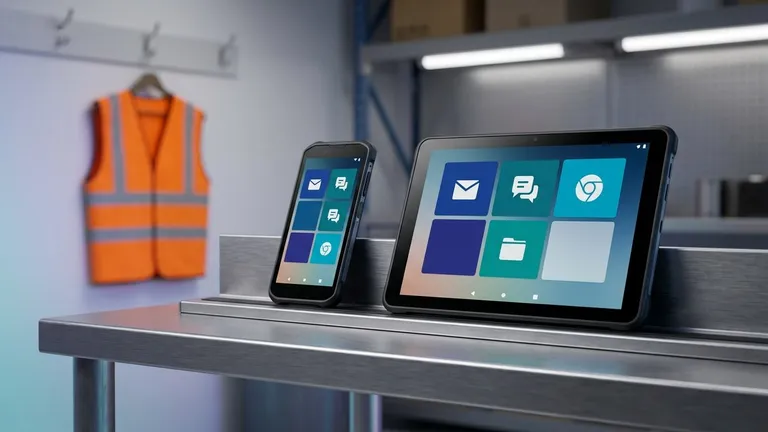
- Dedicated device (also called COSU, corporate-owned single-use): A fully managed device locked to one app or a small set of apps, often through kiosk mode. This is the typical mode for scanners, vehicle tablets and shared handhelds.
- Work profile: A separated container for work apps on a personal or company-owned device. It matters if drivers use their own phones or if the company allows some personal use on company devices.
Most logistics fleets are a mix of dedicated devices (scanners, kiosks) and fully managed phones (drivers, supervisors), and a few allow personal use. Your MDM has to handle every mode you actually run.
What "rugged" changes
A rugged device is built to tolerate drops, dust, water, temperature extremes and heavy use, and it often has a hardware scanner, a physical keyboard, programmable buttons, or a long-life swappable battery. Those hardware extras are usually configured through manufacturer-specific tools, and that is where MDM evaluations often go wrong. Section 2 covers it.
2. The Foundation: Platform Depth on Rugged Hardware
Check the standards-based layer first
Before comparing features, confirm that the platform is built on Android Enterprise and AMAPI, and ask how it handles the modes you use. A standards-based platform gives you consistent behavior across manufacturers for the basics: encryption, password rules, app control, kiosk, network settings and remote actions. It also means your management keeps working as Android evolves, because the platform follows Google's supported path.
Understand the rugged-specific gap
Android Enterprise does not cover everything a warehouse handheld can do. Scanner behavior, trigger-button mapping, battery-health reporting, and some firmware controls live in the manufacturer's own configuration layer. Two mechanisms are common:
- OEMConfig: An open standard in which a manufacturer ships a managed-configuration app that exposes its device-specific settings to any MDM that can deliver managed app configurations. Several rugged manufacturers publish such apps.
- Manufacturer staging tools: Standalone utilities from rugged vendors that create configuration profiles, often delivered through barcodes or files. They go deep on that vendor's hardware but only cover that vendor.
The evaluation question is not "does the MDM support my scanner brand?" but "how do I configure scanner behavior, and how does that configuration get deployed, versioned and audited through the MDM?" Ask each vendor to demonstrate it on your device model. If the answer depends on a separate tool, factor the extra process into your cost and training plan.
Fleet composition questions
Write down what the fleet includes now and what it may include in two years:
- Rugged handhelds from one manufacturer or several?
- Vehicle-mounted or rack-mounted tablets?
- Driver smartphones, company-owned or personal?
- Any non-Android devices, such as Windows handhelds or iPhones?
The last question matters for fairness. Some platforms, Nomid MDM among them, focus on Android (plus supported PICO headsets) and do not manage iOS, Windows or macOS. If your fleet is truly mixed, you will either need a broad UEM suite or a separate tool for the other platforms. That is a legitimate trade-off, not a flaw. Depth on Android can be worth a second console, but you should make that choice deliberately.
Questions to ask
- Is the product built on Android Enterprise and AMAPI, or on legacy APIs?
- Which management modes are supported: fully managed, dedicated, work profile?
- How are manufacturer-specific settings (scanner, buttons, firmware) configured and deployed?
- What happens to existing policies when Android is updated on the device?
3. Enrollment: Getting Hundreds of Devices Ready Without Touching Each One Twice
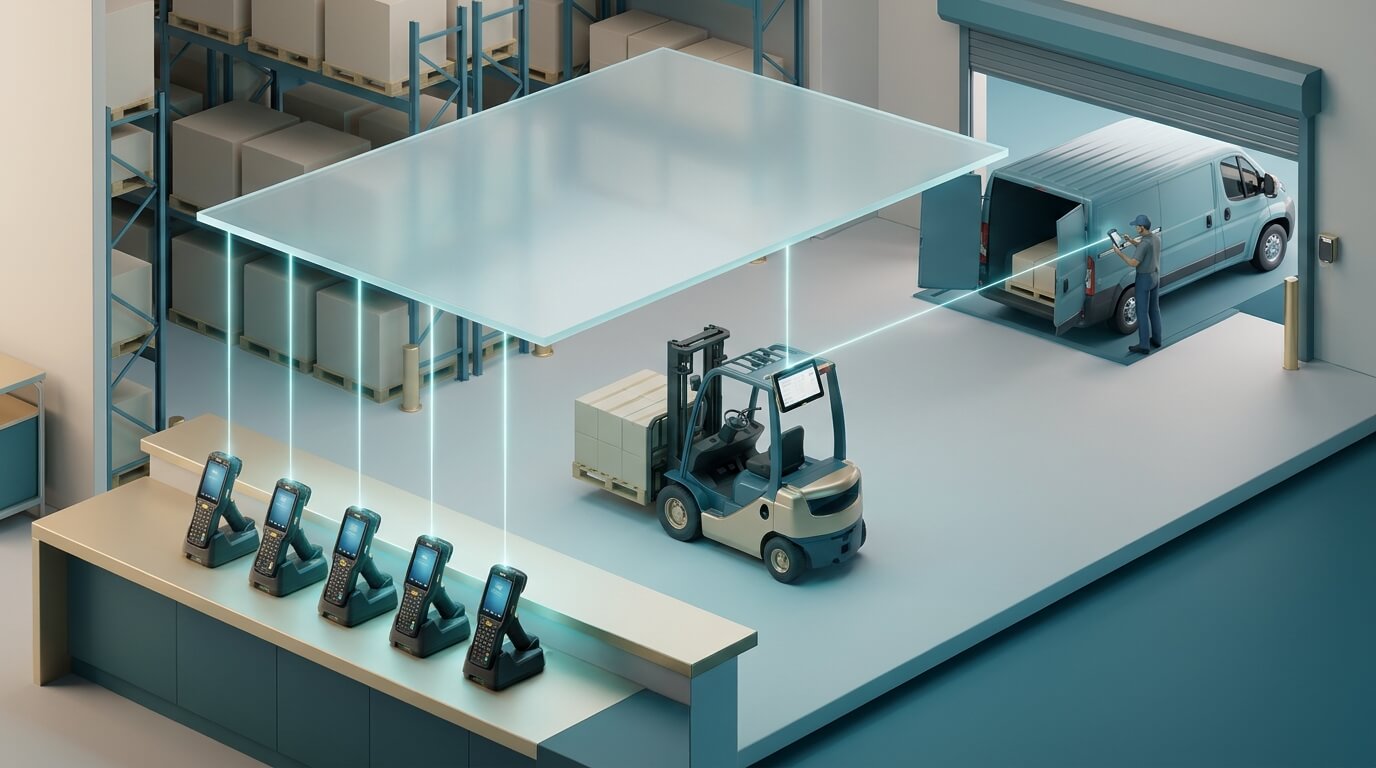
Enrollment is the process of bringing a device under management. In logistics, it happens in bursts: a new site opens, a seasonal peak adds hundreds of scanners, or a batch of repaired units returns. A slow or error-prone enrollment path becomes a bottleneck on exactly those days.
The enrollment methods
Method | How it works | Best fit | Watch out for |
|---|---|---|---|
Android zero-touch | Devices bought from a participating reseller are registered to your account. On first boot they fetch their configuration automatically. | Large purchases of new devices shipped directly to sites | Requires reseller registration; not for devices already in the field |
Samsung Knox Mobile Enrollment | A Samsung-specific service that automatically enrolls supported Samsung devices into your MDM at first setup. | Fleets built on Samsung rugged or standard devices | Applies to Samsung hardware only |
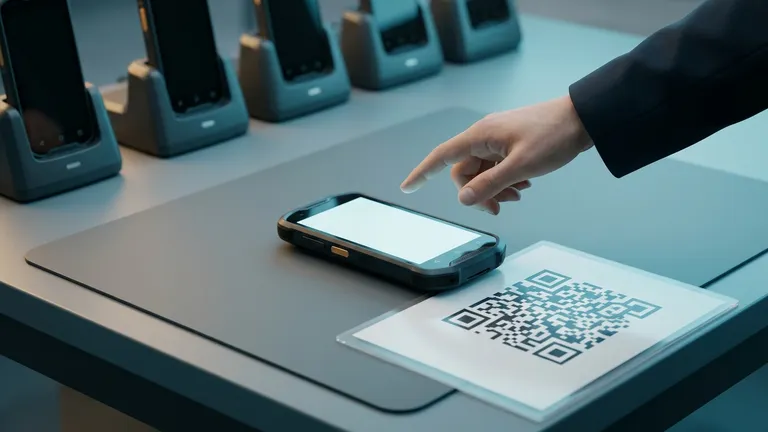
QR code enrollment | A code scanned during setup points the device to your MDM and applies the profile. | Mixed brands, refurbished or reset devices | Needs network access during setup; a manual step per device |
USB or desktop provisioning | A desktop tool prepares devices connected over USB, pushing settings and apps in bulk. | Staging rooms and depots preparing batches | Requires physical access and a staging workstation |
What to verify
Ask which of these methods the platform supports and how each behaves with your device models. Nomid MDM, for example, supports Android zero-touch, Samsung Knox Mobile Enrollment, QR code enrollment (company-owned, or with personal use allowed), and a desktop USB provisioning tool that sets up several Android devices or PICO headsets at once, including Wi-Fi, device naming, apps and content. A staging tool like that is valuable for depots that prepare cases of scanners before shipping them to a site.
Whatever platform you evaluate, test enrollment with an actual batch. Time how long it takes from box to a working, locked-down scanner, note where a worker has to intervene, and check whether the device name, group and policy assigned are the ones you intended.
Naming and grouping at enrollment
Plan your hierarchy before the first device enrolls. Logistics fleets are usually organized by site, function (inbound, outbound, last mile) and device type. A good platform lets you assign a policy group at enrollment so that a device lands in the correct configuration without a second pass. Retrofitting names and groups across a thousand devices is tedious work you can avoid with planning.
4. Kiosk Mode and Shift Workflows
What kiosk mode actually does
Kiosk mode restricts a device to a defined set of apps. On Android Enterprise it is built on lock task mode, a system feature that pins the interface to approved apps and can hide or disable system controls such as the status bar, home button or settings. Two variants matter:
- Single-app kiosk: The device runs one app, such as a warehouse management client or a proof-of-delivery app. The worker cannot leave it.
- Multi-app kiosk: The device presents a custom home screen (a launcher) with a short list of approved apps, such as the scanning app, a messaging app and a timesheet.
Why it matters in logistics
Shared devices drift. Within weeks, an unrestricted scanner collects personal apps, changed wallpapers, altered Wi-Fi settings and disabled sync. Each change generates a support ticket. Kiosk mode prevents the drift and reduces the surface for mistakes. The trade-off is that every legitimate need, such as a settings change or a new app, must go through policy, so the platform's policy workflow has to be fast and understandable.
Evaluate the launcher, not just the lock
Many platforms can lock a device to an app. Fewer give you a launcher that works well for gloved hands and quick scans. When you evaluate:
- Can you control which apps appear and in what order?
- Can a supervisor exit kiosk mode with a PIN, and is that exit recorded?
- Does the device recover to kiosk mode after a reboot or an app crash?
- Can you configure the launcher differently for different groups, for example drivers versus pickers?
Nomid MDM offers single-app and multi-app kiosk with a custom launcher, which covers both the pure scanner and the multi-tool supervisor device.
Time fences and geofencing
Two controls suit logistics especially well. A geofence is a virtual boundary around a location. Policies can change, or alerts can fire, when a device enters or leaves it. A time fence limits when particular apps can be used. Examples include restricting a social or entertainment app to break periods, or keeping a picking app available only during scheduled shifts. These are practical for enforcing site-level rules without relying on supervisors, though you should check local labor and privacy rules before tracking location, especially on devices that workers may also use personally.
5. Connectivity, Apps and Updates in Hostile Network Conditions
Wi-Fi and network policy
Warehouses are difficult for radio. Metal racking reflects signals, access points overlap, and devices roam constantly. At the management layer, you need control over:
- Pre-provisioned Wi-Fi networks, including enterprise authentication and certificates where used
- Preventing workers from adding or removing networks
- Cellular and roaming settings for drivers and vehicle tablets
- Handling captive portals or restricted networks at customer sites
Android Enterprise policies cover network and Wi-Fi settings, and a platform that exposes them in templates or groups makes it simpler to apply a consistent configuration across sites. Test what happens when a device moves between a warehouse network and a cellular network, and when it comes back online after being offline. Devices that quietly stop checking in are among the most common operational blind spots.
App distribution: public and private
Managed Google Play is the enterprise version of the Play Store. IT approves apps and pushes them to devices, and workers cannot install anything else. Logistics fleets nearly always also have private apps: an in-house warehouse client, a custom delivery app, or a vendor-supplied APK that is not on Play. There are two ways to deliver those, through a private app published to managed Google Play or by hosting the APK with the MDM.
For hosted APKs, ask how the platform handles large files over unreliable connections. Nomid's Nomid Store hosts private APKs, and uploads resume after interruptions, which helps when an administrator is pushing a large build over a weak connection. On the device side, you should also confirm that downloads on worker devices are throttled or scheduled sensibly so that a new app release does not saturate a warehouse's Wi-Fi at the start of a shift.
System update windows
Operating-system updates on rugged devices carry a particular risk. A forced update in the middle of a shift stops a picker mid-task, and an uncontrolled update can break a scanner integration. Look for update windows, which let you define when system updates may install, such as overnight while devices are on chargers. Also ask how the platform lets you pause or stage updates so that you can test on a pilot group first. Many rugged manufacturers control the firmware release cadence, so confirm whether firmware updates go through the same mechanism or a separate one.
The on-device check-up
When a worker says "the app doesn't work," the support team usually does not know whether the cause is the network, a missing app, an outdated Google Play Services, disabled location or a revoked permission. A self-service diagnostic closes that gap. The Nomid Settings app on managed Android devices includes a Check-up screen that a worker can run, with the policy deciding whether its button appears. It checks that every Nomid Store app the policy assigns is installed (with each app's download and install status), that the device can reach the Nomid API and remote access servers (with response times), the Play Store and Google Play Services versions, Google location services, and the permissions the agent needs. Failed rows offer a fix, and the check-up can be run again. The console shows when the last check-up ran, and each one a worker runs is recorded in the device's command history.
Whether or not you pick Nomid, ask every vendor what a frontline worker can do to diagnose a device at the dock door without calling IT. It is a practical measure of the support burden you will inherit.
6. Security Controls for Devices That Leave the Building
Baseline controls
Rugged devices in logistics are exposed in ways office devices are not. They are shared, they travel in vehicles, and they sometimes sit in lockers or on dashboards. A solid baseline covers:
- Encryption: Android enforces storage encryption on modern devices, but your MDM should report its status.
- Screen lock and password rules: Shared kiosk devices often use app-level logins instead of device PINs, so decide deliberately.
- ADB control: The Android Debug Bridge is a developer tool that can read data from and run commands on a device over USB. Disable it on production devices.
- Unknown sources and developer options: Blocking installation from outside approved channels, and disabling developer settings, closes common routes to tampering.
- Factory reset protection and safe boot controls: These prevent a worker or thief from stripping management by resetting the device.
Visibility into posture
Setting the policy is half the job. You also need to see whether devices actually comply. A security posture view that lists encryption, ADB, unknown sources and developer options per device lets you find exceptions quickly. Nomid's console includes such a view. Ask any vendor whether posture is reported per device and exportable, and how soon after a change it is reflected.
Remote actions and lost-device handling
The standard remote actions are lock, wipe (erase data, usually a factory reset), reboot, and screenshot capture. Remote access sessions let support staff see and control the device screen. Confirm which actions exist, whether they work on devices in kiosk mode, and what happens if a device is offline when the command is issued. Commands should queue and apply when the device reconnects. Note that remote access is a paid-plan feature in Nomid, so check plan details for any platform when remote support is part of your requirement.
Security controls and regulation
Logistics operators handle customer addresses, signatures, photos of deliveries and sometimes health-related or high-value goods. Depending on your jurisdiction, data protection laws such as GDPR or Brazil's LGPD may apply to that data. MDM controls such as encryption, restricted app installation, remote wipe and access logs support the technical safeguards those laws expect, but an MDM does not make an organization compliant by itself. Compliance depends on your processes, contracts and data handling as a whole. Be wary of any vendor claim that a tool alone delivers compliance, and ask for the specific controls and the documentation instead.
7. Visibility, Support and Day-Two Operations
The asset record
In logistics, the question "where is device 412 and who has it?" comes up daily. A good asset view lets you search and filter the fleet, configure which columns you see, and bring in existing inventory in bulk. Allocation fields, such as assigned site, person, vehicle or shift, with a history of changes, turn the MDM into a lightweight asset register. Nomid's console offers a searchable asset list with configurable columns, allocation fields with history, and bulk import. It also provides an AI asset search for finding devices with natural-language queries.
Health signals that predict problems
Look for the signals that let you act before a worker is stranded:
- Last seen and contact status: Which devices have not checked in, and for how long?
- Battery: Current level and trends help you find batteries nearing the end of their life or devices left off chargers.
- Location on a map: Useful for vehicles and lost devices, subject to the privacy considerations above.
- App usage statistics: They show which apps are really used and can reveal devices that sit idle or workers who are bypassing the approved workflow.
- eSIM details: Relevant if your drivers' devices use eSIM connectivity, since it helps reconcile lines with devices.
Support workflow
Map the real support path. A picker reports a frozen scanner; what does the help desk do first? Ideally: look up the device, check last contact and battery, run or request the on-device check-up, take a remote screenshot or open a remote session, and reboot or push a fix. Each step that requires a site visit costs time and a spare device. Ask vendors to walk you through that exact scenario in a demo rather than showing a feature tour.
Multi-site and multi-customer operations
If you are a third-party logistics provider (3PL), or an MSP supporting logistics clients, you may need separation between customer environments. A multi-tenant console lets one team manage several isolated organizations. Nomid supports this for MSPs. Also check SSO for console login, so that administrators use your identity provider and offboarding is automatic when someone leaves the team.
8. Automation and Integration
Logistics runs on systems: a warehouse management system (WMS), a transport management system (TMS), an ERP, a ticketing tool. The MDM should fit in rather than become an island.
APIs and keys
A REST API lets other systems read from and act on the MDM programmatically. Two details matter to security-minded teams. First, scoped API keys, which limit what each key can do so that a reporting integration cannot wipe devices. Second, the separation of reporting access from command access. Nomid provides a REST API with scoped keys and a BI API for analytics. Note that the free plan does not include API access.
Typical automation use cases
- Create or update devices in the MDM when the asset system registers a new purchase.
- Feed device health and usage data into a BI tool.
- Open a ticket automatically when a device has not checked in for a set period.
- Reassign devices to a new site group when inventory moves.
AI assistants and the fleet
Newer interfaces let AI assistants query management data. Nomid offers an MCP server (Model Context Protocol, a standard way for AI assistants to connect to tools) so assistants can query the fleet, with device commands opt-in rather than on by default. The console also has an AI assistant and AI-drafted policies. Treat those as accelerators and review anything drafted before applying it to production devices, as you would with any generated configuration.
9. Comparing the Categories Fairly
Rather than rank products, it is more useful to compare the three categories of tools logistics teams usually consider. Each has a real strength.
Category | Genuine strength | Trade-off to weigh |
|---|---|---|
Broad UEM suites | One console and policy model across Windows, iOS, macOS and Android; fits organizations standardizing on a single vendor | Android rugged depth and kiosk workflows vary by product; setup can be heavier than a smaller team needs |
Manufacturer-native tools | Deepest access to a single manufacturer's hardware features, such as scanner tuning and firmware controls | Covers only that manufacturer; mixed fleets need several tools |
Android-focused MDMs | Built around Android Enterprise, with kiosk, enrollment and fleet tools designed for dedicated devices | Does not cover non-Android endpoints; confirm how manufacturer-specific settings are handled |
Nomid MDM belongs to the third category. It is built on Android Enterprise and the Android Management API, manages Android phones, tablets, rugged devices and kiosks, and also manages supported PICO VR headsets (PICO 4 Enterprise and PICO Neo 3) from the same console, which can matter if you run VR-based training in your logistics operation. It does not manage iOS, iPadOS, macOS, ChromeOS, Linux, Windows, or other VR platforms, so a mixed fleet needs another tool for those. The company is based in São Paulo, with support in Portuguese and English, which is useful if your operations span Latin American sites.
Most real evaluations end up as a combination: perhaps a manufacturer tool for deep scanner tuning, with a platform-level MDM for enrollment, policy and visibility. What matters is that you decide on purpose and cost the whole workflow.

10. A Scoring Framework You Can Defend
Directors want a decision they can trace. Use a weighted scorecard so the choice is explicit about what you valued. Weights below are an example, so adjust them to your operation.
Criterion | Example weight | What a strong answer looks like |
|---|---|---|
Android Enterprise / AMAPI foundation | 15% | Fully managed and dedicated modes supported; no reliance on legacy device admin |
Enrollment at scale | 15% | Zero-touch, QR, USB or Knox as required; batch tested in your depot |
Kiosk and launcher | 15% | Single and multi-app; supervisor exit; recovery after reboot |
Rugged-specific configuration | 15% | Demonstrated scanner and button setup on your models |
Connectivity, apps and updates | 10% | Private app hosting, update windows, behavior offline |
Security and posture reporting | 10% | Per-device posture view, remote lock and wipe, queued commands |
Fleet visibility and support tooling | 10% | Searchable assets, health signals, remote screenshots or sessions |
Integration and administration | 5% | Scoped API keys, SSO, multi-tenant if needed |
Cost and commercial fit | 5% | Pricing model clear; pilot possible without commitment |
Score each vendor from 1 to 5 per criterion using evidence from your own tests, not from marketing pages. Keep the evidence (screenshots, timings, notes) in a shared folder, because you will need it when someone asks why one platform scored lower.
Questions that expose gaps
- Show me a lost-device scenario from lock to wipe, including a device that is offline.
- Show me how a new scanner model gets configured with our scanning app and button mapping.
- What does the worker see when a required app fails to install?
- How do I roll back a bad policy for one site without touching the others?
- What is included on the entry plan, and what requires an upgrade?
- Who answers support requests, in which languages, and during which hours?
Cost without false precision
Compare total cost of ownership, not only license price. Include staging labor, support tickets, spare devices held for swaps, training, and any second tool needed for manufacturer-specific settings. Where a vendor offers a free tier, use it for the pilot. Nomid's free plan covers up to 10 devices with no time limit, though it does not include remote access or the API, so test those capabilities with a trial arrangement if they are on your must-have list. Pricing for any paid plan should come directly from the vendor.
11. Run a Pilot That Proves Something
A pilot is the cheapest place to find out that a vendor's story does not match your environment. A useful pilot follows a clear sequence.
- Pick representative devices. Include each rugged model, at least one vehicle tablet and one driver phone, with a spread of Android versions.
- Pick representative sites. One depot with strong Wi-Fi and one with weak coverage will reveal different problems.
- Define pass/fail criteria in advance. For example: enrollment completes without manual intervention, kiosk survives a reboot, the private app installs over the weak-Wi-Fi network, and posture reports match what was configured.
- Enroll a batch with your real method. Time it and note every intervention.
- Run a full shift cycle. Include shift handover, charging, a deliberate app crash and a deliberate network loss.
- Simulate incidents. Lock a device, wipe a spare, push an app update, schedule a system update in a window.
- Ask frontline workers. They will tell you what the kiosk launcher makes harder.
- Score against the framework and record evidence.
Two weeks of disciplined testing usually shows more than a month of demos.
12. Frequently Asked Questions
Do rugged devices need a different MDM than regular Android phones?
Not necessarily a different product, but you need different capabilities. The Android Enterprise foundation is the same. What changes is the importance of kiosk mode, bulk enrollment, offline resilience, and manufacturer-specific configuration for scanners and buttons.
Is zero-touch enrollment enough on its own?
Zero-touch is excellent for new devices bought through a participating reseller, but it does not cover devices already in the field, refurbished units, or hardware from sources that do not register devices. Most fleets keep QR code or USB provisioning as a fallback.
Can I manage shared devices without a personal account on each?
Yes. Dedicated devices in kiosk mode usually run without personal Google accounts, with apps delivered by the MDM and worker identity handled inside the business app.
What happens when a device is offline and I send a lock or wipe?
Well-designed platforms queue the command and apply it when the device reconnects. Verify this in your pilot and check how the console shows the pending state.
How do I handle drivers who use their own phones?
Use a work profile or a company-owned enrollment that allows personal use, so business data is separated and the organization does not control the whole personal device. Be clear in policy about what is monitored, including location.
Can one MDM cover VR headsets used for warehouse training?
Some can. Nomid MDM manages supported PICO headsets (PICO 4 Enterprise and PICO Neo 3) from the same console as its Android devices, with a VR launcher and VR environments. It does not manage other headset platforms such as Meta Quest or Android XR devices.
Conclusion: Choose on Evidence, Not Feature Lists
Key takeaways
- Confirm the platform is built on Android Enterprise and AMAPI, and that it supports the management modes your fleet uses.
- Treat rugged-specific settings, such as scanners and buttons, as a distinct requirement and test them on your models.
- Evaluate enrollment, kiosk, update windows and offline behavior in your real network conditions.
- Look for posture reporting and a support workflow that lets frontline workers and help-desk staff diagnose problems quickly.
- Compare categories honestly: broad UEM suites, manufacturer tools and Android-focused MDMs each have genuine strengths.
- Use a weighted scorecard and a structured pilot so the decision can be defended to directors.
Next steps
Inventory your devices and sites, write down your must-have scenarios (enrollment of a new batch, lost scanner, overnight update, weak-Wi-Fi app install), and shortlist two or three platforms across different categories. Then run the pilot in section 11 and fill in the scorecard from section 10 with evidence.
Where Nomid fits
If your fleet is predominantly Android, Nomid MDM is worth including in the shortlist. It offers zero-touch, Samsung Knox Mobile Enrollment, QR and USB provisioning, single-app and multi-app kiosk, policy groups with geofencing and time fences, private APK hosting in the Nomid Store, a security posture view, an on-device check-up, a REST API and multi-tenant administration. The free plan for up to 10 devices has no time limit, so you can run a small pilot before any commercial conversation, keeping in mind that remote access and the API are not included on it. Gartner Peer Insights shows 4.7/5 from 17 ratings (as of 2026-10-01), which you can read alongside your own pilot results. You can find more at nomidmdm.com.
Master Android device management
Explore how Nomid MDM helps you manage your Android fleet with enterprise-grade tools.
Start for FreeRelated Articles
View all posts
Custom DPC to AMAPI Migration Guide
Learn when Google's one-way custom-DPC migration to Android Device Policy applies, including prerequisites, tokens, Wi-Fi caveats, and rollout checks.
Choosing an MDM for a Mixed Android and VR Fleet: Vendor Questions
A neutral buyer guide for IT leads running Android phones, tablets, rugged handhelds, kiosks and VR headsets: what to ask any MDM vendor, what a good answer looks like, a weighted scoring sheet and a pilot plan on real devices.