1
Data Collection
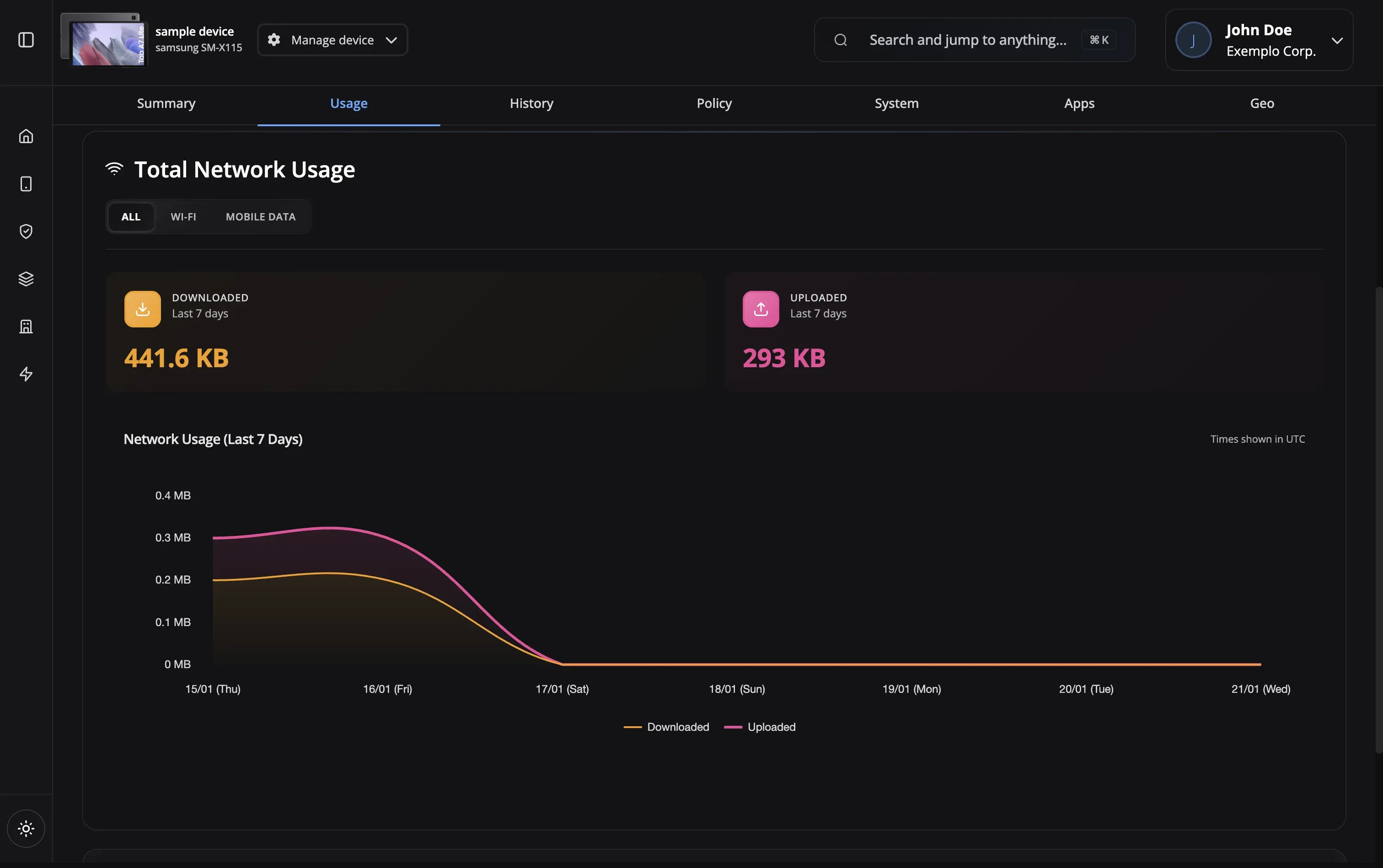
Usage data is automatically collected from enrolled devices and synced to the cloud.
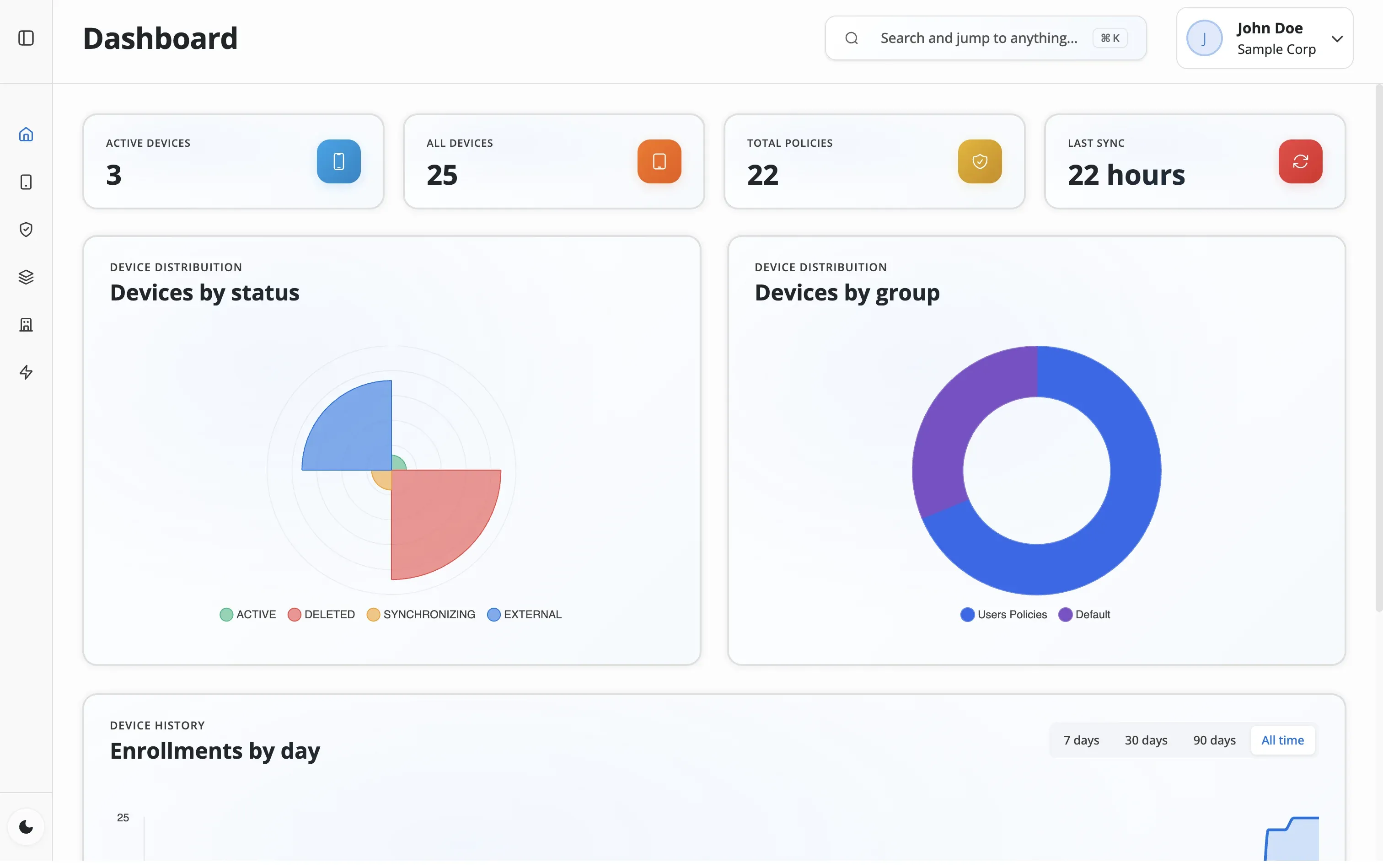
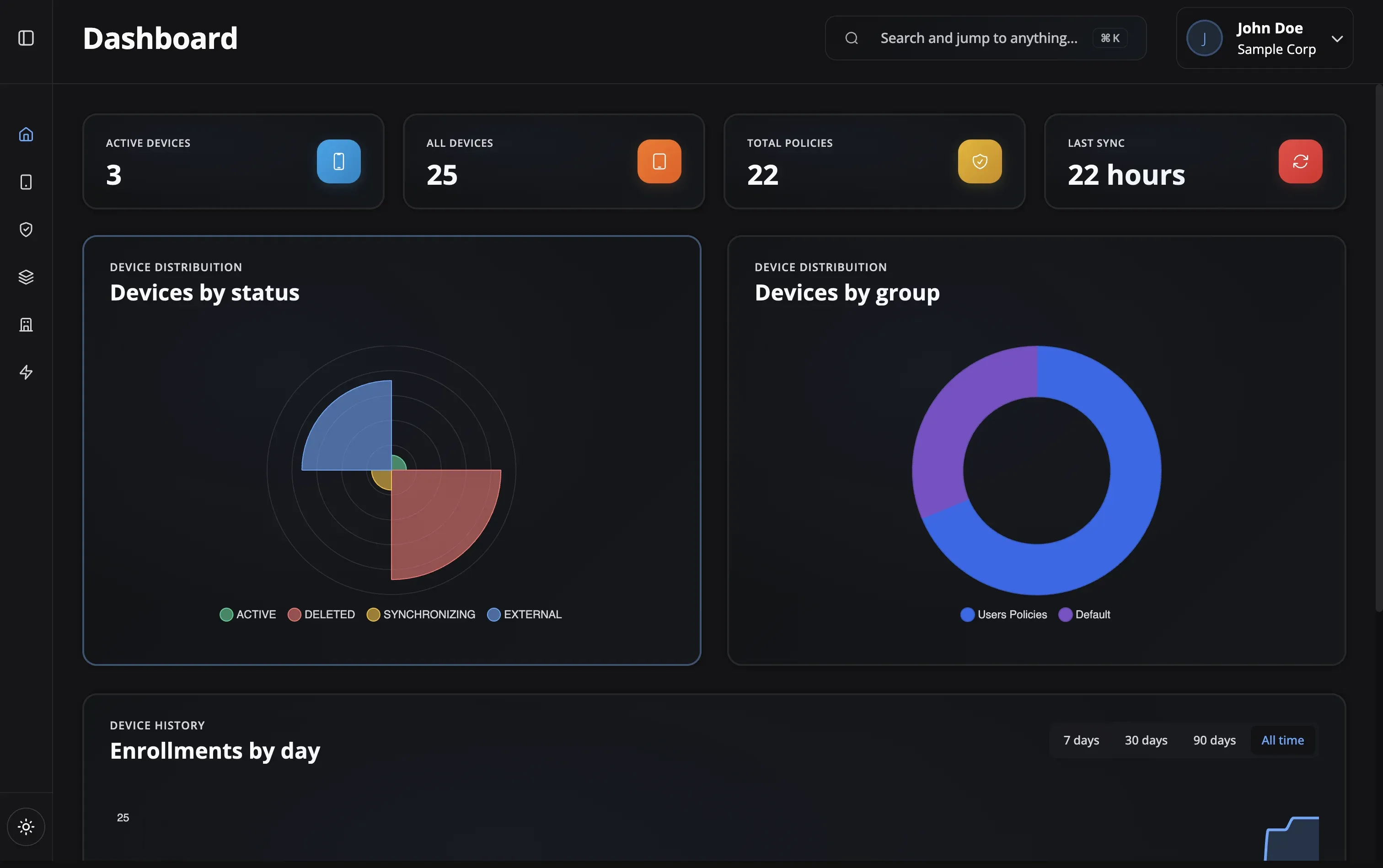

App usage time, data consumption, compliance status, and admin activity — tracked automatically and exportable to CSV for audits or executive reports.
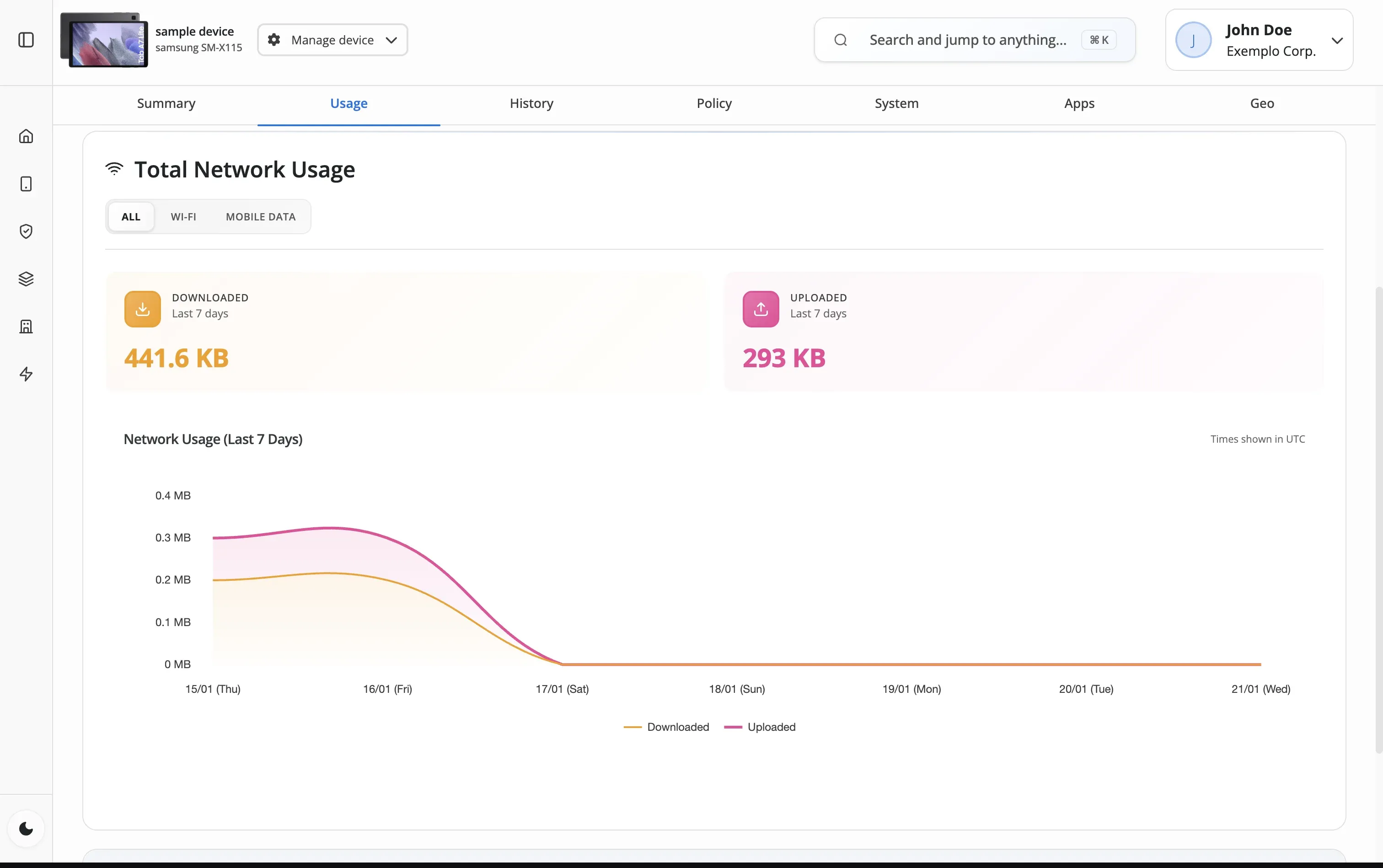
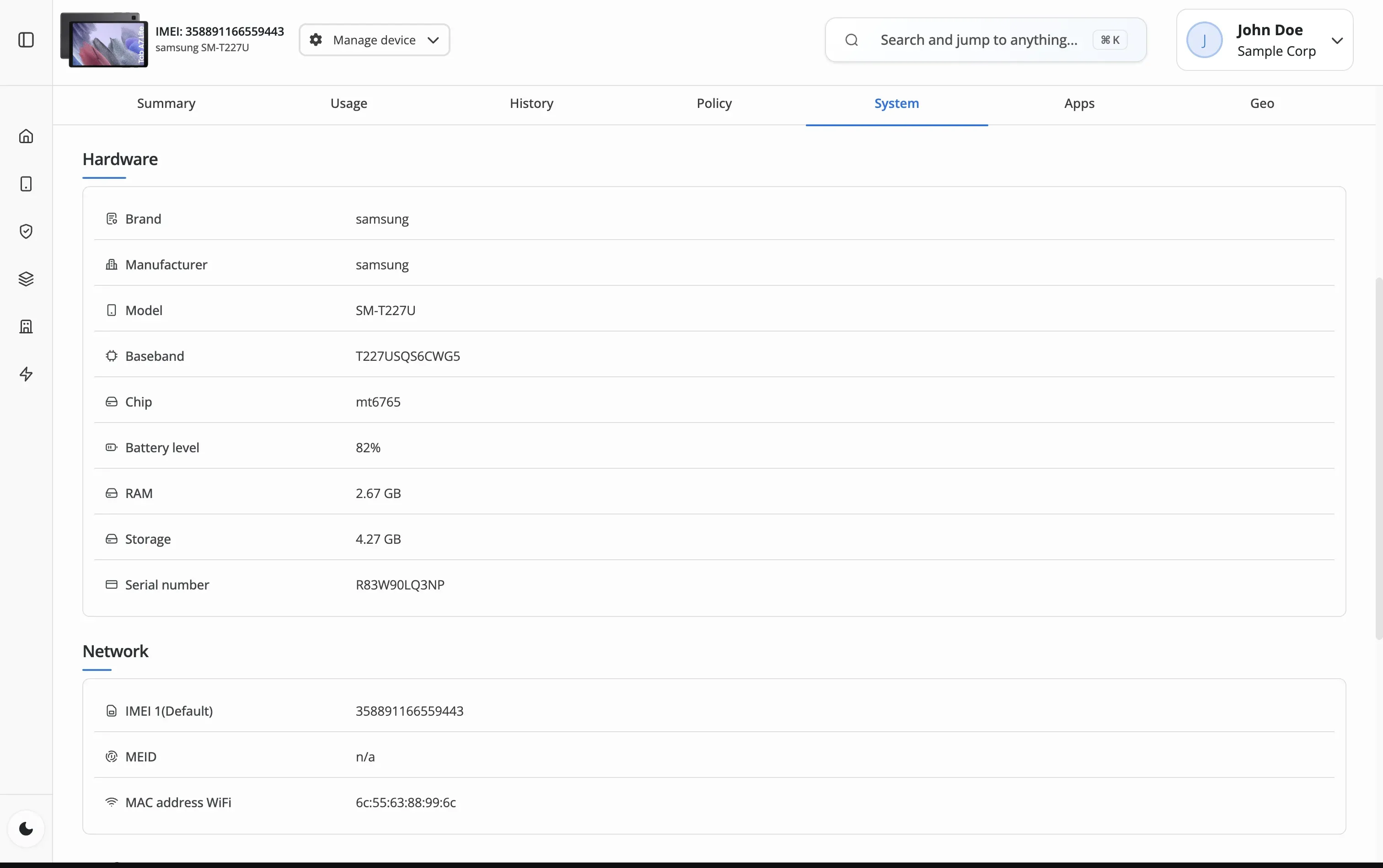
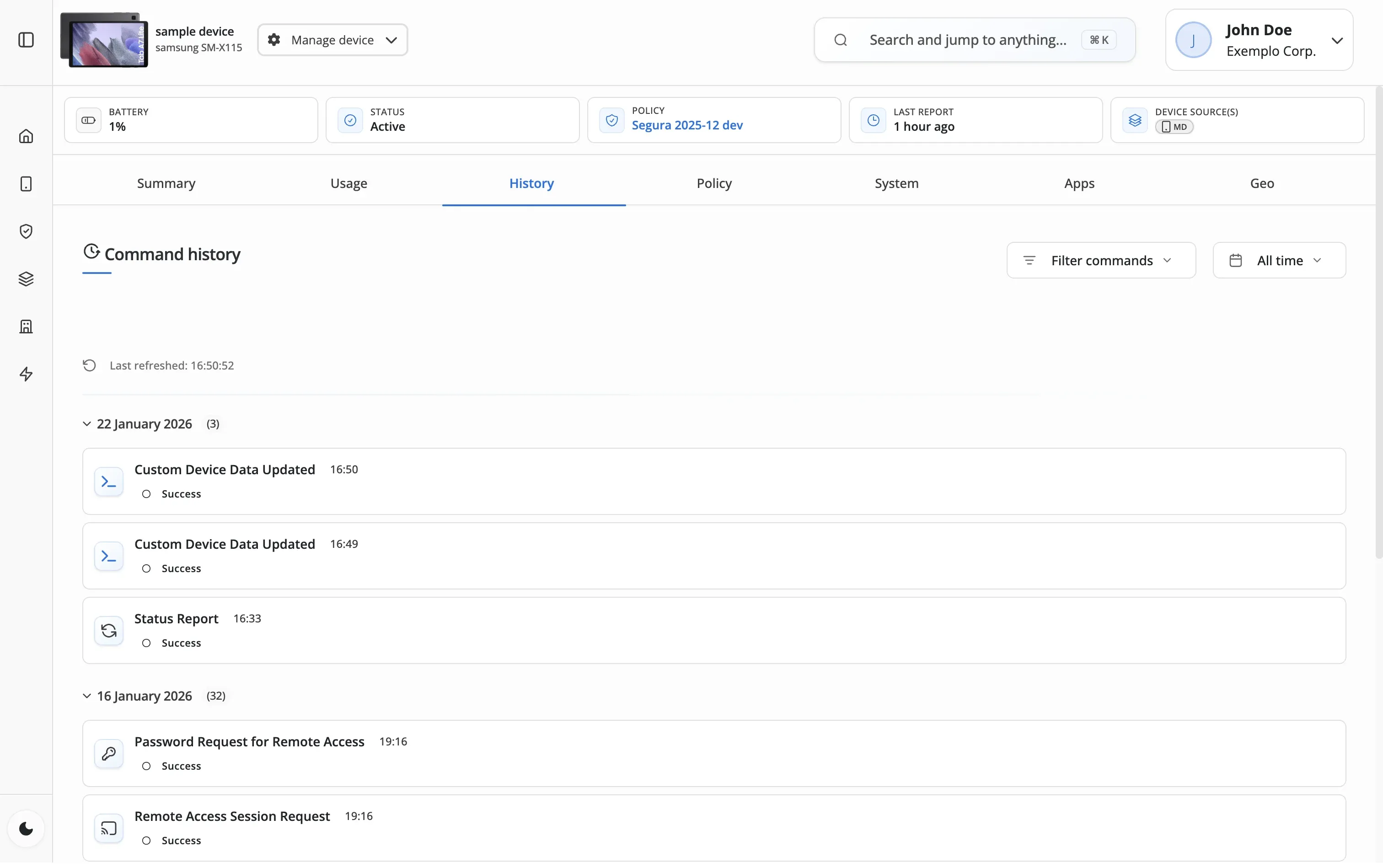
Usage data is automatically collected from enrolled devices and synced to the cloud.
Our platform processes raw data into actionable insights and visualizations.
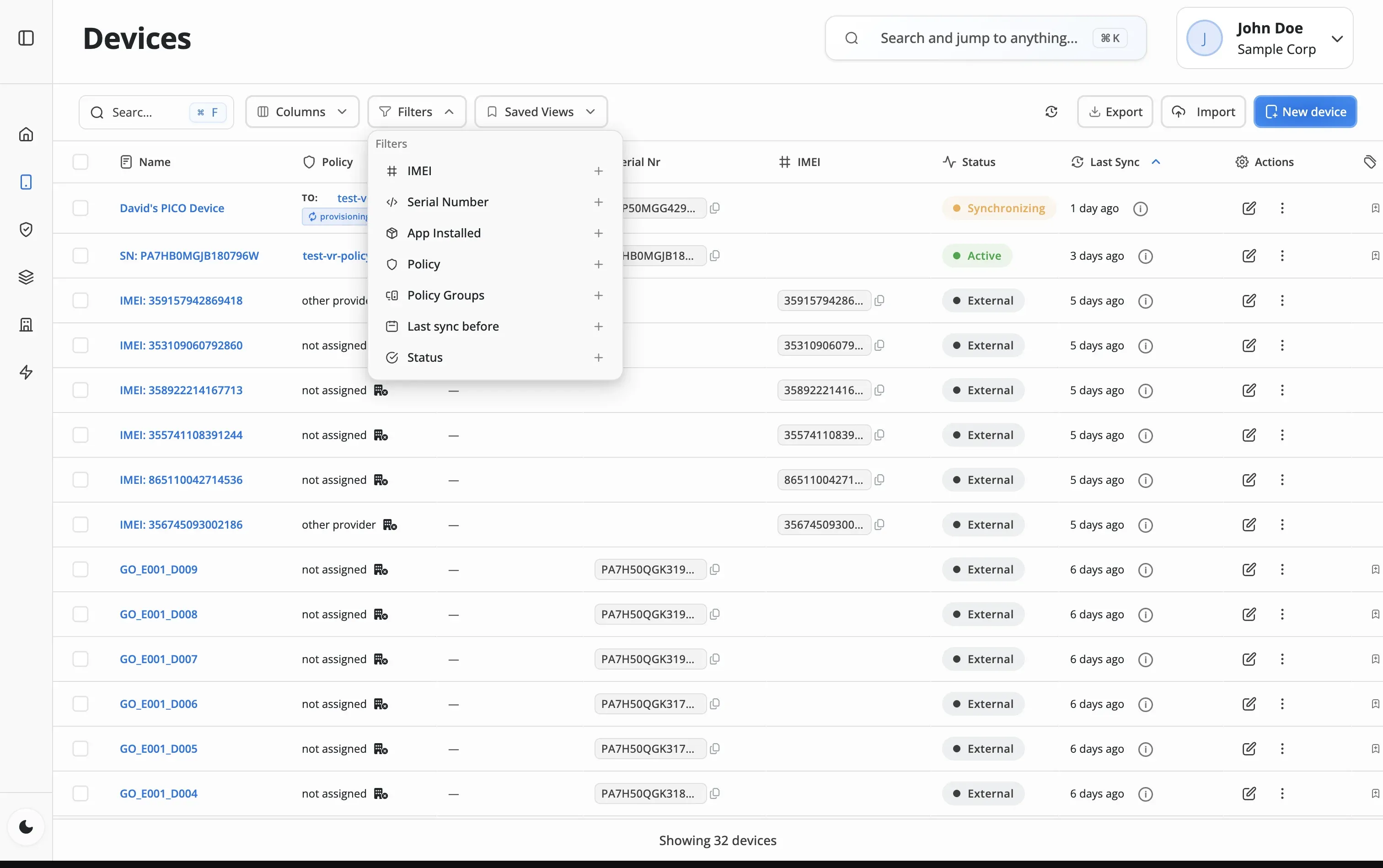
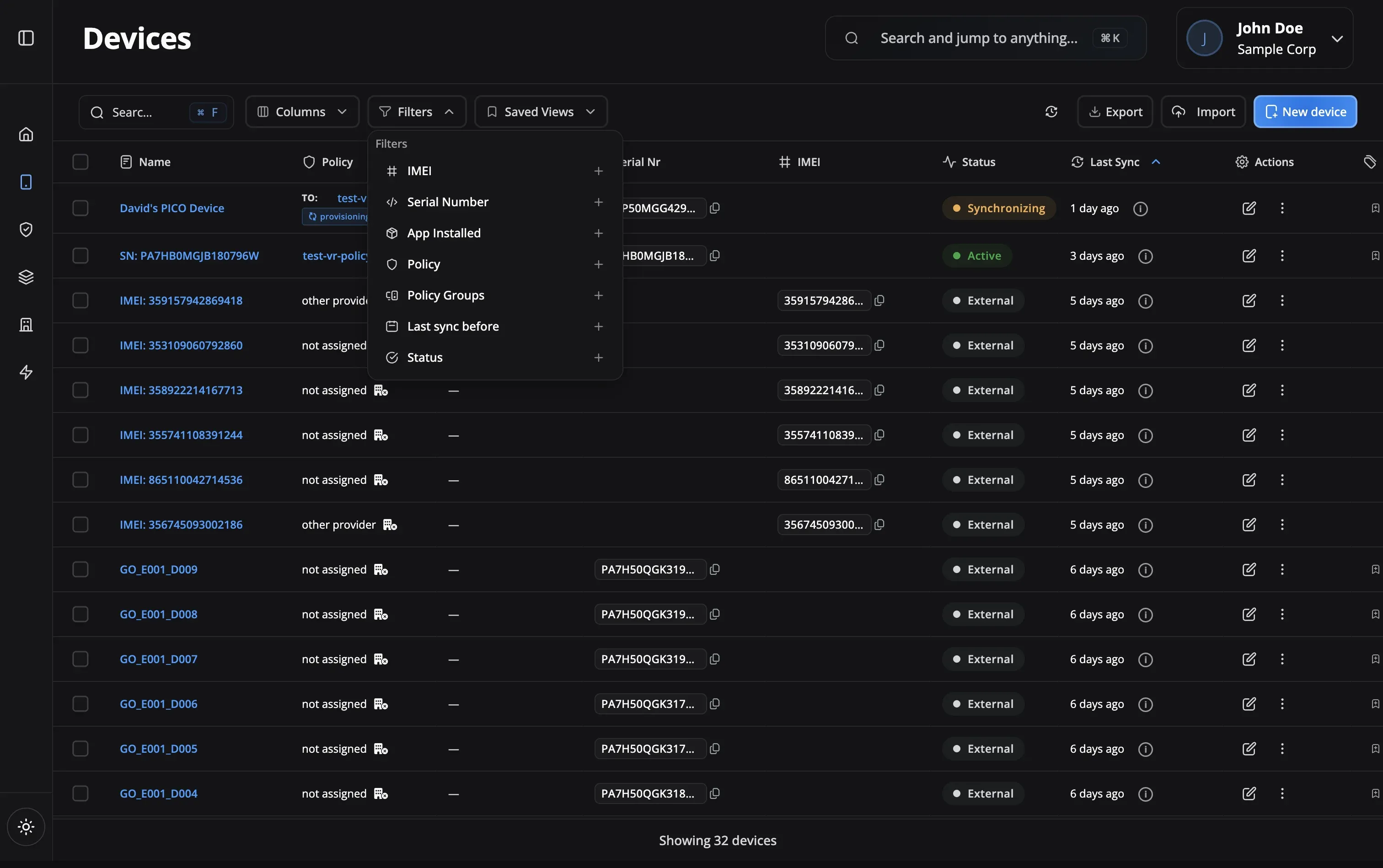
Access dashboards and reports to understand usage patterns and trends.
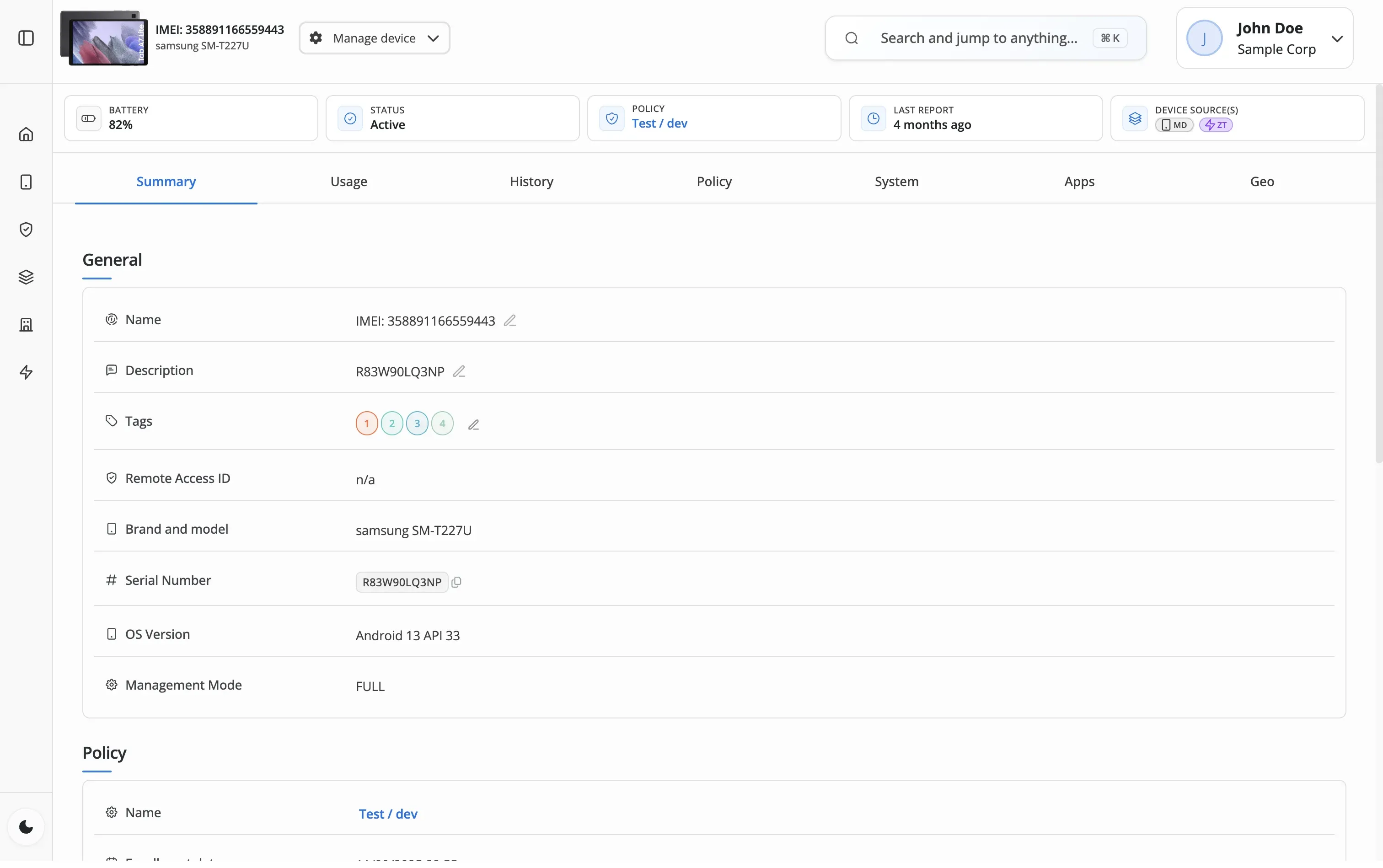
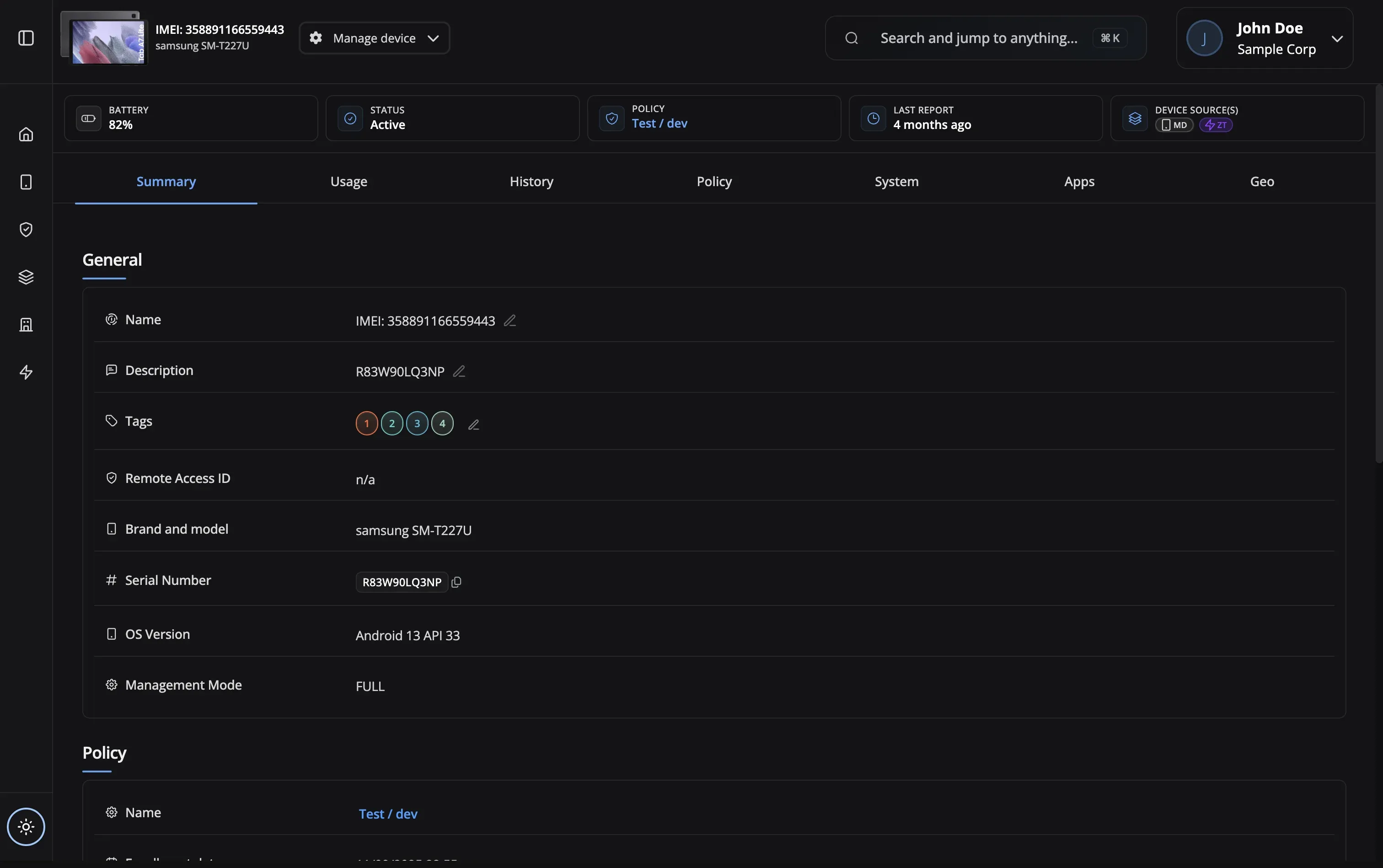
Export reports to CSV for analysis, sharing with stakeholders, or compliance audits.
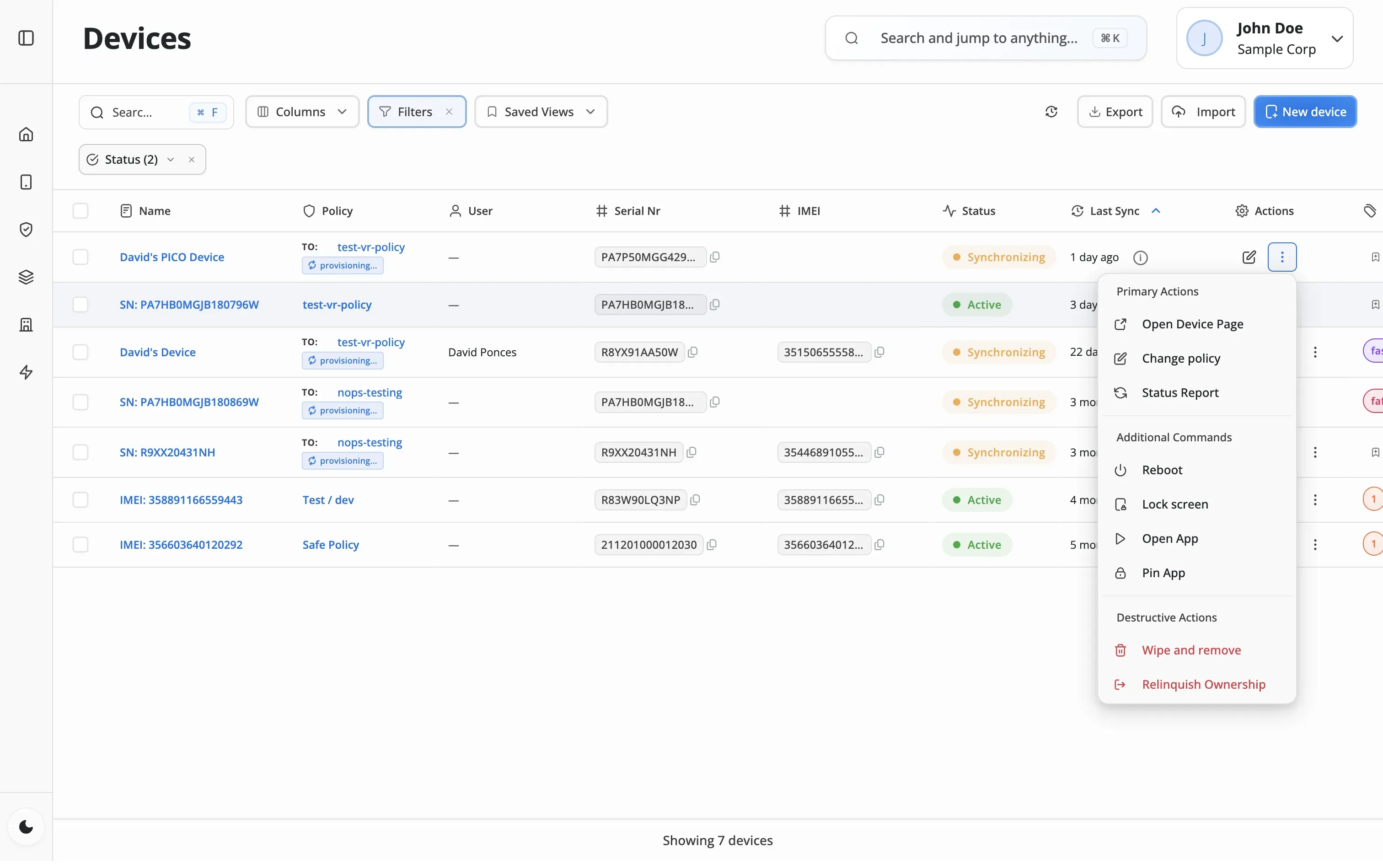
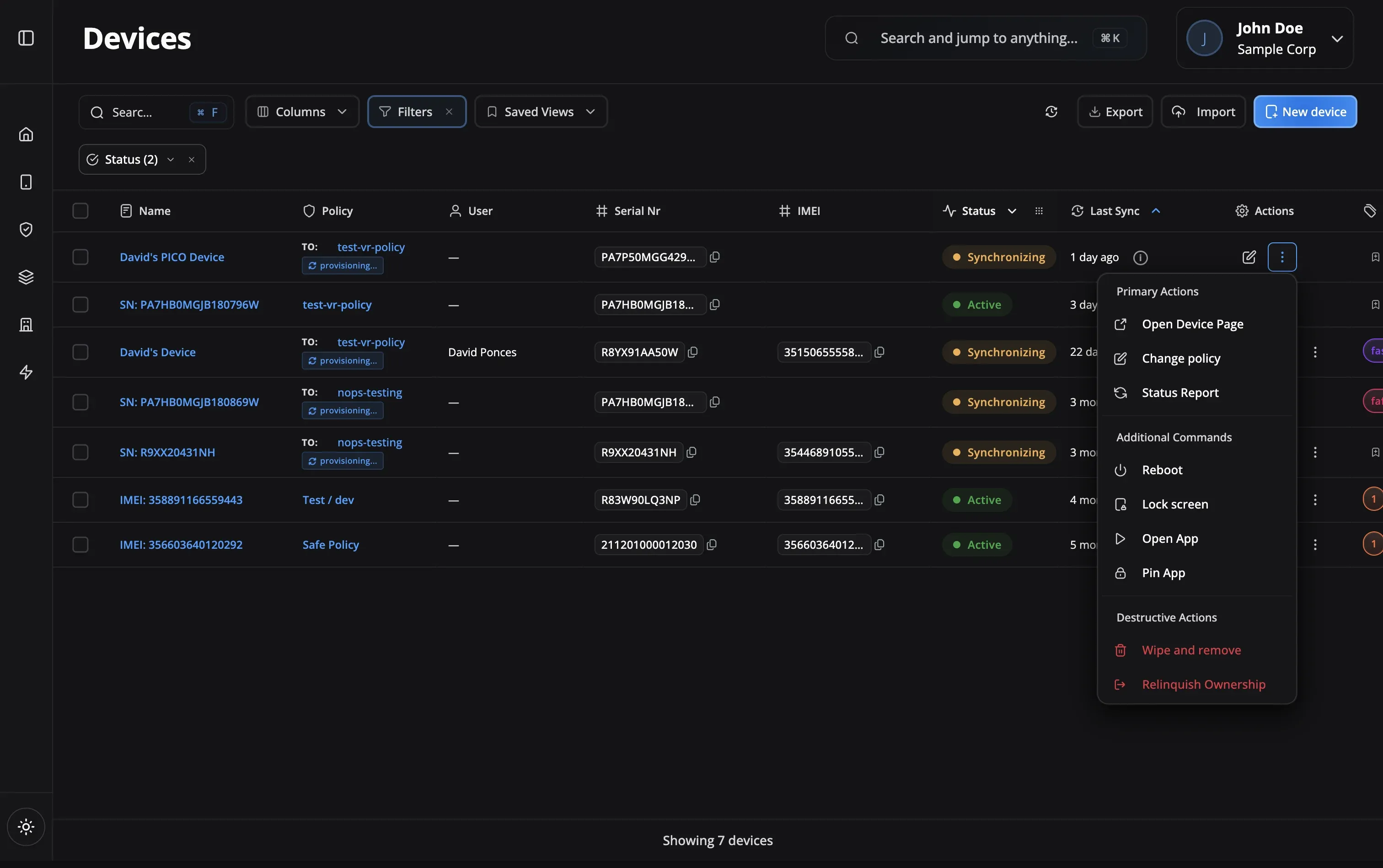
Generate reports for regulatory requirements
Reduce mobile data costs with usage insights
Generate fleet utilization reports for leadership
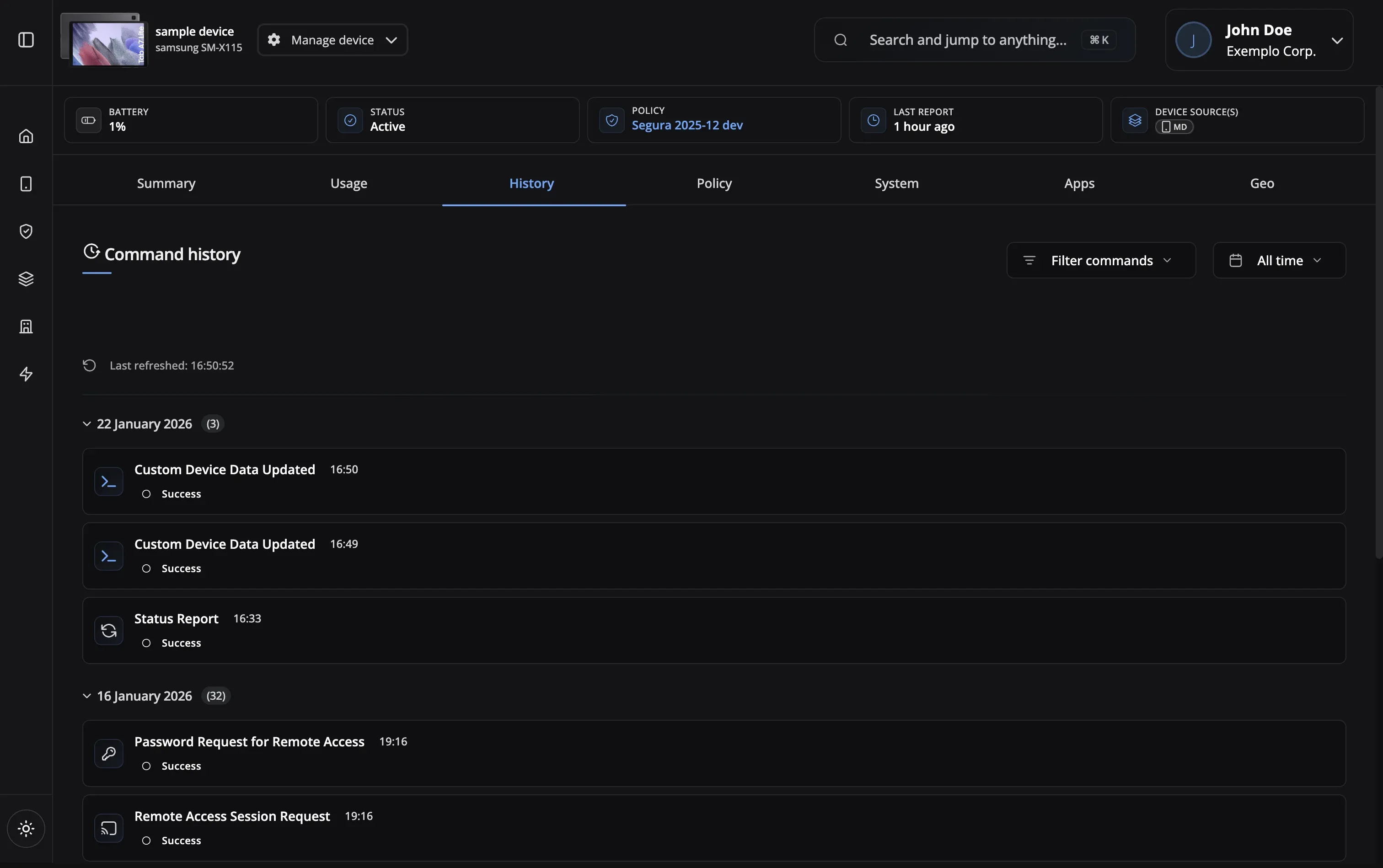
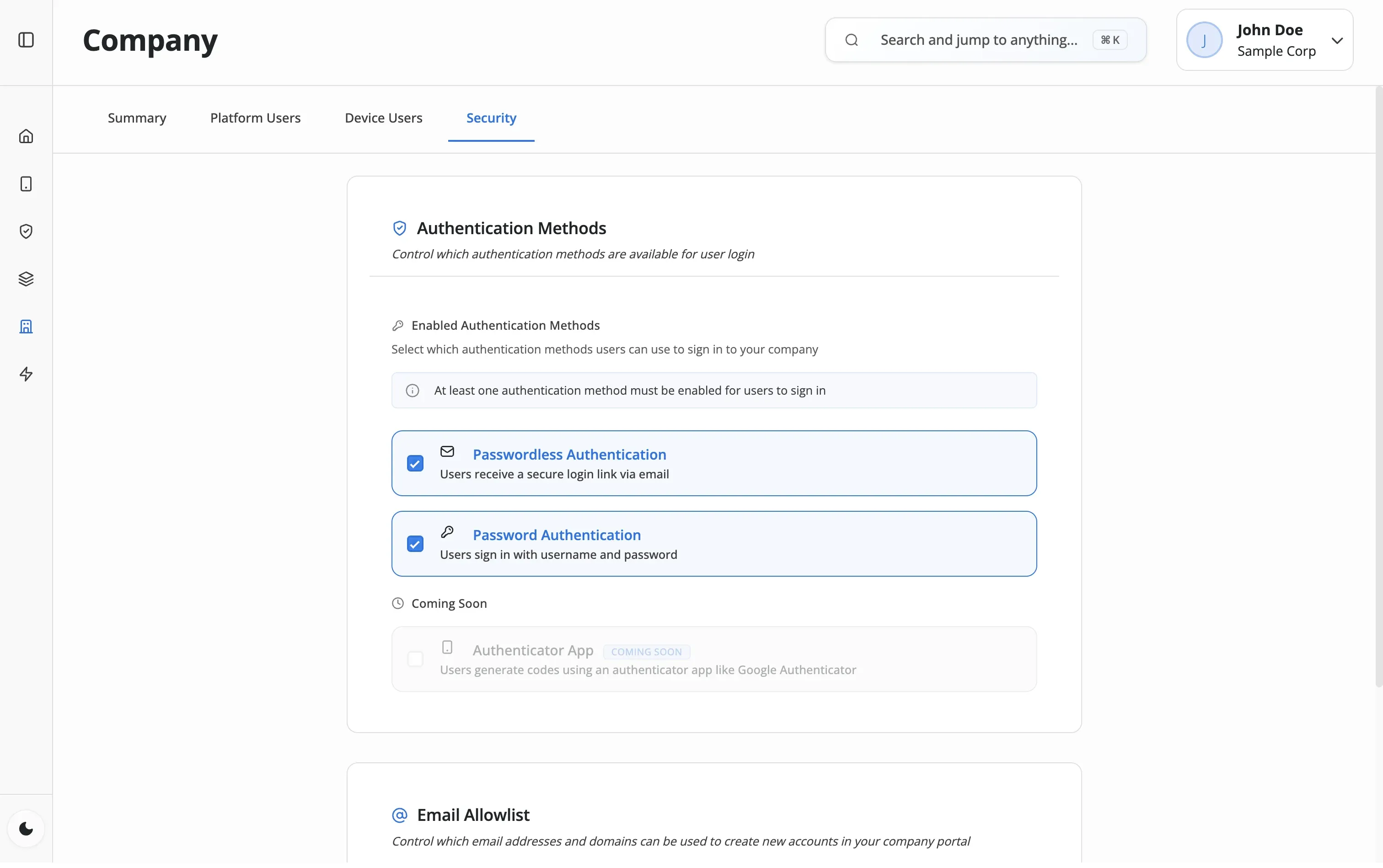
Review activity logs for security incidents
Monitor educational app usage patterns
Understand how employees use company devices
Comprehensive reporting for informed decisions
Activity Logs
Complete event history
App Usage Tracking
Time spent per app
Compliance Reports
Audit-ready exports
Custom Date Range
Flexible time periods
Data Monitoring
Cellular & WiFi tracking
Export Options
CSV format
Export Reports
CSV download
Scheduled Reports
Automated email delivery
Trend Analysis
Usage patterns over time
Activity Logs
App Usage Tracking
Compliance Reports
Custom Date Range
Data Monitoring
Export Options
Export Reports
Scheduled Reports
Trend Analysis
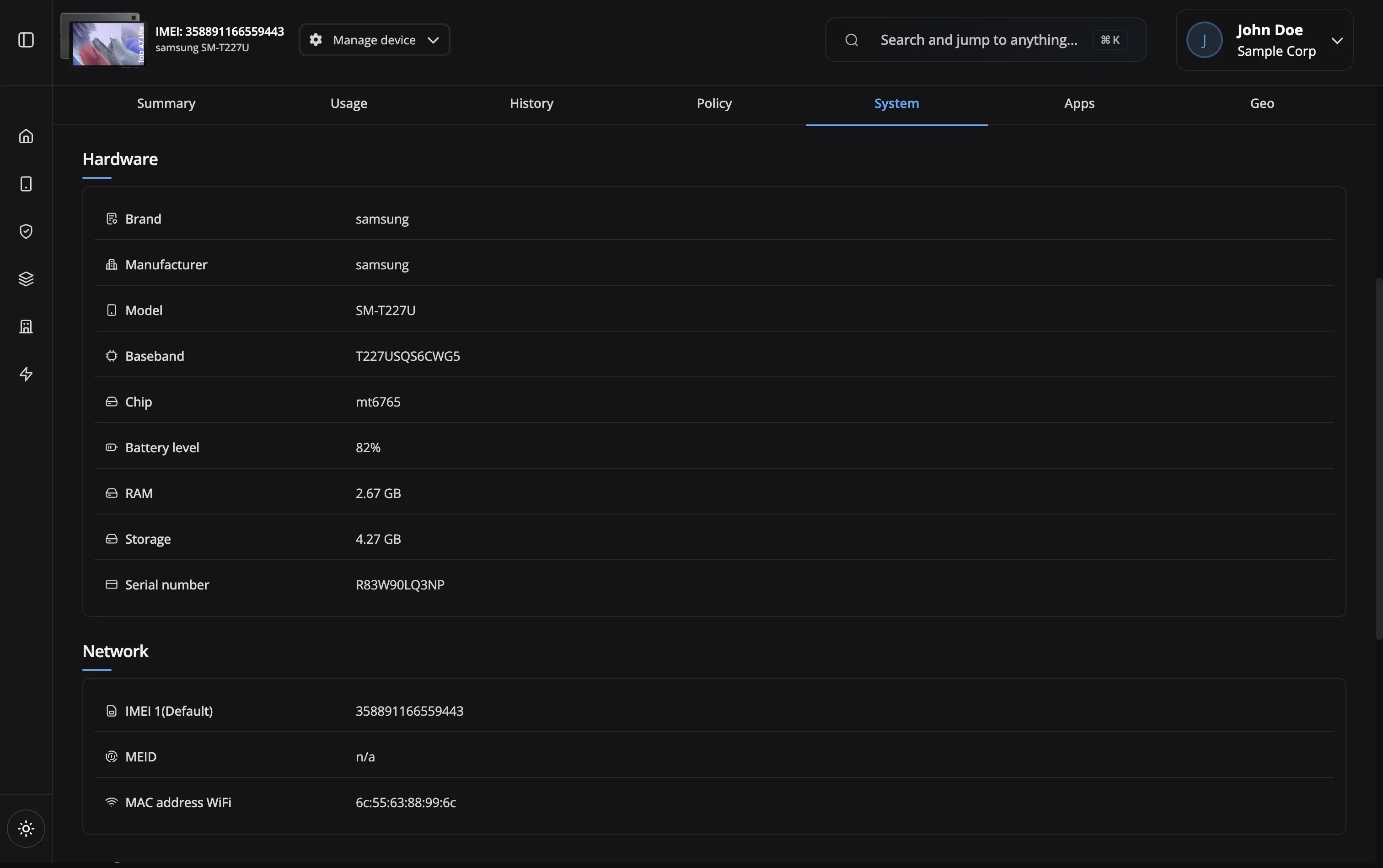
App usage time, cellular and Wi-Fi data consumption, device events, command executions, and policy changes. All data collection respects privacy settings in your policies. Unlike analytics add-ons from other MDM vendors, Nomid's analytics are built in—no extra module to purchase.
No. Nomid includes app usage tracking, data consumption monitoring, compliance reports, and activity logs on every plan. Some MDM platforms charge extra for analytics modules or require third-party integrations. Nomid gives you the data out of the box—just open the Reports tab and export to CSV.
Usage data is retained for 12 months by default. Compliance and activity logs are retained for 24 months. Custom retention periods available on Enterprise plans.
Full analytics and reporting are included on Nomid's free plan for up to 10 devices. App usage, data consumption, compliance reports, and activity logs—all available with no credit card and no time limit.
Click the Export button on any analytics view to download the data as a CSV file. You can customize date ranges and select which metrics to include.
Usage data syncs when devices connect to the network, typically every 15 minutes for online devices. You can trigger manual syncs for immediate updates.
Reports can be exported as CSV for data analysis. CSV exports include raw data for custom analysis in spreadsheet tools.
Yes! You can filter analytics by specific apps to see detailed usage patterns, identify power users, and track adoption rates for new applications.
Our support team is here to help you get the most out of Nomid MDM.
Contact SupportAnalytics included on every plan. Free plan — up to 10 devices, no credit card required.