 Nomid
NomidDedicated to work
Company-owned devices
Prepare a managed device with the apps and settings it needs for its work role.
Android for work
Give company-owned and eligible personal Android devices the right management path, app set, and support for the work they do.
See how it works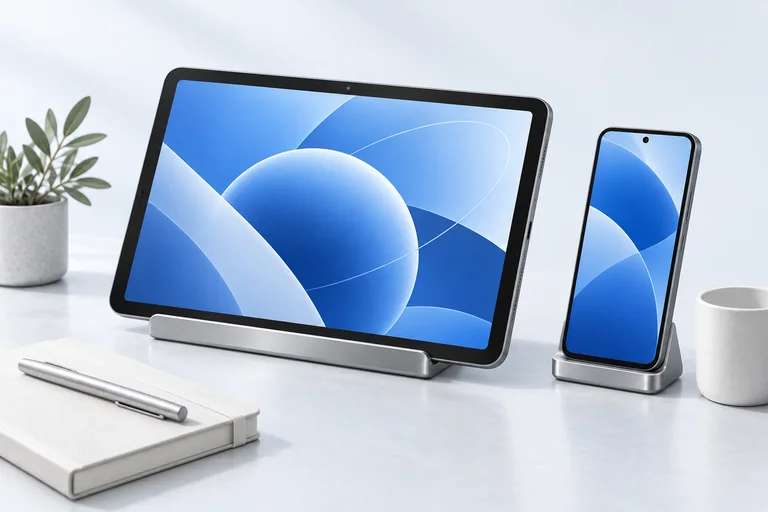
Built around the work
A company tablet and a personal phone brought to work need different controls. Start with ownership, then define the device experience that belongs to the job.
The workflow
Choose the right management path before setting apps and controls for the device role.
Choose a path
Select a supported company-owned enrollment path or a separate work-profile path for eligible personal devices.
Explore enrollmentDefine the role
Connect supported apps and settings to the right policy for each device role.
Explore policiesStay connected
Review inventory and use available support options for managed devices.
Explore fleet visibilityDevice roles
Prepare a managed device with the apps and settings it needs for its work role.
Use a supported Android work profile to separate managed work from personal space.
Device roles are illustrative. Available controls depend on hardware, Android version, and management mode.
Explore the product
Start with the capabilities behind this use case, then build a rollout around your actual devices.
Before you deploy
Nomid presents a supported Android work-profile enrollment path for eligible personal devices. The controls differ from company-owned management.
They have different management modes and available controls. Plan separate policy paths and test each on representative hardware.
Nomid manages supported Android devices and can organize selected apps. Your organization chooses its identity and productivity services.
Explore Nomid with your own devices, or plan your deployment with our team.
