
Retail Device Management
Deploy mobile and VR devices for POS, inventory, and in-store experiences. Kiosk solutions for modern retail.
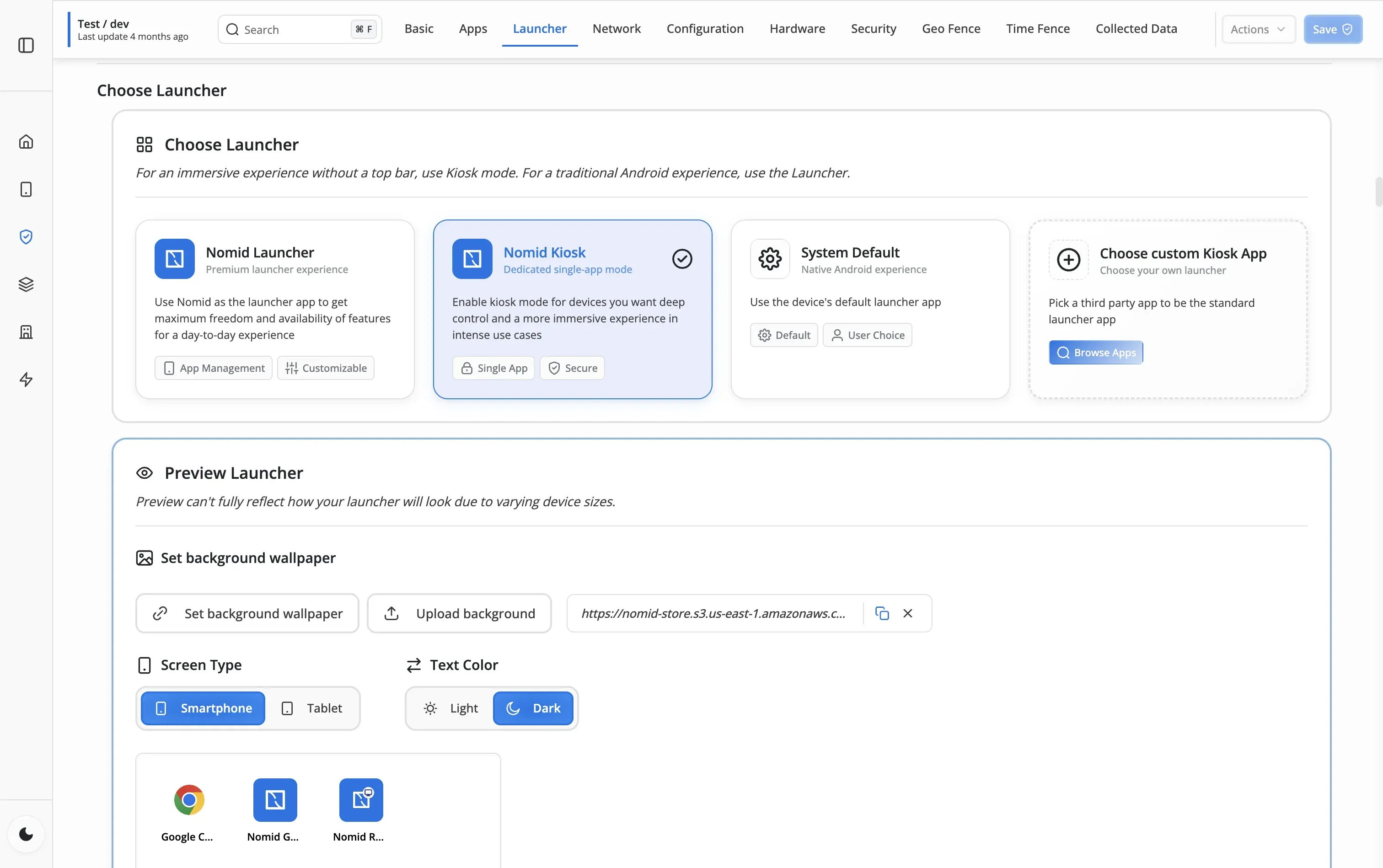
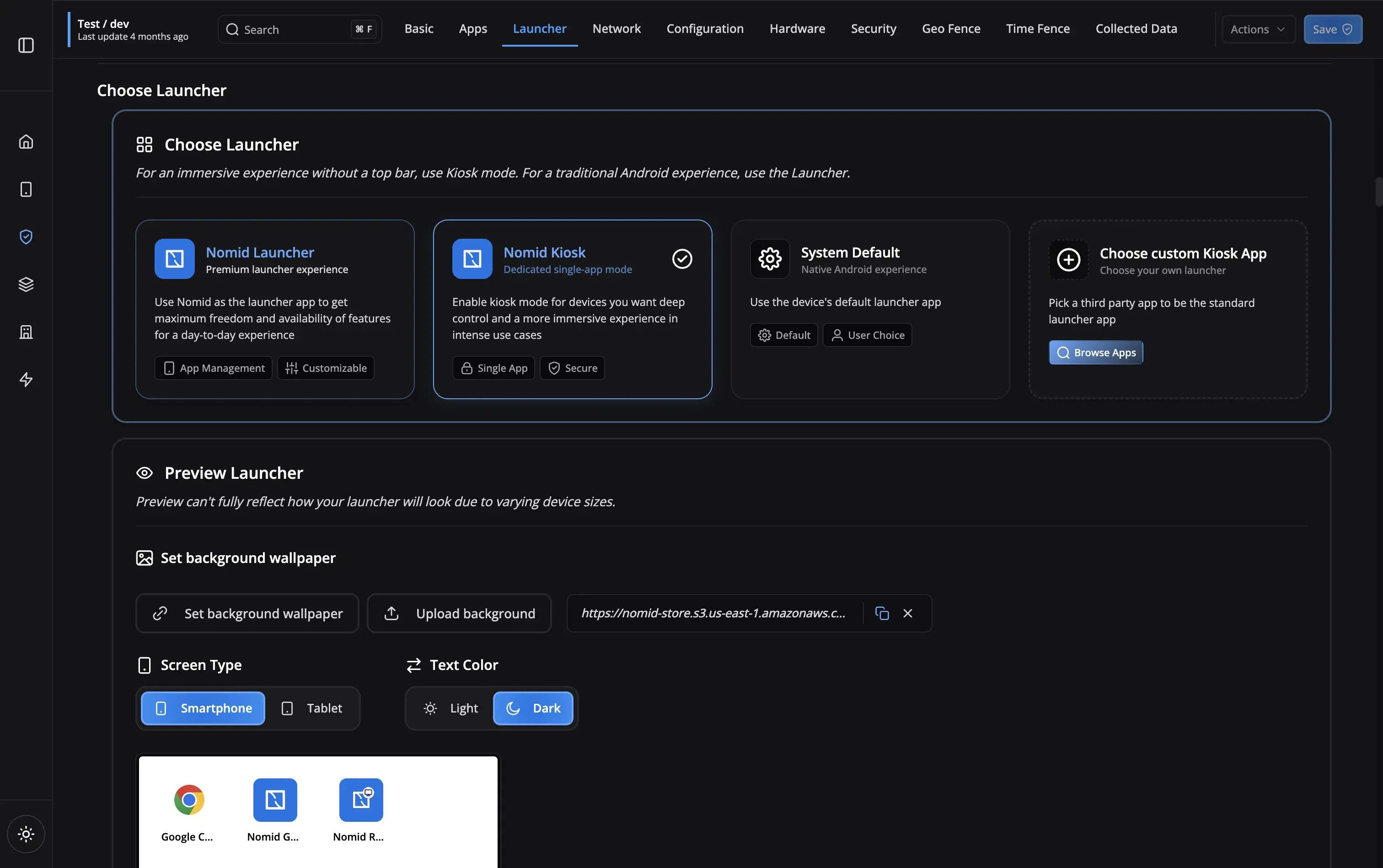
Retail-Specific Features
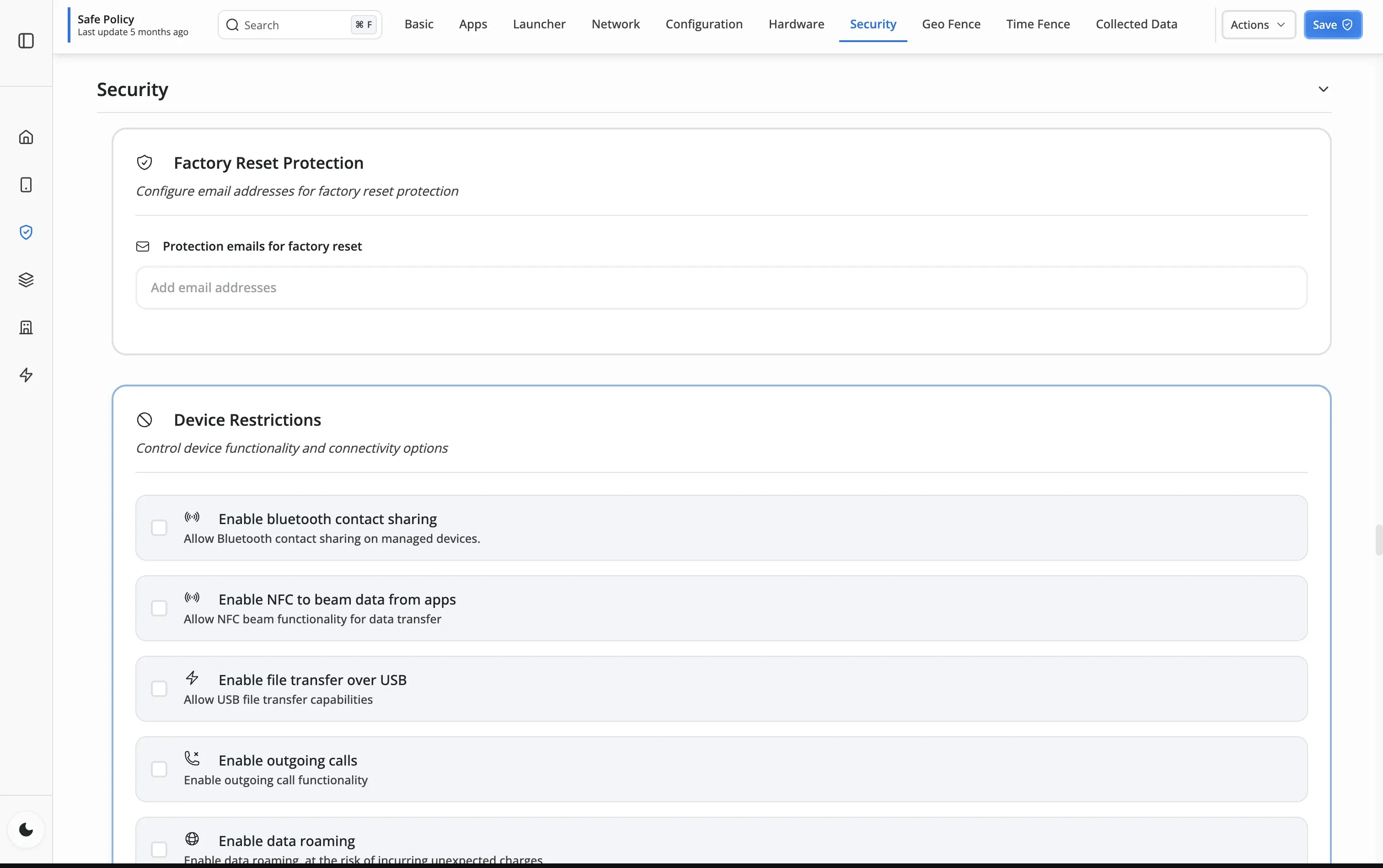
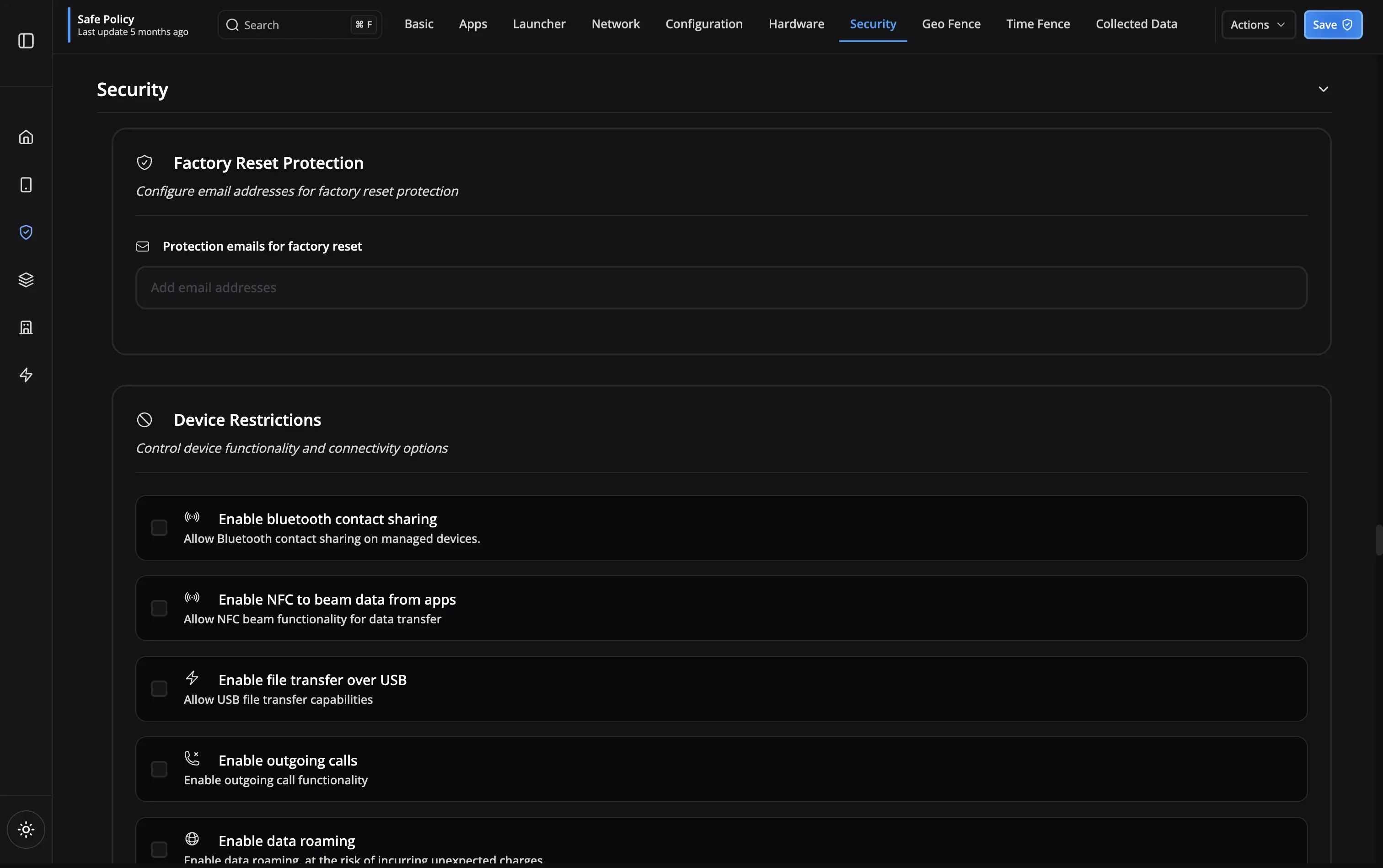
Retail Challenges
Real-World Success Stories
See how retailers are transforming operations with Nomid
Enterprise-Grade Security & Compliance
Security and compliance features designed for retail operations
Device Encryption
Password Policies
App Allowlisting
USB Restrictions
Remote Lock & Wipe
Factory Reset Protection
Kiosk Mode
Silent App Updates
Device Encryption
Password Policies
App Allowlisting
USB Restrictions
Remote Lock & Wipe
Factory Reset Protection
Kiosk Mode
Silent App Updates
Frequently Asked Questions
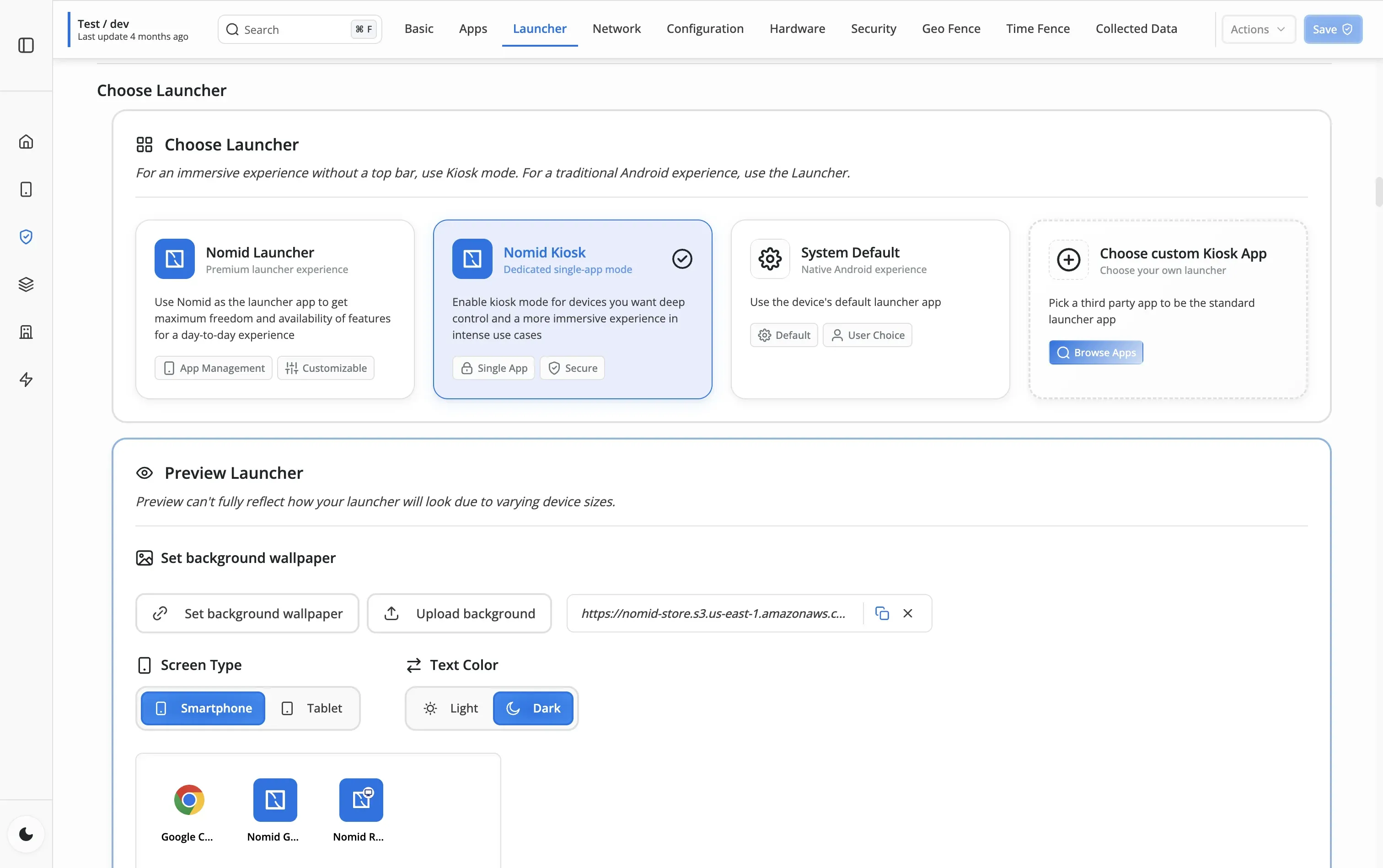
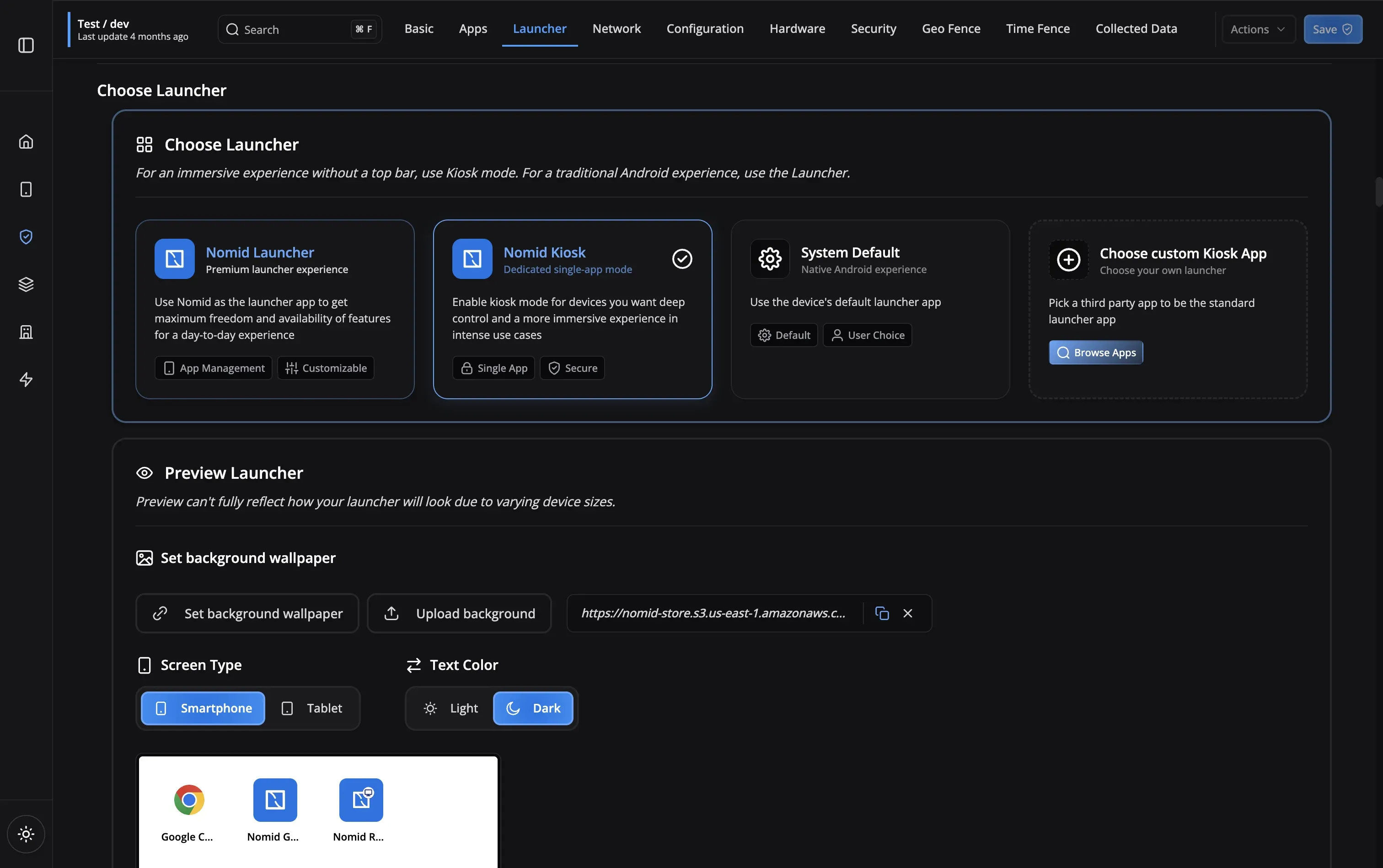
Use Nomid Kiosk mode to lock devices to a single application. Users cannot exit the app, access settings, or install other applications. You can choose between single-app mode (locks to one app) or multi-app mode with a custom launcher showing only approved apps.
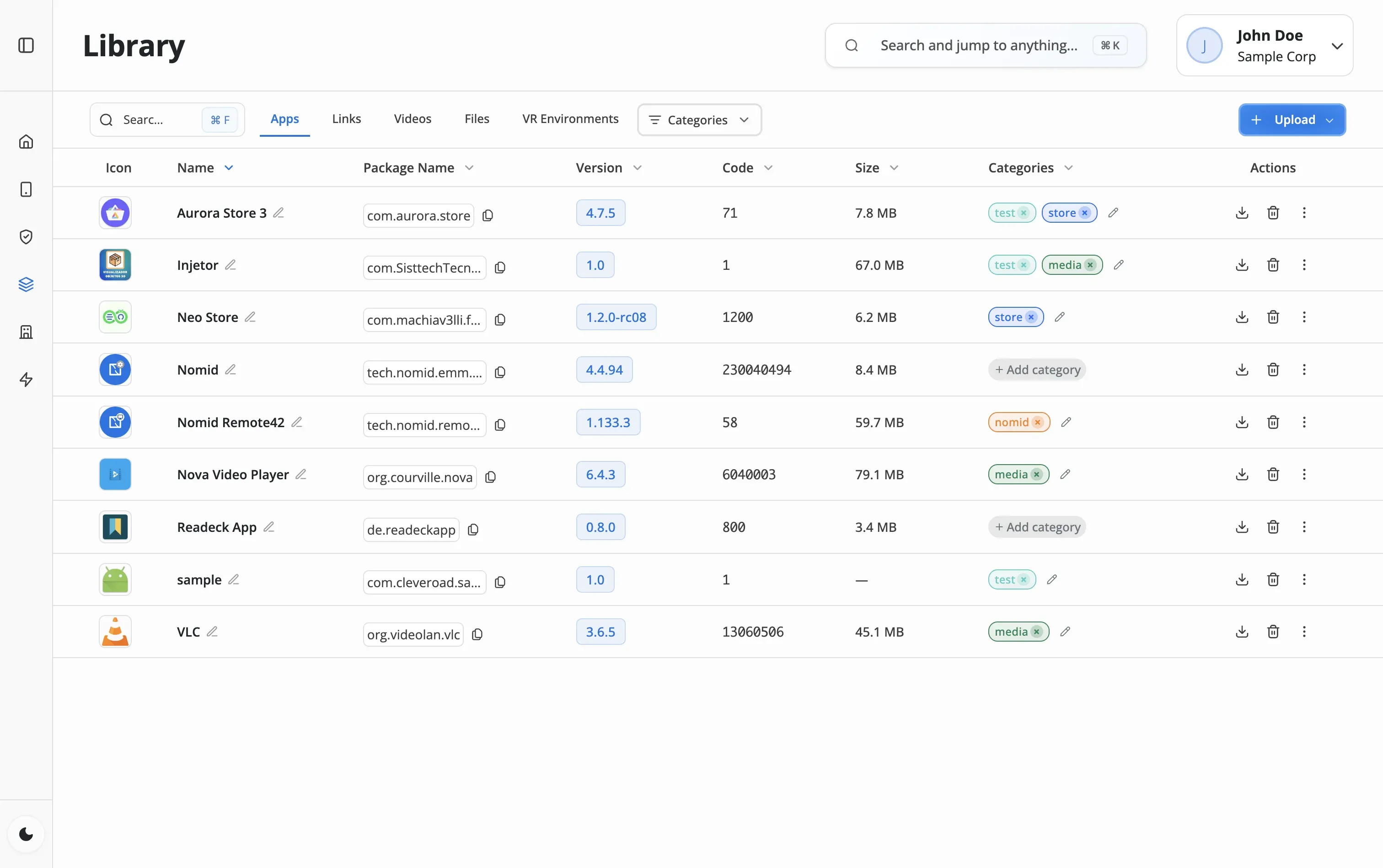
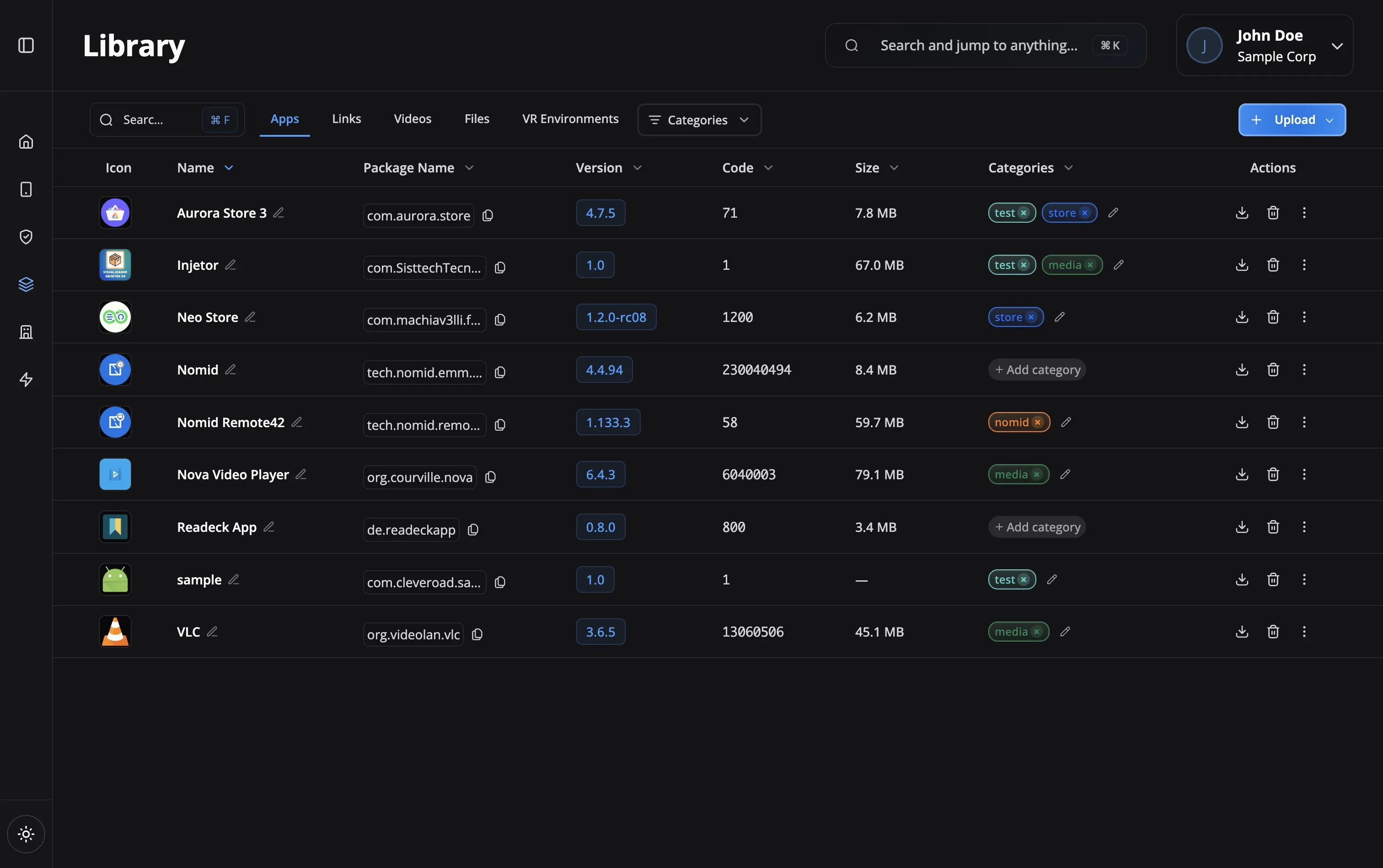
Yes! Use the managed Play Store to push app updates silently to all devices. Updates install in the background without any staff interaction. You can also use managed configurations to pre-configure app settings like server URLs or login credentials.
Apply device restrictions to block USB file transfers, disable Bluetooth contact sharing, prevent installation of unauthorized apps, and hide the system settings. Combined with kiosk mode, devices become dedicated work tools.
You can immediately lock the device remotely, enable Lost Mode to display a return message, collect its last known location, or wipe all company data. Factory reset protection prevents anyone from resetting and reusing the device.
Use QR code enrollment for quick setup - staff scan a code and the device automatically configures itself with your policies and apps. For new device purchases, Zero-Touch enrollment pre-configures devices before they even arrive at stores.
Yes! Use remote commands to reboot frozen devices, push new policies, send notifications to staff, lock devices after hours, or change passwords. View command history to track all actions taken on each device for troubleshooting and auditing.
Still have questions?
Our support team is here to help you get the most out of Nomid MDM.
Contact SupportReady to modernize your retail operations?
Start managing your store devices with secure MDM today