Corporate-Owned Devices
Provision a supported new or factory-reset company-owned Android device with a QR code or, when eligible, zero-touch enrollment.

Provision supported Android devices with QR codes or zero-touch, then apply the policy for a work-profile, fully managed, or dedicated deployment.
Android Enterprise enrollment brings supported devices under management so Nomid can apply the policy for the selected ownership and use model. Nomid supports QR code and zero-touch enrollment for Android deployments.
Provision a supported new or factory-reset company-owned Android device with a QR code or, when eligible, zero-touch enrollment.
Use an Android Enterprise work profile when a supported personally owned device needs a managed work area alongside personal use.
An eligible company-owned Android device can retrieve its assigned management configuration during initial setup after it connects to the internet.
Prepare ownership, device-state, network, and policy requirements before provisioning supported Android devices.
Coordinate a staged Android rollout with documented setup requirements, device-status checks, and policy verification.
Match the Android Enterprise management mode to the device ownership and intended use
Confirm device state, eligibility, network access, and policy requirements before setup
Apply the supported policy for the selected management mode after enrollment
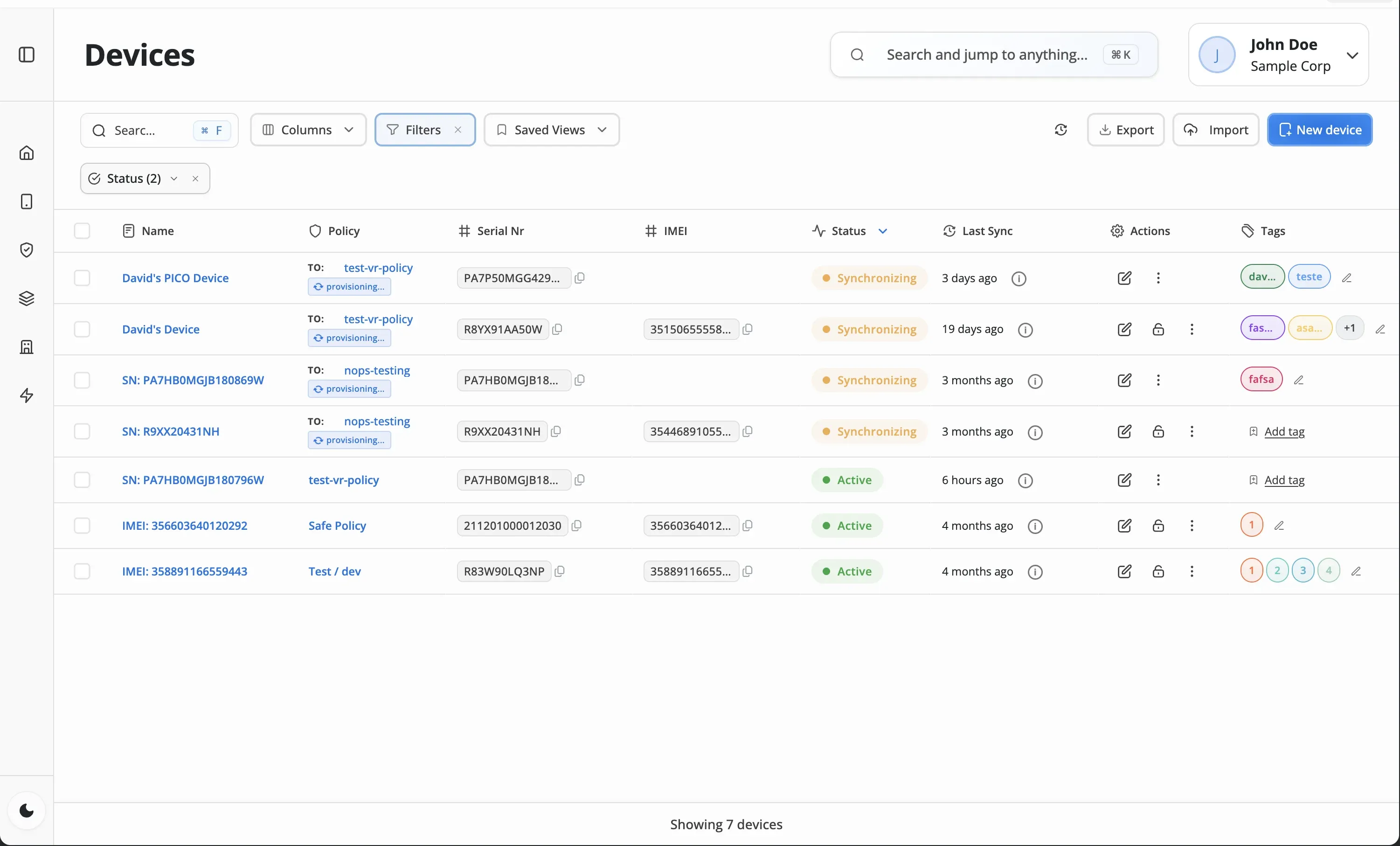
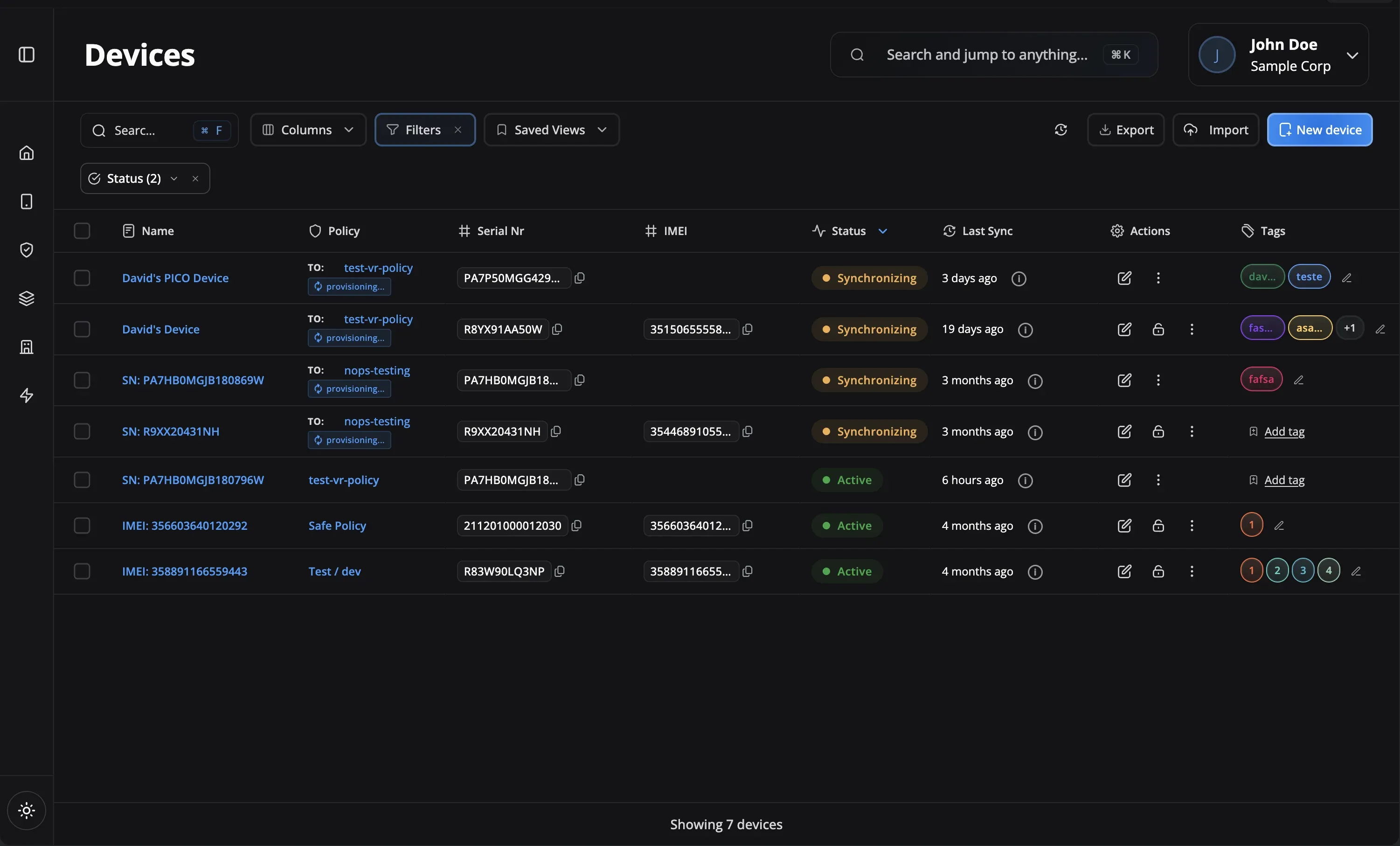
Check the device in Nomid and review its status before continuing the rollout
Decide whether the supported Android device will use a work profile, fully managed mode, or dedicated-device mode.
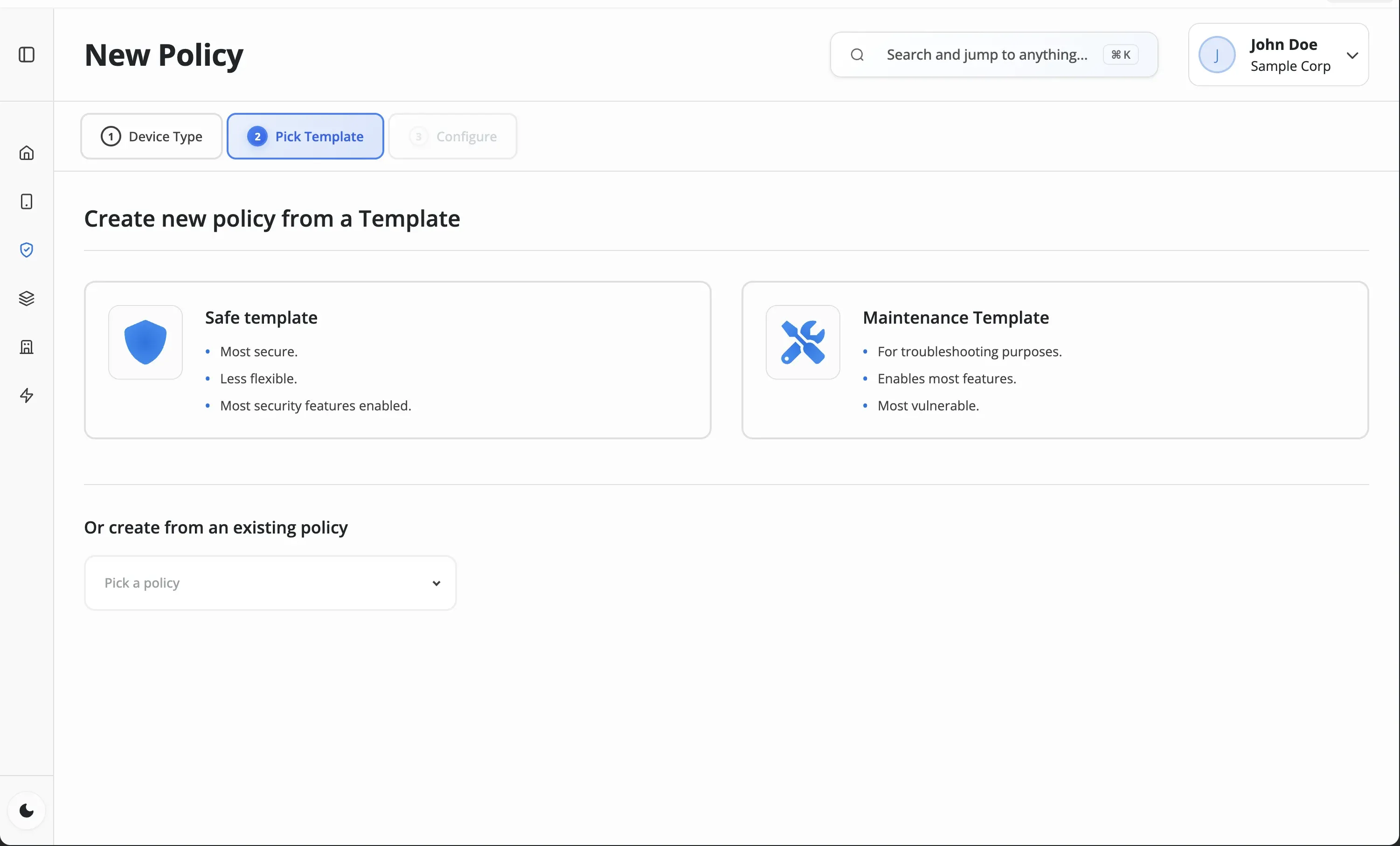
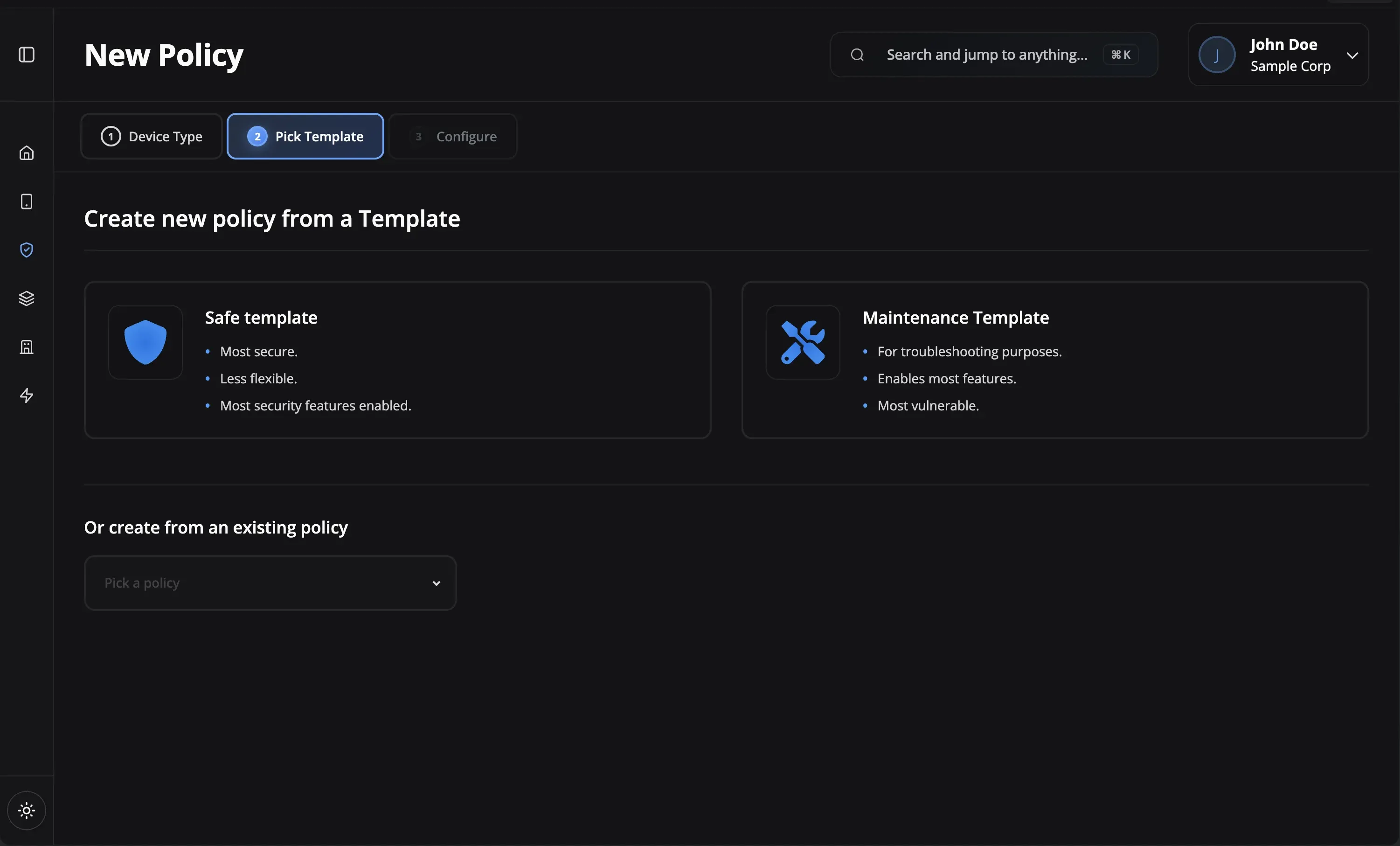
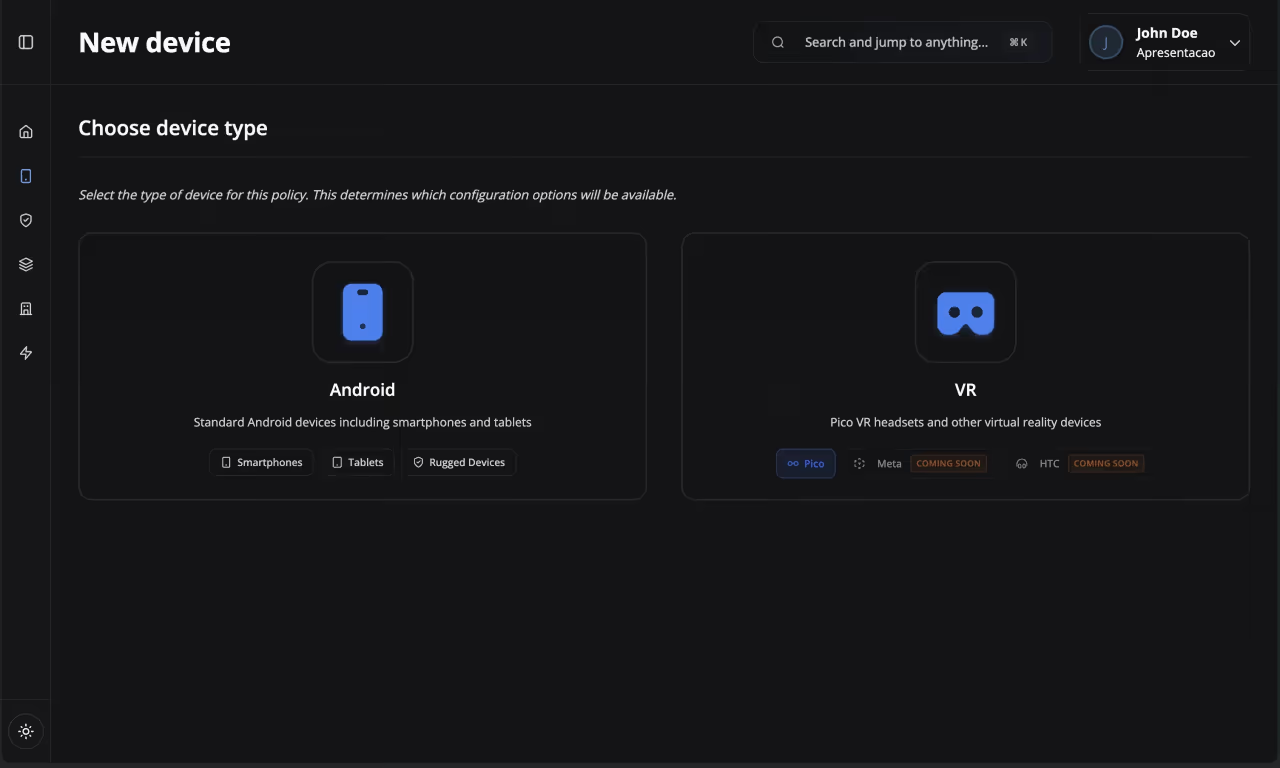
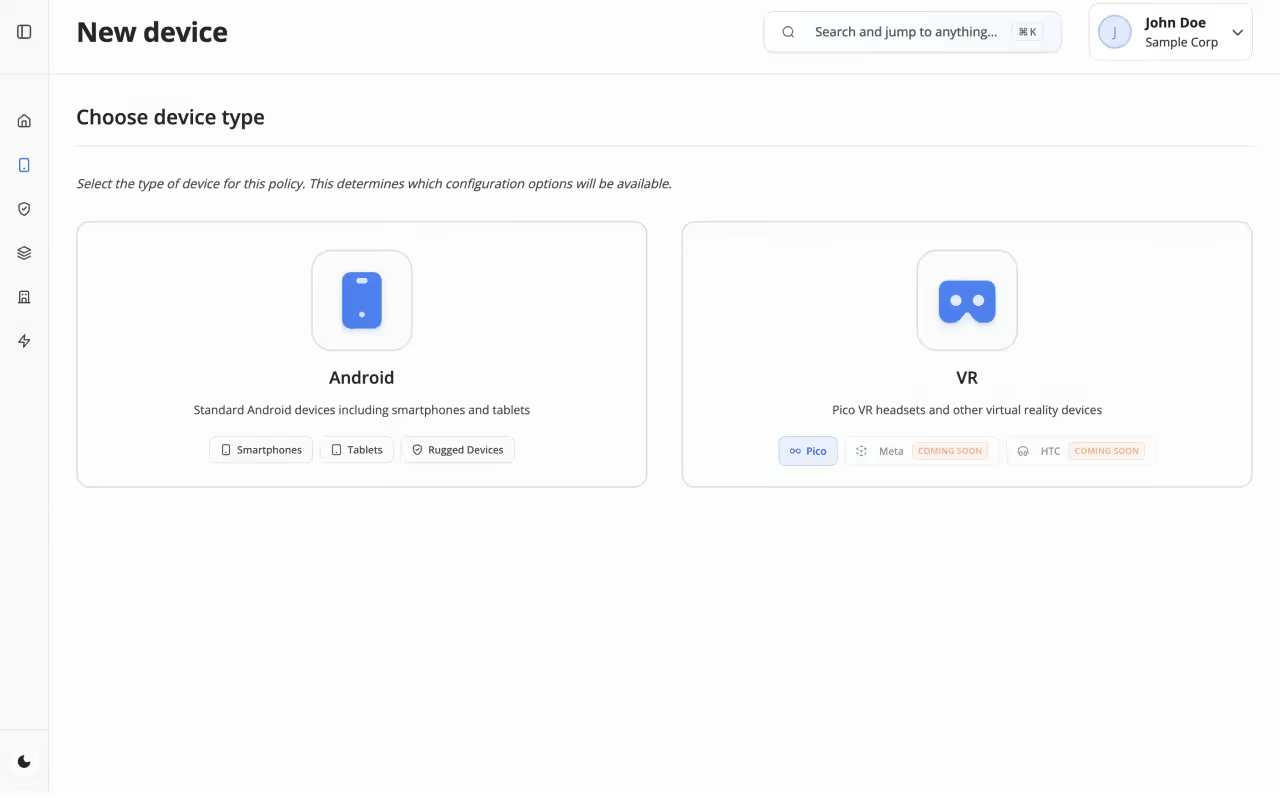
Review the supported apps, networks, restrictions, and other settings intended for the device.
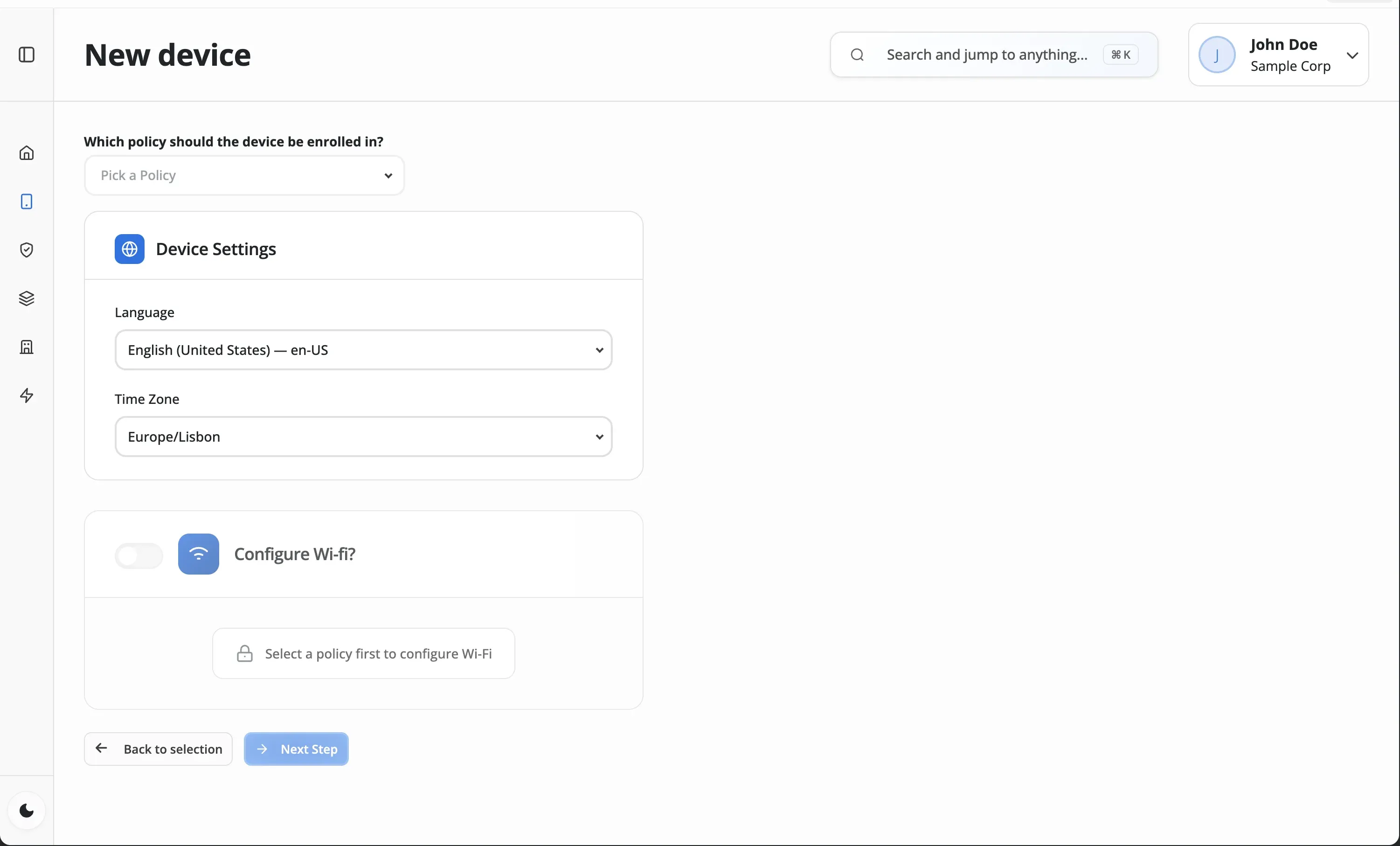
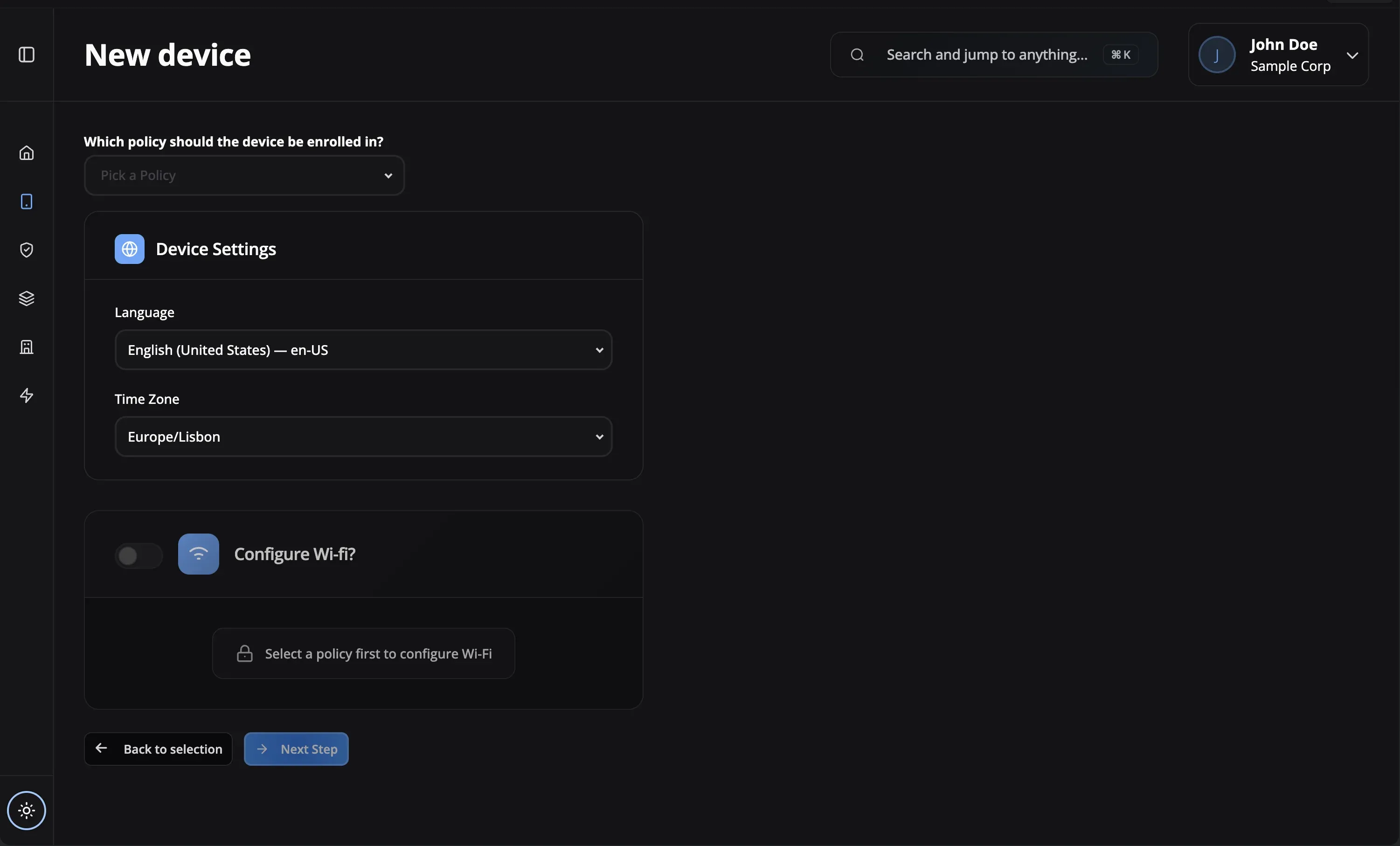
Scan the provisioning QR code or use zero-touch enrollment on an eligible assigned device.
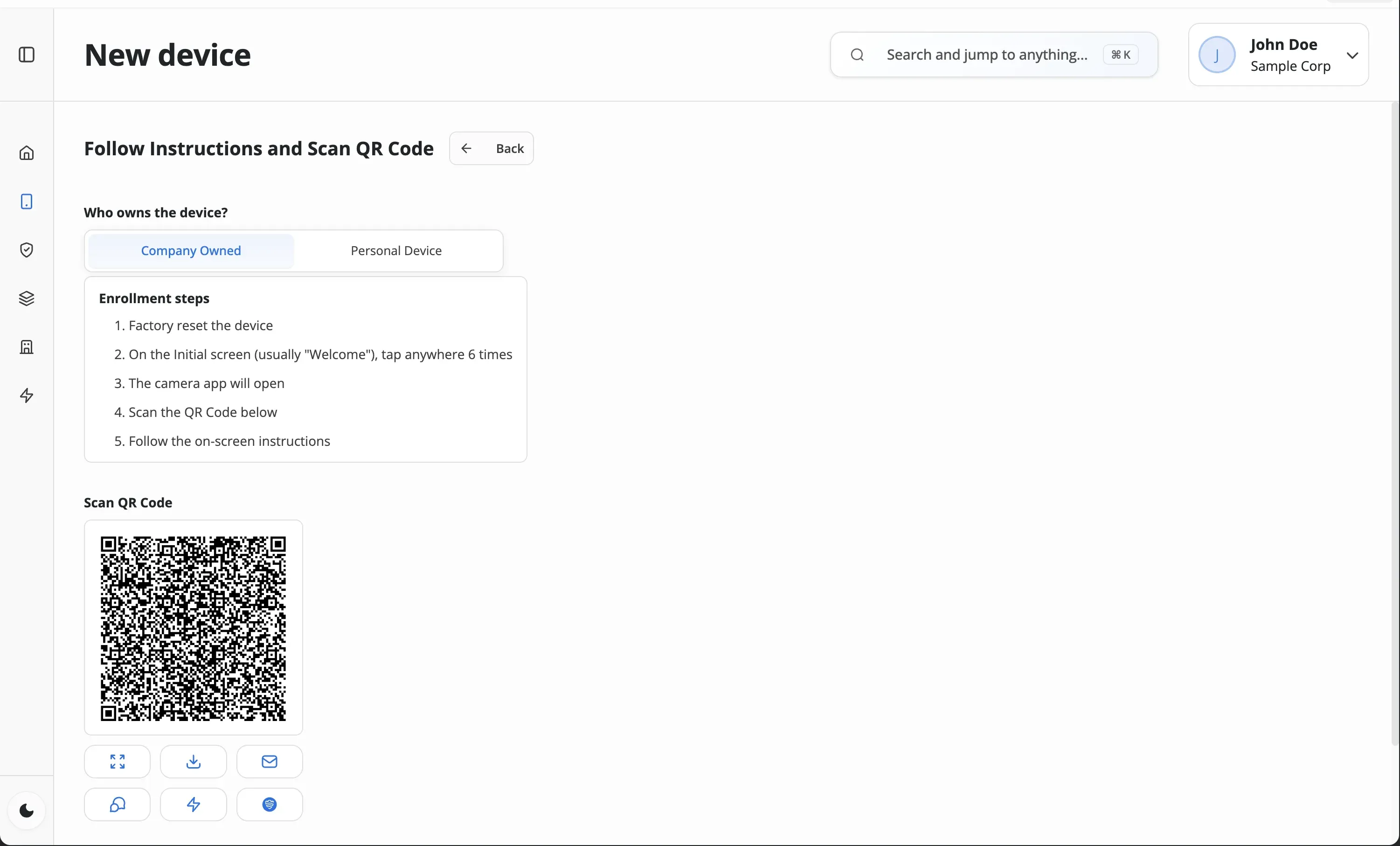
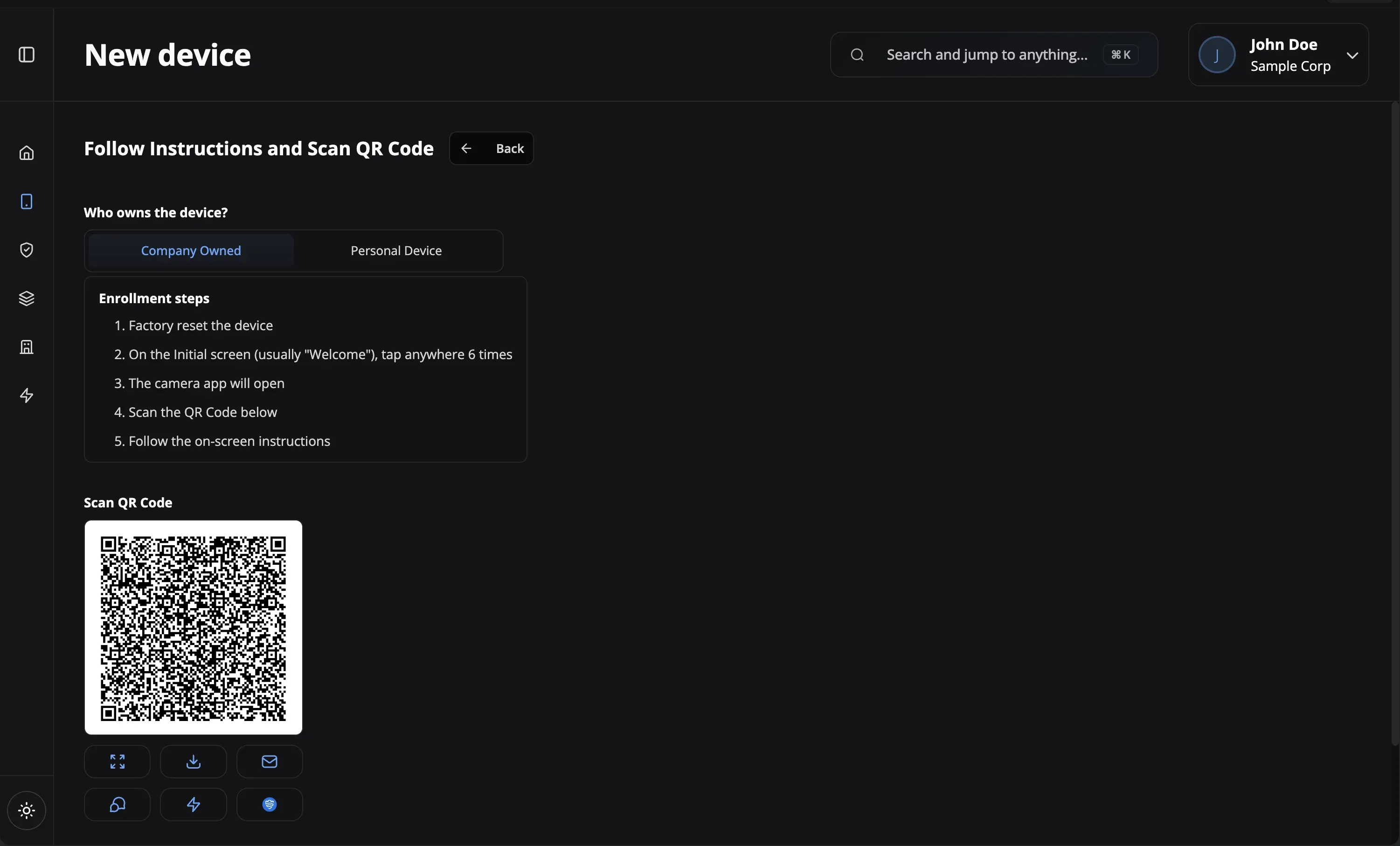
Confirm that the device appears in Nomid, then review its status and assigned policy.
Prepare fully managed Android devices for employee use
Use a managed work area on a supported personal device
Prepare supported Android devices for a focused purpose
Validate the workflow before expanding deployment
Check managed settings after enrollment
Prepare supported devices for a management change
Verified capabilities and planning checks for a supported rollout
Android Enterprise
Managed Android ownership modes
QR Code
Supported provisioning option
Zero-Touch
For eligible assigned devices
Ownership Models
Work profile, fully managed, dedicated
Policy Assignment
Supported settings after enrollment
Device Status
Review devices in the portal
Deployment Guidance
Current setup documentation
Rollout Support
Help with supported workflows
Android Enterprise
QR Code
Zero-Touch
Ownership Models
Policy Assignment
Device Status
Deployment Guidance
Rollout Support
Android zero-touch enrollment lets an eligible company-owned device retrieve its assigned management configuration during initial setup. Device and reseller eligibility, internet access, and a valid zero-touch configuration are required.
A deployment can combine QR code and zero-touch enrollment where each method fits the device's ownership model, state, Android version, and eligibility. Confirm those requirements before assigning a method to a rollout.
Treat enrollment tokens and QR codes as sensitive credentials. Limit who can access them, use only approved setup channels, retire credentials that are no longer needed, and verify the enrolled device before assigning production access.
Check the device's network connection, enrollment-token validity, Android version, ownership mode, and method eligibility. Retry with a valid configuration or choose another supported method, then confirm that the device appears in Nomid before applying production policies.
You can choose the policies, managed apps, networks, and supported settings applied after enrollment. The available controls depend on the selected Android Enterprise management mode, device, Android version, and Nomid support.
There is no fixed setup time. Duration depends on the enrollment method, network, device, Android version, policy size, and number of managed apps. Pilot the exact configuration on representative devices before scheduling a larger rollout.
Our support team is here to help you get the most out of Nomid MDM.
Contact SupportLearn how Android Enterprise supports secure device management, managed apps, and fleet provisioning.
Read the overviewCompare work profiles, fully managed devices, and dedicated-device approaches for different ownership needs.
Compare management modesCompare Samsung Knox Mobile Enrollment and Android zero-touch before choosing a rollout method.
Compare enrollment methodsCreate a provisioning QR code from an AMAPI enrollment token directly in your browser.
Open the QR generatorSee how policies apply security, apps, networks, and restrictions after enrollment.
Explore policy managementReview QR and zero-touch workflows in Nomid, or talk with our team about a supported rollout.