1
Start a New Policy
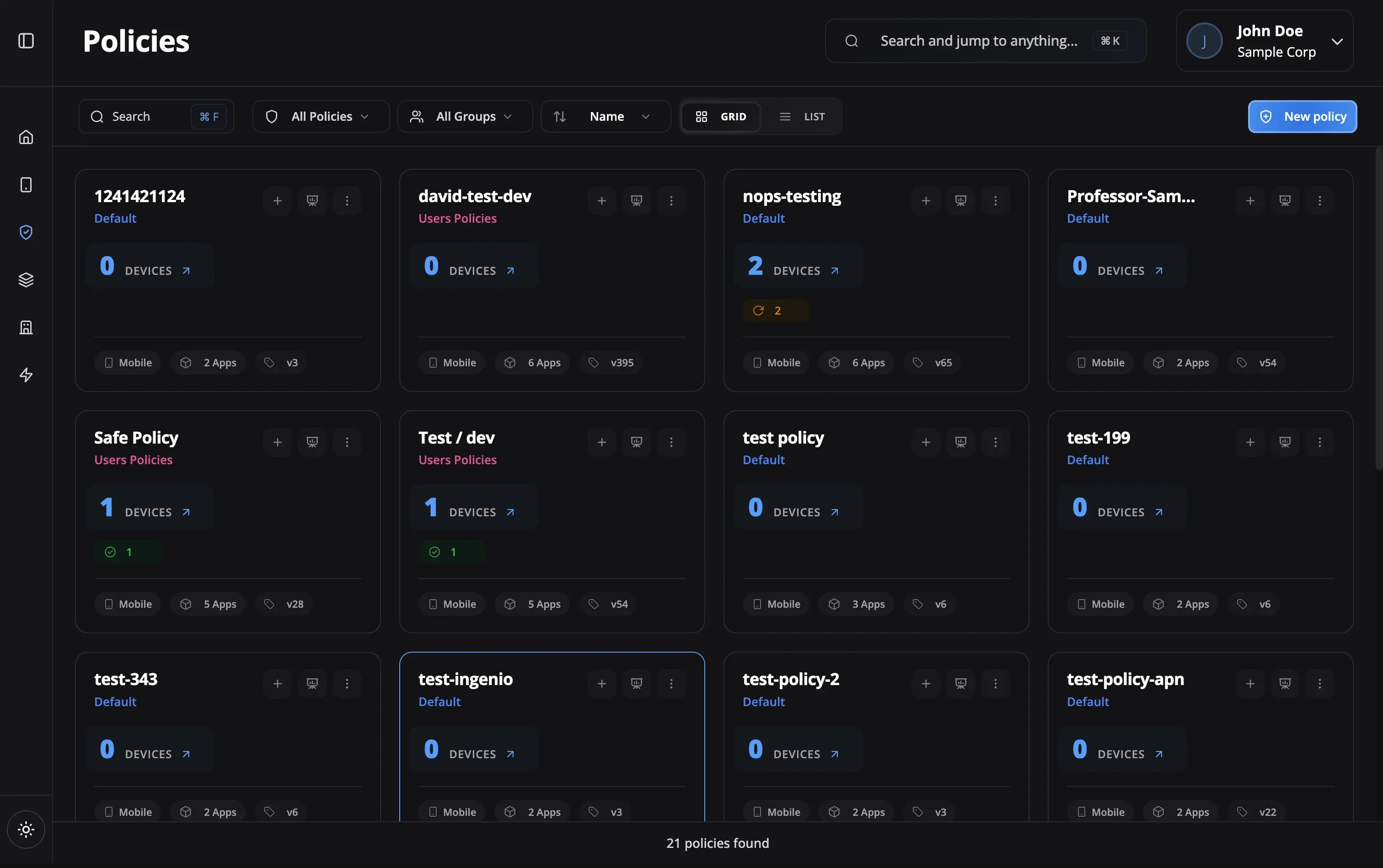
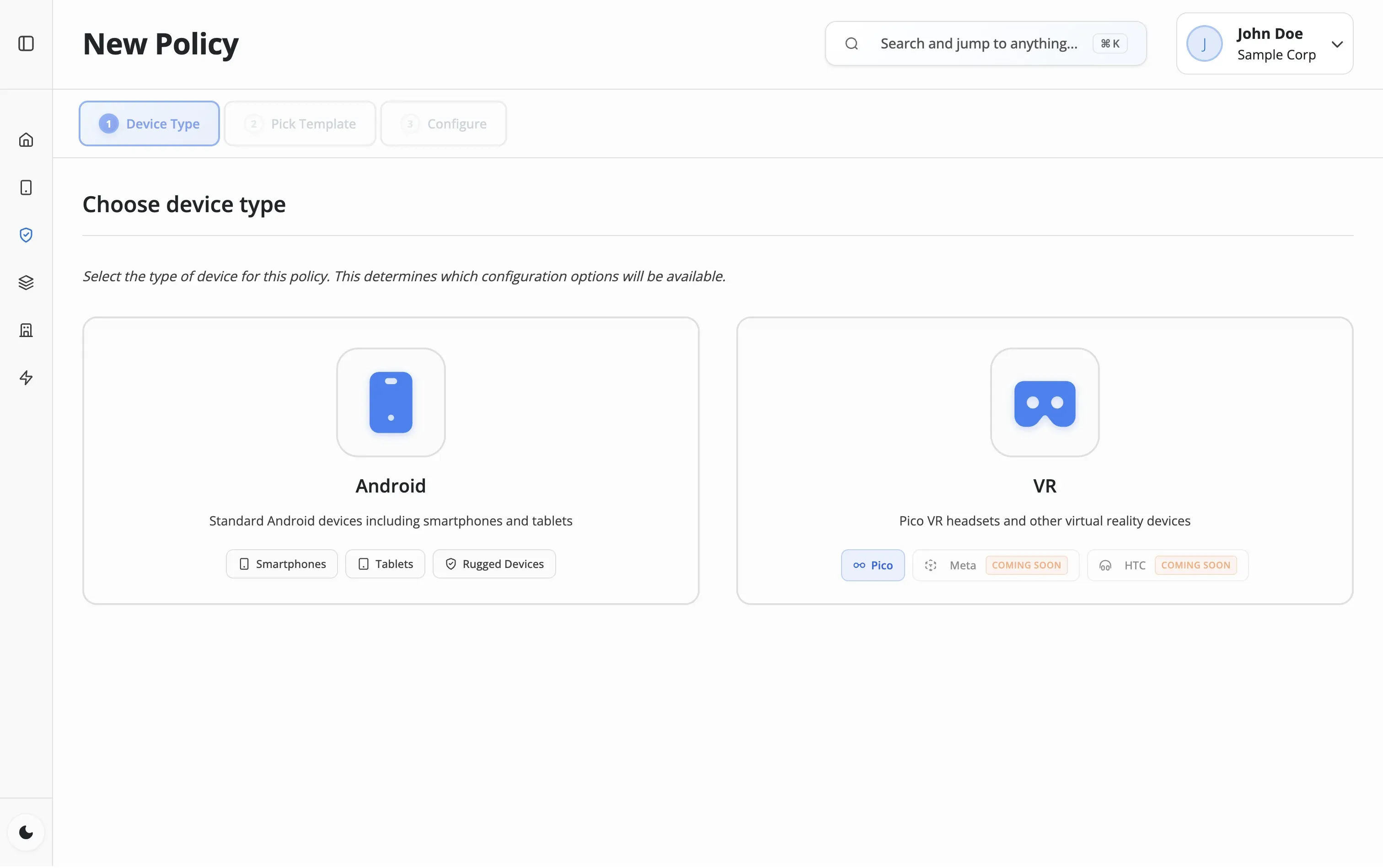
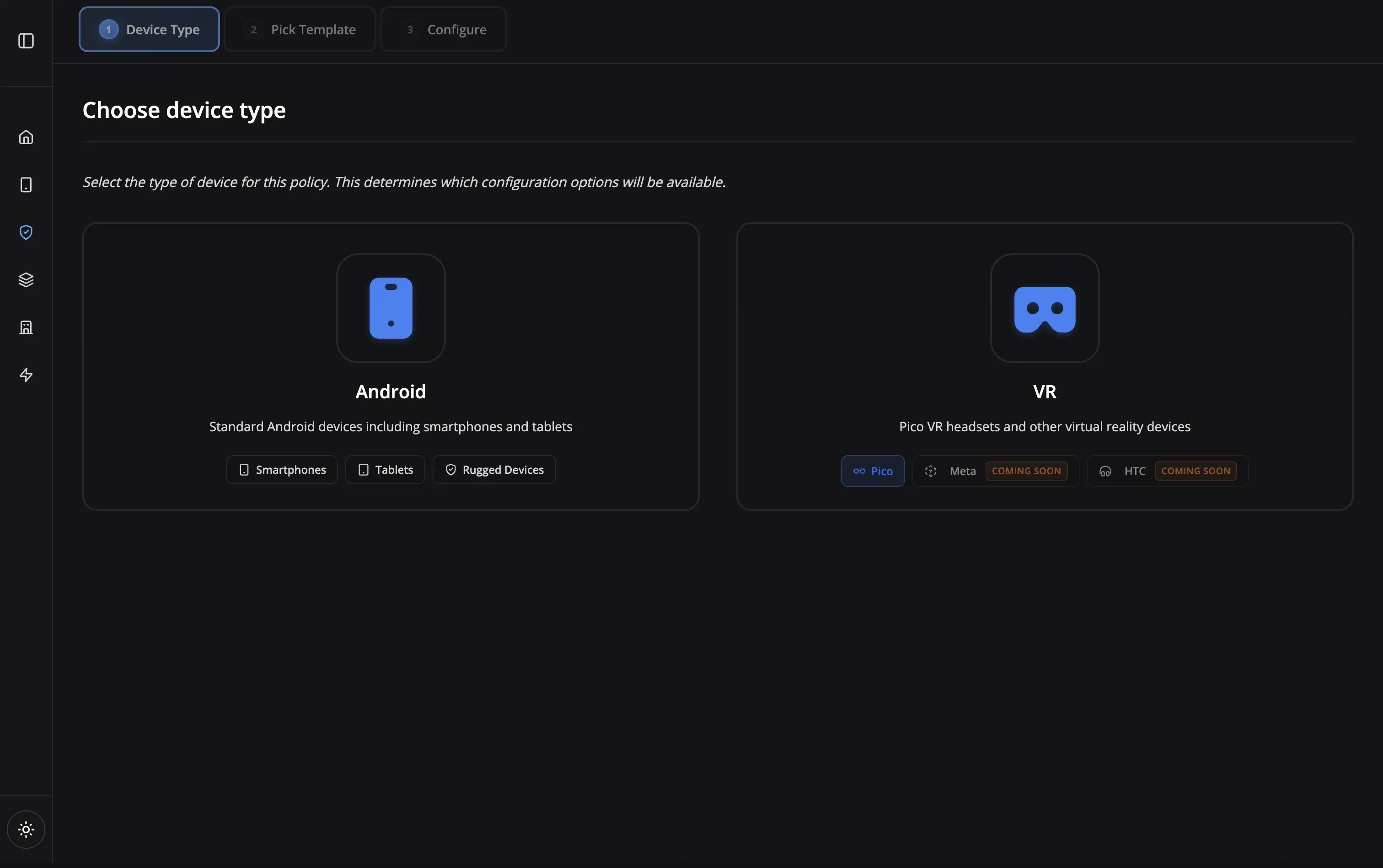
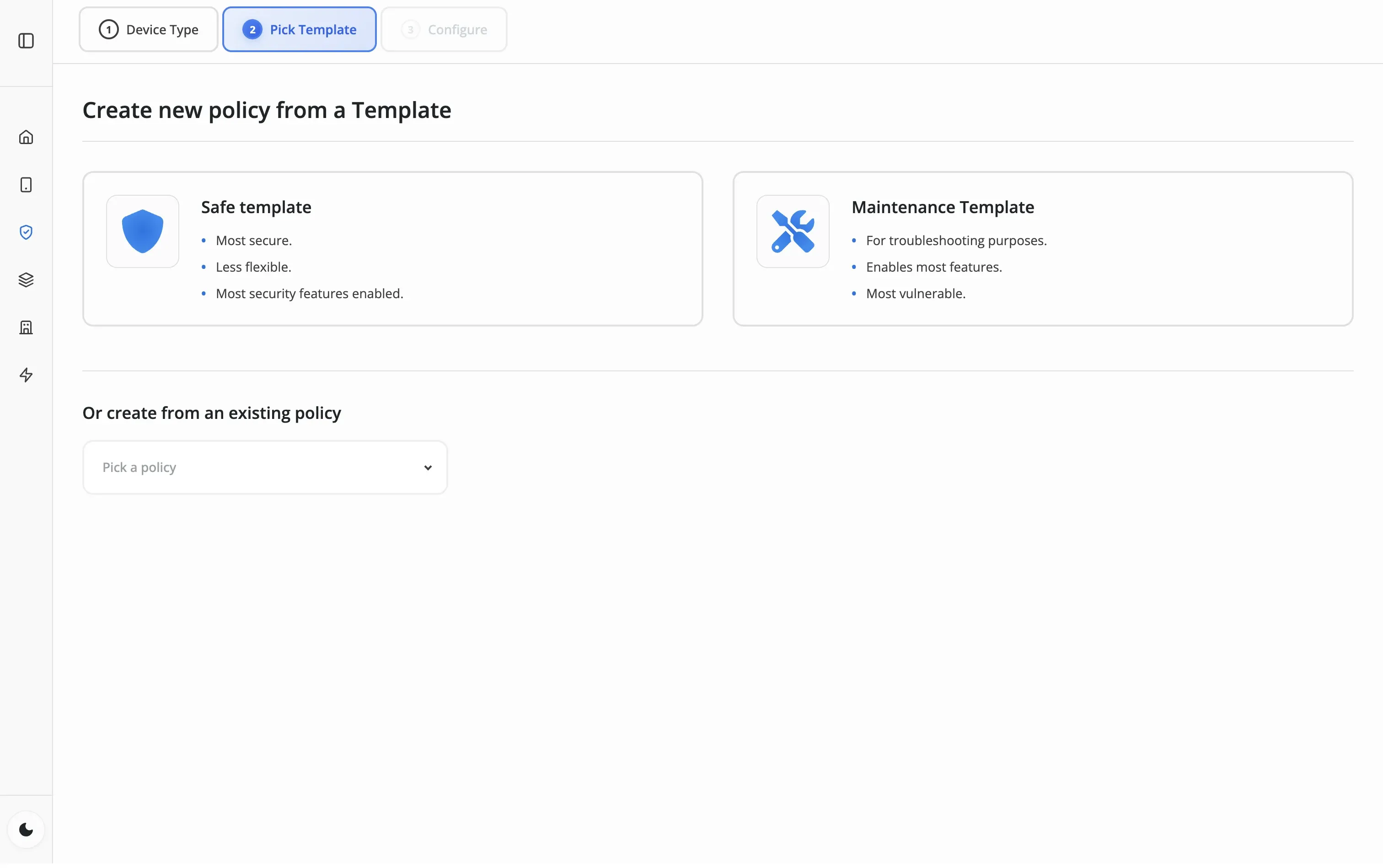
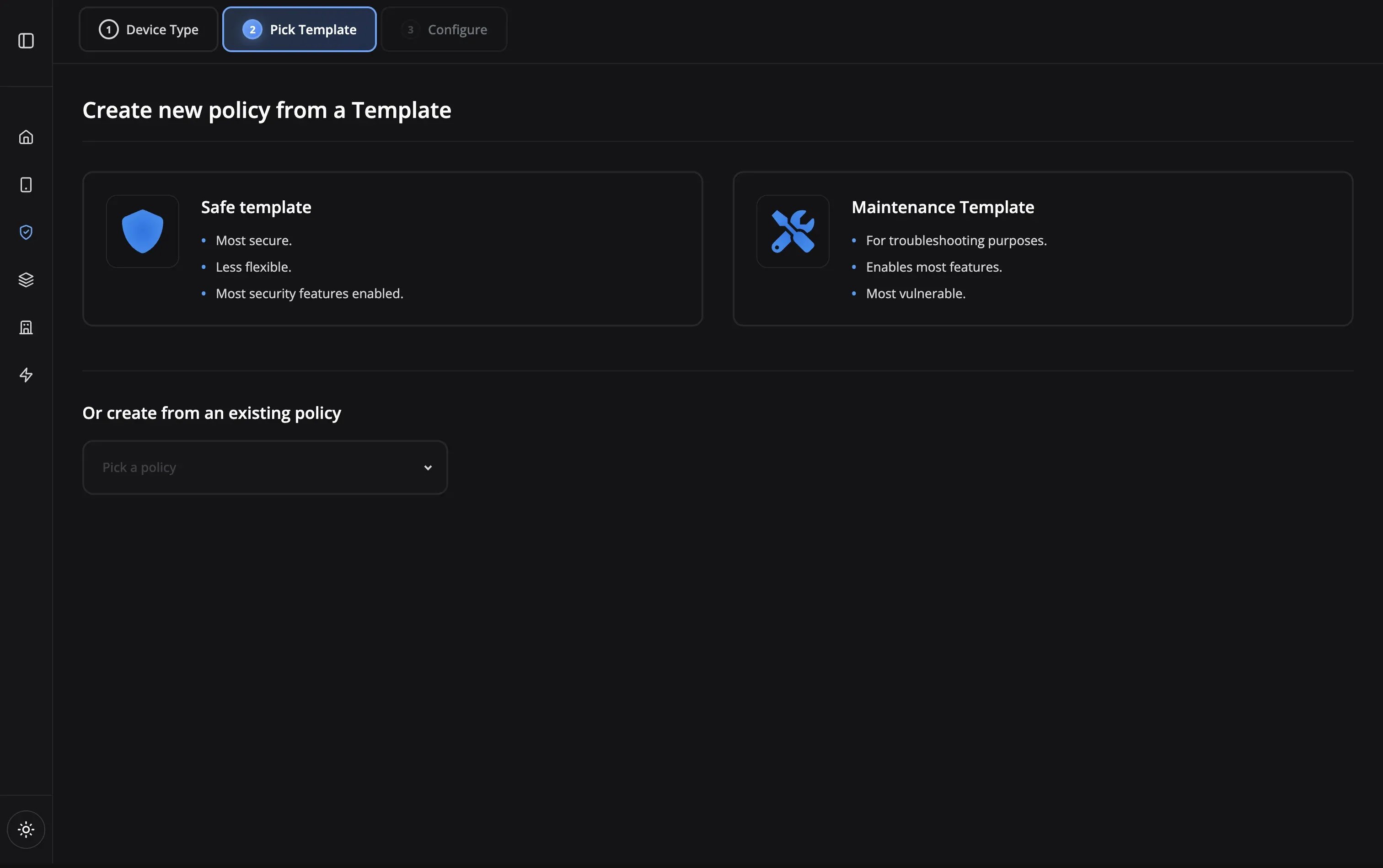
Create a new policy from scratch or duplicate an existing one. Name it, add a description, and choose the device type—Android phone, tablet, or VR headset.

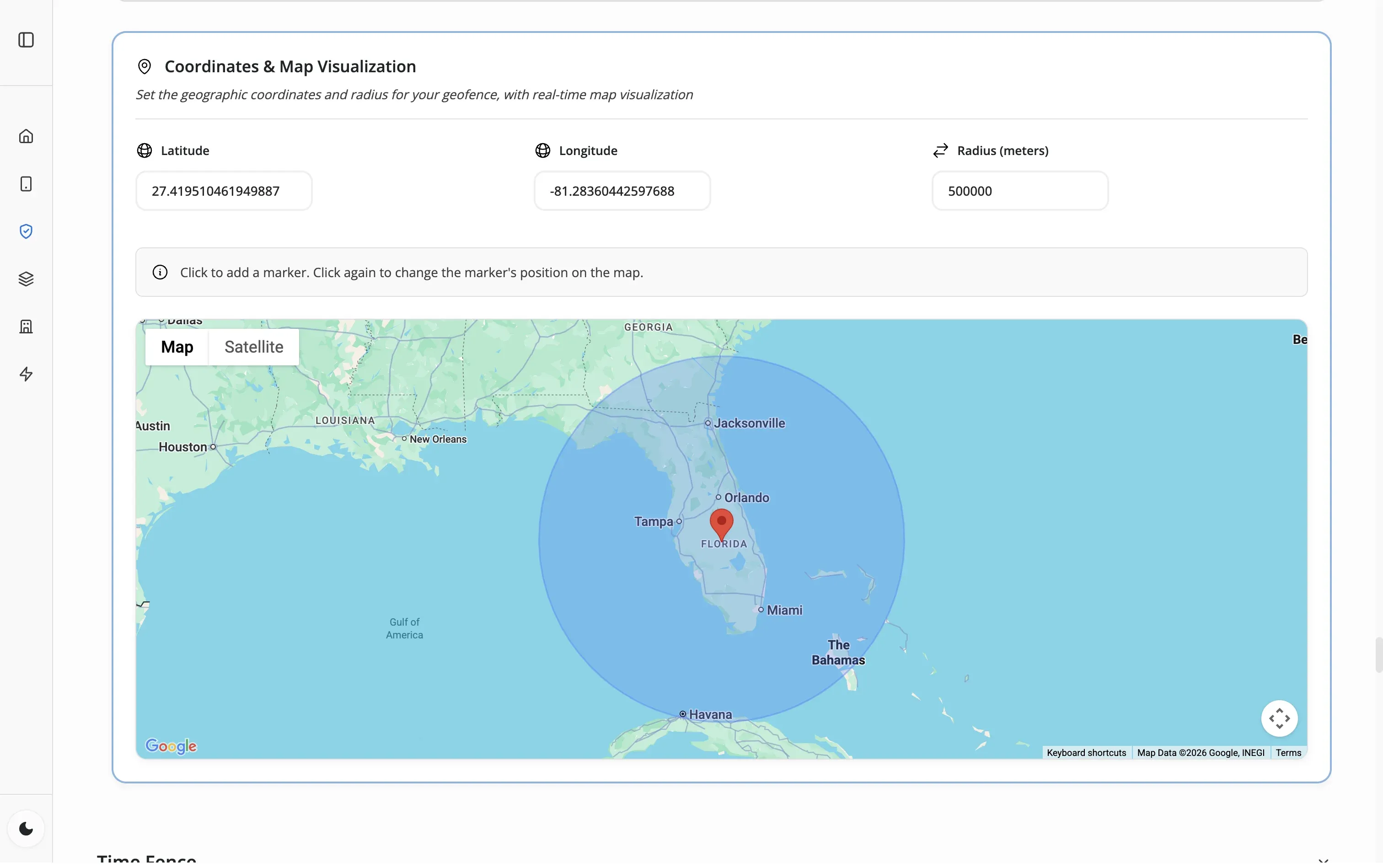
Define exactly how devices behave — apps, security, network, launcher, geofence, timefence — in a single 12-tab editor. Push changes to your fleet instantly.
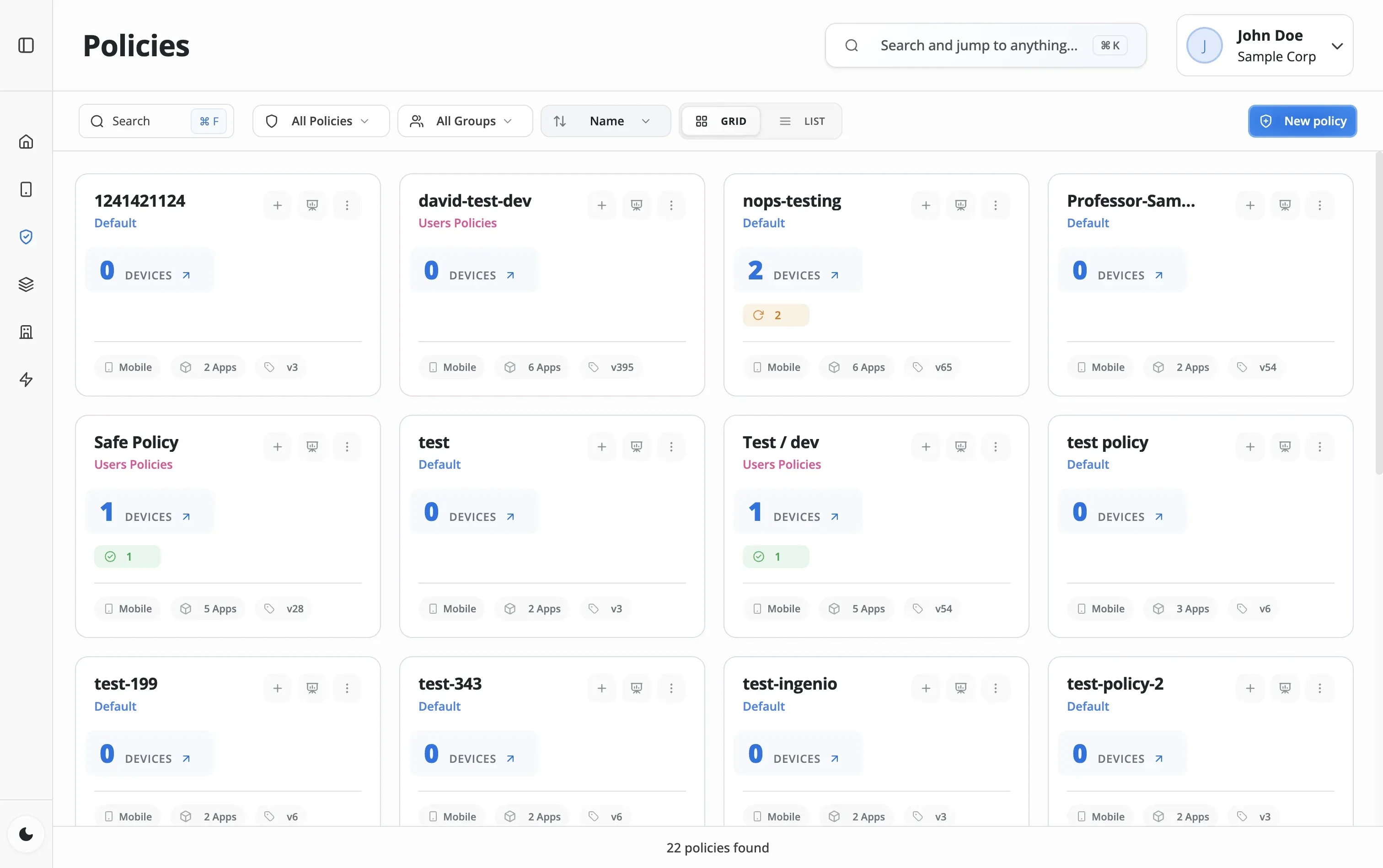
Create a new policy from scratch or duplicate an existing one. Name it, add a description, and choose the device type—Android phone, tablet, or VR headset.
Set the fundamentals: Play Store mode (allow list or deny list), basic device restrictions, and assign the policy to device groups.
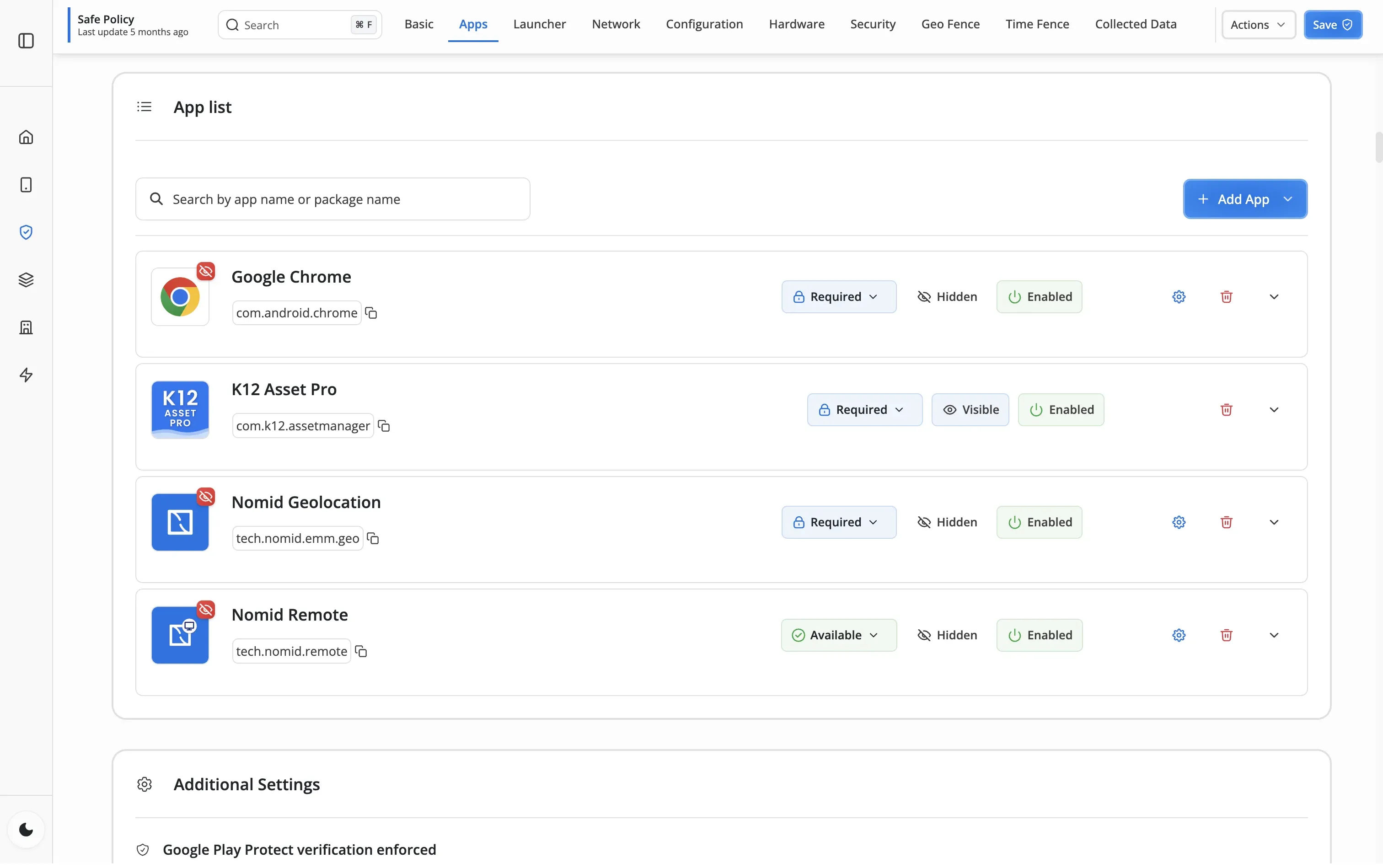
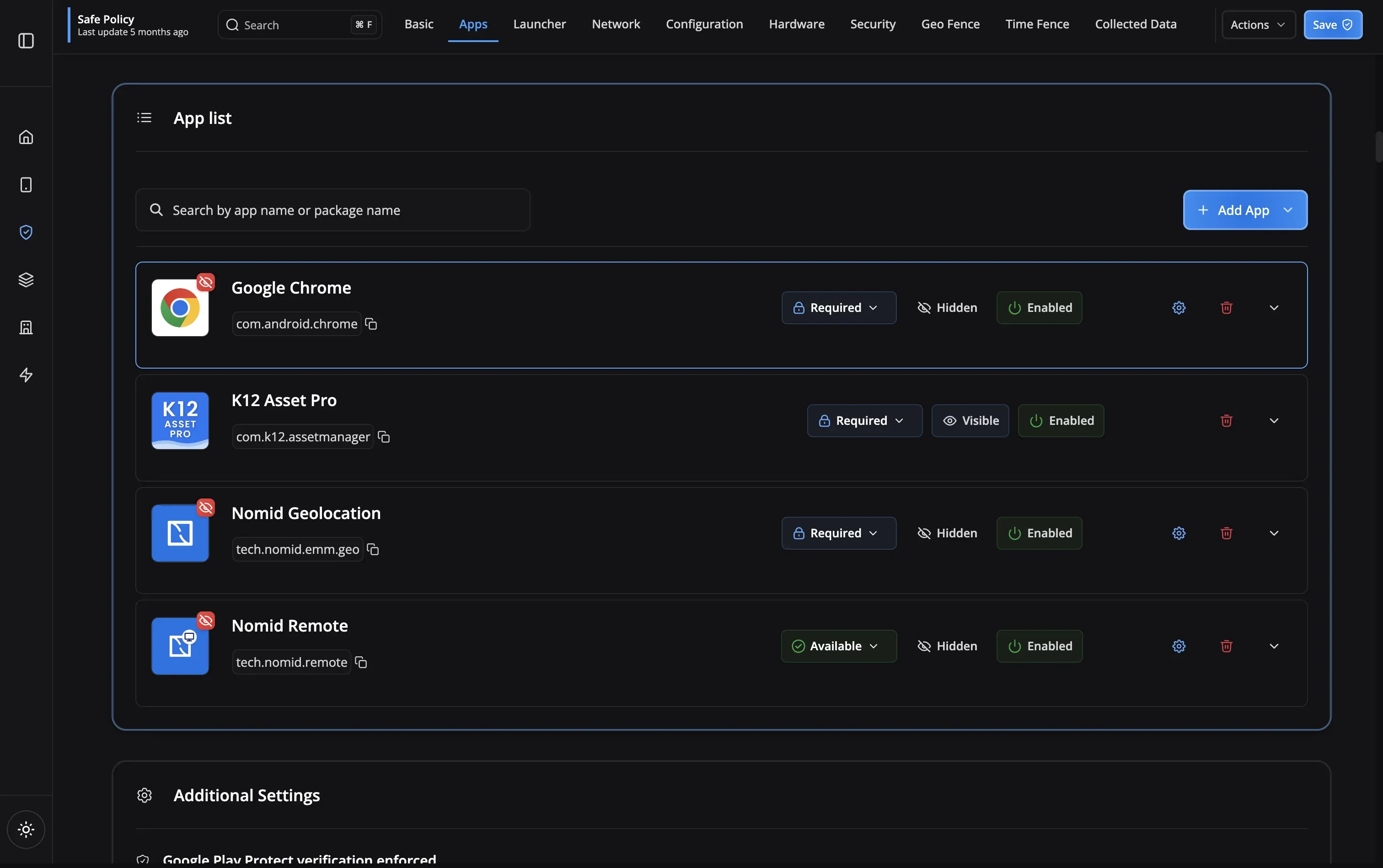
Select apps from the Play Store or your Content Library. Set which apps are required (auto-install) vs optional. Control permissions and update policies.
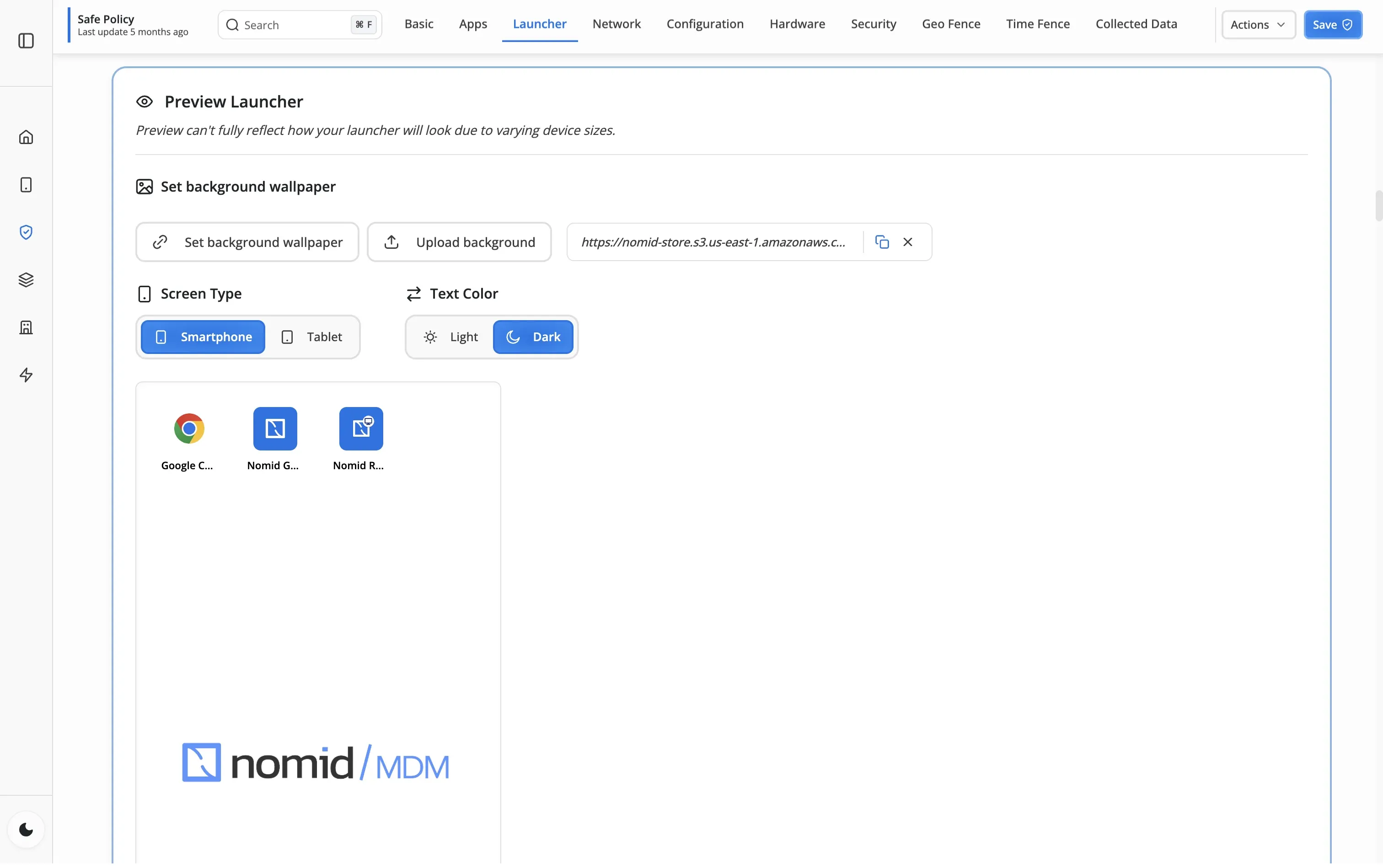
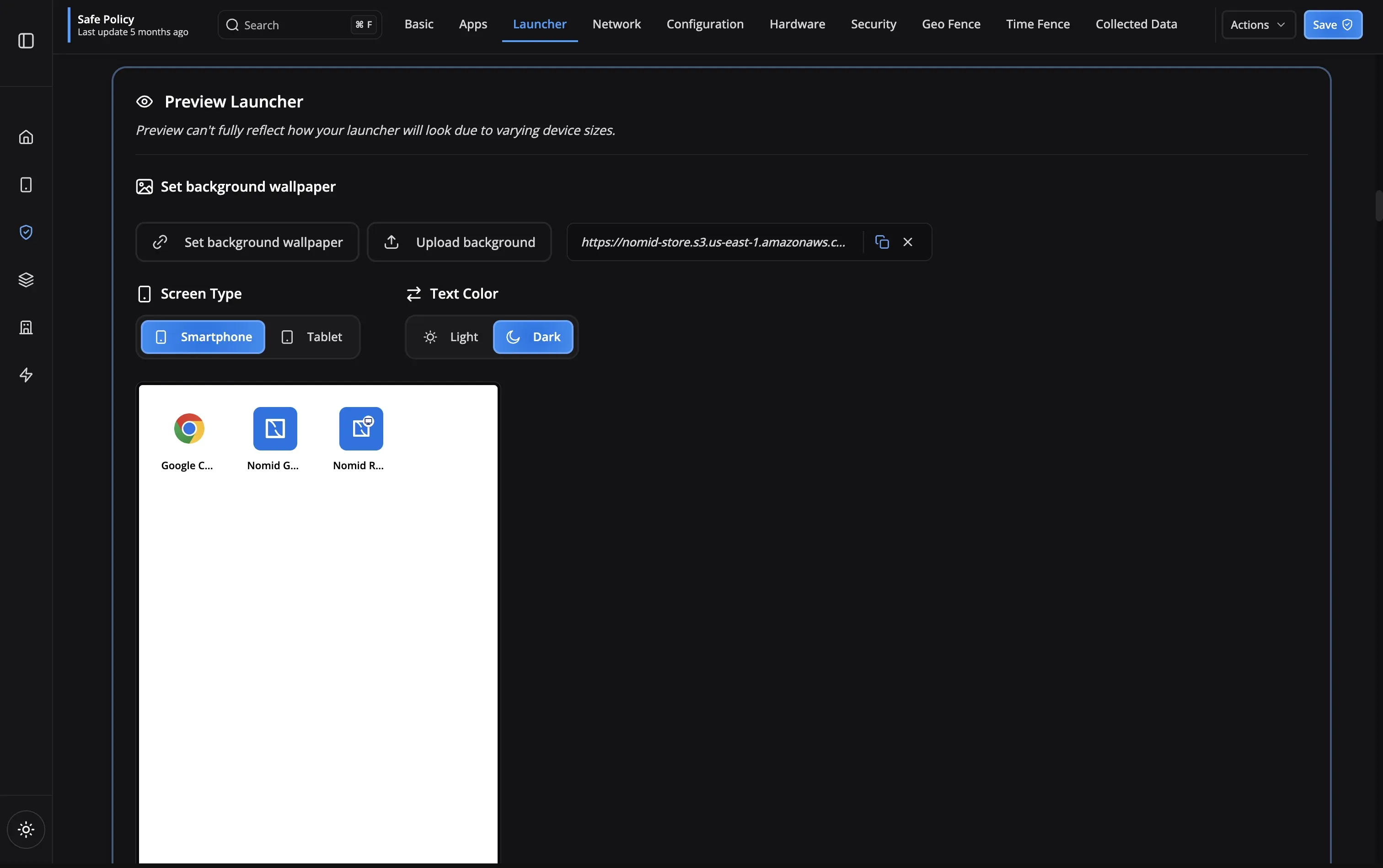
Configure the launcher layout, enable kiosk mode, set wallpapers or VR environments, and define the user experience on the device.
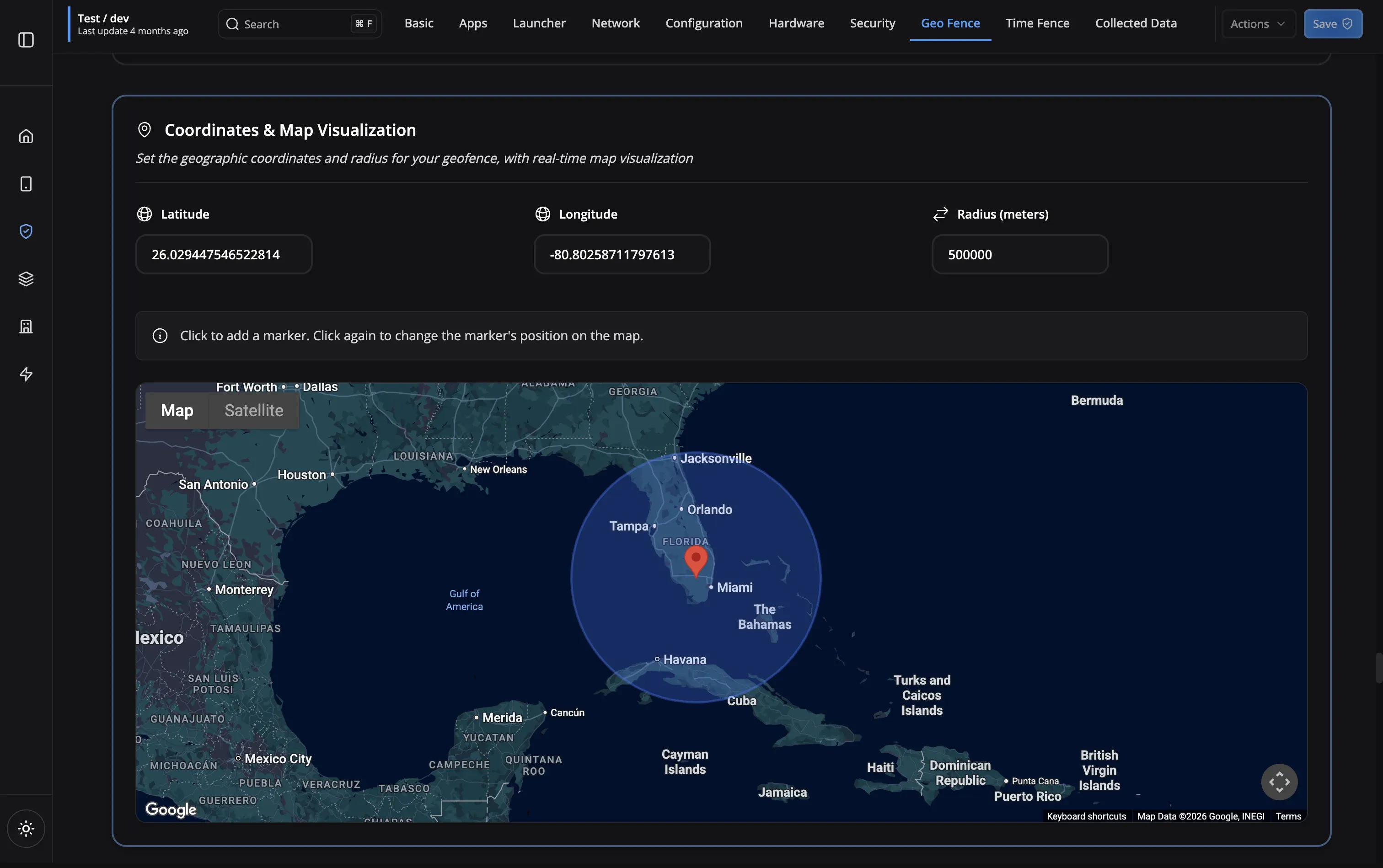
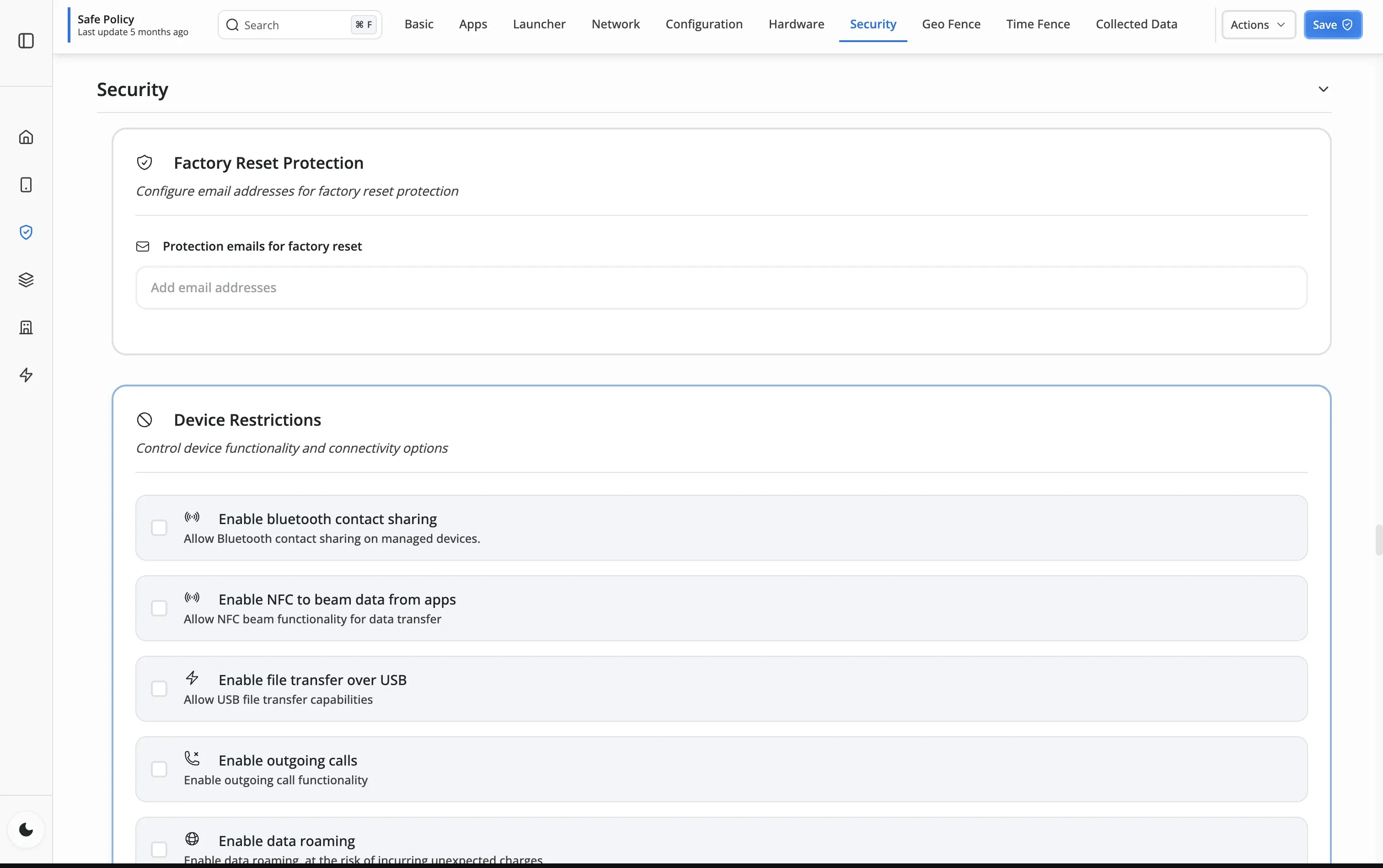
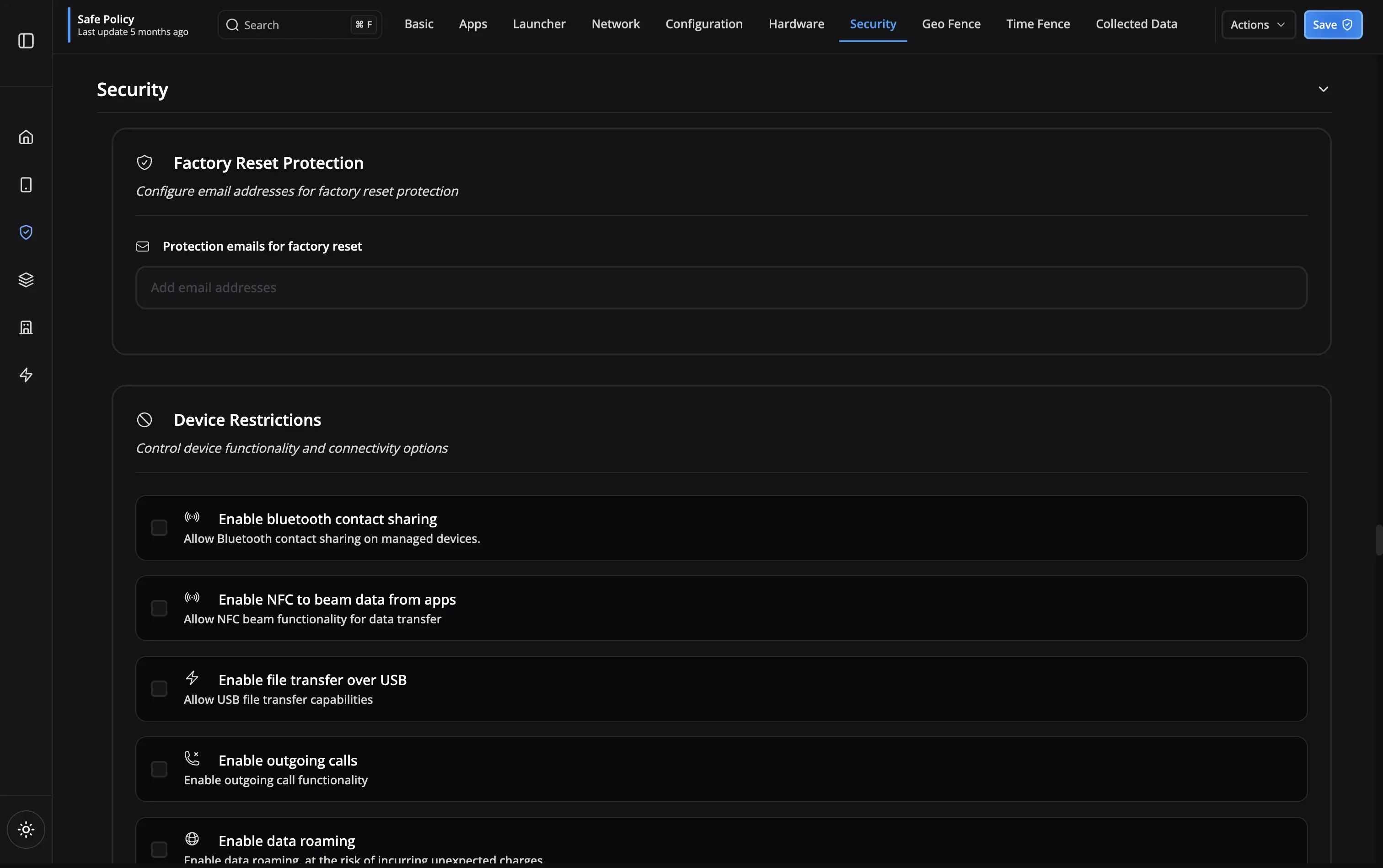
Fine-tune security settings, geofence boundaries, timefence schedules, hardware restrictions, and data collection policies for complete control.
Work profile policies that respect personal privacy
Full-control policies for company-owned devices
Student-safe policies for classroom devices
Context-aware policies for on-site teams
Locked-down policies for point-of-sale terminals
Policy features designed to meet the strictest security and compliance requirements
BYOD Support
Work profile isolation
Compliance Ready
Meet regulations
Device Restrictions
Lock down hardware
Granular Controls
Fine-tuned permissions
Privacy Protected
User data secure
Remote Updates
Change policies instantly
Role-Based Access
Different rules per group
BYOD Support
Compliance Ready
Device Restrictions
Granular Controls
Privacy Protected
Remote Updates
Role-Based Access
Nomid organizes all device controls into a single 12-tab policy editor: apps, security, network, launcher, geofence, timefence, and more. Other MDM platforms often scatter these settings across multiple screens or require XML/JSON files. With Nomid, you configure everything visually—no coding, no guesswork. Rated 4.6/5.0 on Gartner Peer Insights for ease of use.
Device Owner gives you complete control over the entire device—ideal for company-owned hardware where you need to lock down every setting. Profile Owner creates an isolated work container on personal devices, keeping corporate data secure while respecting employee privacy. Nomid supports both modes and lets you mix them within the same organization, so you can use the right approach for each device type.
Absolutely. You can create multiple device configurations with different permission sets and restrictions, then assign them to different device groups based on department, role, or use case.
Nomid's free plan includes full access to the policy editor for up to 10 devices. No credit card, no time limit—it is a permanent free tier, not a trial. Create policies, deploy them to real devices, and see the results before scaling up.
You can set policies to automatically grant or deny specific permissions to apps. For example, auto-grant location access to delivery apps but deny camera access to all apps in a secure facility.
In Device Owner mode, users cannot remove MDM management or bypass restrictions without admin credentials. In Profile Owner mode, users can remove the work profile, but this will delete all work data and apps.
Camera, screenshots, USB file transfer, factory reset, Bluetooth, Wi-Fi configuration, system updates, app installation, microphone, location services, and more. Nomid's 12-tab policy editor puts every restriction in one place—no jumping between screens or hidden settings. Most teams have their first policy configured in under 10 minutes.
Yes, but it requires a factory reset of the device. This ensures that corporate data is completely removed when devices are decommissioned or repurposed.
Our support team is here to help you get the most out of Nomid MDM.
Contact SupportFull policy editor on every plan. Free plan — up to 10 devices, no credit card required.