 Nomid
NomidScanning & inventory
Warehouse handhelds
Keep scanning apps and device controls together in a policy for shared, task-focused hardware.
Android for logistics
Prepare Android handhelds for scanning and delivery, see them across the fleet, and support teams when a device needs attention.
See how it works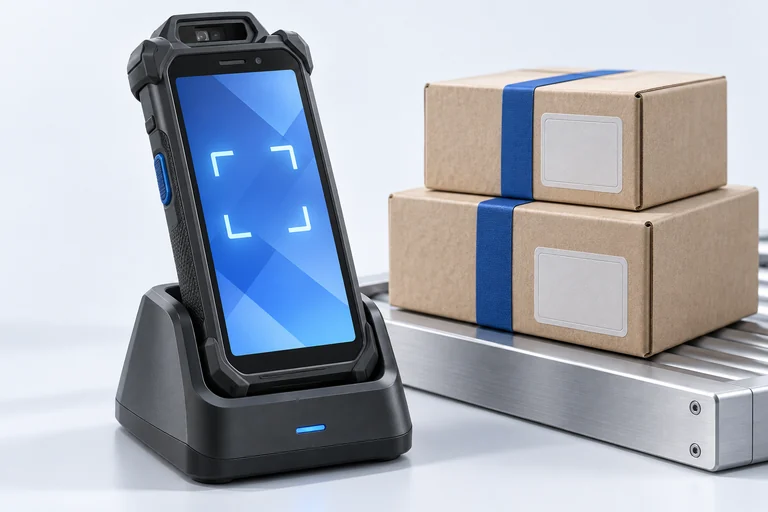
Built around the work
A warehouse scanner, a driver handheld, and a field tablet each have a different job. Give each one the right setup without losing sight of the fleet.
The workflow
Prepare the device for its job, keep a view of the fleet, and know where to turn when work is interrupted.
Before the shift
Choose an enrollment path, assign a policy, and put the scanning or delivery apps behind its role.
Explore fleet setupDuring the shift
Use fleet inventory and available device signals to find the right device and understand its state.
Explore fleet visibilityWhen work stops
Use available remote commands and support tools to investigate an issue before asking someone to return the device.
Explore supportDevice roles
Keep scanning apps and device controls together in a policy for shared, task-focused hardware.
Give mobile teams their approved apps while IT keeps a view of device inventory and support options.
Device roles are illustrative. Available controls depend on hardware, Android version, and management mode.
Explore the product
Start with the capabilities behind this use case, then build a rollout around your actual devices.
Define apps, network settings, restrictions, and supported kiosk controls for a device role.
Review available location information and lost-device options for eligible managed hardware.
Investigate and act on supported devices without relying on a physical handoff.
Before you deploy
Nomid manages supported Android devices. Check the exact hardware, Android version, ownership mode, and required controls with our team before a rollout.
Yes. You can prepare different policies and app sets for different device roles, then verify the resulting behavior on representative devices.
Nomid manages the devices and apps used in a delivery workflow. Route optimization depends on the apps and services your organization chooses.
Explore Nomid with your own devices, or plan your deployment with our team.
