1
Select Target Devices
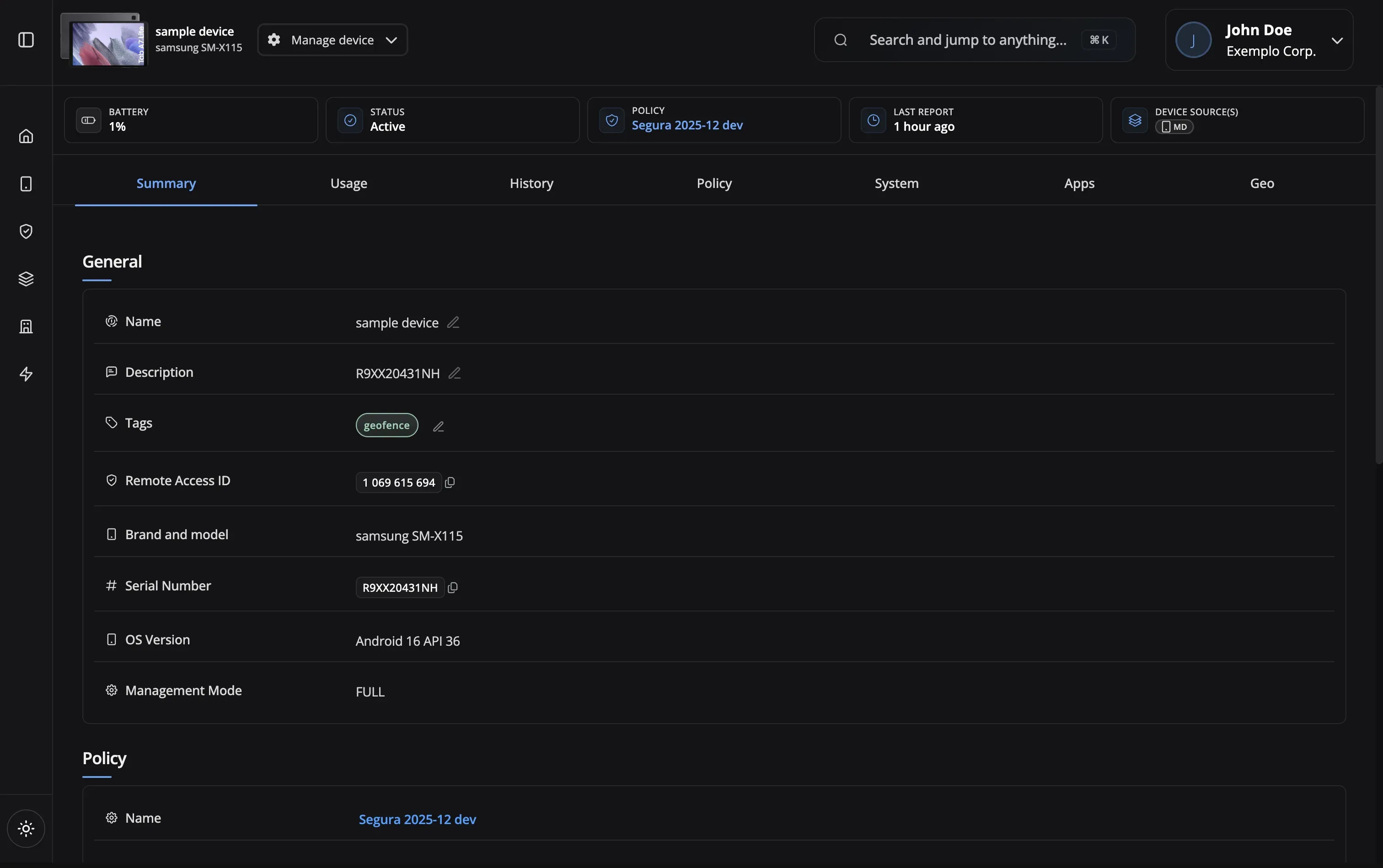
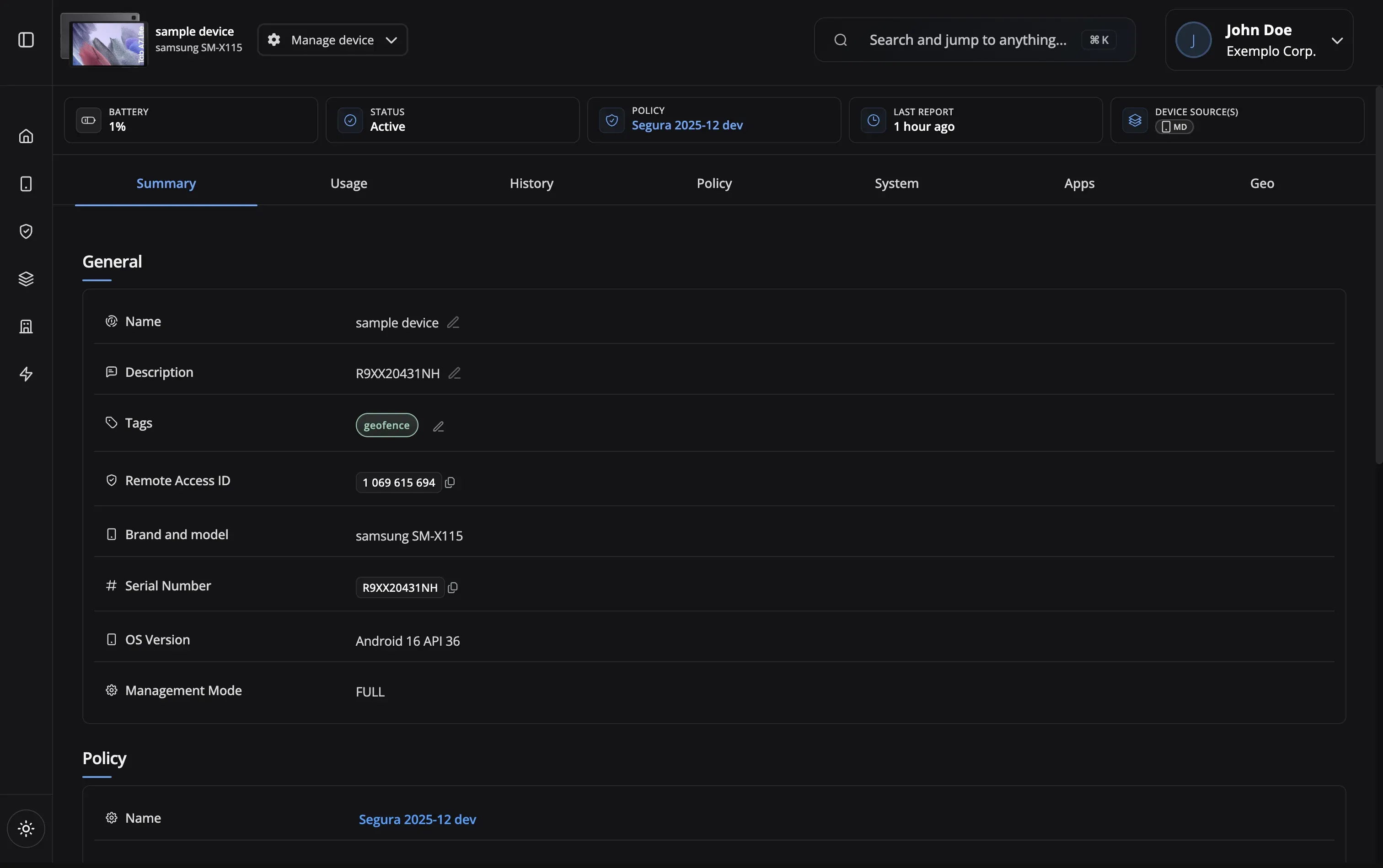
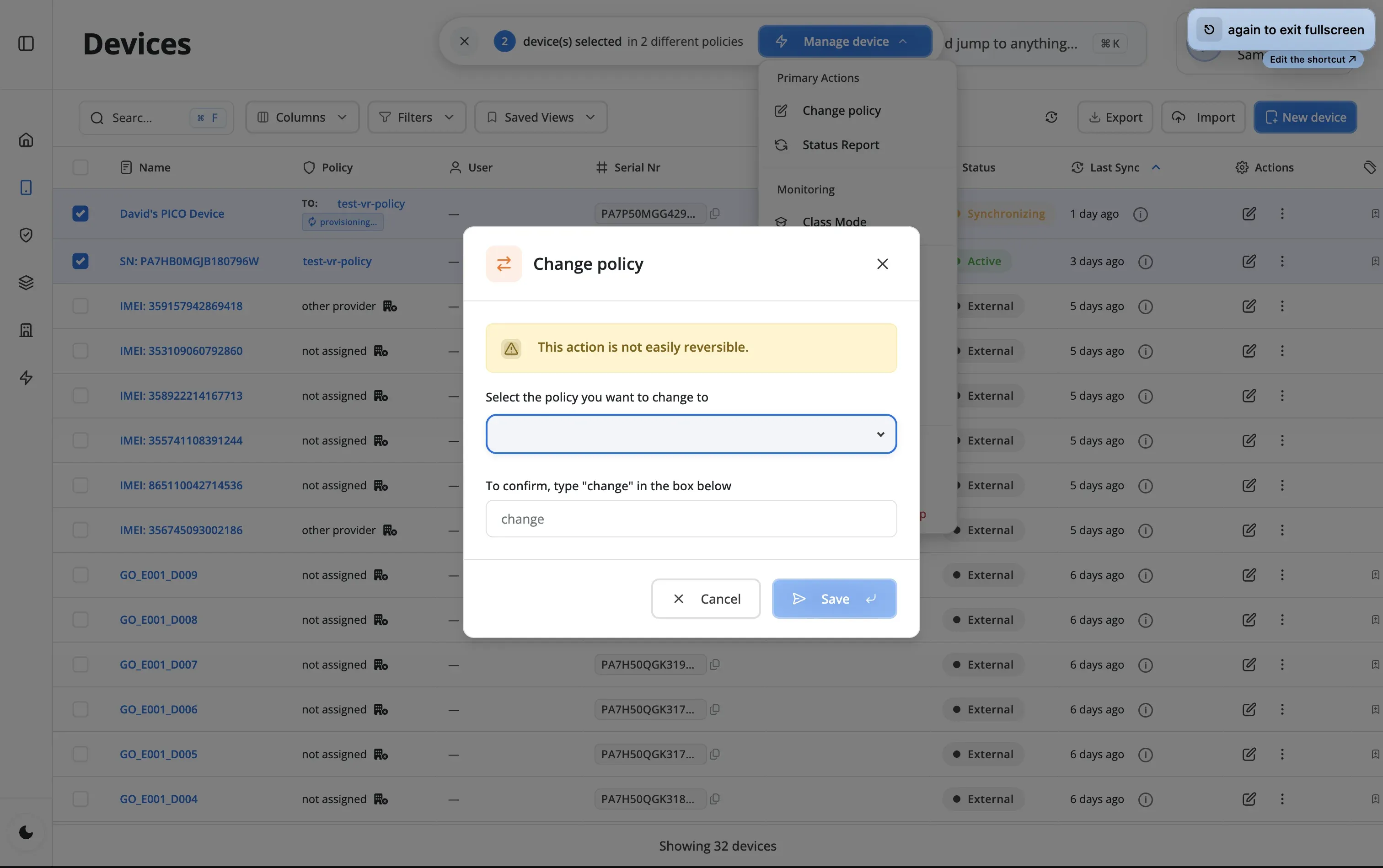
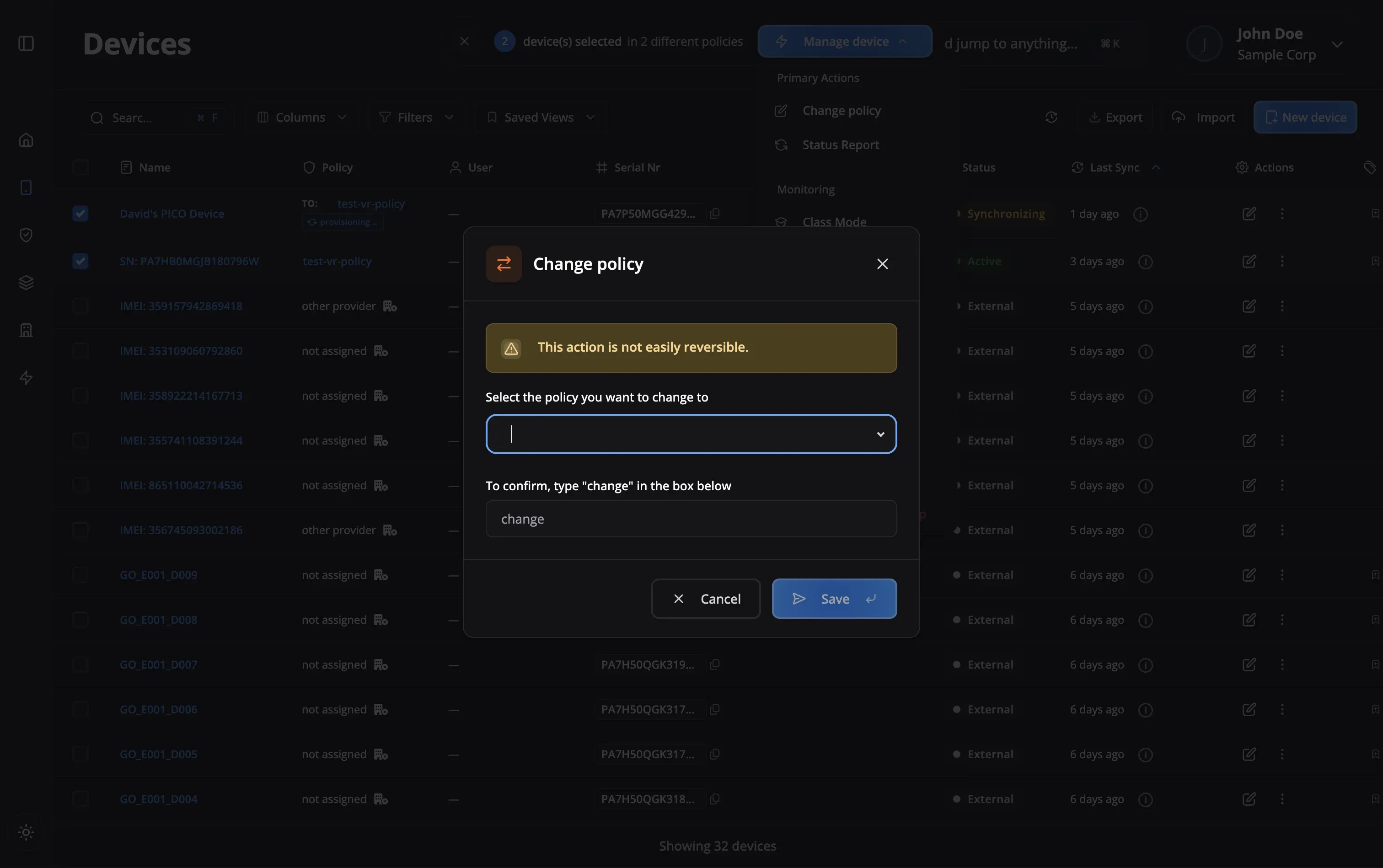
Choose individual devices, policy groups, or use filters to select multiple devices for your command.
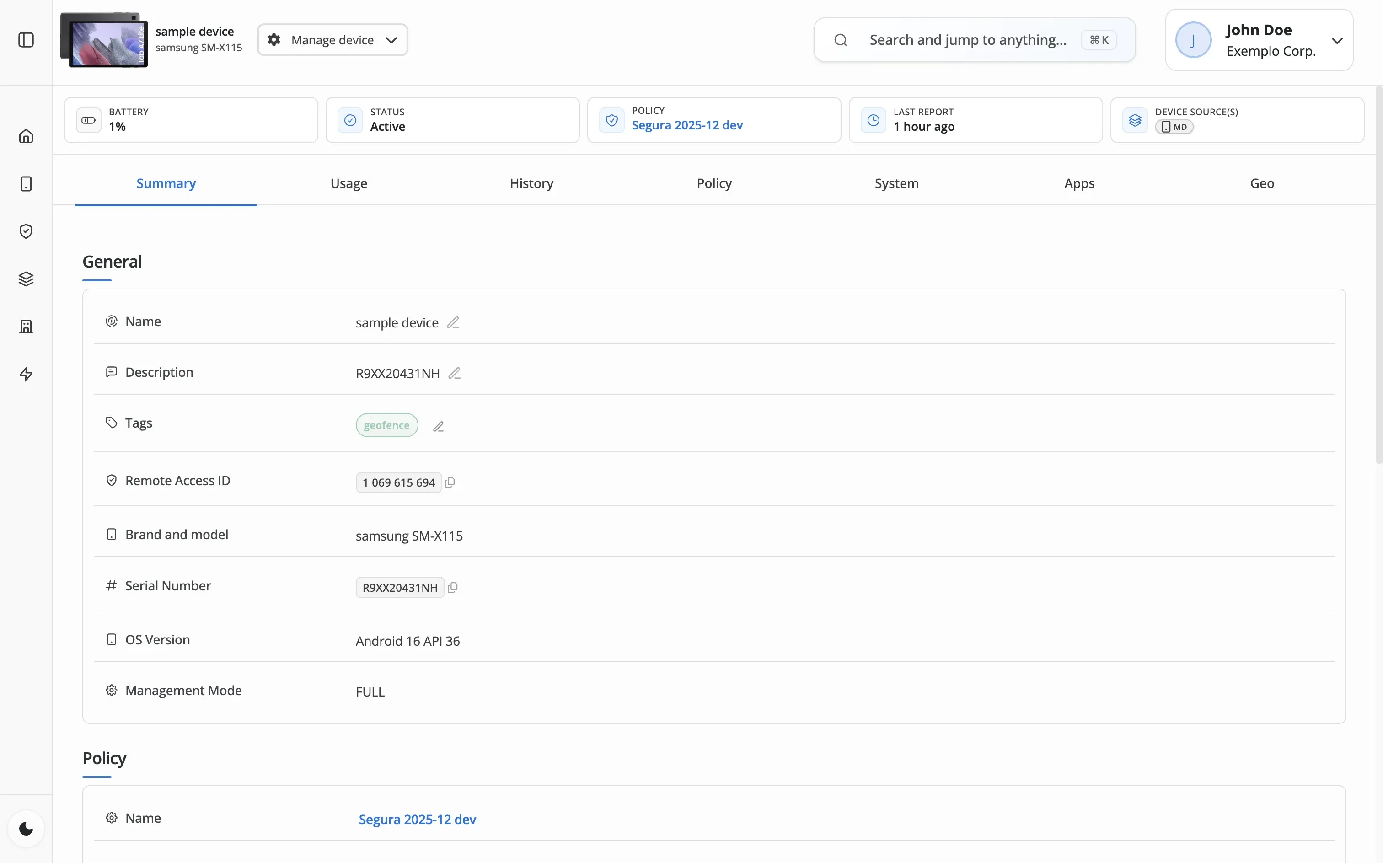
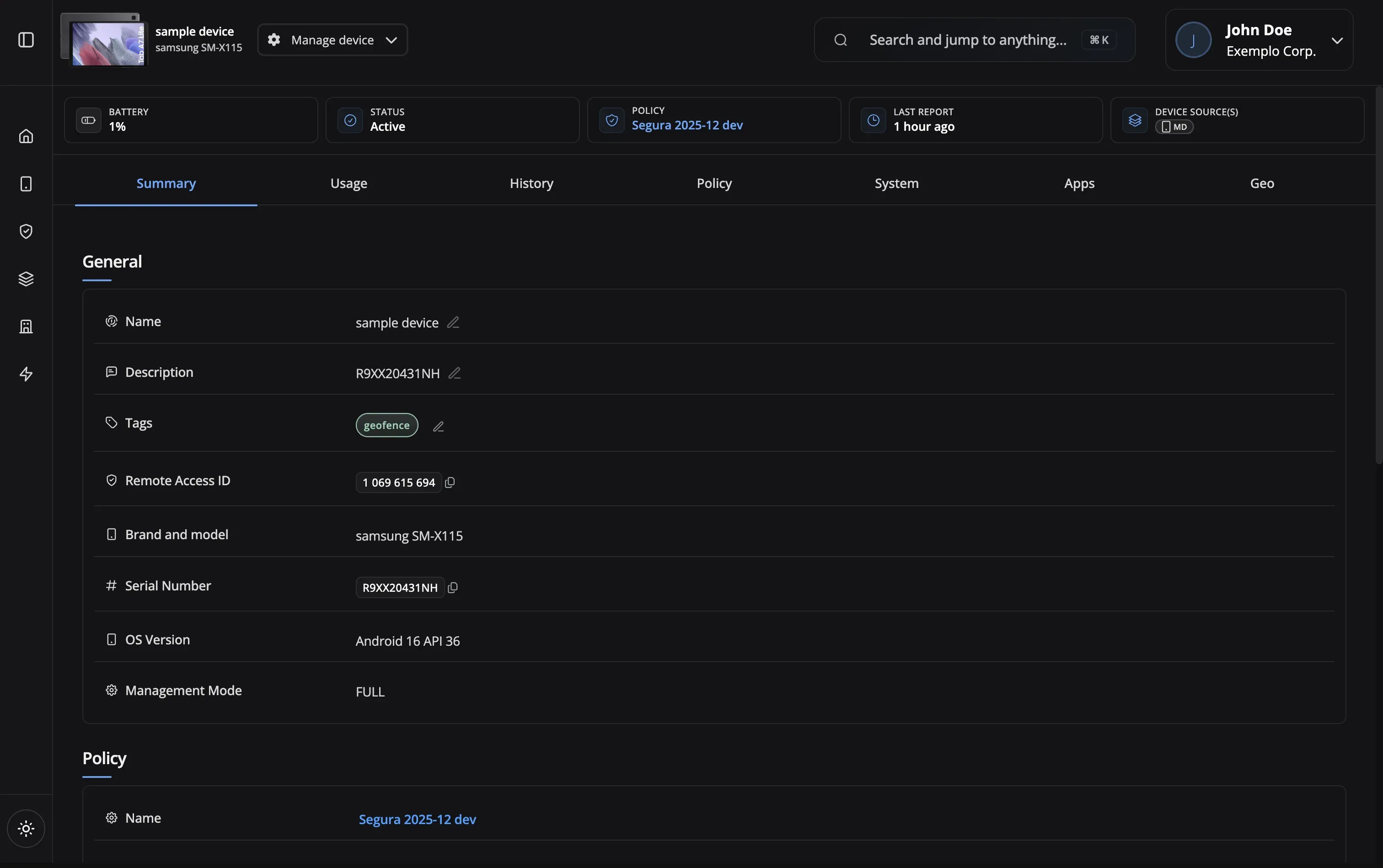

Send commands to one device or a thousand at once. Lock a lost phone, reboot a frozen kiosk, or wipe a decommissioned tablet — instantly, from your dashboard.
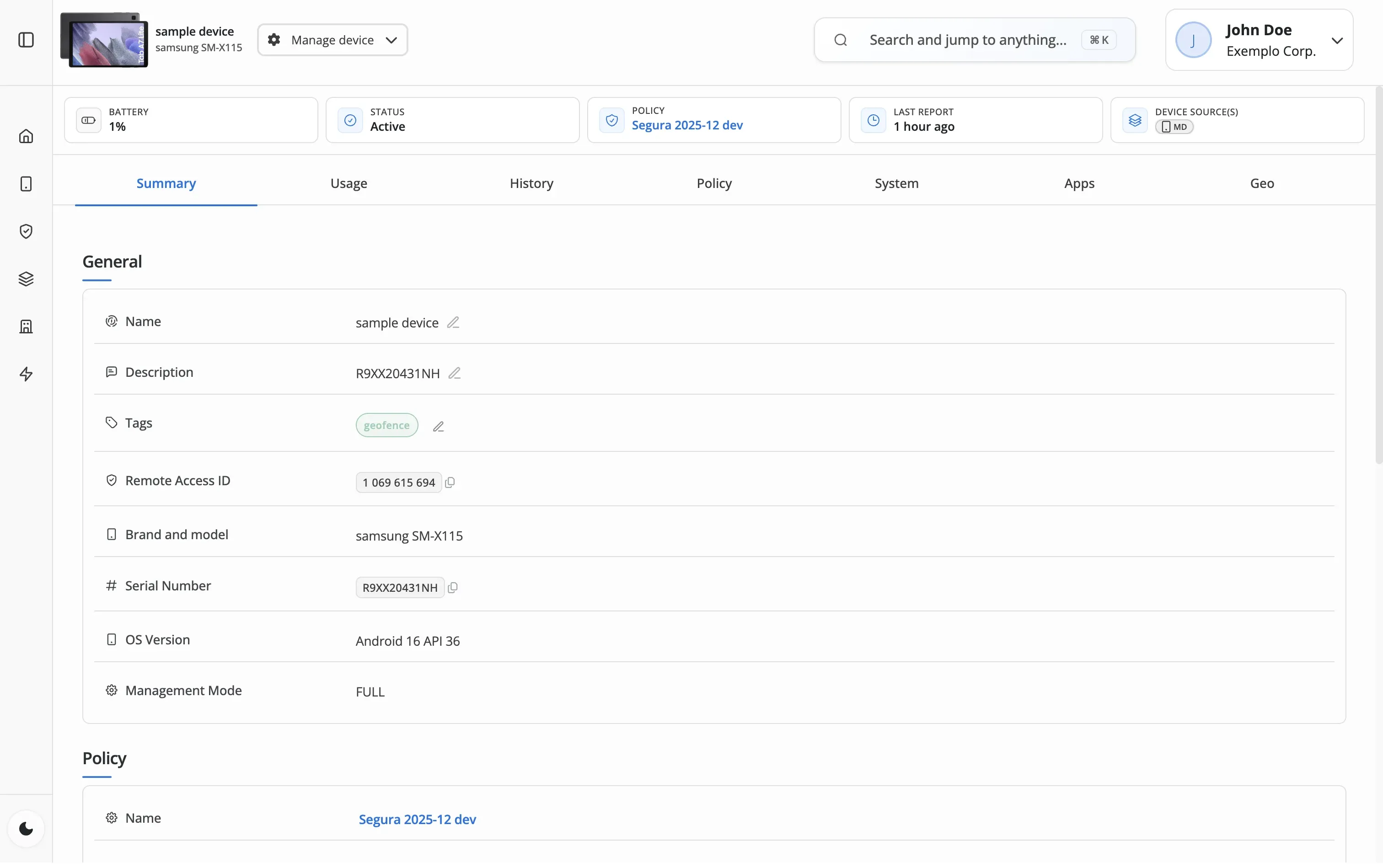
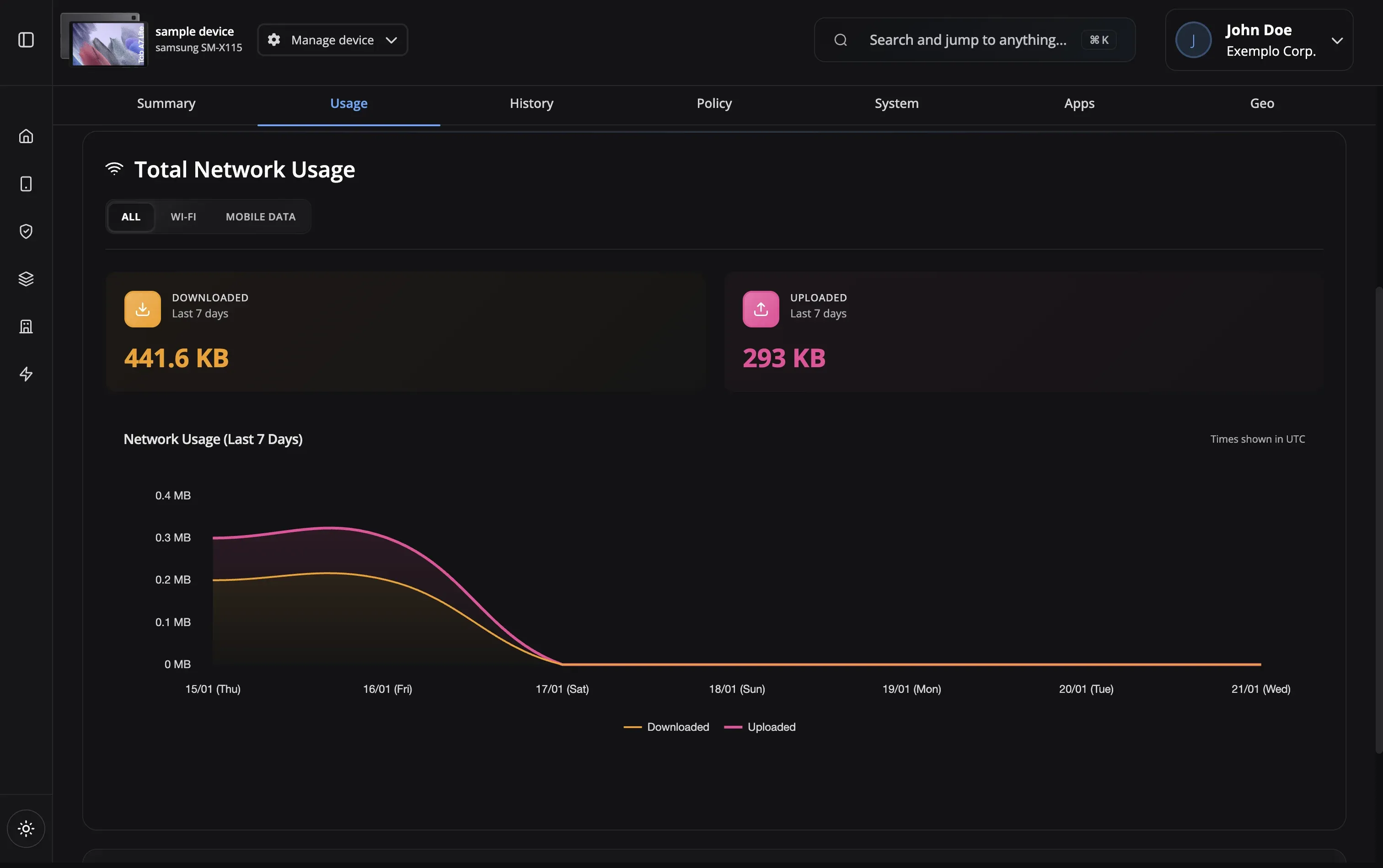
Nomid Device Commands gives you a direct line to every enrolled device. Lock it, reboot it, factory-reset it, reset the password, or clear app data — one device or an entire policy group. Commands reach online devices in seconds; offline devices execute them the moment they reconnect. Every action is logged with who, what, when, and the result.
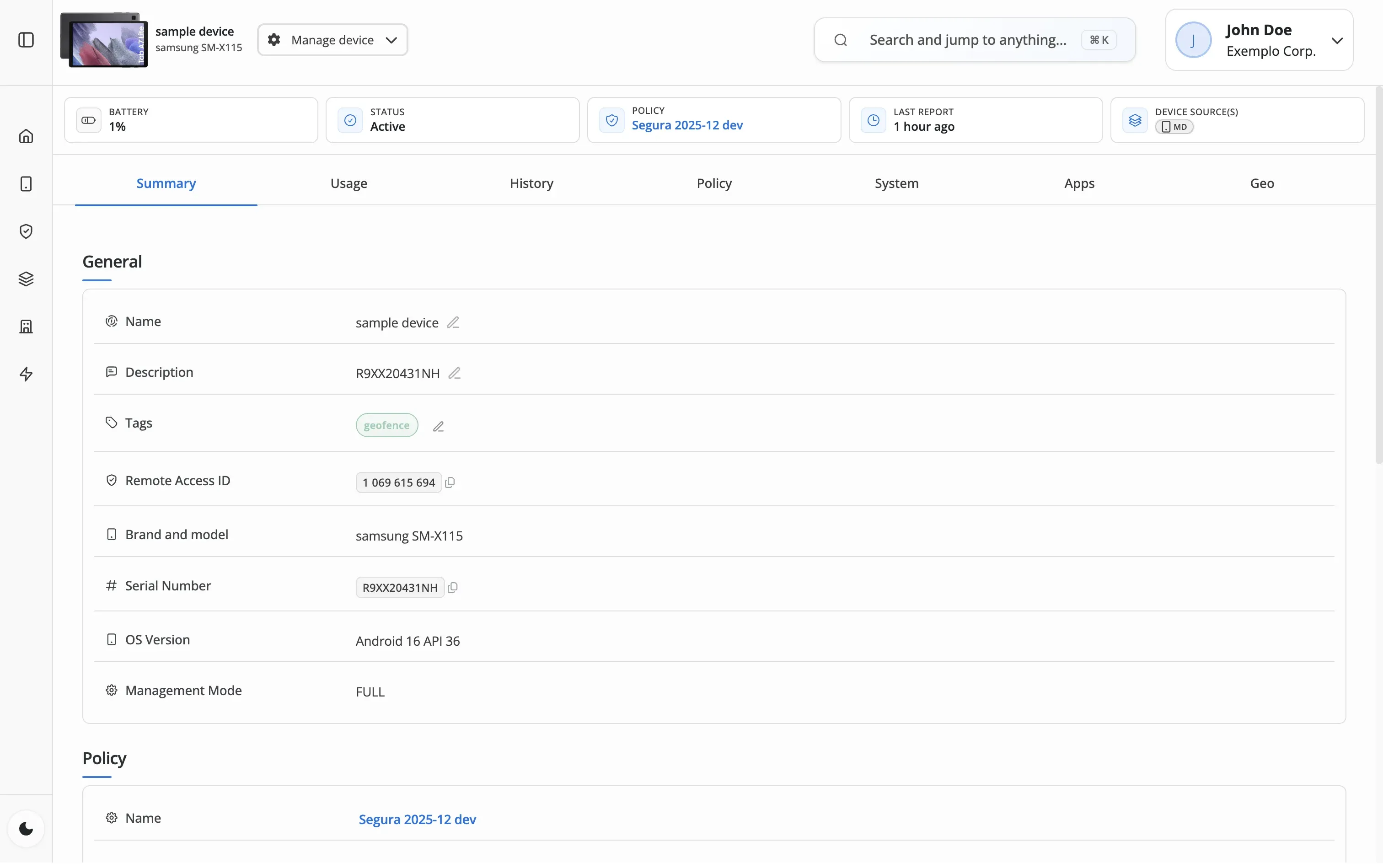
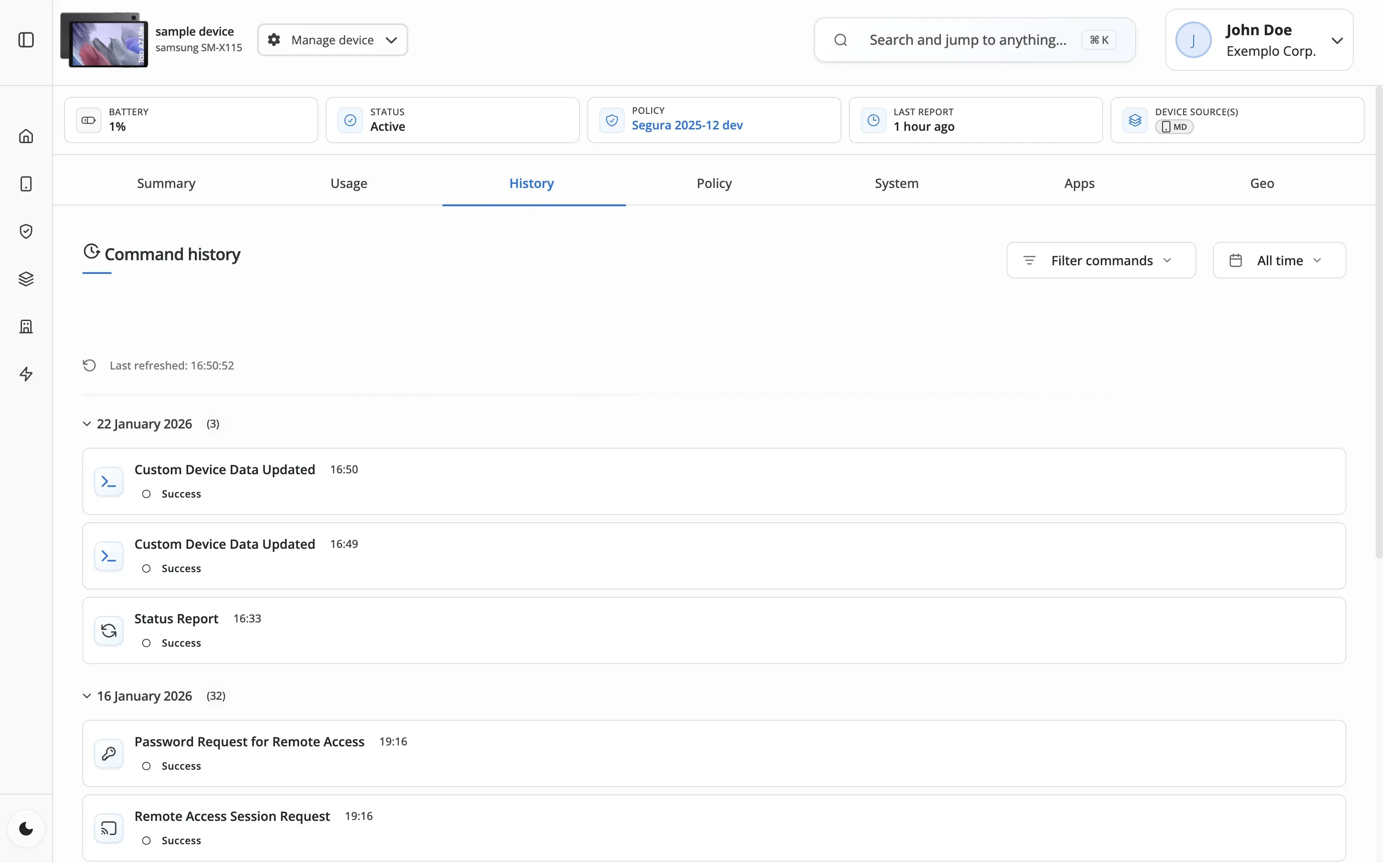
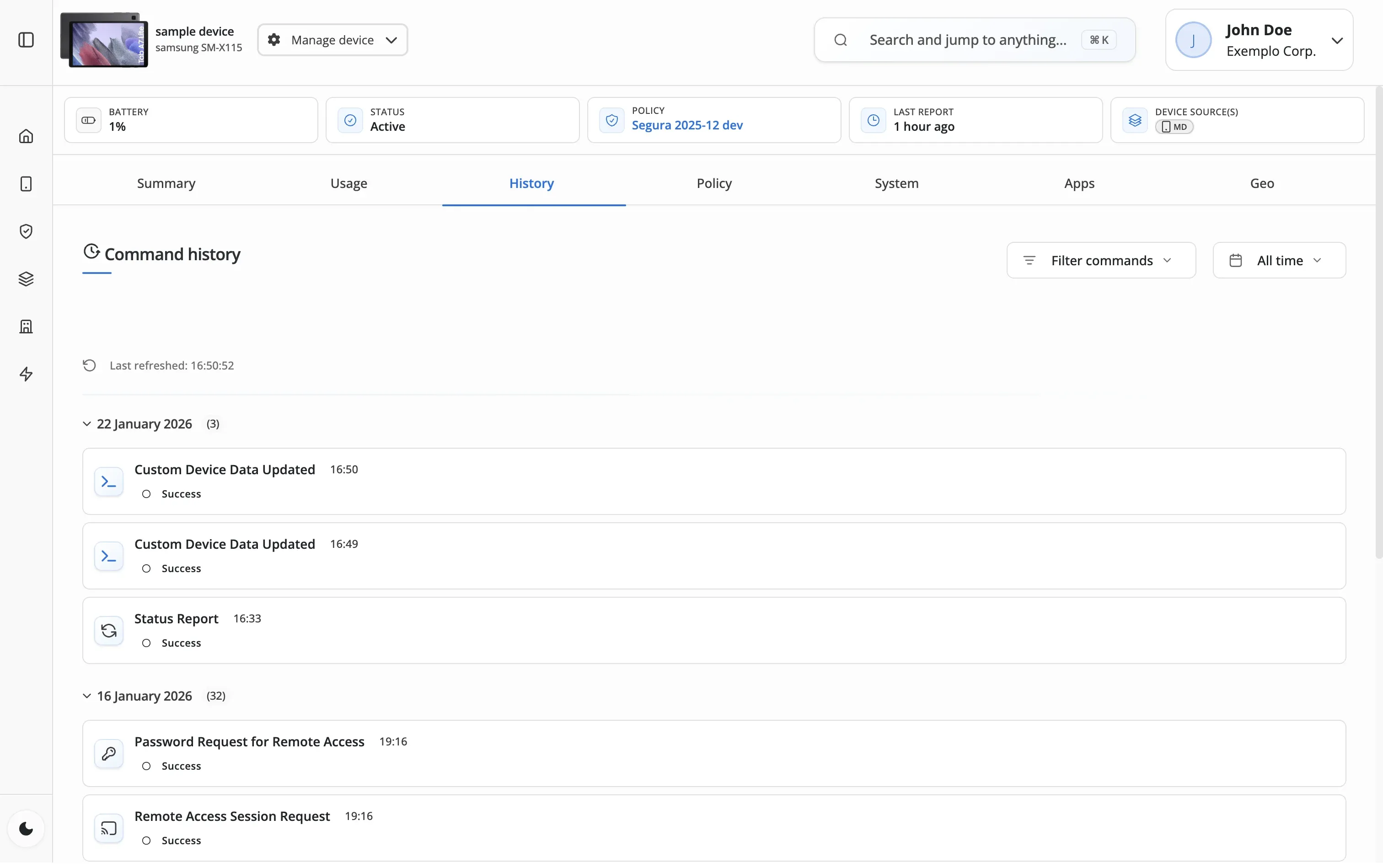
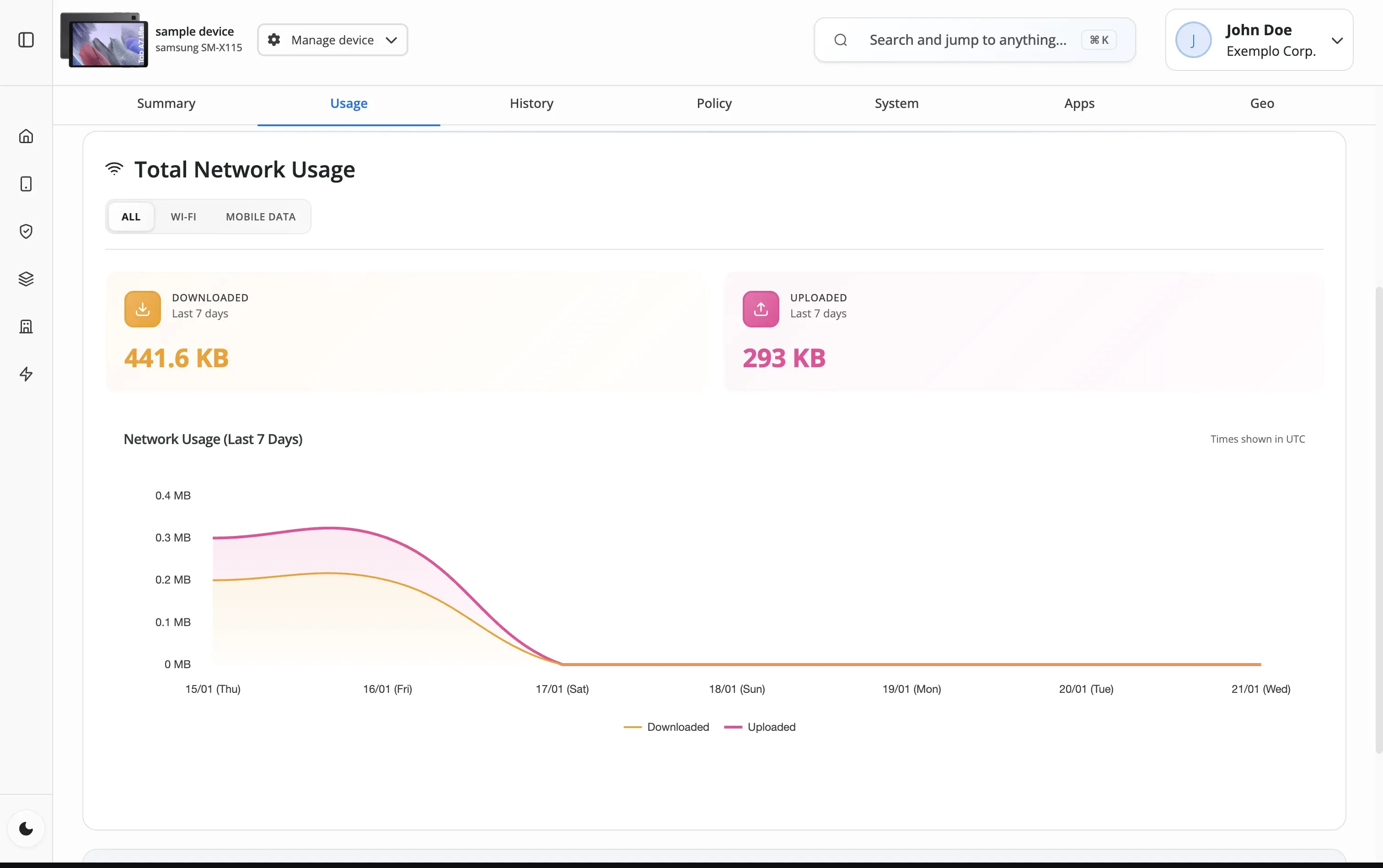
Choose individual devices, policy groups, or use filters to select multiple devices for your command.
Select from available commands: lock, reboot, wipe, reset password, school mode, or custom actions.
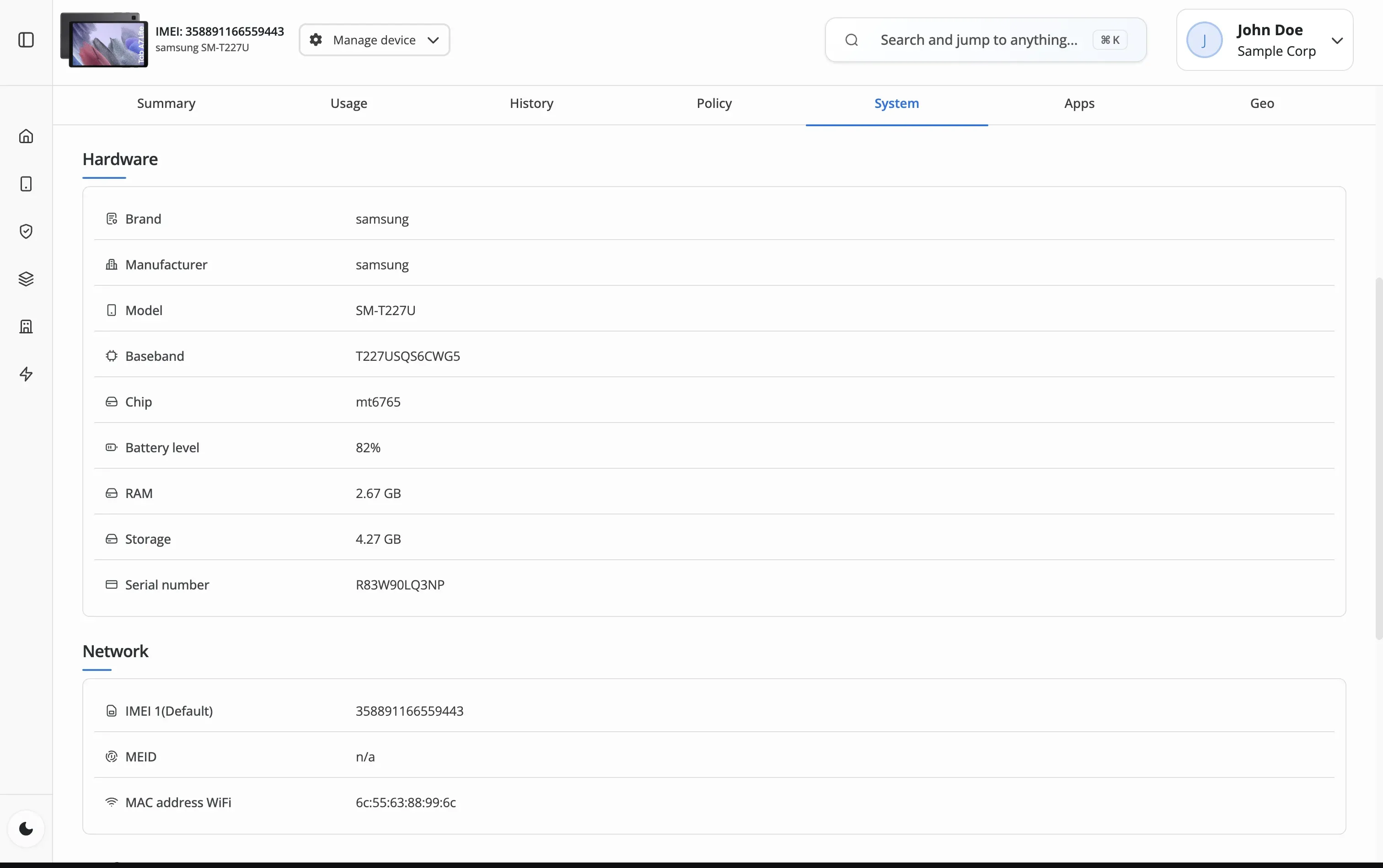
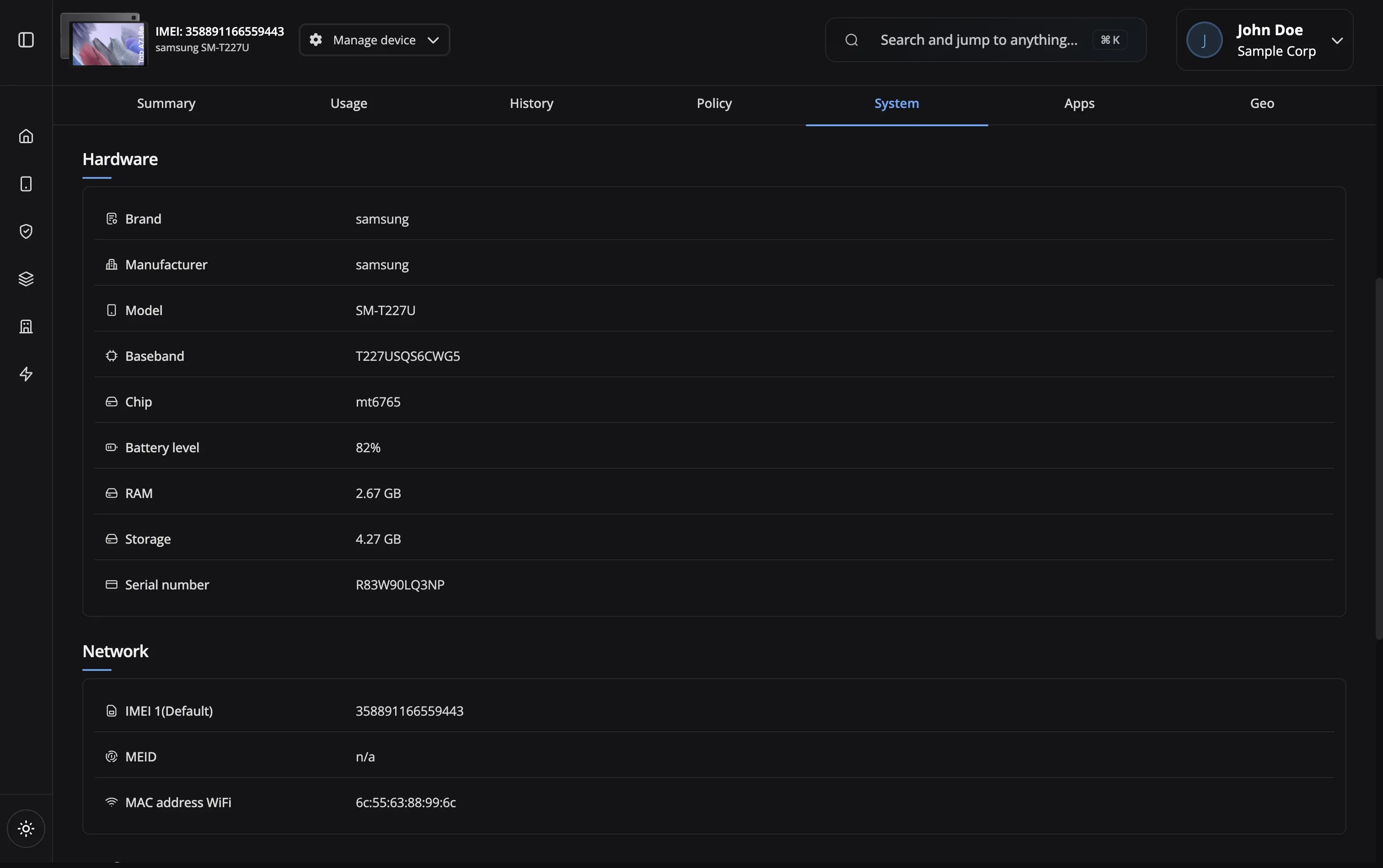
Review the command details and affected devices. For sensitive commands like wipe, confirm with additional authentication.
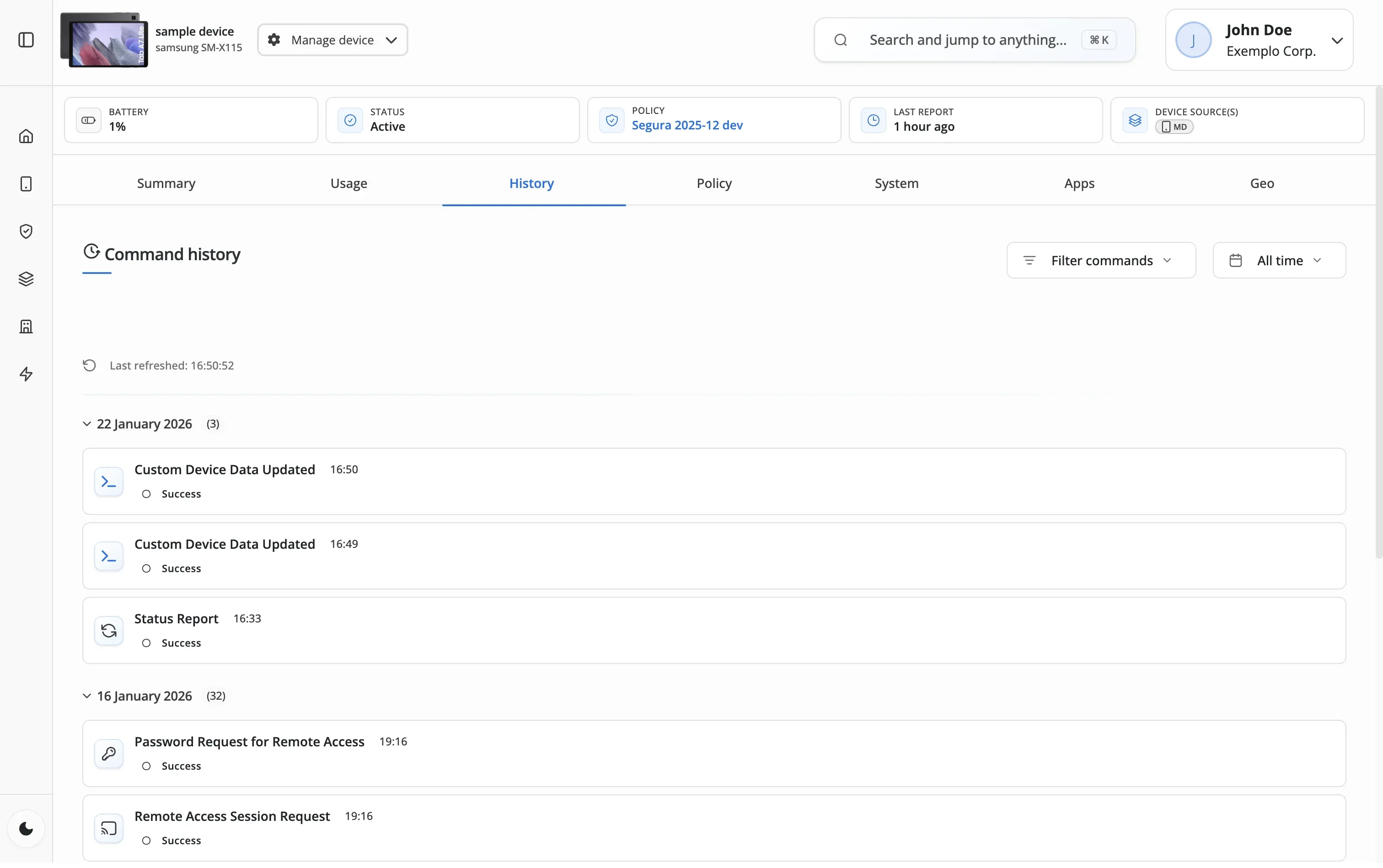
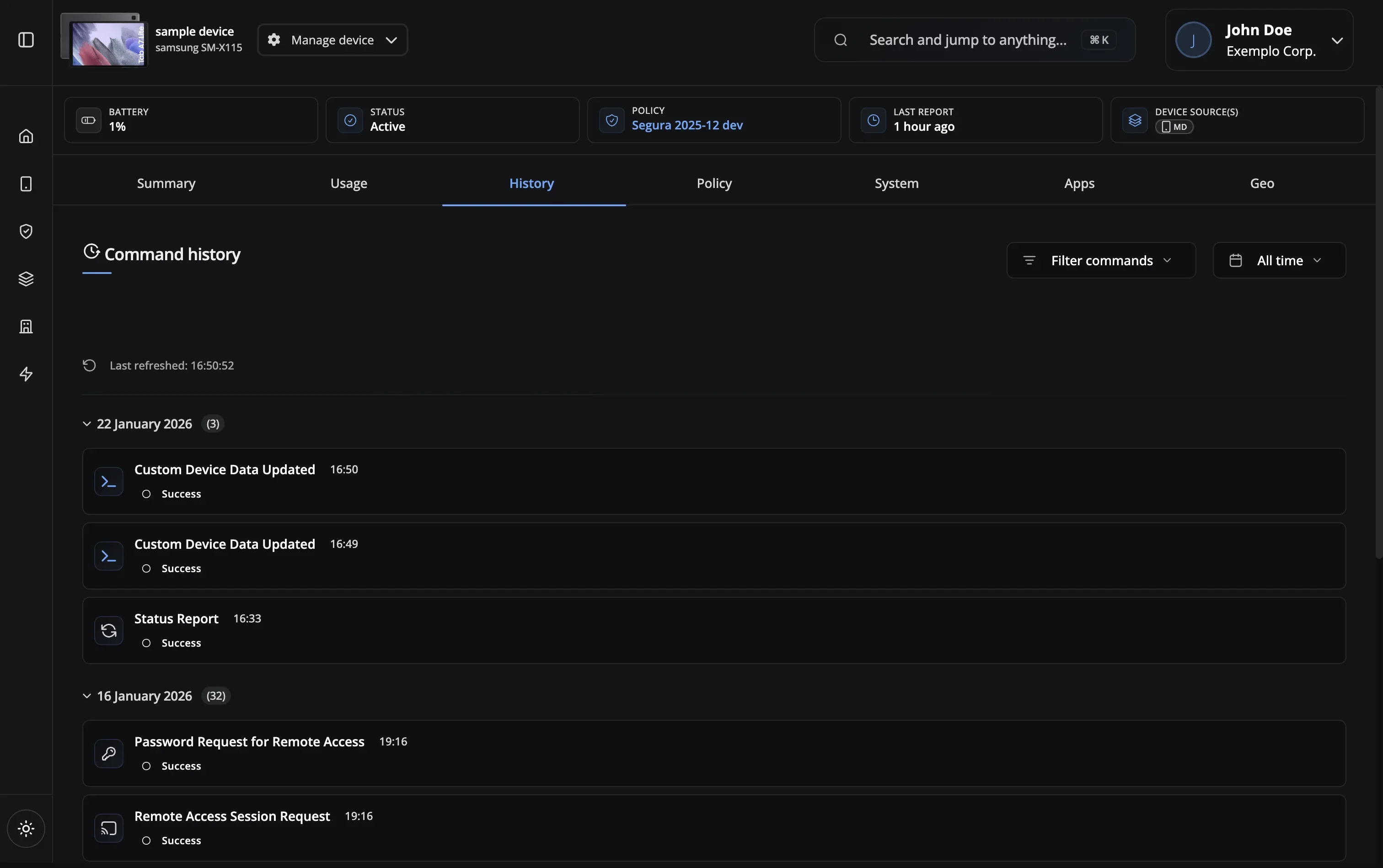
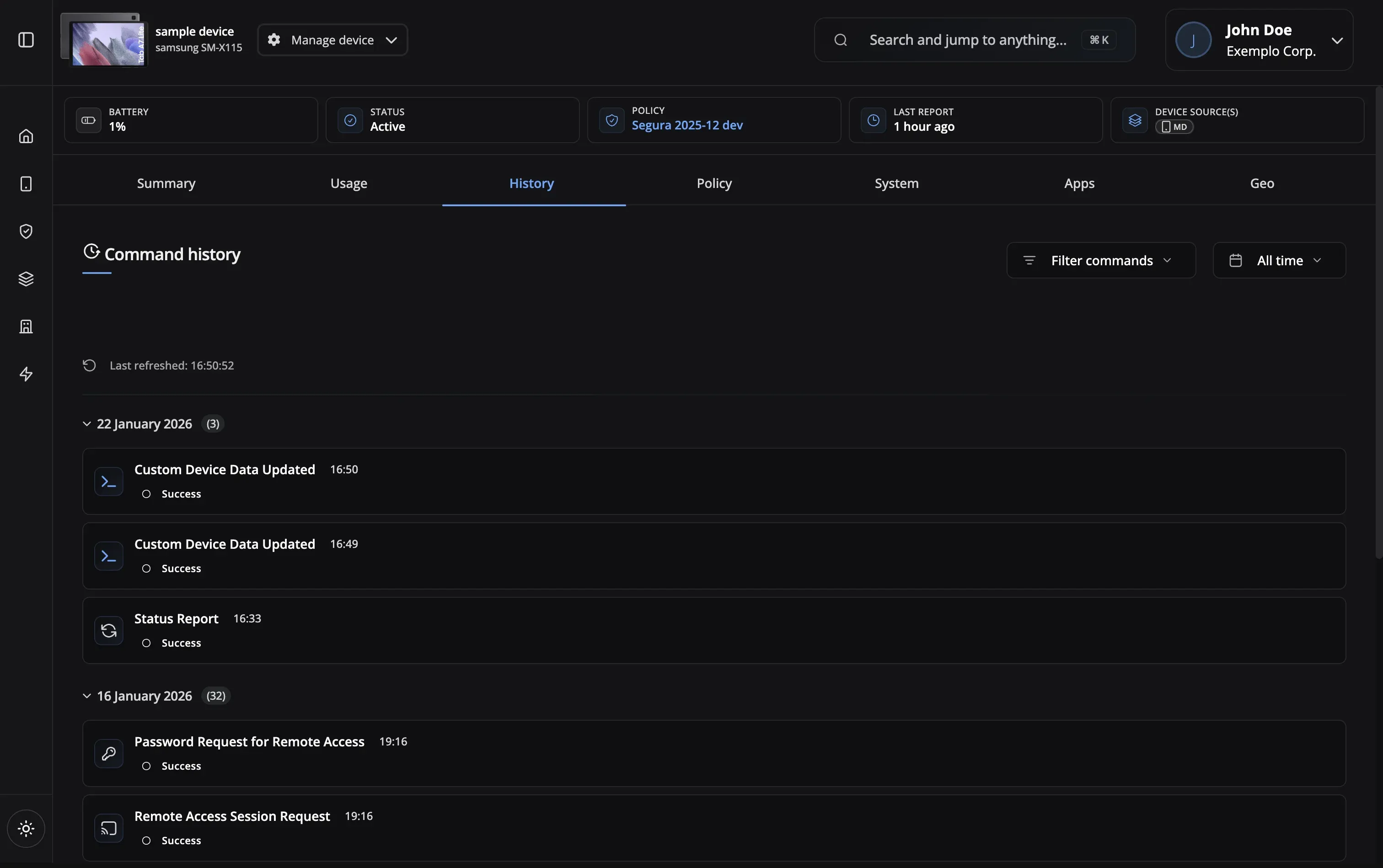
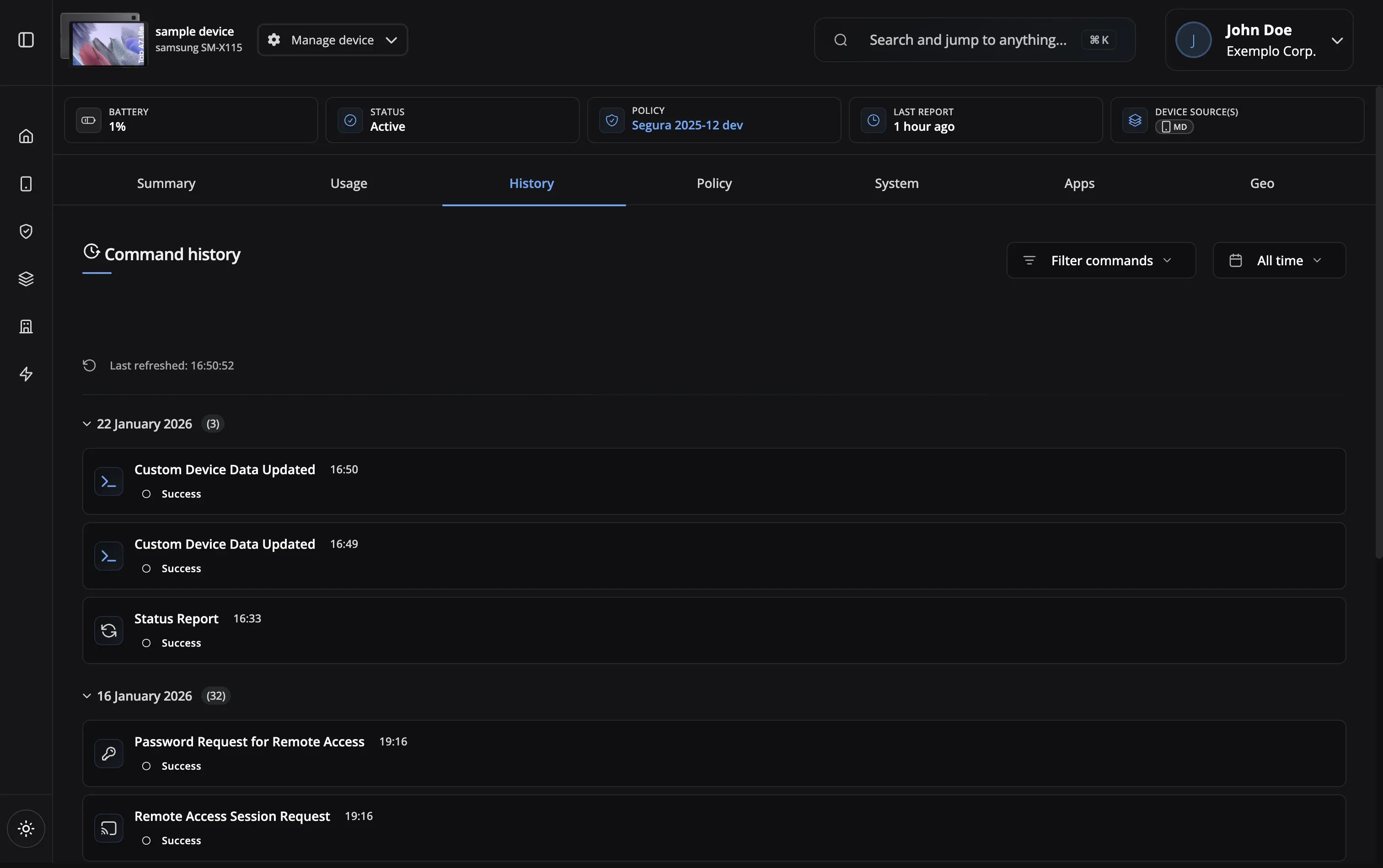
Track command delivery and execution status in real-time. Retry failed commands or view detailed error logs.
Batch reboot for updates
Help locked-out users
Lock and locate lost devices
Securely retire devices
Enable exam mode instantly
Secure, audited, and reliable remote command execution
Delivery Tracking
Real-time status
Scheduled Actions
Time-based commands
Full Audit Log
Compliance ready
Export History
Command reports
Instant Lock
Lock in seconds
Secure Wipe
Full data erasure
Batch Commands
Multi-device actions
Remote Reboot
Restart devices
Delivery Tracking
Scheduled Actions
Full Audit Log
Export History
Instant Lock
Secure Wipe
Batch Commands
Remote Reboot
Yes! Use batch operations to send commands to policy groups, selected devices, or filtered device lists. Track batch progress in real-time.
Some MDM platforms restrict destructive commands like wipe or batch operations to higher-priced plans. Nomid includes the full command suite—lock, reboot, wipe, password reset, batch operations, and scheduling—on every plan. As an Android Enterprise Silver Partner, Nomid leverages the full Android Management API for reliable, instant command delivery.
Every command is logged with timestamp, admin user, target devices, and execution status. Export audit logs for compliance.
Nomid's free plan lets you manage up to 10 devices with the full command suite—no credit card, no expiration. Lock, reboot, wipe, reset passwords, and run batch operations on real devices. It is not a demo; it is the real platform.
Lock, reboot, factory reset, password reset, enable/disable school mode, clear app cache, force app updates, and custom enterprise commands. Commands execute within seconds on online devices and queue automatically for offline devices. Every command is available on every plan—Nomid does not gate core security actions behind premium tiers.
Yes! Destructive commands like factory reset require additional confirmation and can be restricted to specific admin roles.
Commands reach online devices within seconds—lock, wipe, and reboot happen almost instantly. If a device is offline, the command queues and executes the moment it reconnects. No polling delays, no waiting for a sync window.
Yes! Schedule commands for specific times, maintenance windows, or recurring intervals like nightly reboots.
Our support team is here to help you get the most out of Nomid MDM.
Contact SupportFull command suite on every plan. Free plan — up to 10 devices, no credit card required.