1
Build Your Content Library
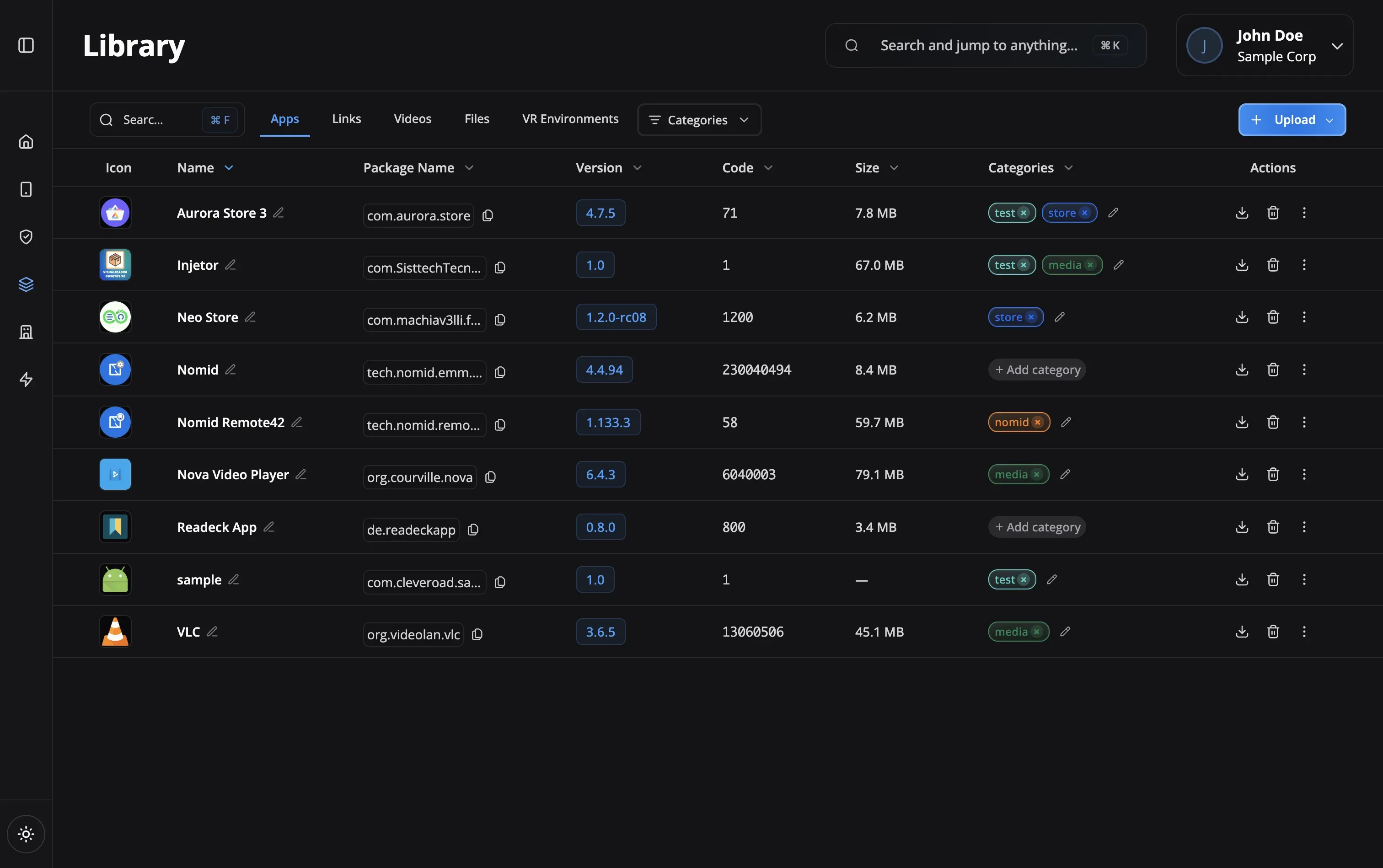
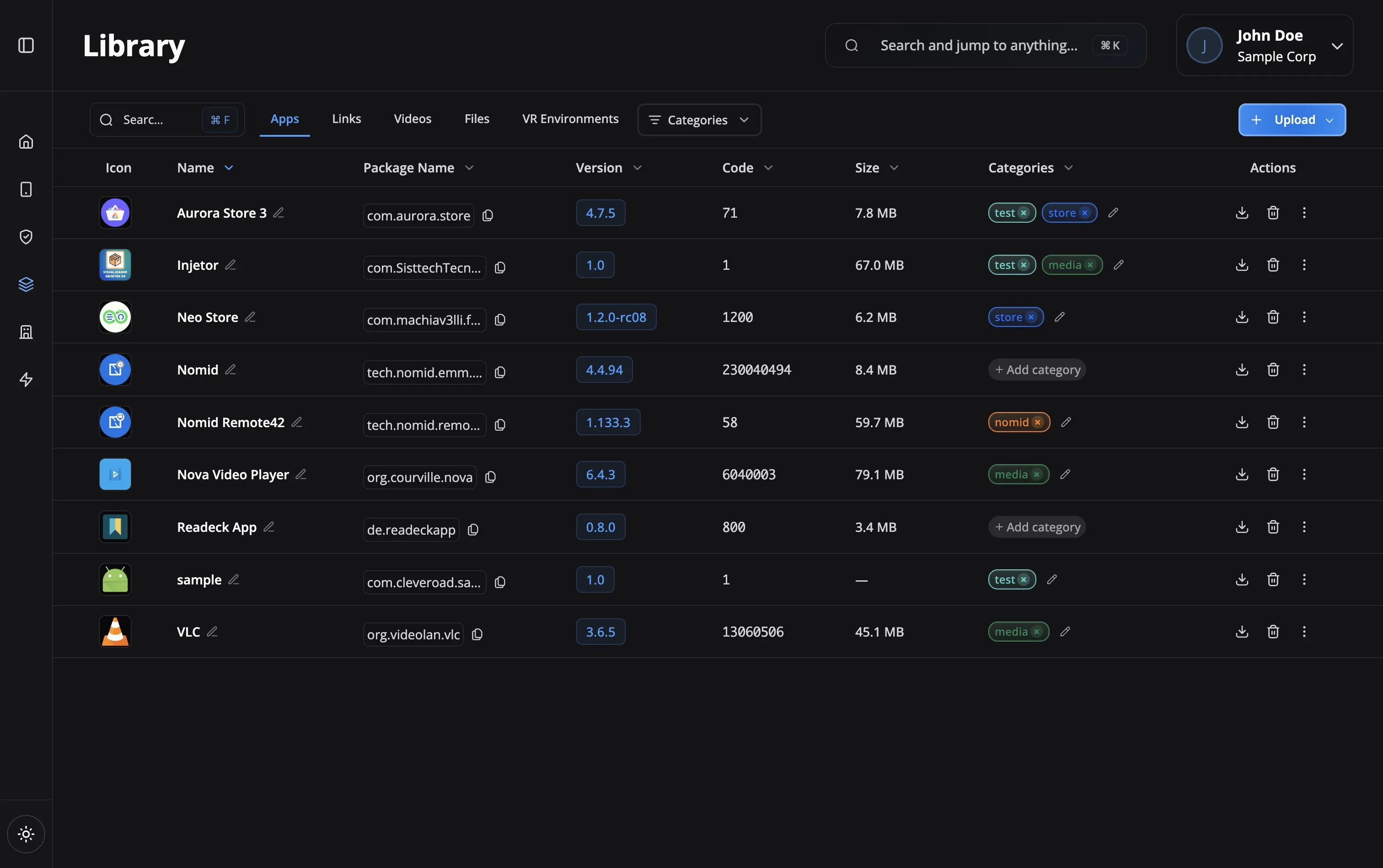
Add apps from Play Store, upload private APKs, create web links, upload videos and files, or add VR environments. Organize by category or purpose.
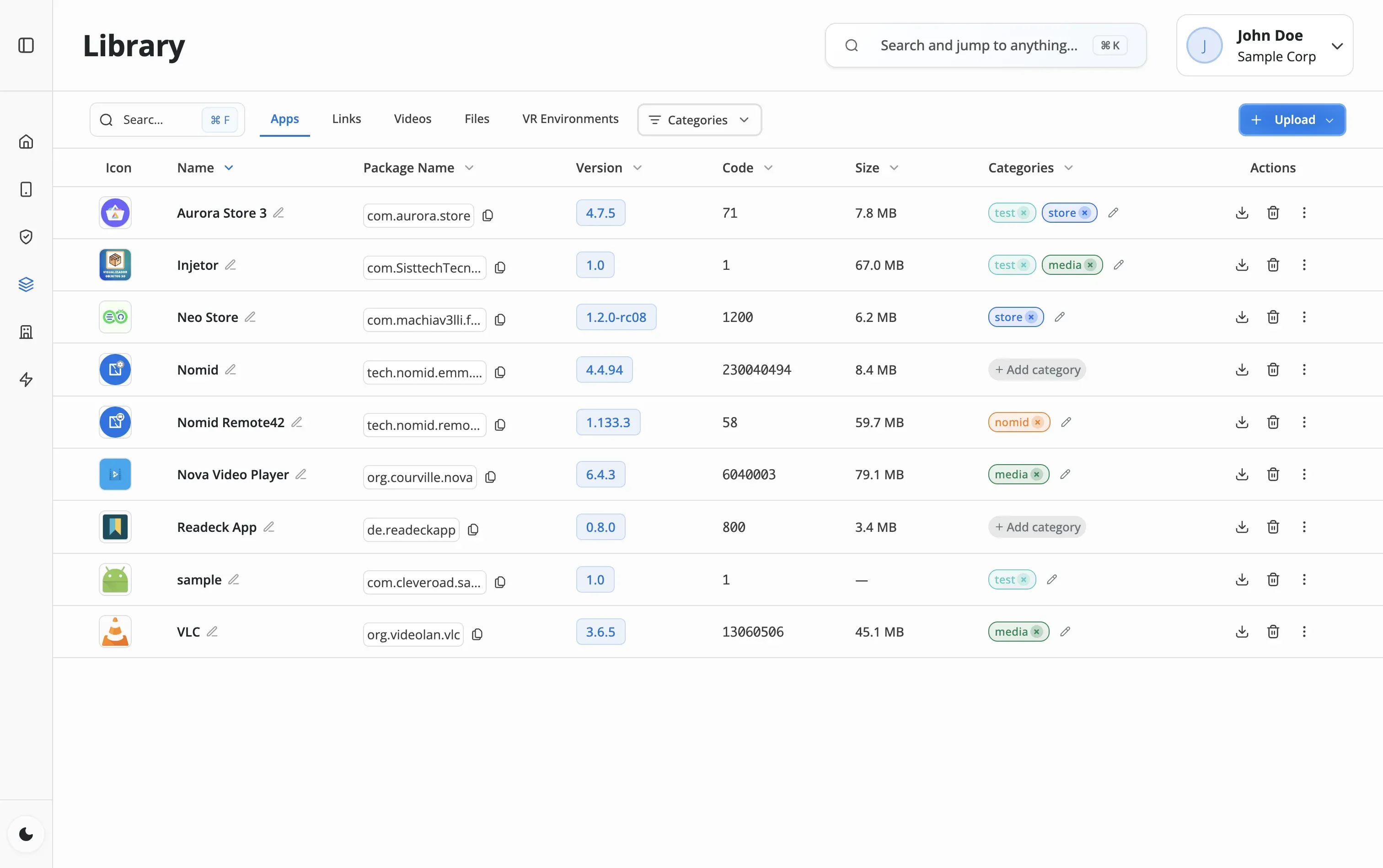
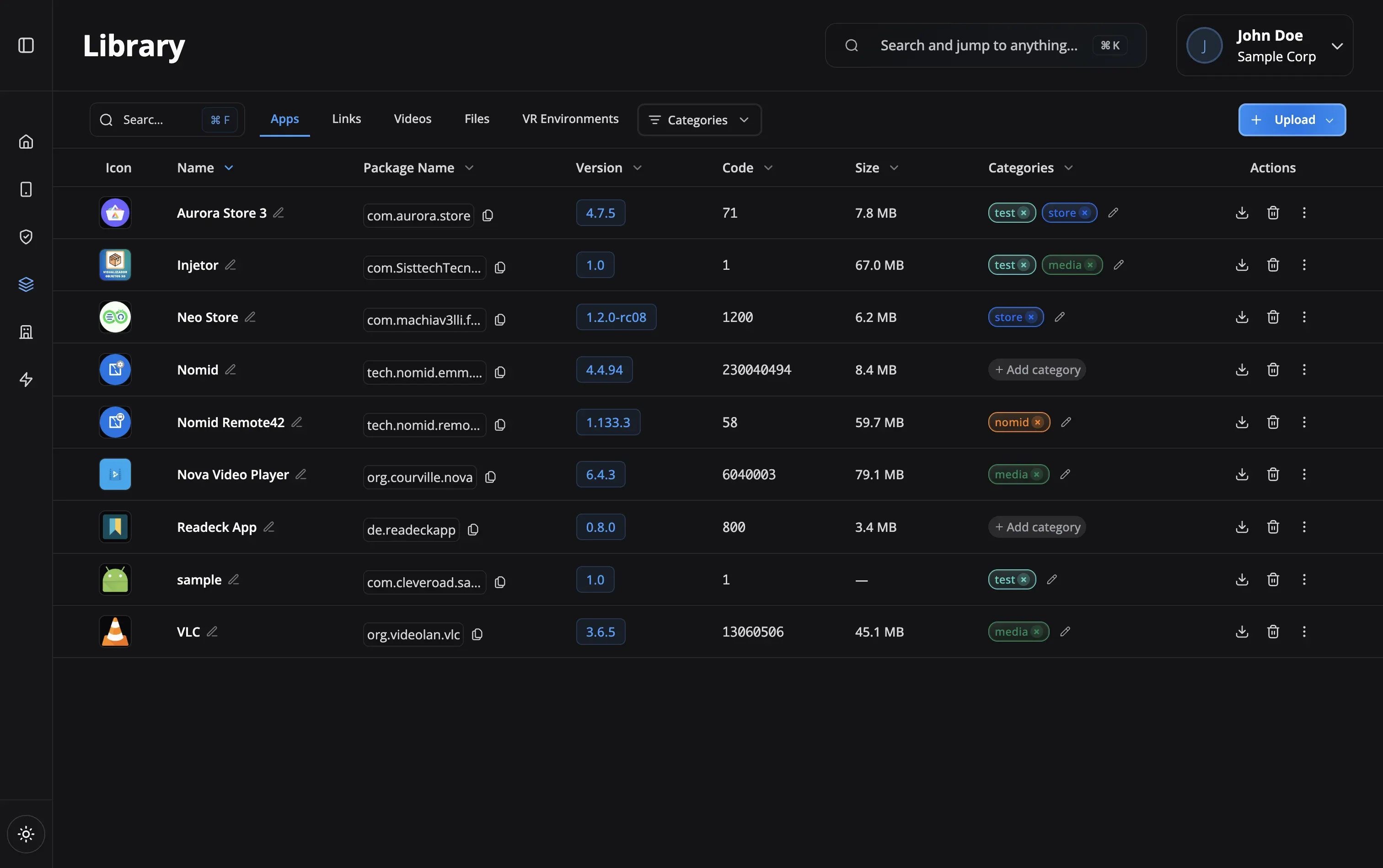

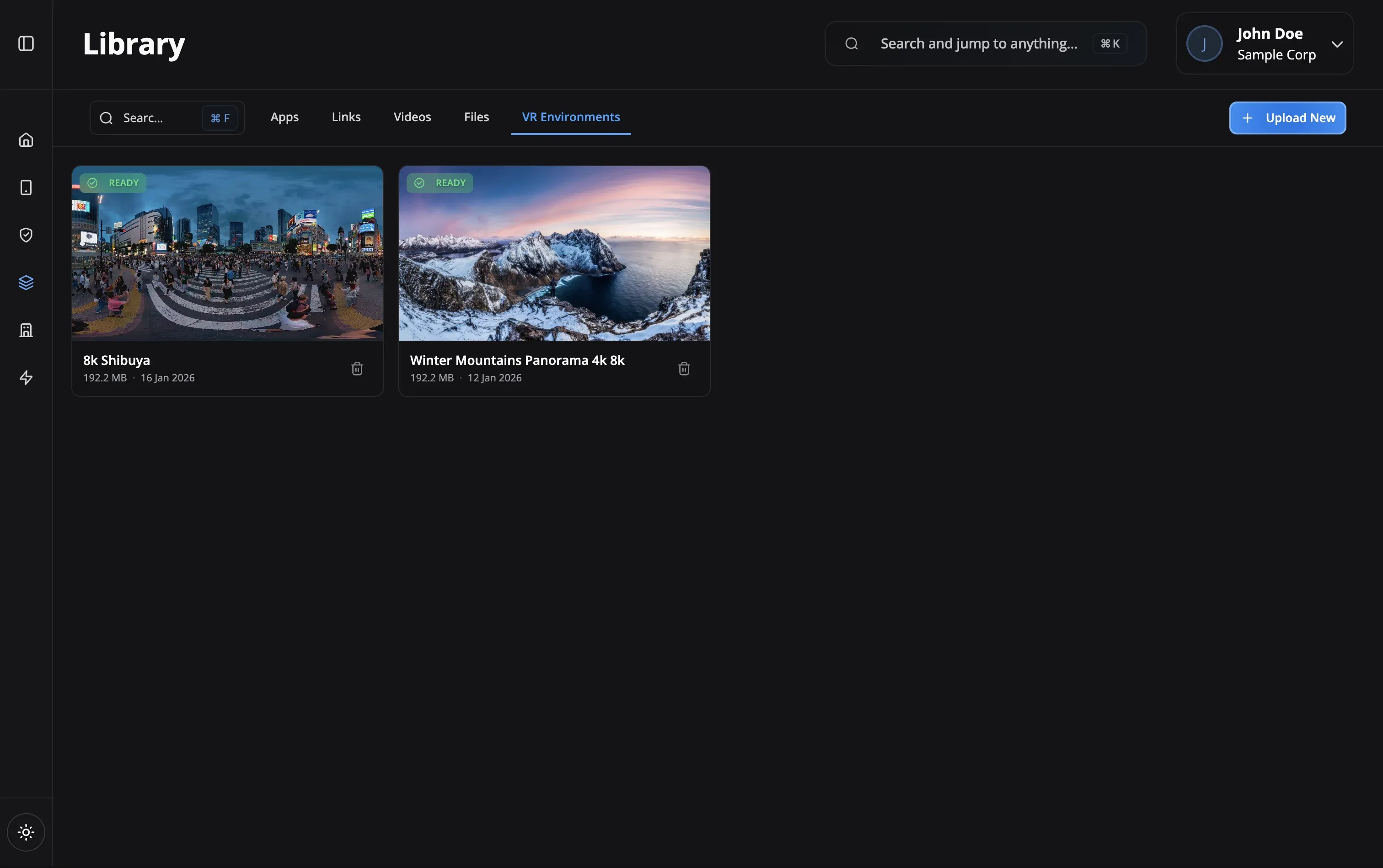
Build a central library of Play Store apps, private APKs, web links, training videos, documents, and VR environments. Assign them to policies and they deploy silently.
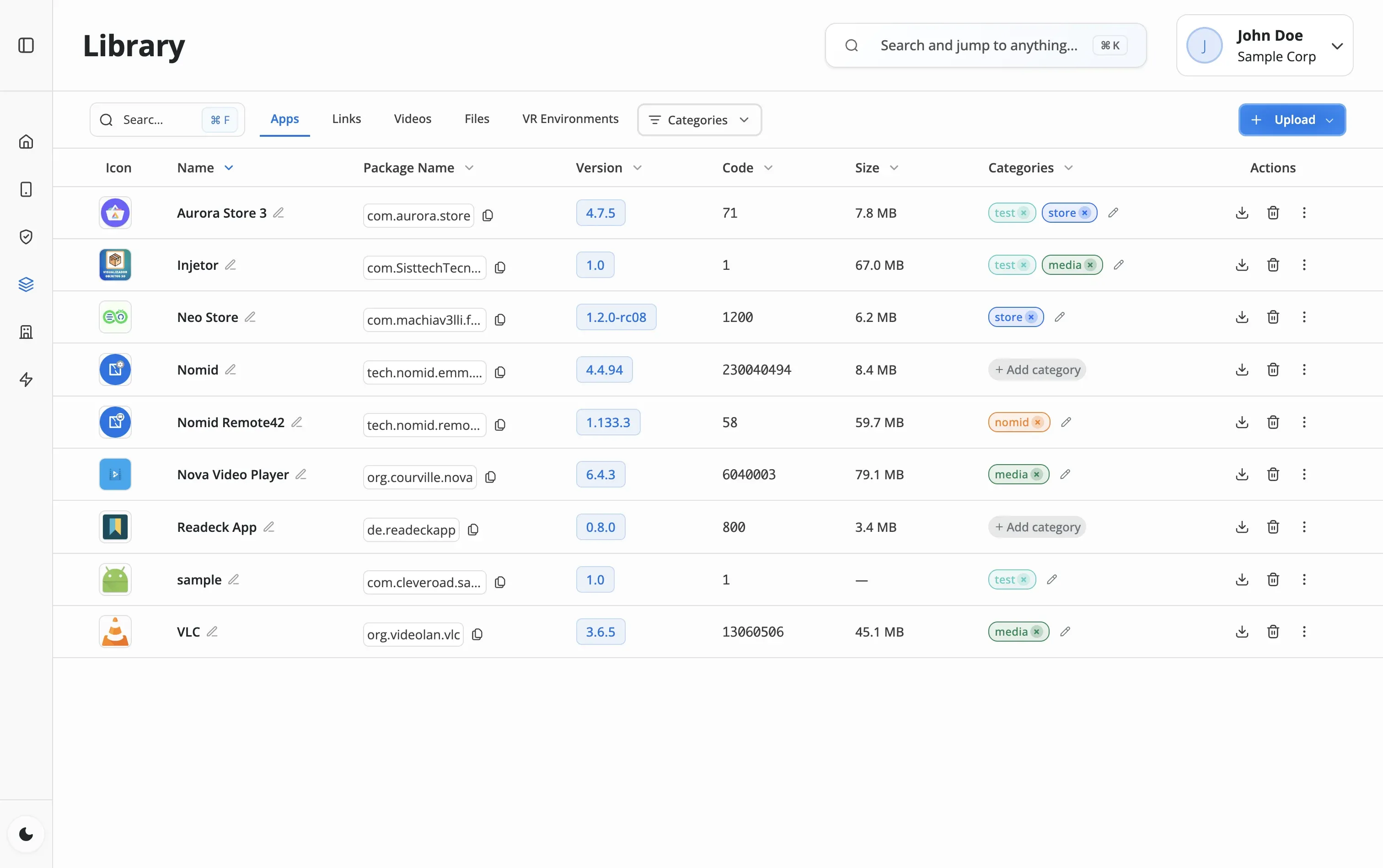
The Content Library is where you organize everything that goes on a device. Add apps from Google Play, upload your own APKs for internal tools, create web shortcuts, store training videos and PDFs, or upload 360-degree VR environments. Assign content to a policy and it deploys in the background — no user taps, no app-store searches, no support tickets.
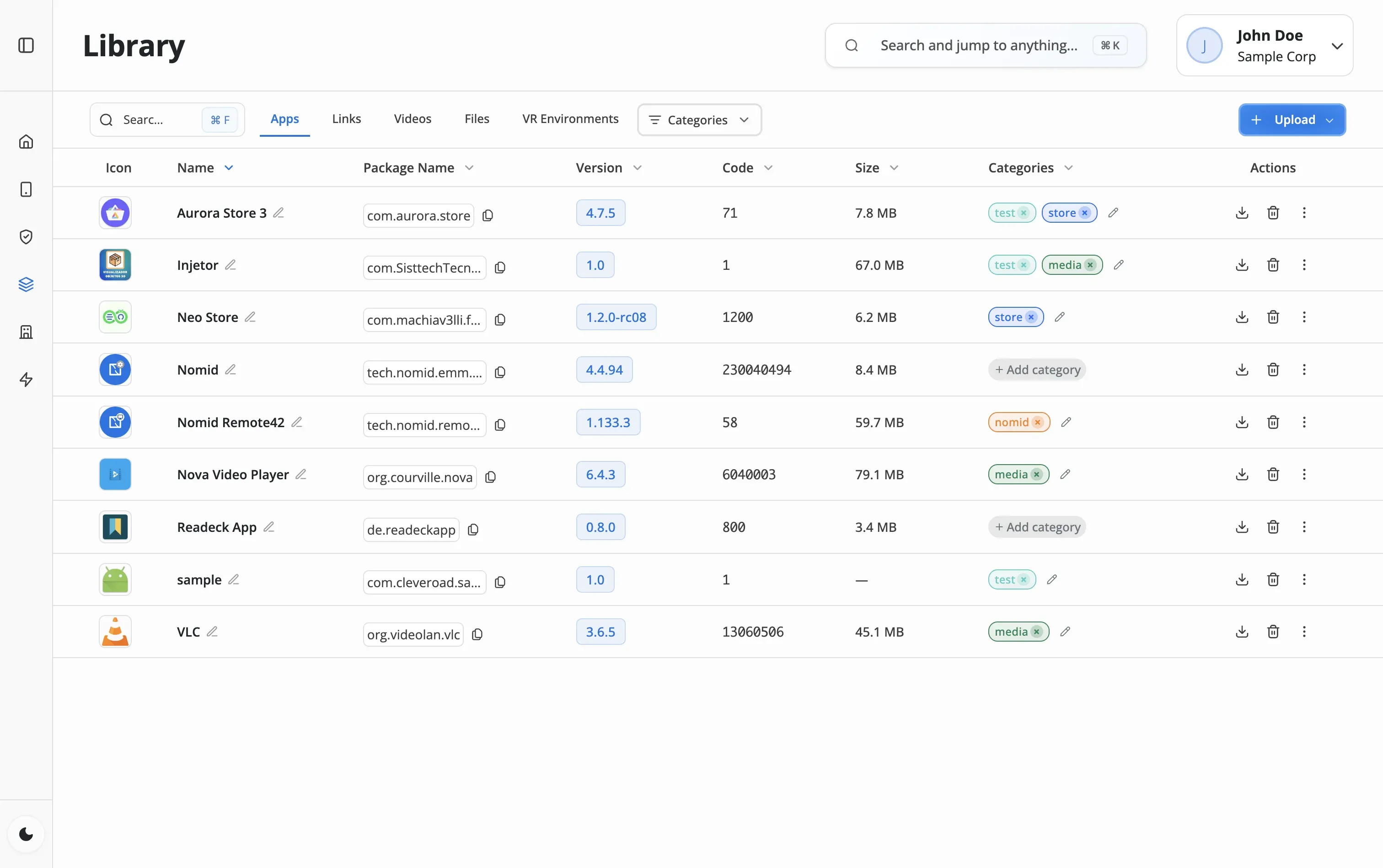
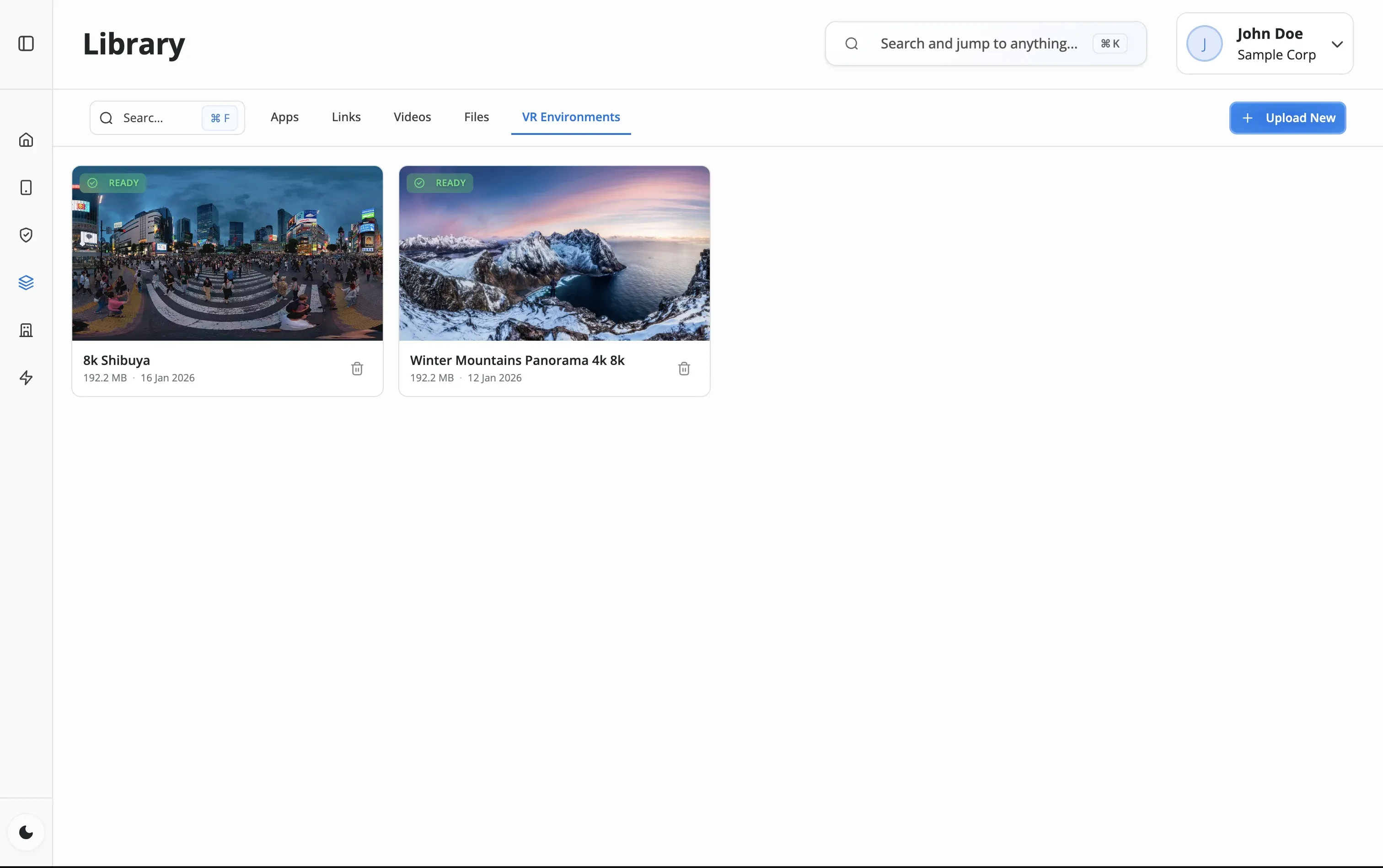
Add apps from Play Store, upload private APKs, create web links, upload videos and files, or add VR environments. Organize by category or purpose.
Add content items to device policies. Set content as required (auto-deploy) or optional (available in launcher catalog).
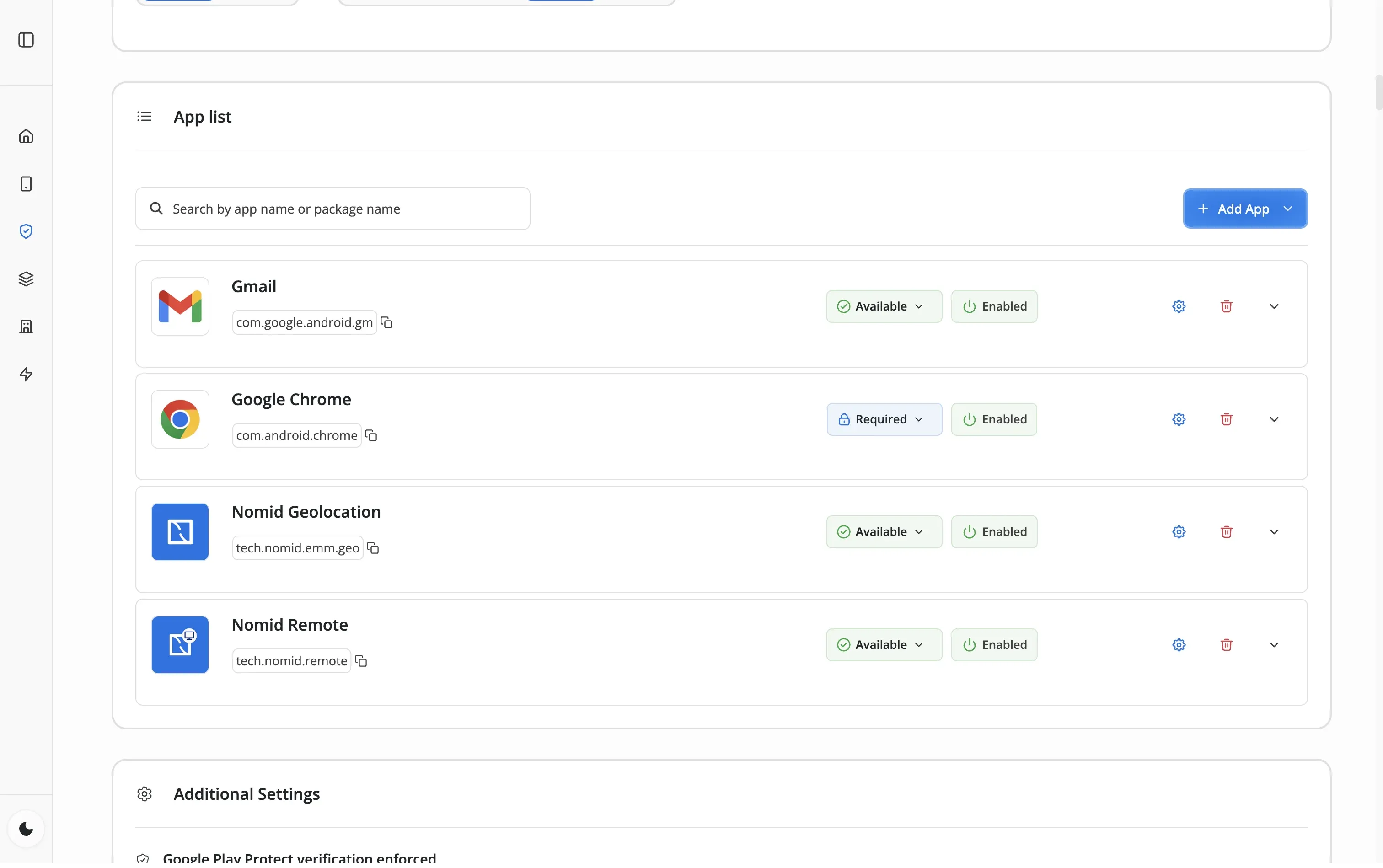
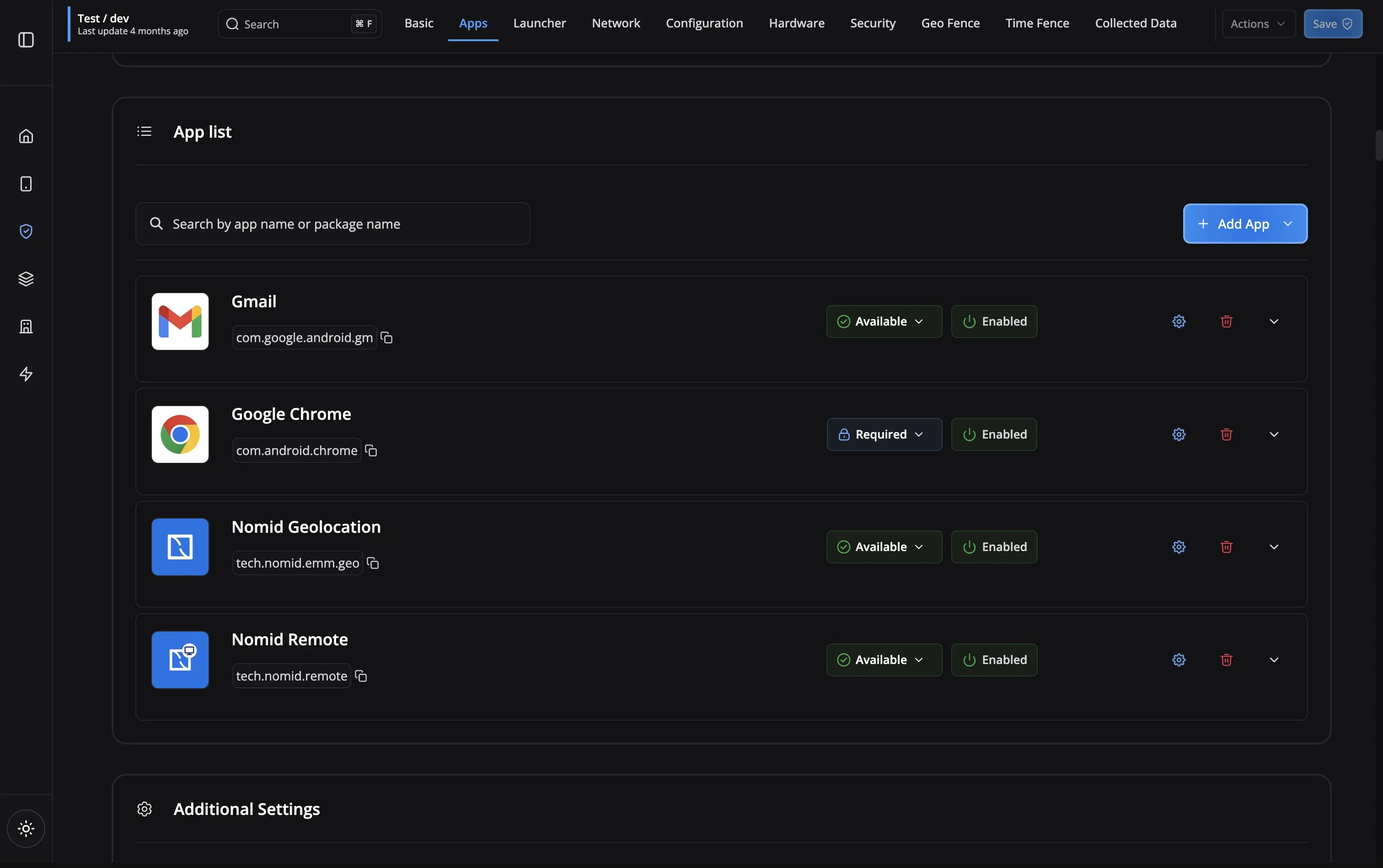
Content deploys silently in the background. Apps install, links appear on home screens, files sync to storage—all without user interaction.
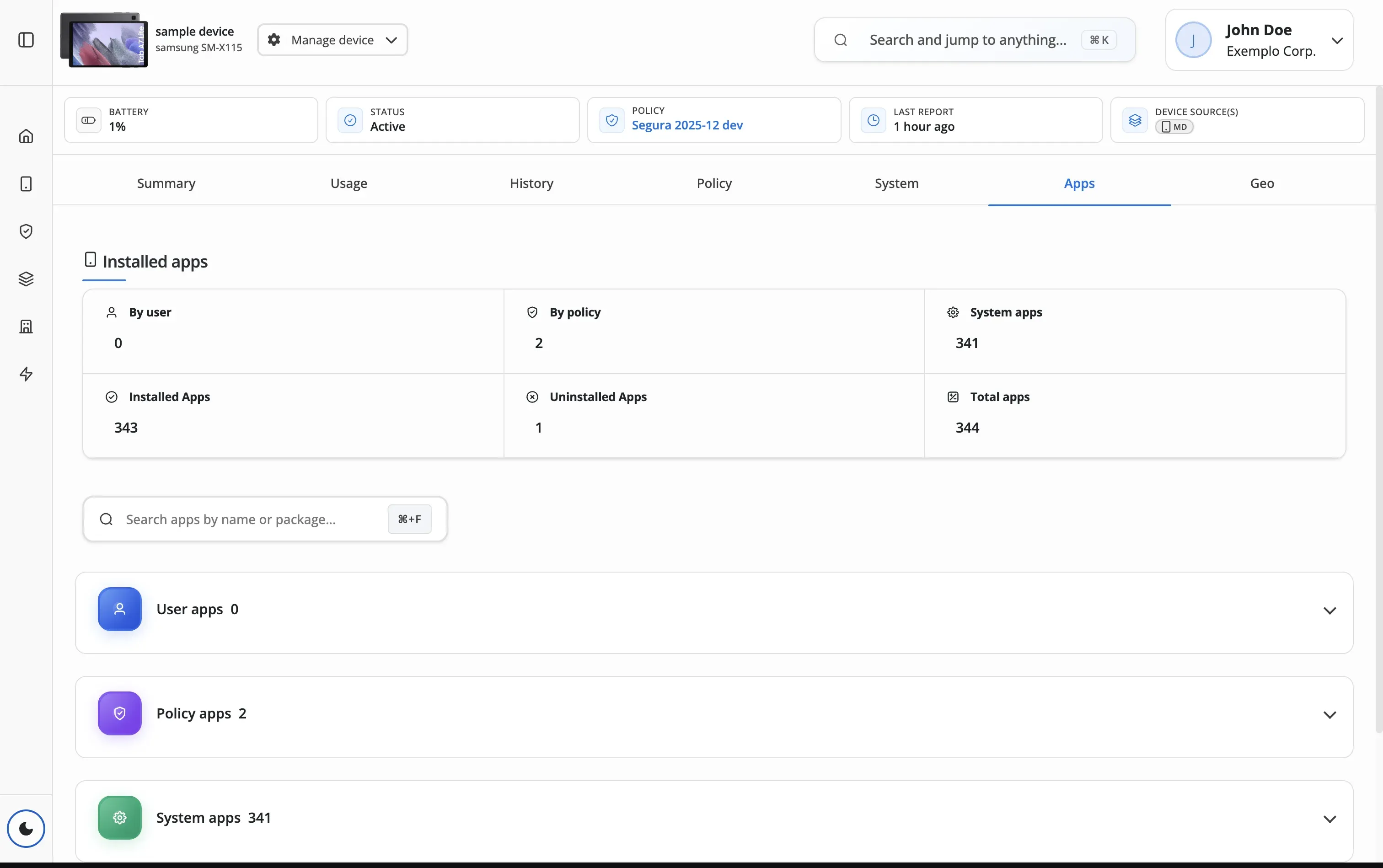
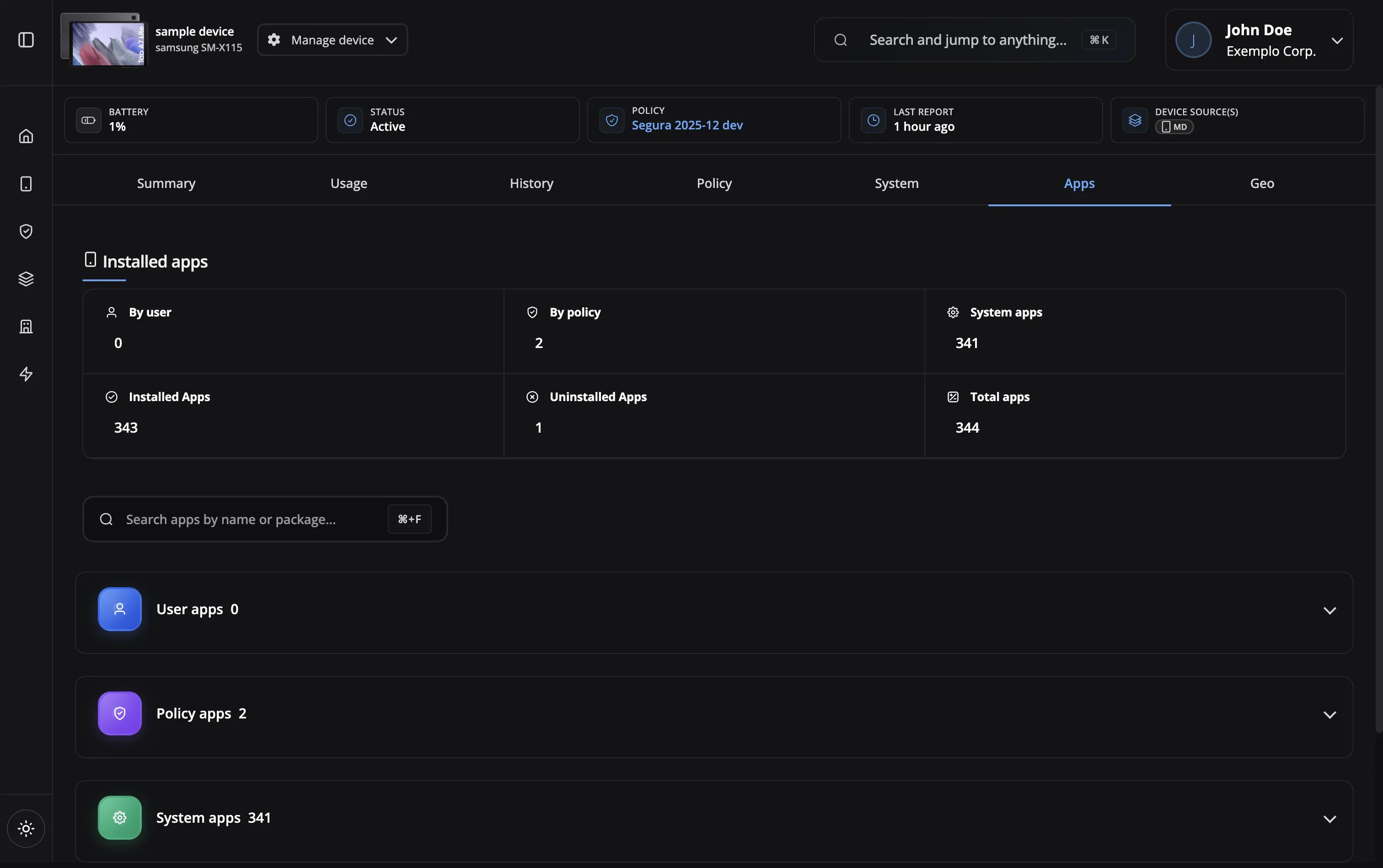
Track deployment status across your fleet. Push content updates automatically or control when new versions are released.
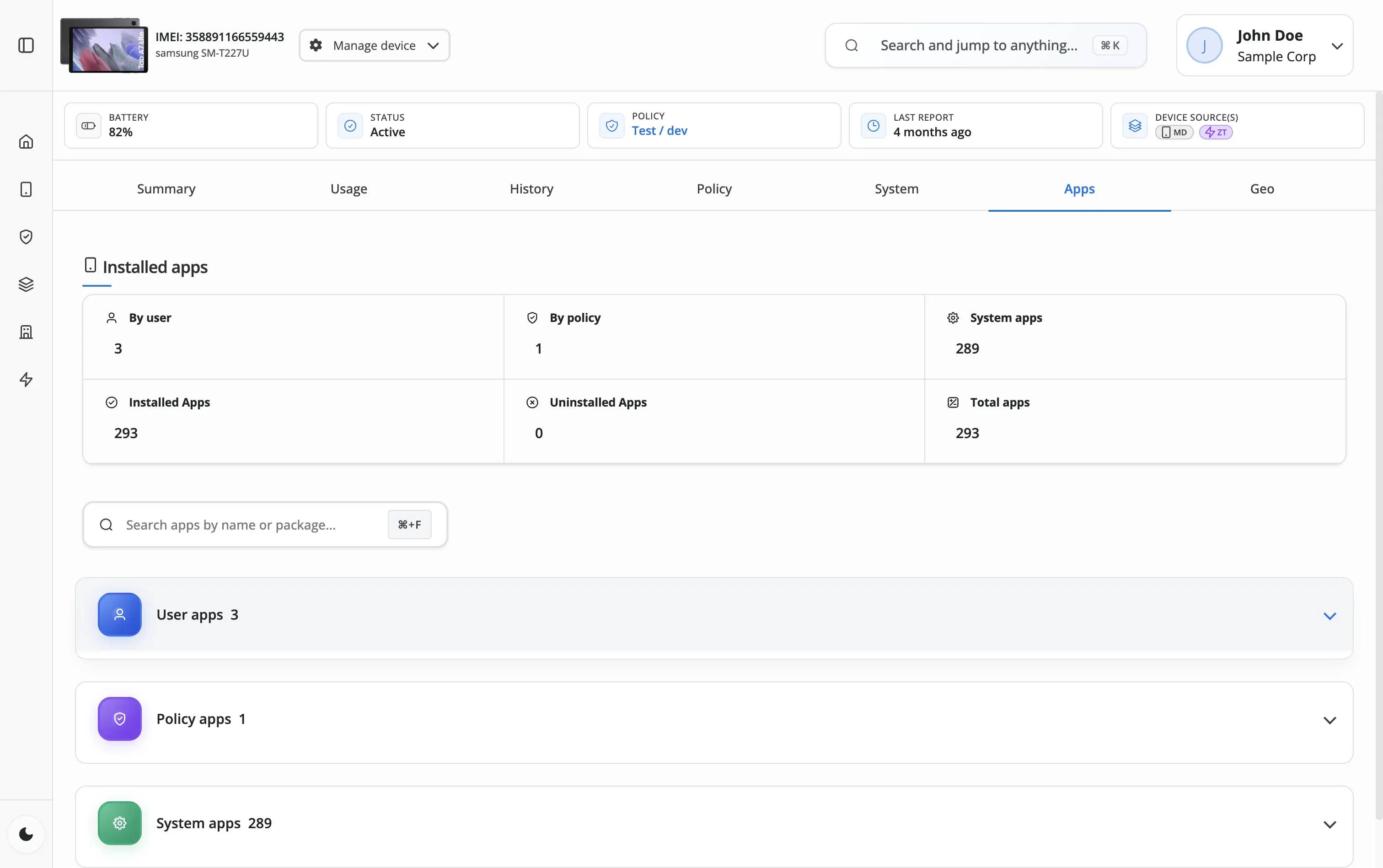
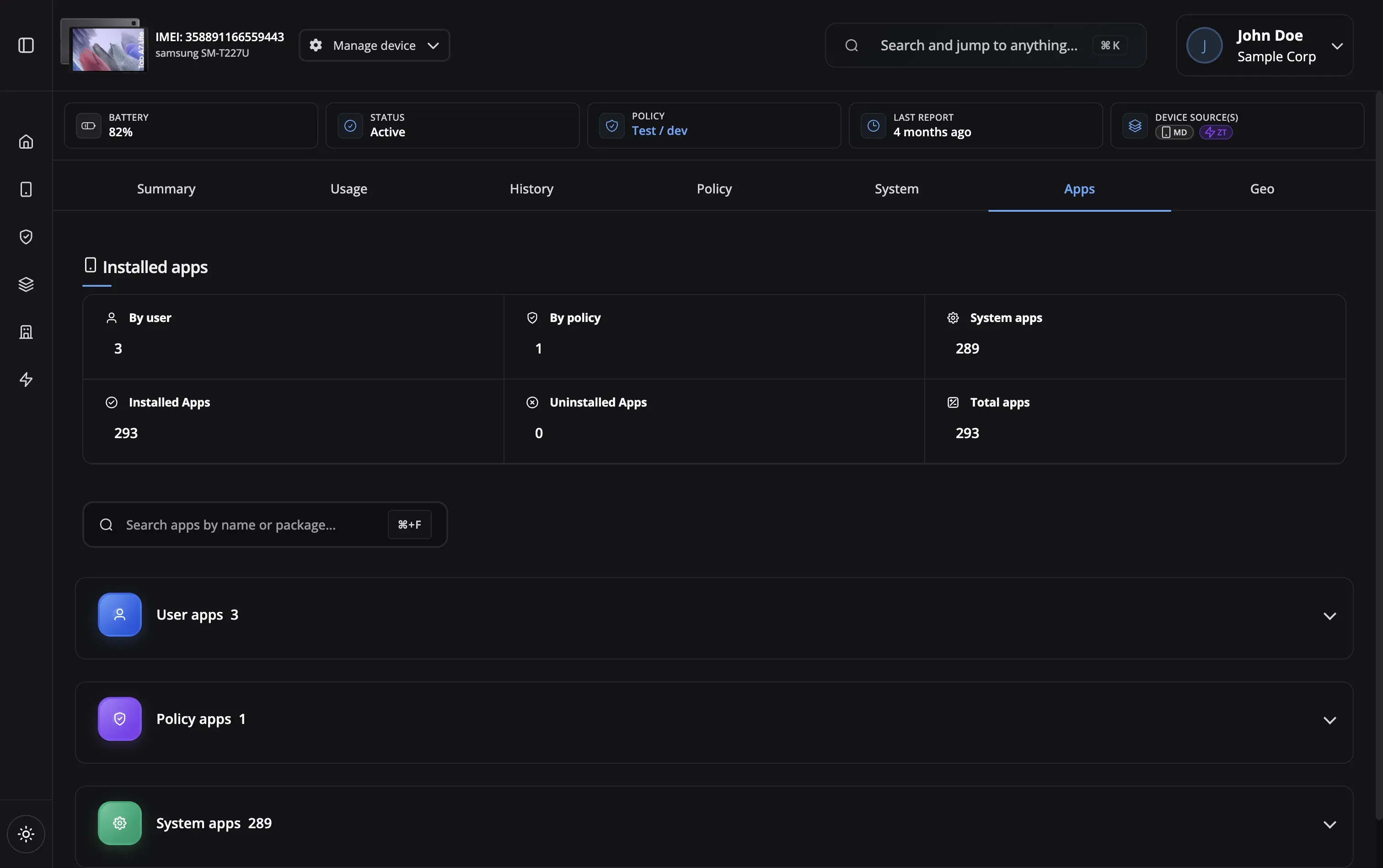
Distribute learning apps, videos, and resources
Secure distribution of apps and medical resources
Host proprietary apps and company resources
Deploy route apps and driver resources
Manage POS apps and store resources
Deploy sales apps, catalogs, and training videos
Deploy, update, and control all content types at scale
Content Control
Access management
Auto Updates
Always current
Bulk Deployment
Scale to thousands
Compliance Tracking
Audit-ready logs
Private Hosting
Secure content storage
Content Catalog
User self-service
Silent Deployment
Zero-touch distribution
Version Control
Rollback anytime
Content Control
Auto Updates
Bulk Deployment
Compliance Tracking
Private Hosting
Content Catalog
Silent Deployment
Version Control
Yes! The launcher includes a content catalog where users can browse and install optional apps, links, and files. You control what appears in the catalog through policies.
Content is assigned through policies. Set content as 'required' (auto-deployed) or 'optional' (available in launcher catalog). Users only see content assigned to their policy.
Because content deployment should be part of device management, not a separate product. Nomid ties content directly to policies: assign an app or file to a policy, and every device on that policy gets it automatically. No third-party distribution tool, no manual syncing, no extra license. One platform handles policies, apps, files, videos, and VR environments together.
Apps, links, and small files deploy in under a minute. Larger files like videos and VR environments depend on network speed but typically complete within 5 minutes. Everything installs silently in the background—no user interaction, no pop-ups, no disruption.
The full Content Library is included on Nomid's free plan for up to 10 devices—permanently, with no credit card required. Deploy Play Store apps, private APKs, web links, videos, files, and VR environments at no cost. Upgrade only when your fleet grows.
Yes! Upload your proprietary APK files to Nomid's secure hosting. We'll handle distribution, version control, and automatic updates. Perfect for internal tools that aren't on the Google Play Store.
For private hosted content (apps, files, videos), you can rollback to any previously uploaded version with one click. For Play Store apps, you can control when updates are deployed.
Apps from the Google Play Store, private APK files, web link shortcuts, videos, documents (PDFs, guides), and 360-degree VR environments. Nomid is the only MDM that treats VR content as a first-class content type—deploy immersive environments to PICO headsets alongside your standard Android fleet.
Our support team is here to help you get the most out of Nomid MDM.
Contact SupportContent Library included on every plan. Free plan — up to 10 devices, no credit card required.