
Healthcare Device Management
Secure mobile and VR devices for clinical workflows and patient experiences. Compliant MDM for hospitals and clinics.
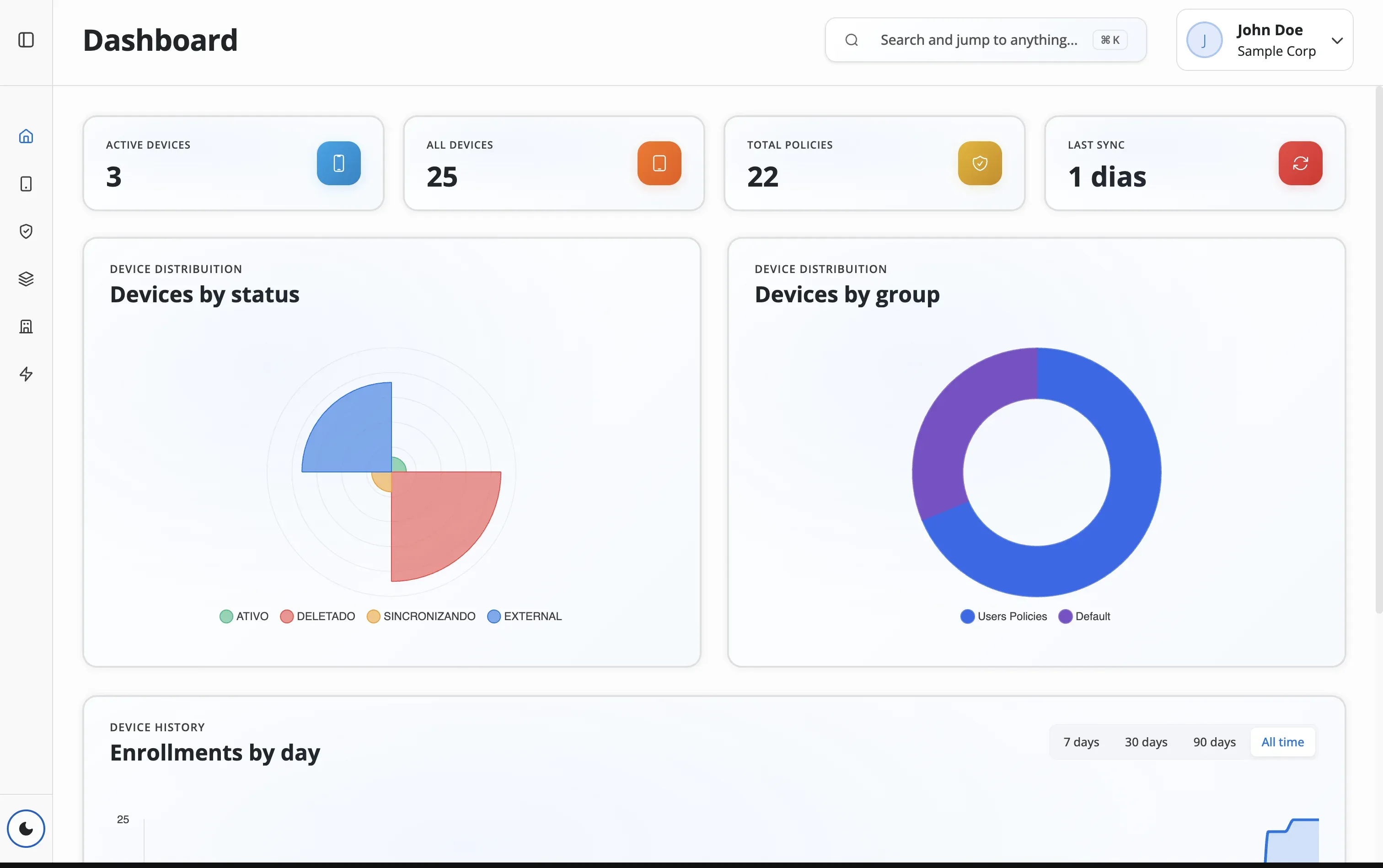
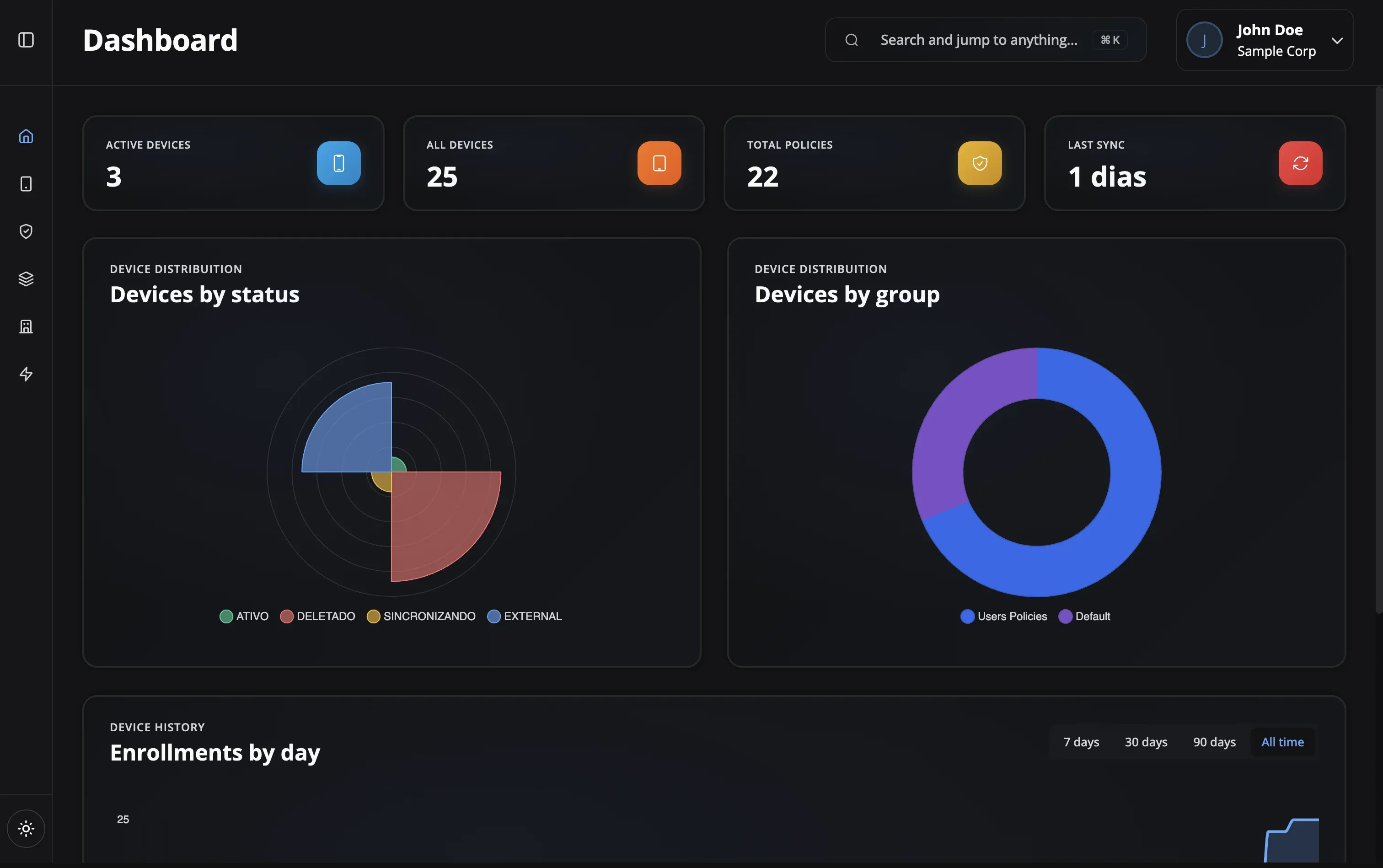
Healthcare Device Management Features
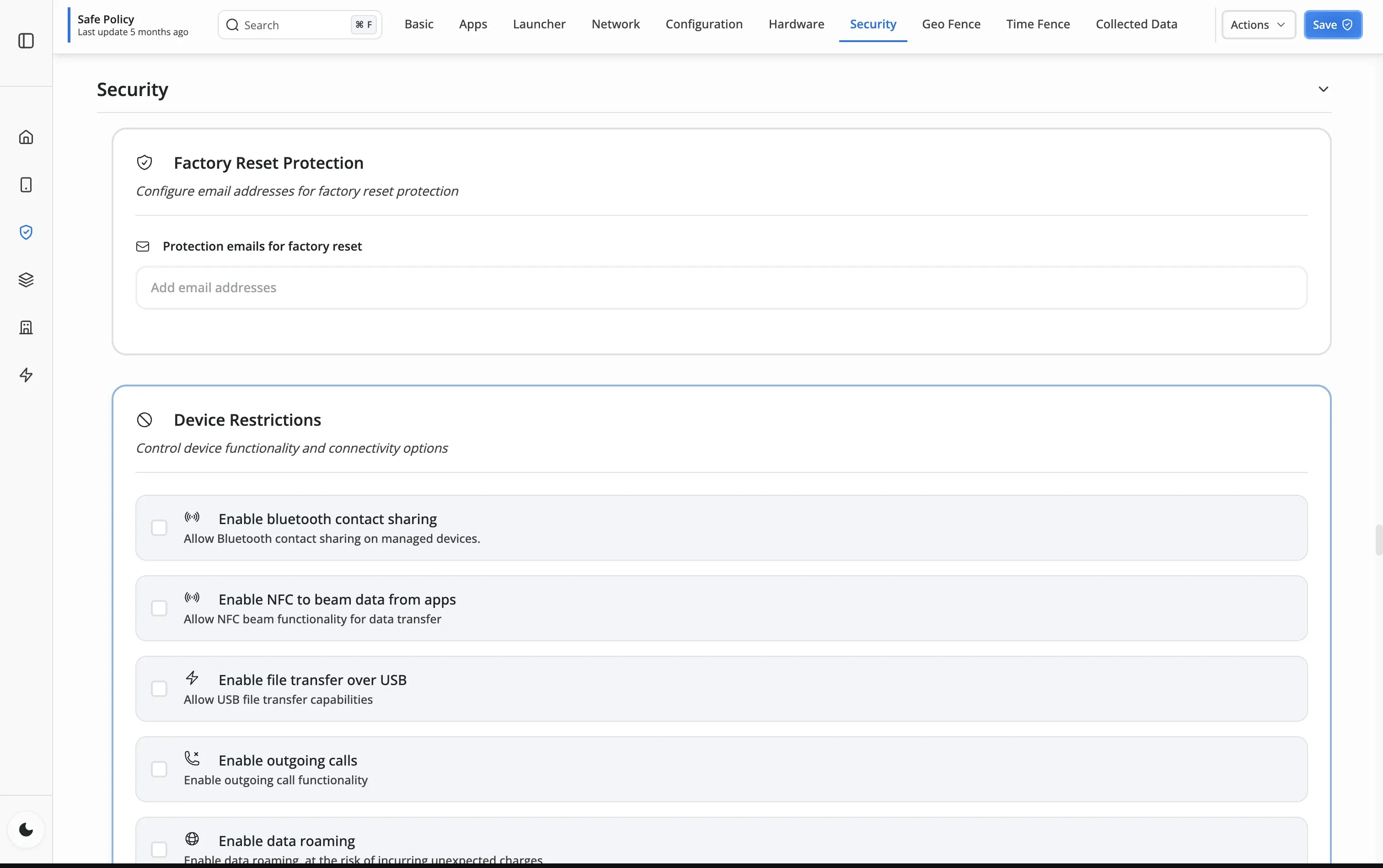
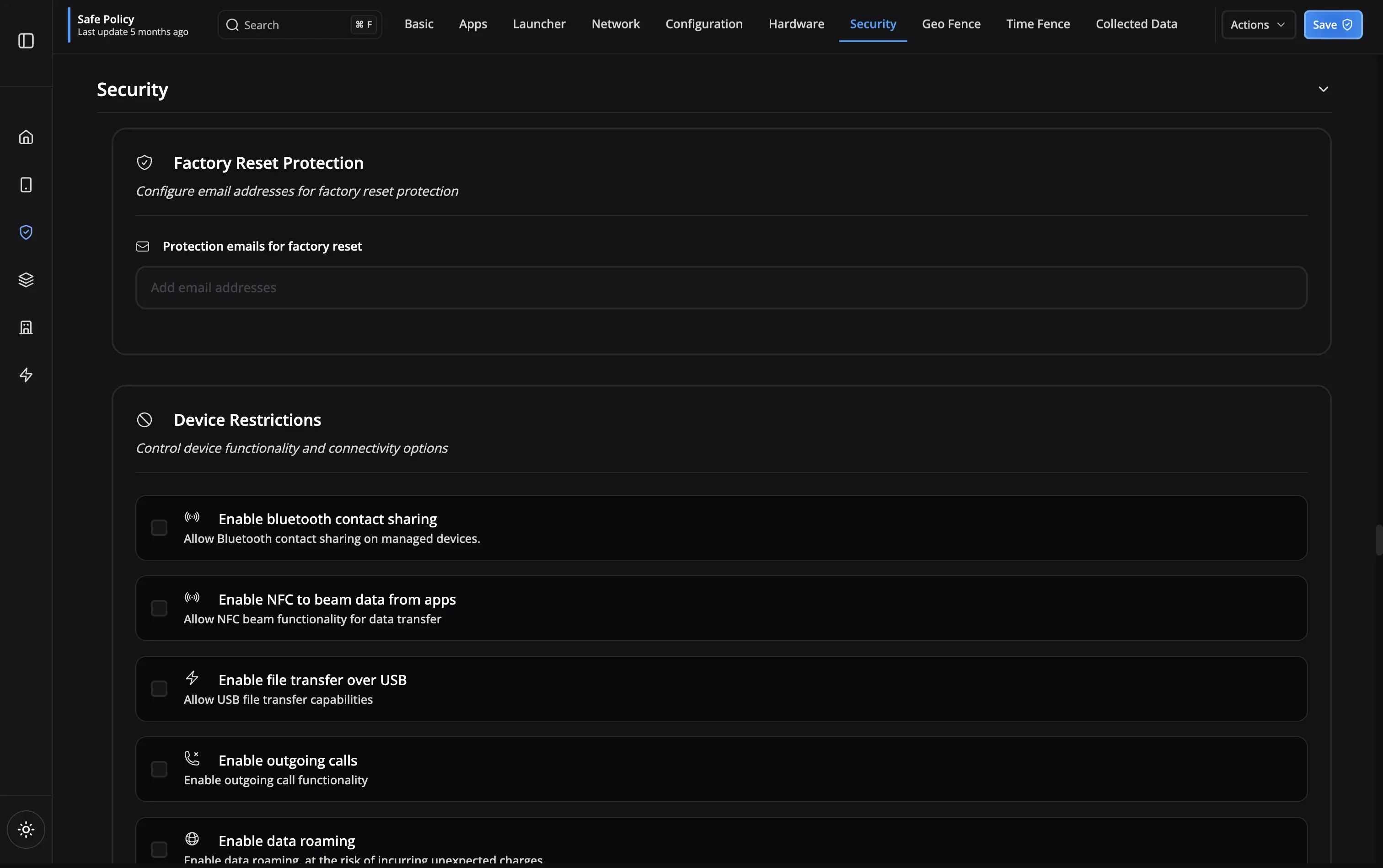
Healthcare Device Challenges
Healthcare organizations face unique challenges when managing mobile devices
Real-World Healthcare Deployments
See how healthcare organizations use Nomid MDM for device management
Key MDM Capabilities
Device management features for healthcare environments
EMR Integration
Epic, Cerner ready
Audit Trails
Complete logging
Priority Support
Healthcare focus
Remote Wipe
Instant security
Shared Devices
Multi-user support
Asset Tracking
Equipment location
Bulk Enrollment
Scale easily
EMR Integration
Audit Trails
Priority Support
Remote Wipe
Shared Devices
Asset Tracking
Bulk Enrollment
Healthcare MDM FAQ
Nomid provides device encryption enforcement, password policies with complexity requirements, factory reset protection, and automatic wipe after failed password attempts. Command history provides an audit trail of all actions taken on devices.
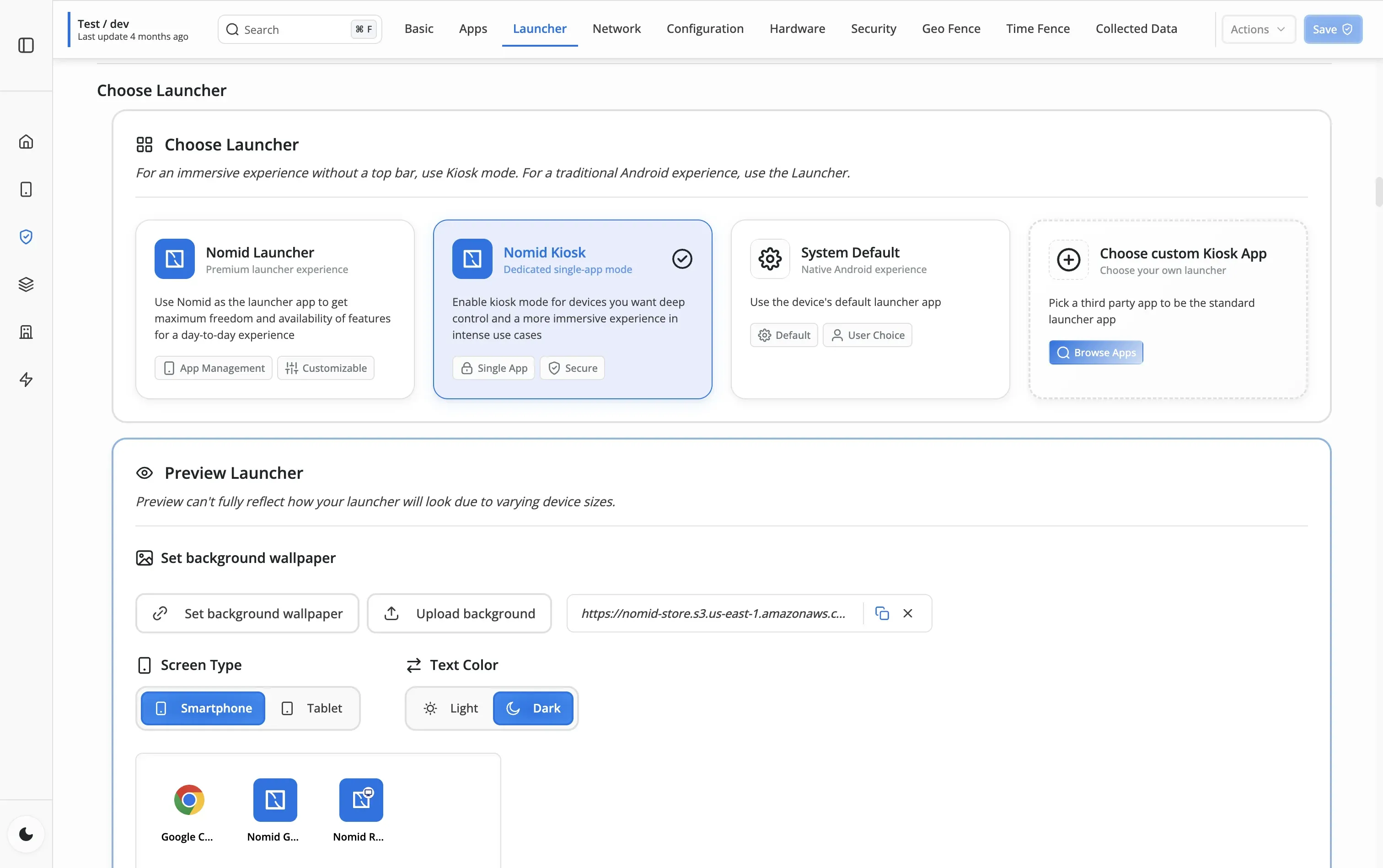
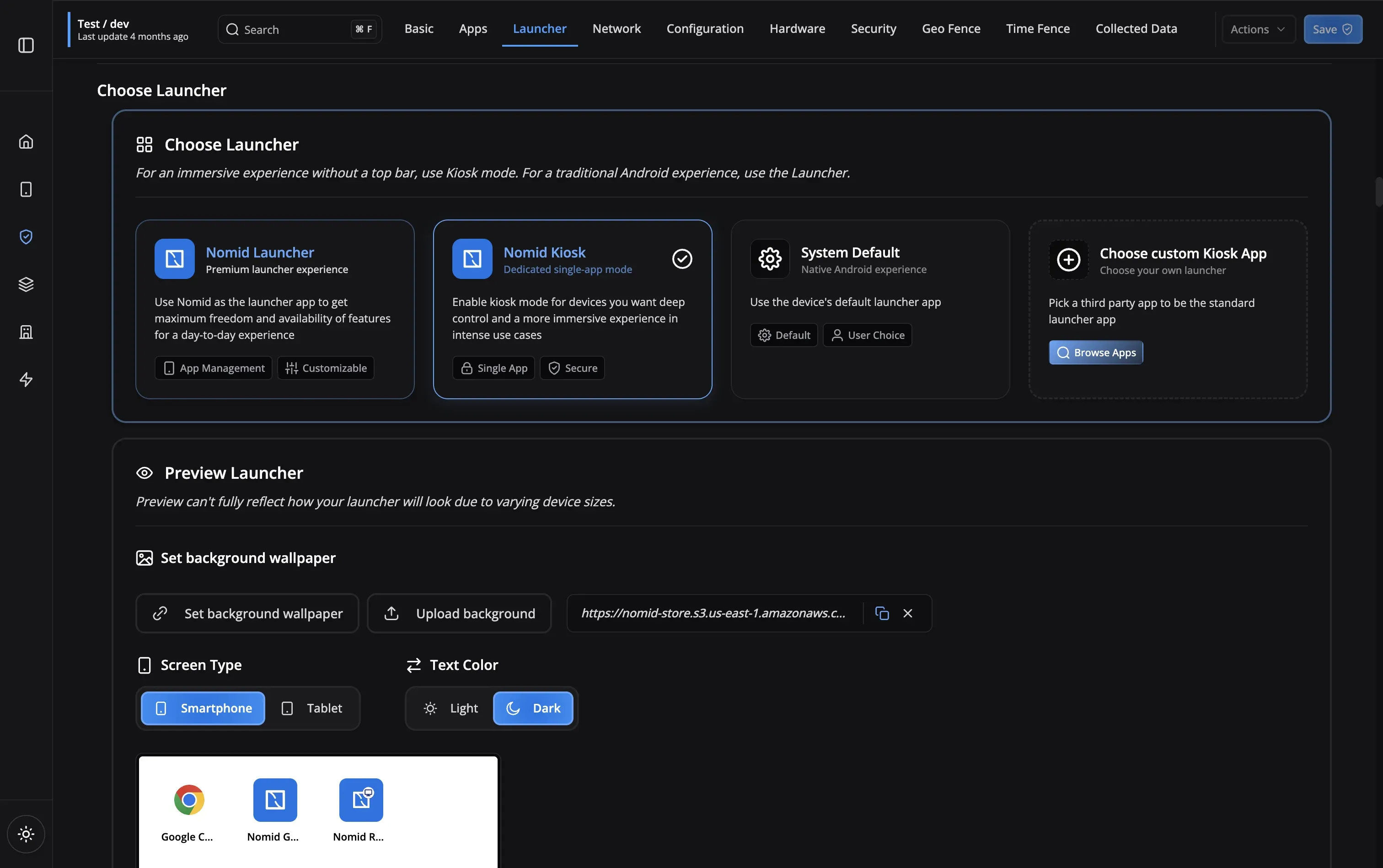
Yes! Nomid Kiosk mode locks devices to a single check-in app. Patients cannot exit to the home screen or access device settings. You can also set a custom branded launcher with your facility's logo.
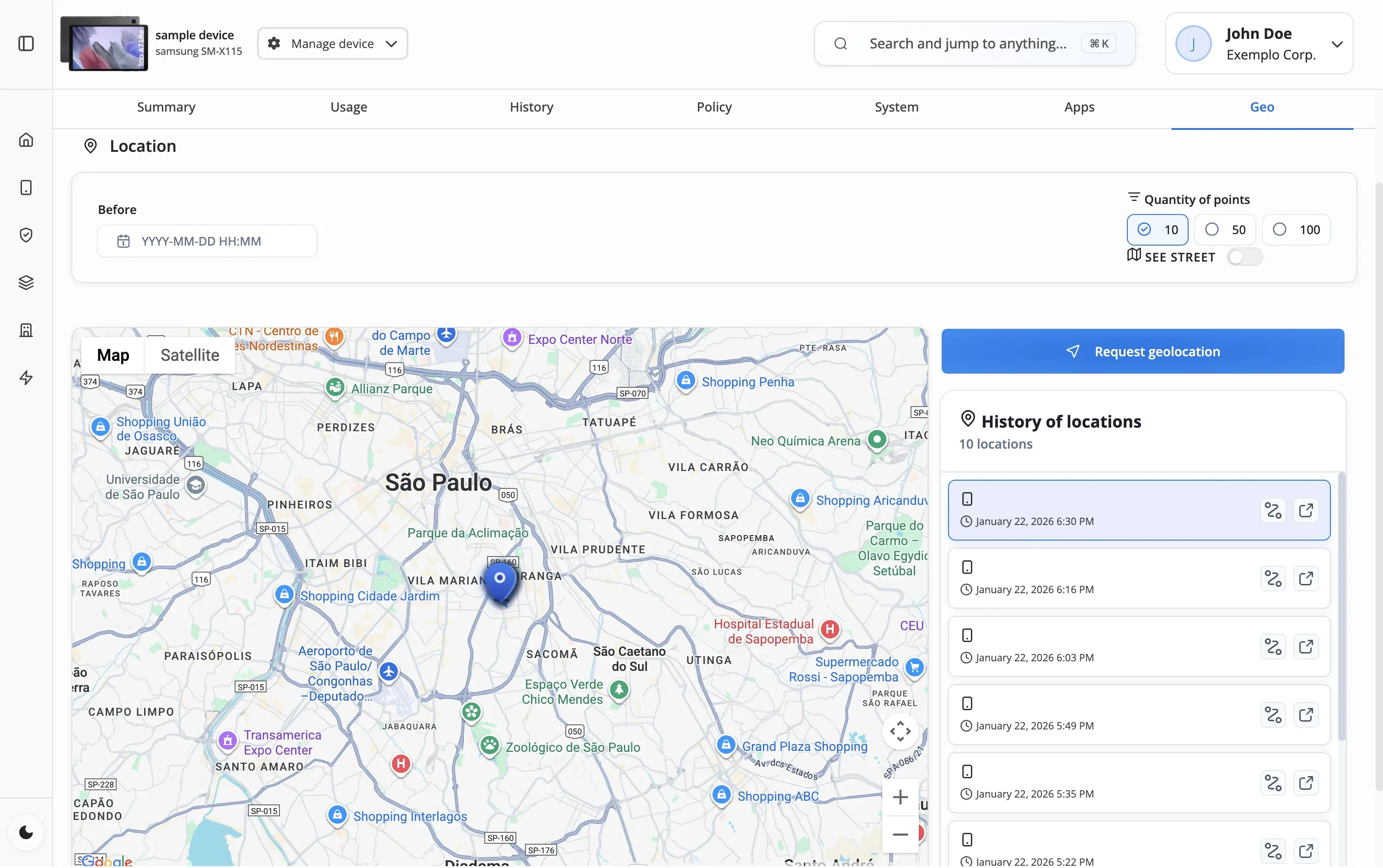
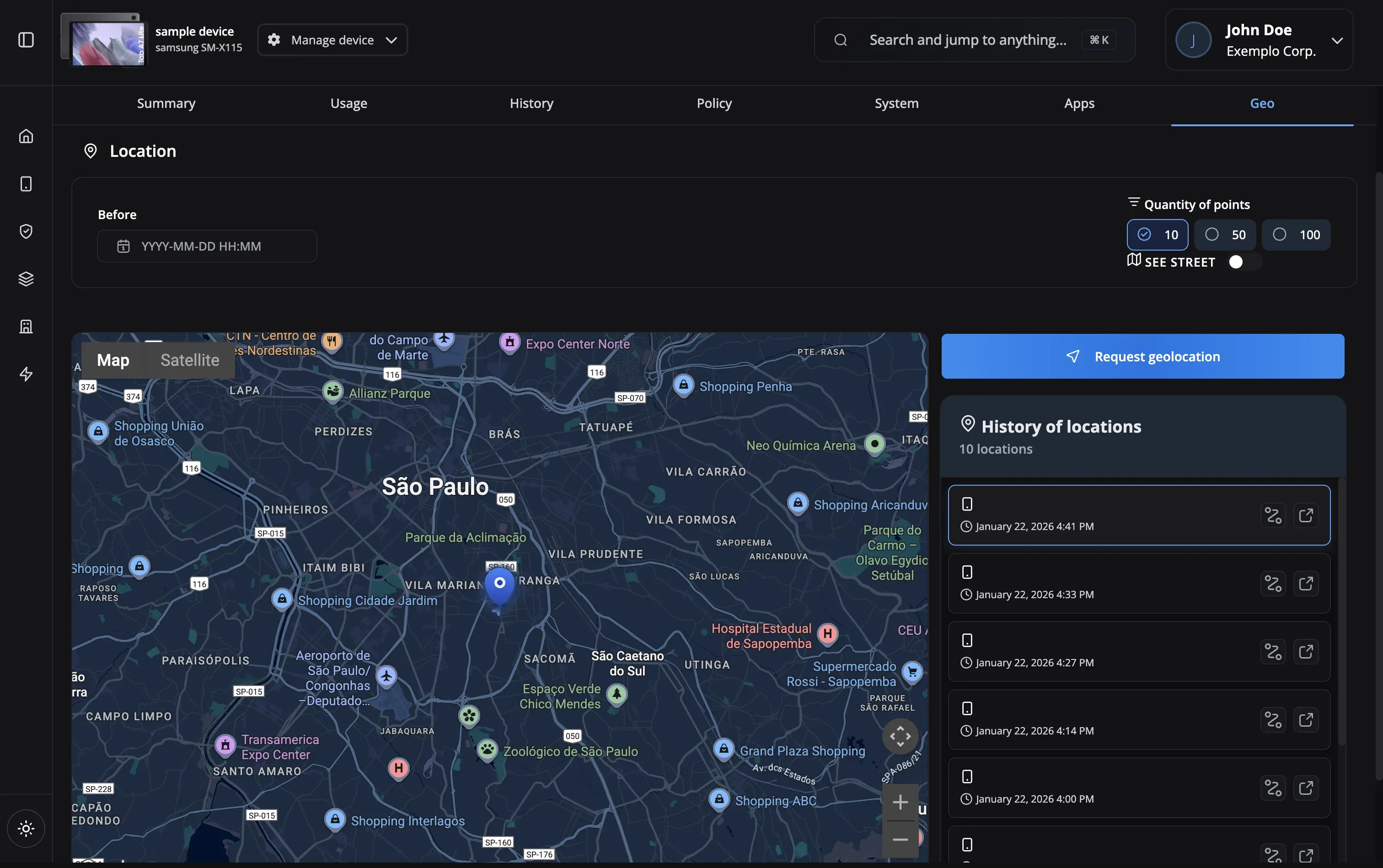
You can collect device geolocation on-demand via the dashboard. Set up geofencing alerts to be notified when devices leave designated areas. Enable Lost Mode on missing devices to lock them and display a contact message.
Nomid silently installs apps from the managed Play Store without user interaction. Use managed configurations to pre-configure app settings. You can create an allow list of approved medical apps and block everything else.
You can immediately enable Lost Mode to lock the device and display a return message. Use the remote wipe command to erase all company data. All actions are logged in command history for audit purposes.
Nomid supports QR code enrollment for fast device setup. Simply scan the QR code during device setup and policies are automatically applied. Zero-touch enrollment is available for pre-purchased devices.
Still have questions?
Our support team is here to help you get the most out of Nomid MDM.
Contact SupportReady to secure your healthcare devices?
Start managing your medical devices with compliant MDM today