 Nomid
NomidThe apps your sessions need
Distribute your APKs and manage the apps assigned to your PICO headsets through Nomid policies.
Explore app managementPICO VR device management
Put the right apps, content and home experience on supported PICO headsets. Manage your VR fleet alongside your Android devices in Nomid.
Explore PICO capabilities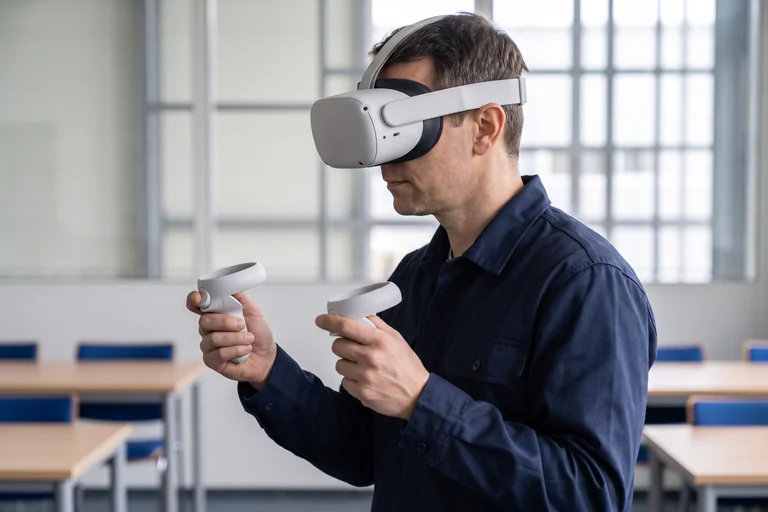
Built around the headset
Choose what belongs on your headsets, how people find it and how you manage it from the console.
Distribute your APKs and manage the apps assigned to your PICO headsets through Nomid policies.
Explore app managementOrganize apps, videos, WebXR links and files in a PICO policy. Choose the content assigned to each rollout.
Explore the libraryChoose launcher settings, app shortcuts and a panorama-based VR background in the policy for your compatible headsets.
Explore device configurationSee enrolled headsets in your inventory. Review device information, headset battery and controller status where reported by the device.
Explore fleet managementFrom setup to the next session
Prepare a headset, check the experience, then use the same configuration for the rest of your supported fleet.
Connect supported PICO headsets by USB and use Nomid Ops to provision them into your company.
Choose the apps, files and launcher settings in the policy assigned to those headsets.
Verify your apps and content on a headset before expanding the setup to the rest of the fleet.
“Nomid is an outstanding partner that streamlines the provisioning, monitoring, and updating of our large-scale device fleet.”
For the way you use VR
Prepare headsets with the applications and reference content your training programme uses.
Give shared headsets a focused launcher with the apps your learners need.
Configure headsets around your event, demonstration or immersive application.
Yes. PICO management is a supported Nomid use case. Create an account to get started, or book a demo to discuss your headsets, applications and rollout.
PICO is our supported VR platform. Contact our team to confirm compatibility with your headset model and firmware before a rollout.
PICO setup uses a separate provisioning flow through Nomid Ops over USB. Do not assume Android Enterprise QR or zero-touch enrollment applies to your headset.
Nomid manages the devices and distributes the apps and files you provide. Your VR application or content provider supplies the experience running on the headset.
Some management concepts are shared, but the available controls differ. Check the features required for your PICO model and firmware, including remote support, during your setup.
Explore Nomid with your own devices, or plan your deployment with our team.
