Remote Screen View & Control
View the device screen in real-time and take full control to troubleshoot issues

See the screen, take control, transfer files, and close the ticket — all from your browser. No app install on your end, no travel.
Nomid Remote Access lets you view and control any enrolled Android device in real time. See exactly what the user sees, navigate the OS, drag-and-drop files, install apps, and clear caches — as if you were holding the device. Sessions are encrypted end-to-end and logged automatically for compliance.
View the device screen in real-time and take full control to troubleshoot issues
Securely transfer files between the device and your computer
Record support sessions for training and quality assurance
Install, update, and troubleshoot apps from anywhere
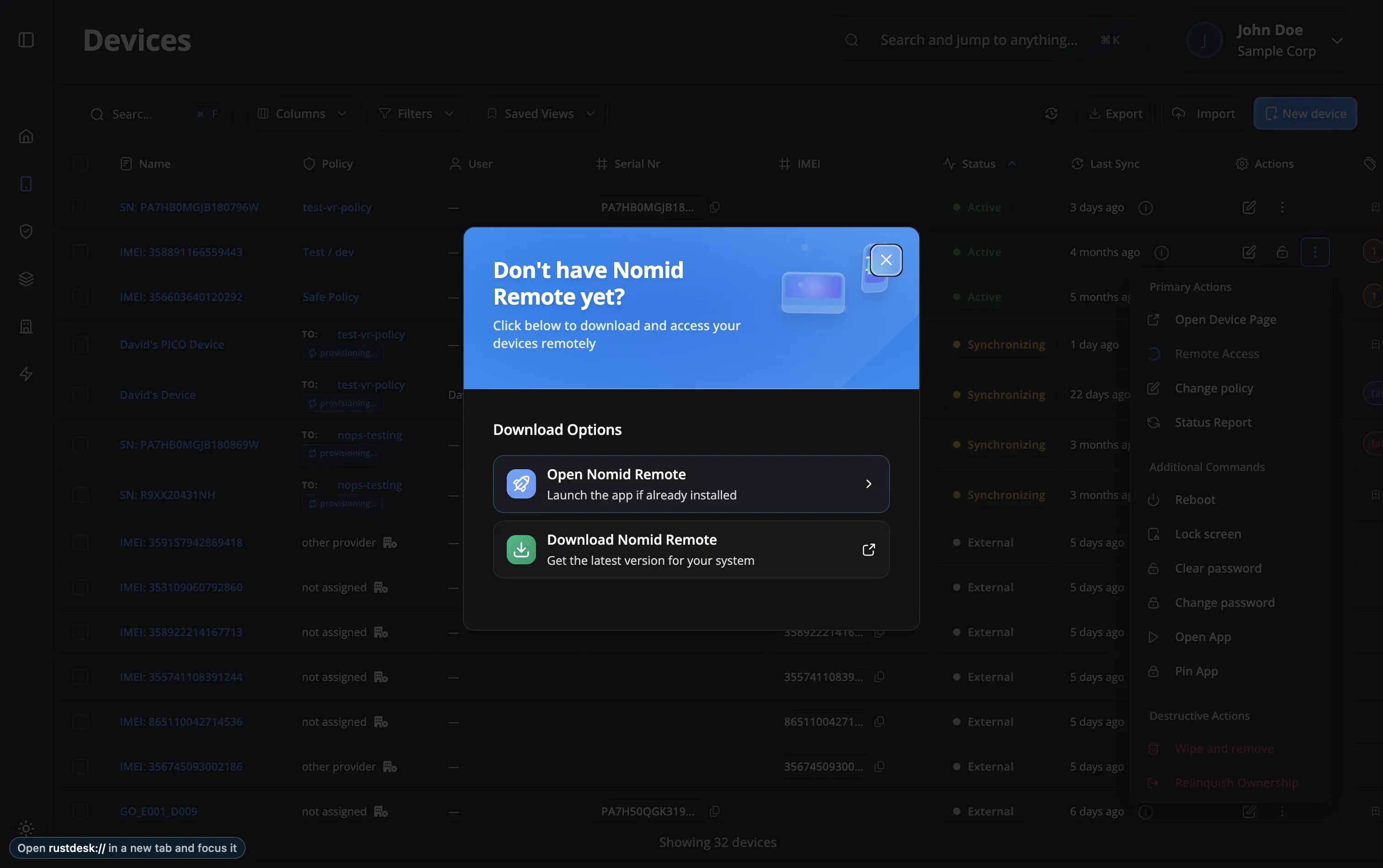
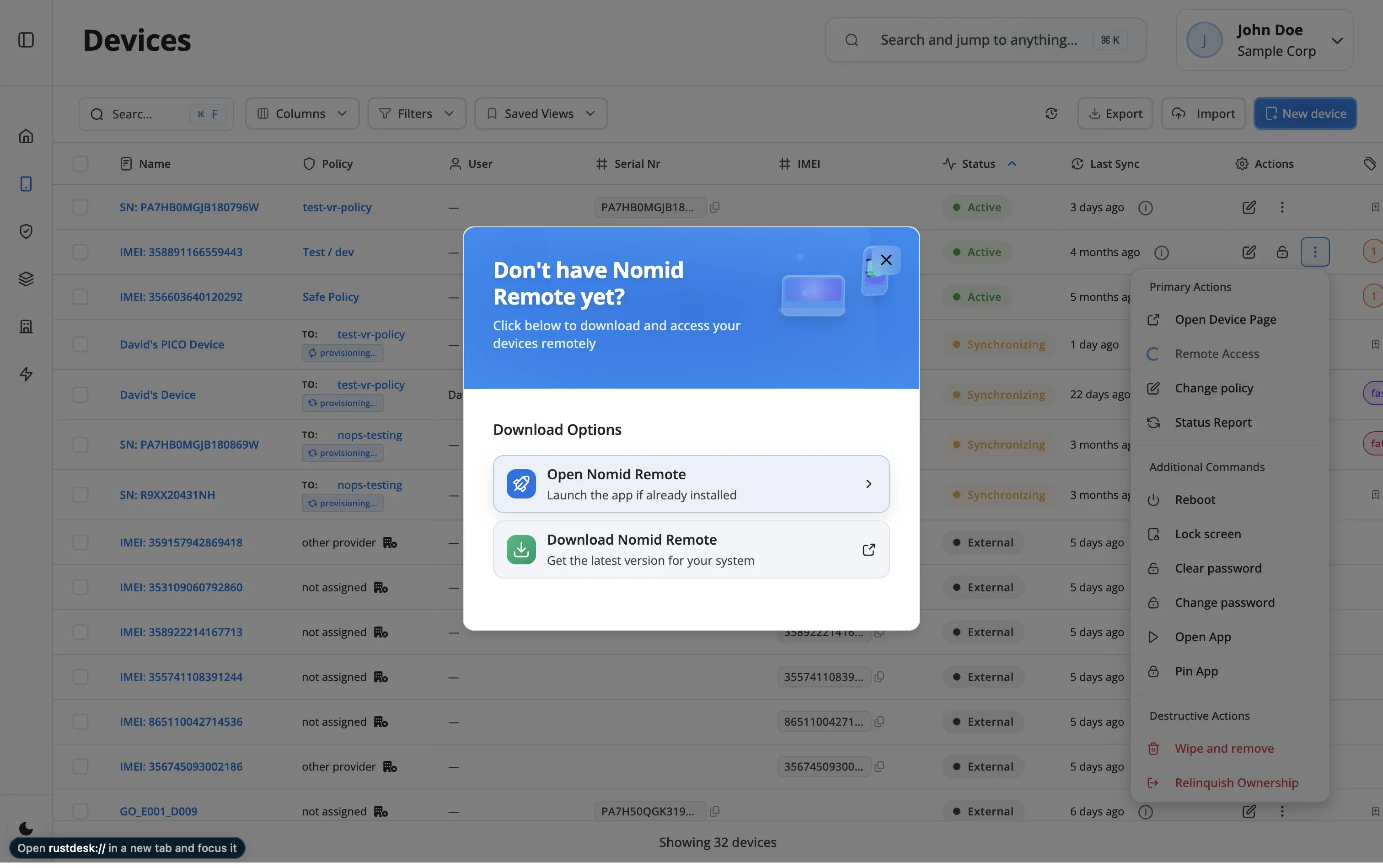
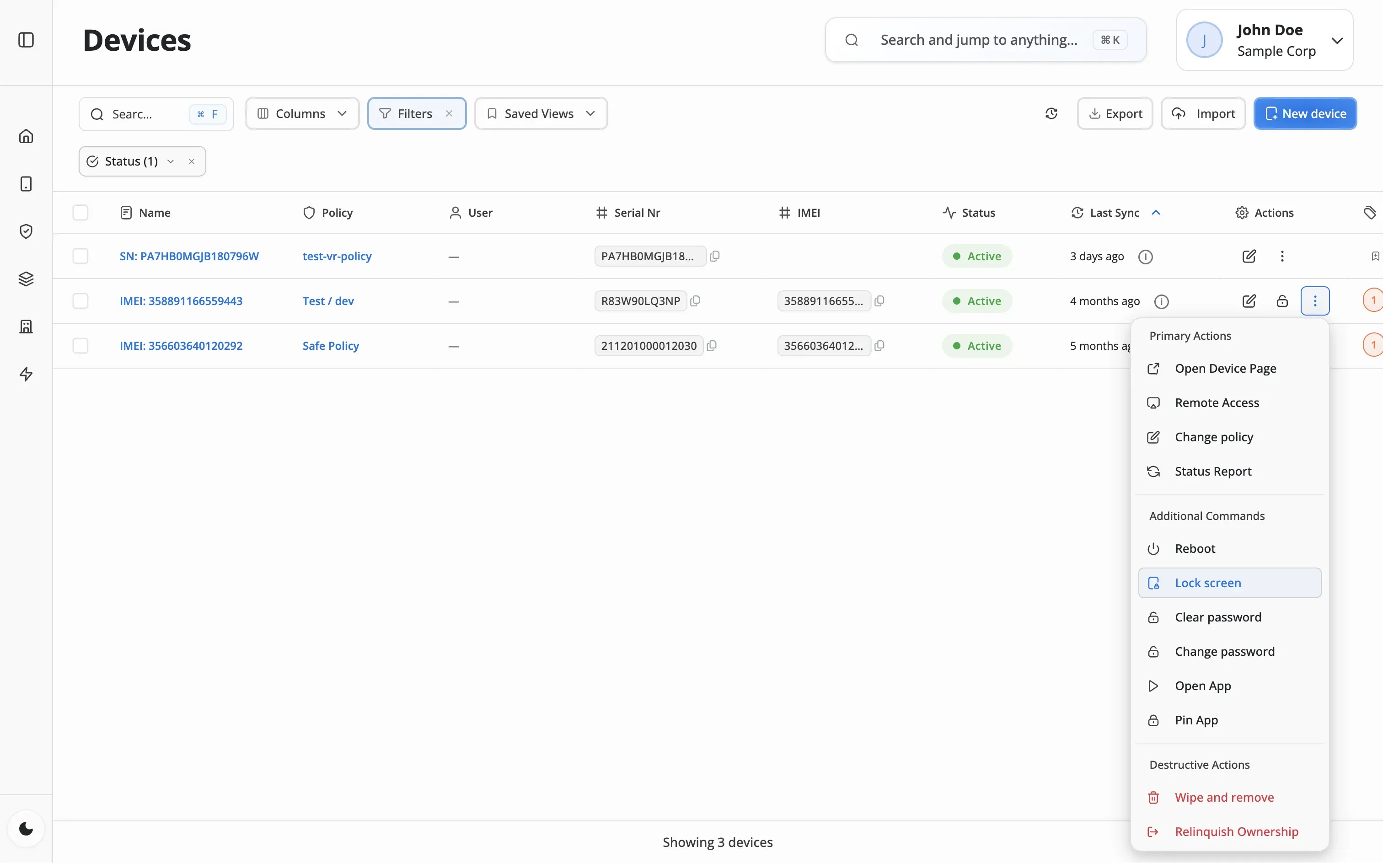
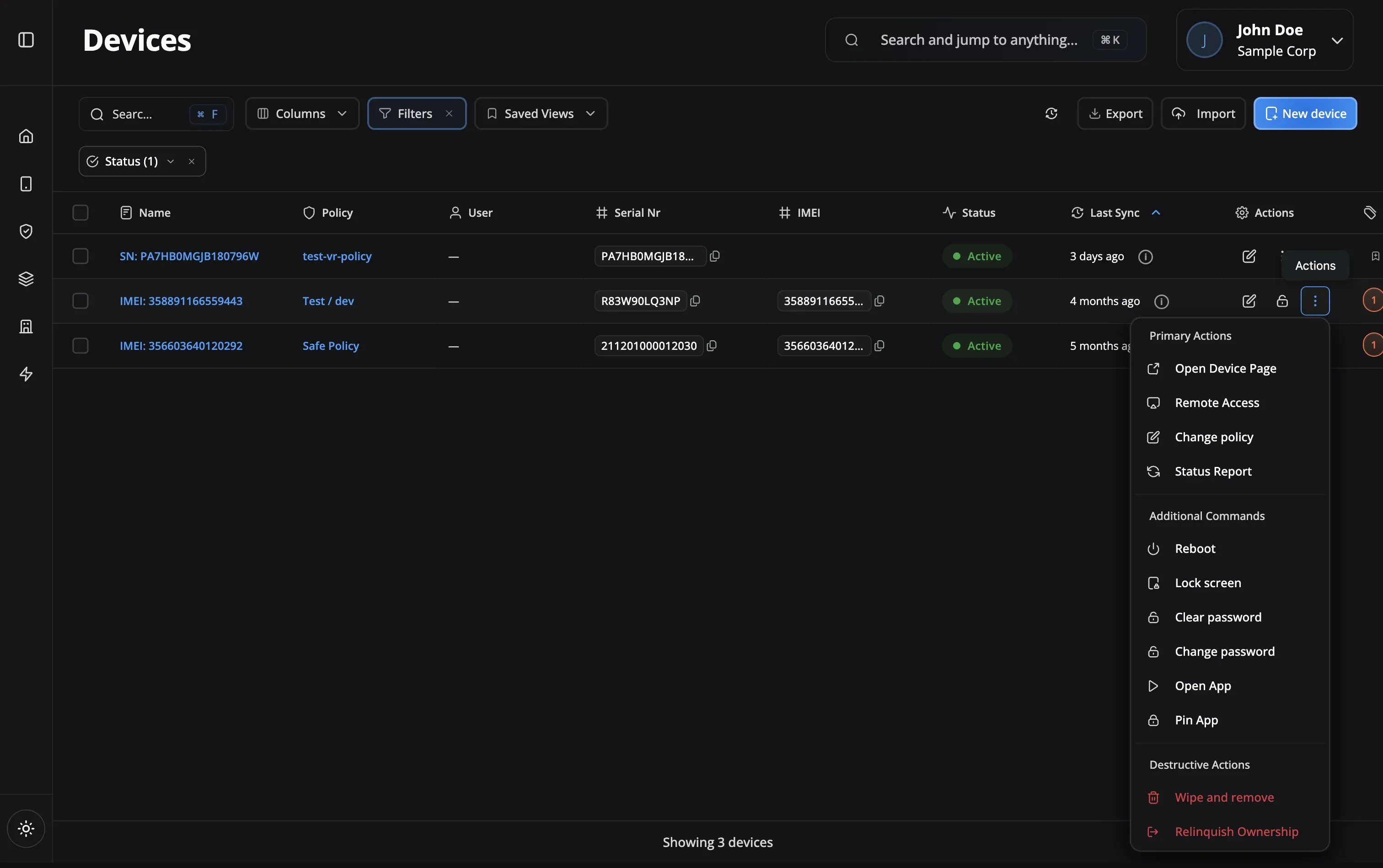
Select a device from your dashboard and click 'Remote Access'. The device receives a secure connection request that the user can approve (or auto-approve for unattended access).
Once approved, an encrypted tunnel is established using AES-256 encryption. The device screen appears in your browser with full control capabilities.
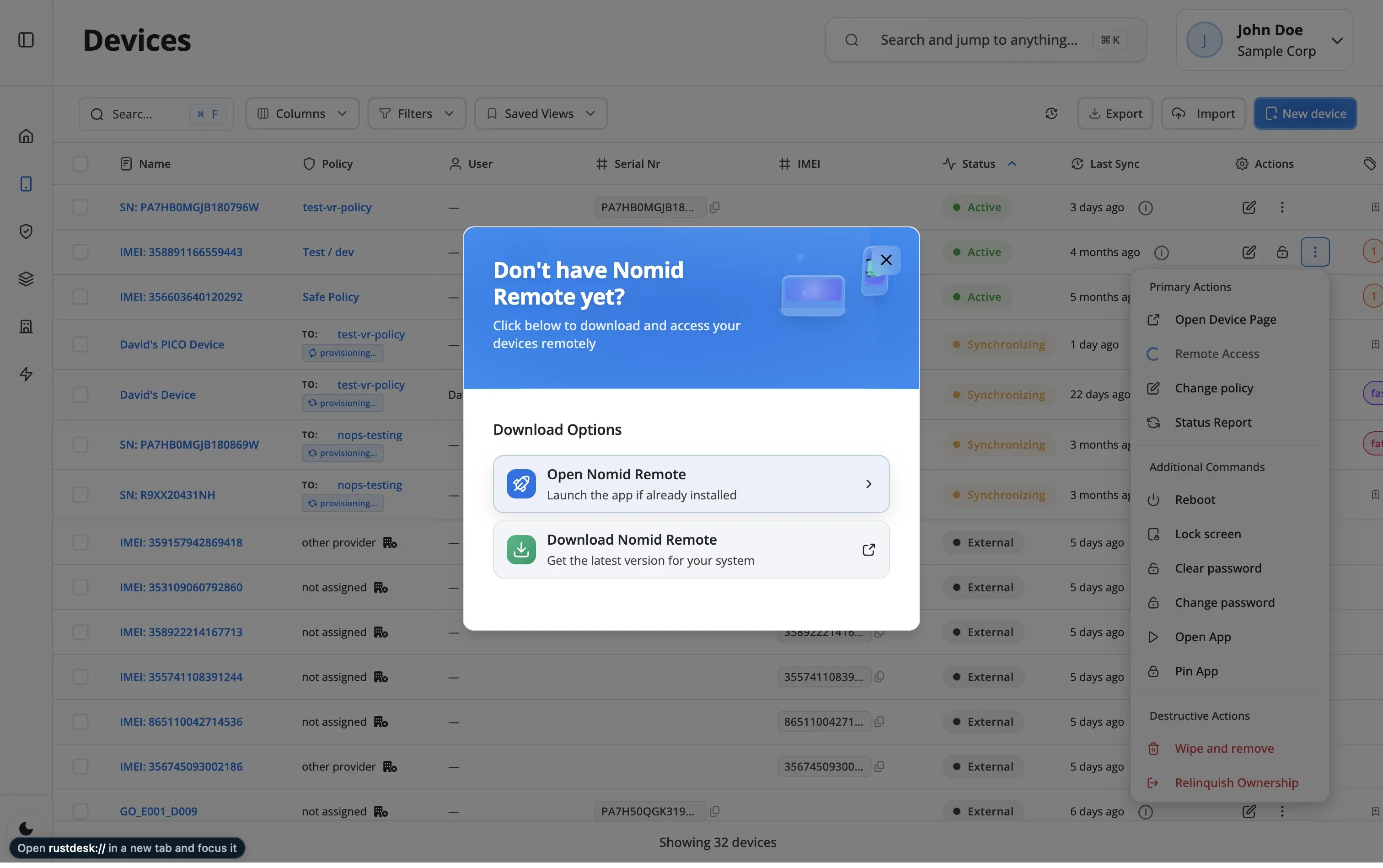
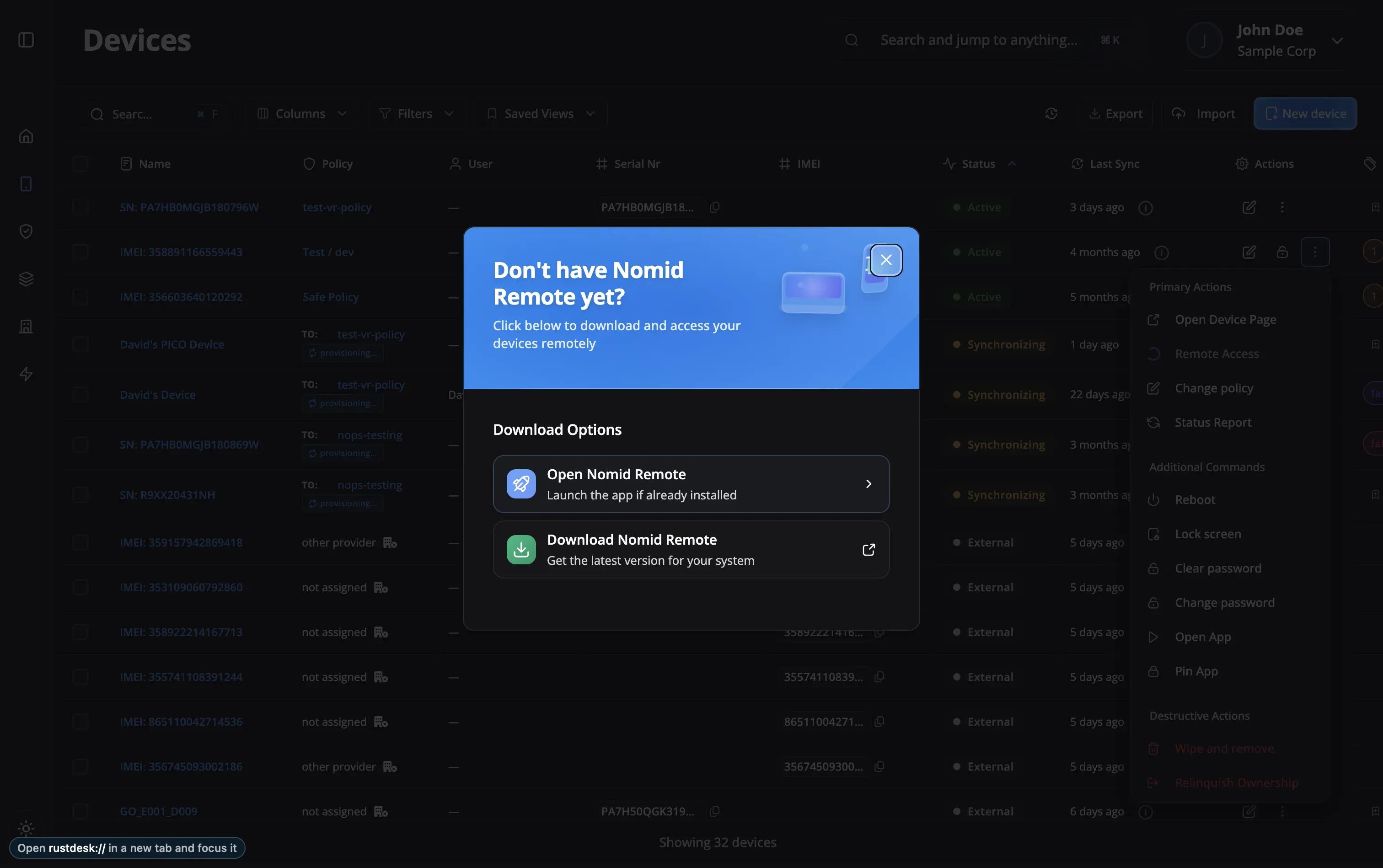
View the screen in real-time, control the device with your mouse and keyboard, transfer files, run diagnostics, and resolve issues as if you were holding the device.
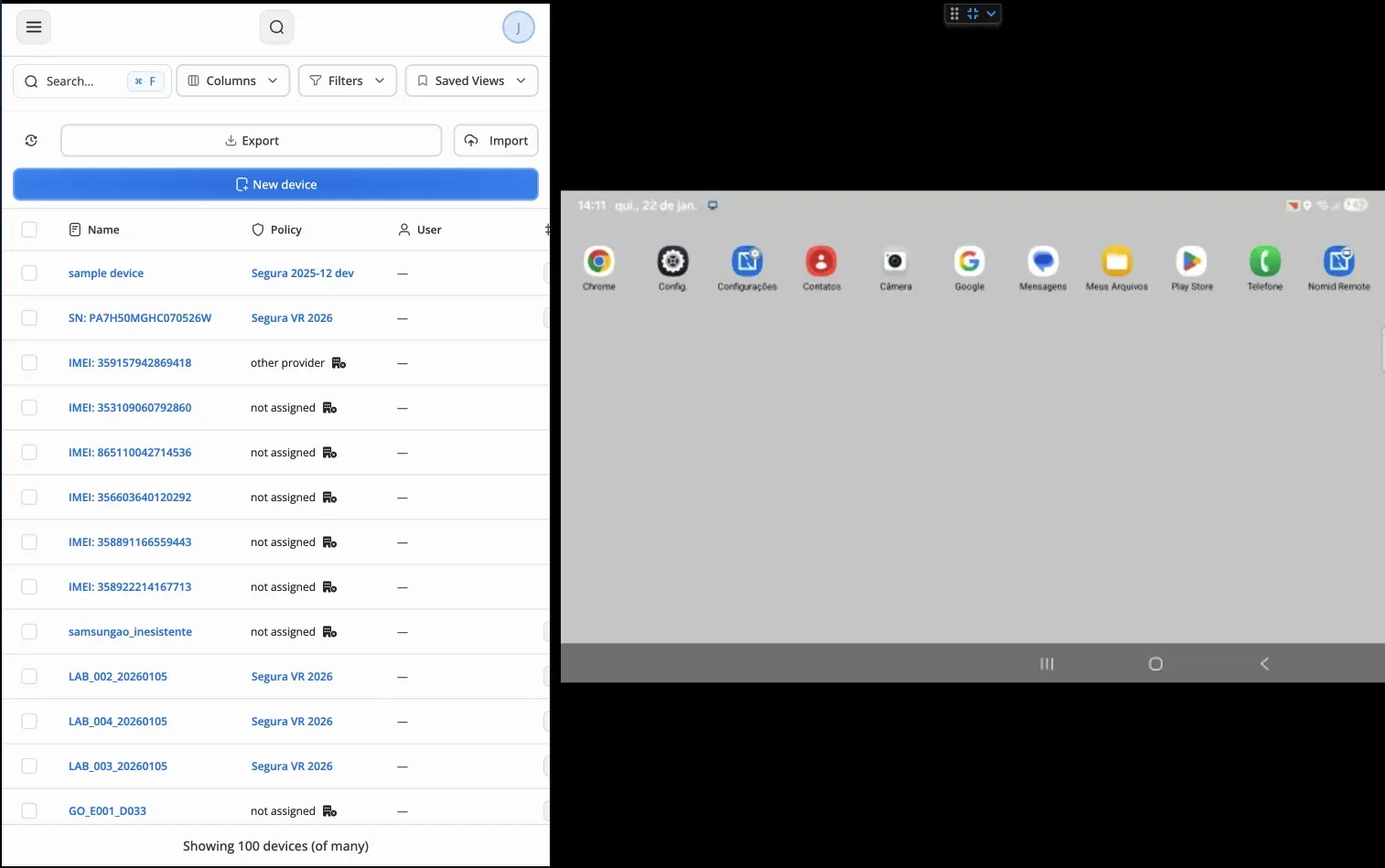
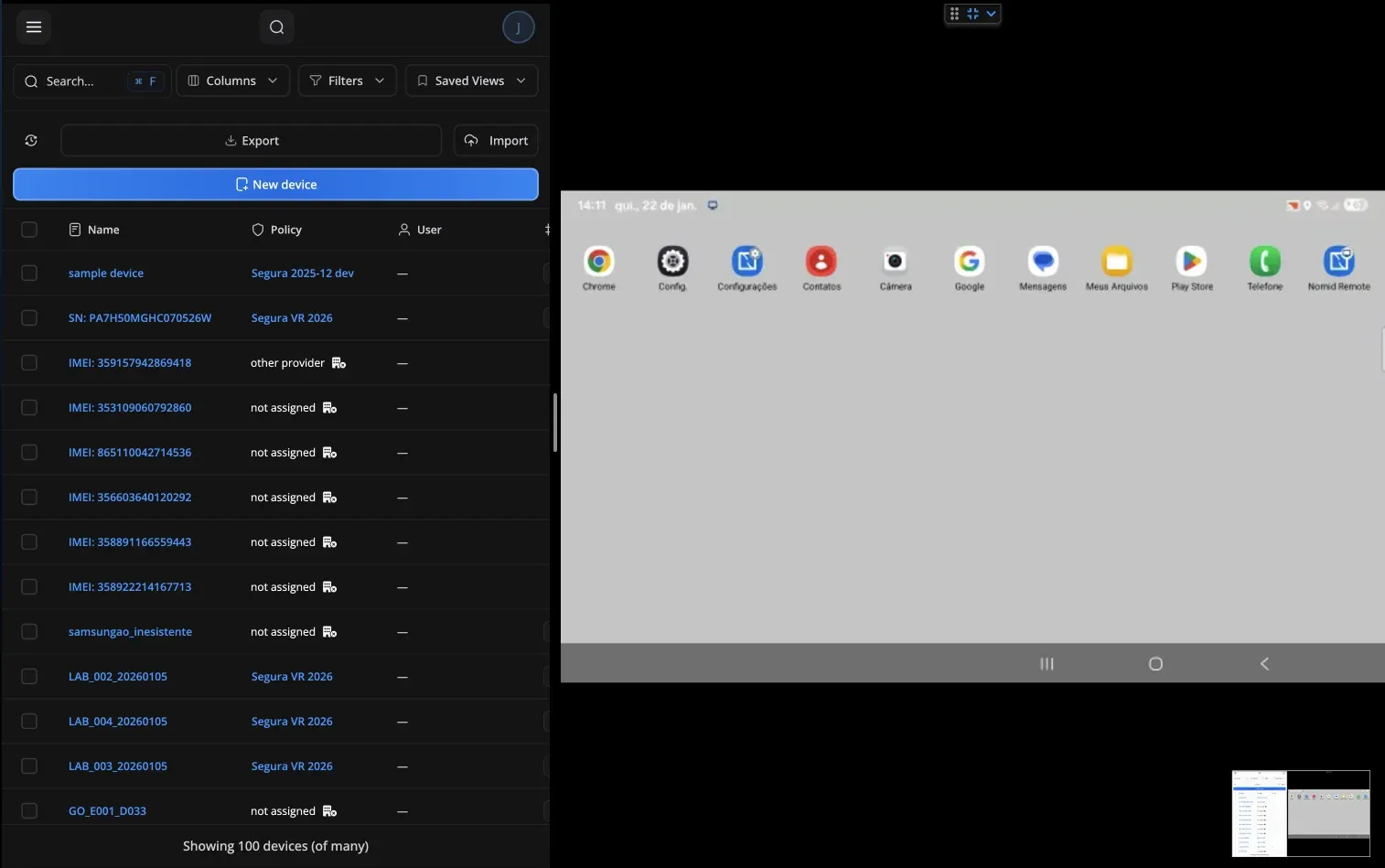
Sessions are automatically recorded for compliance. Add notes, capture screenshots, and close the session. All activity is logged for audit purposes.
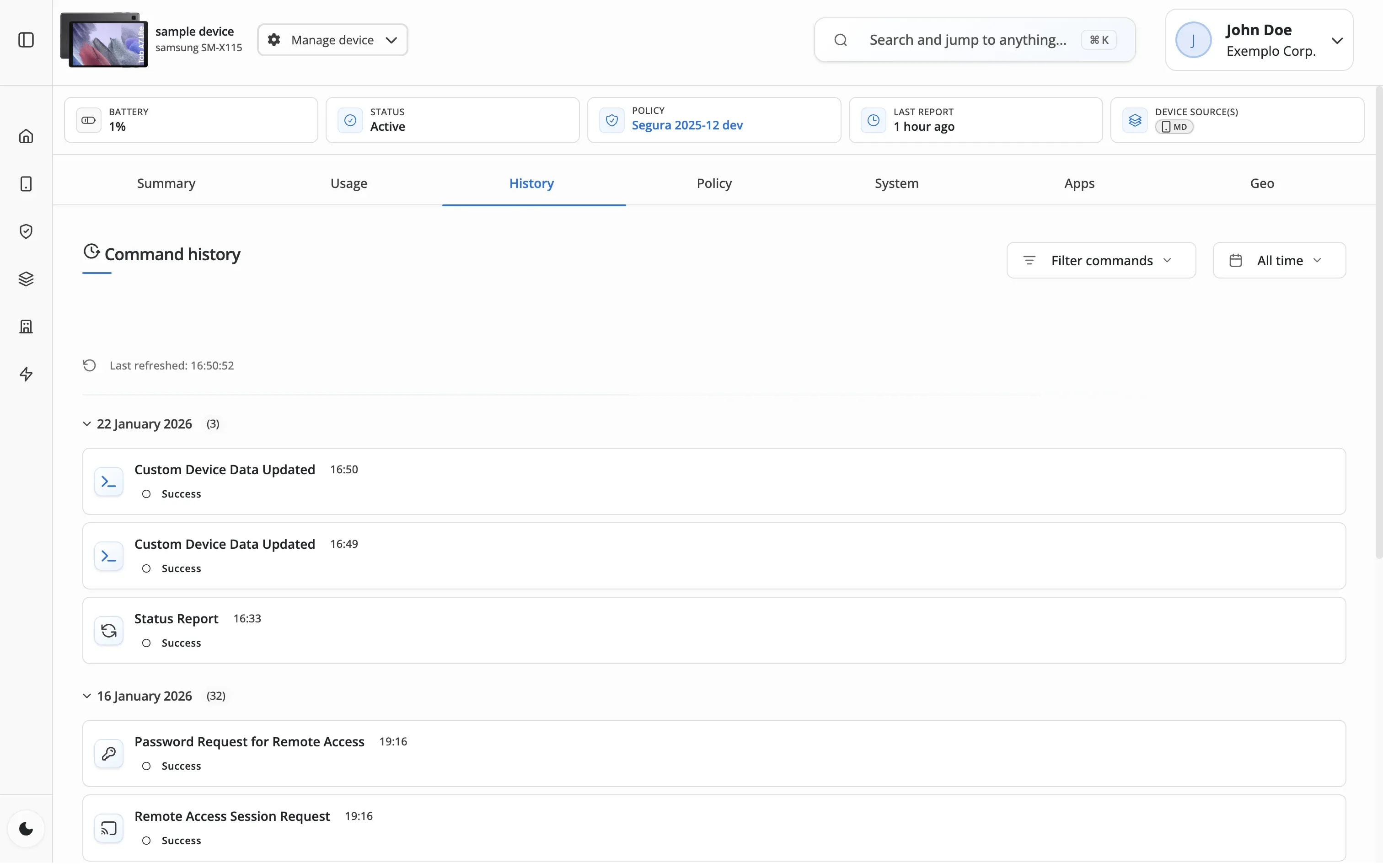
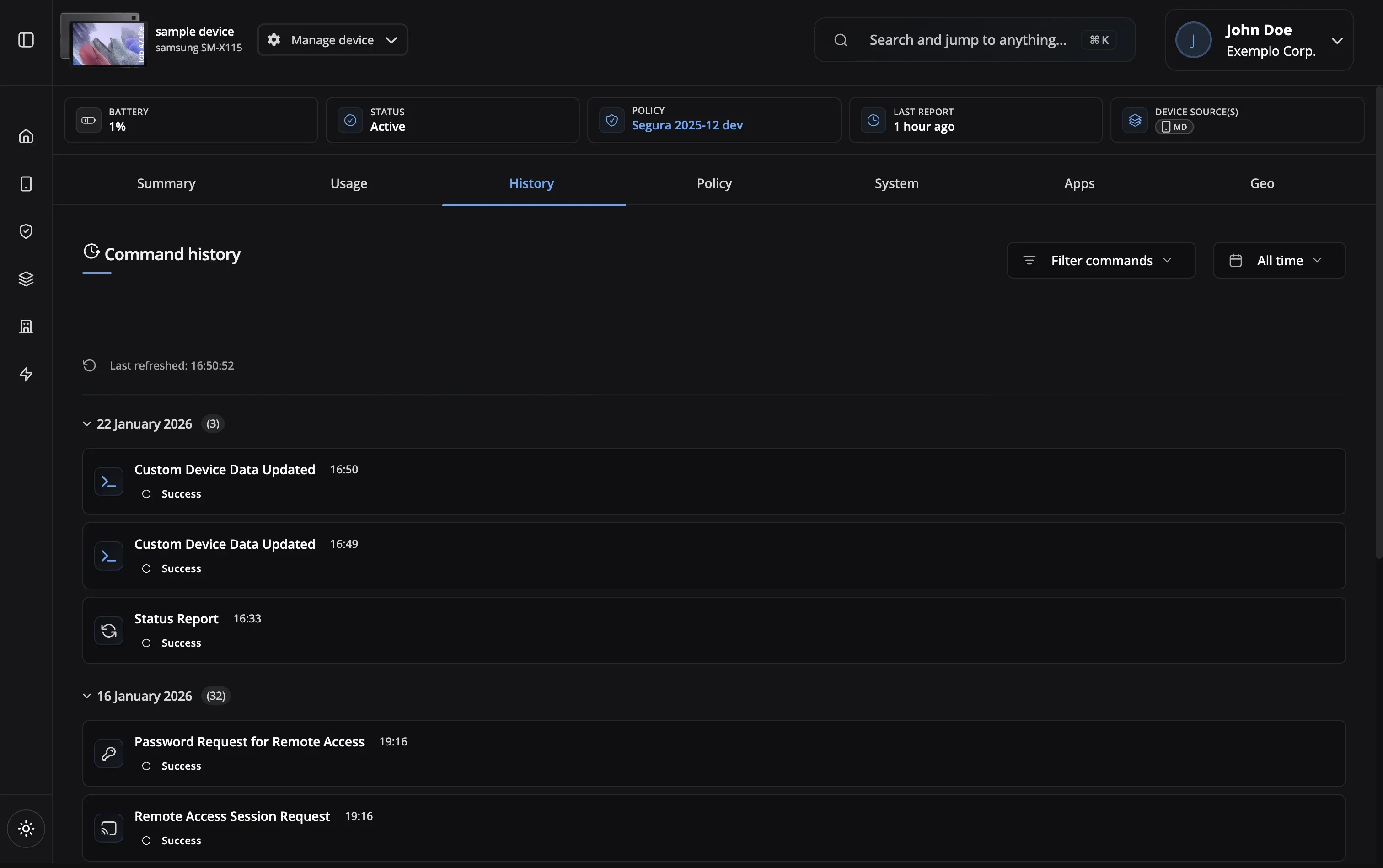
Resolve device issues quickly without on-site visits
Guide new users through device setup and app usage
Remotely install and configure applications
Diagnose and fix device problems in real-time
Your remote sessions are protected with the highest security standards
24/7 Availability
Always accessible
Bandwidth Adaptive
Works on slow networks
AES-256 Encryption
Military-grade security
Low Latency
Real-time control
Multi-Platform
Access from anywhere
Session Recording
Full audit trails
Role-Based Access
Granular permissions
24/7 Availability
Bandwidth Adaptive
AES-256 Encryption
Low Latency
Multi-Platform
Session Recording
Role-Based Access
Yes, by default users must approve remote access requests for security. However, you can configure unattended access for company-owned devices where you need to perform maintenance without user interaction.
Yes! All remote access sessions can be recorded for training, compliance, and quality assurance purposes. Recordings are securely stored and can be reviewed later.
Nomid MDM automatically adjusts quality based on connection speed. You can also manually reduce screen quality to improve responsiveness on slower connections.
Absolutely. All remote sessions use end-to-end encryption with AES-256. Sessions are authenticated, logged, and can be restricted based on user roles and permissions.
Yes, you can transfer files in both directions during an active remote session. All file transfers are encrypted and logged for security and compliance.
You can open multiple remote sessions at once, limited only by your plan. Enterprise plans support unlimited concurrent sessions for your support team.
Our support team is here to help you get the most out of Nomid MDM.
Contact SupportRemote access is included in every Nomid plan. Free plan — up to 10 devices, no credit card required.