 Nomid
Guest-facing
Guest-facing stations
Hotel check-in kiosks, voting tablets at a conference and survey devices at the exit, each locked to one approved app.
Android for hospitality and events
Prepare check-in tablets, kitchen displays and event scanners with one policy per station, keep each one on its task, and reset them between events.
See how it works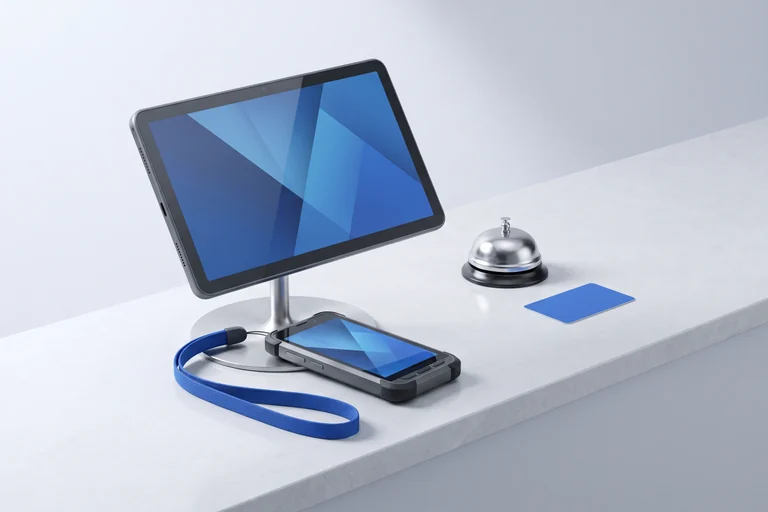
Built around the work
A check-in tablet at the front desk, a display in the kitchen and a handheld scanning tickets at the door need different apps. Most are shared, and many are used for one season or one event.
The workflow
Give each station its setup, keep it focused, and prepare the devices again when the event changes.
Before the doors open
Put the apps and settings for check-in, the kitchen or scanning in a policy, and assign it to the devices at that station.
Explore policiesDuring service
Use single-app or multi-app kiosk mode on eligible devices, so guests and staff see only what the station needs.
Explore kiosk modeAfter the event
Use available remote commands to wipe devices between events, then enroll them again with the next setup.
Explore remote commandsDevice roles
Hotel check-in kiosks, voting tablets at a conference and survey devices at the exit, each locked to one approved app.
Kitchen display tablets, rugged handhelds for ticket scanning and shared tablets at a summer camp, with the apps each team needs.
Device roles are illustrative. Available controls depend on hardware, Android version, and management mode.
Explore the product
Start with the capabilities behind this use case, then build a rollout around your actual devices.
Before you deploy
Yes. Wipe the device, enroll it again and assign the policy for the next event. Test the new setup on one device first.
No. Nomid manages the devices and the apps on them. You choose the ticketing, voting, survey or kitchen display app.
Nomid manages supported Android devices. Check the exact model, Android version and management mode with our team before a rollout.
Explore Nomid with your own devices, or plan your deployment with our team.
