
Kiosk & Public Device Management
Run reliable mobile and VR kiosks with controlled access and remote support. Perfect for self-service and customer-facing deployments.
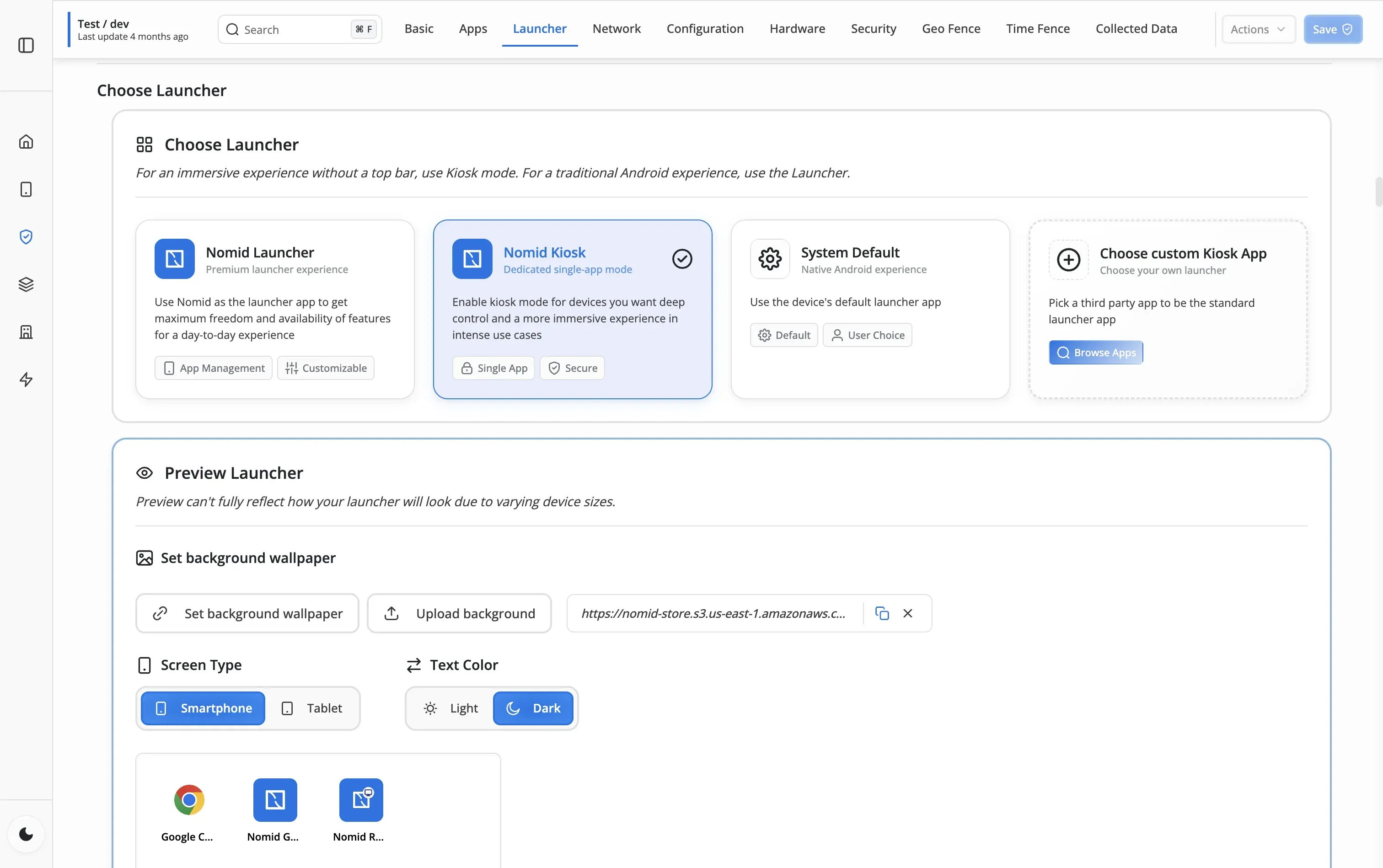
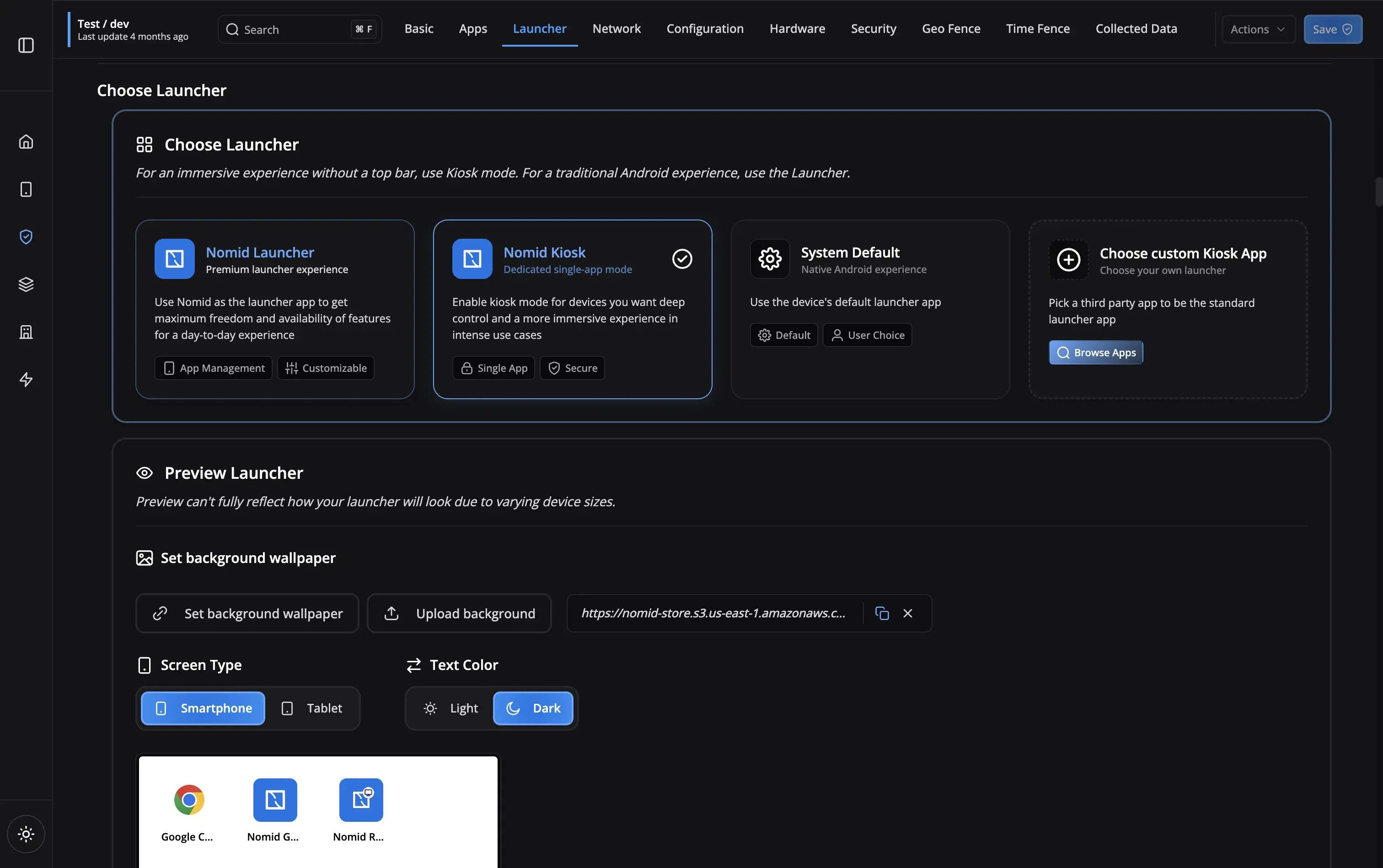
Kiosk Mode Features
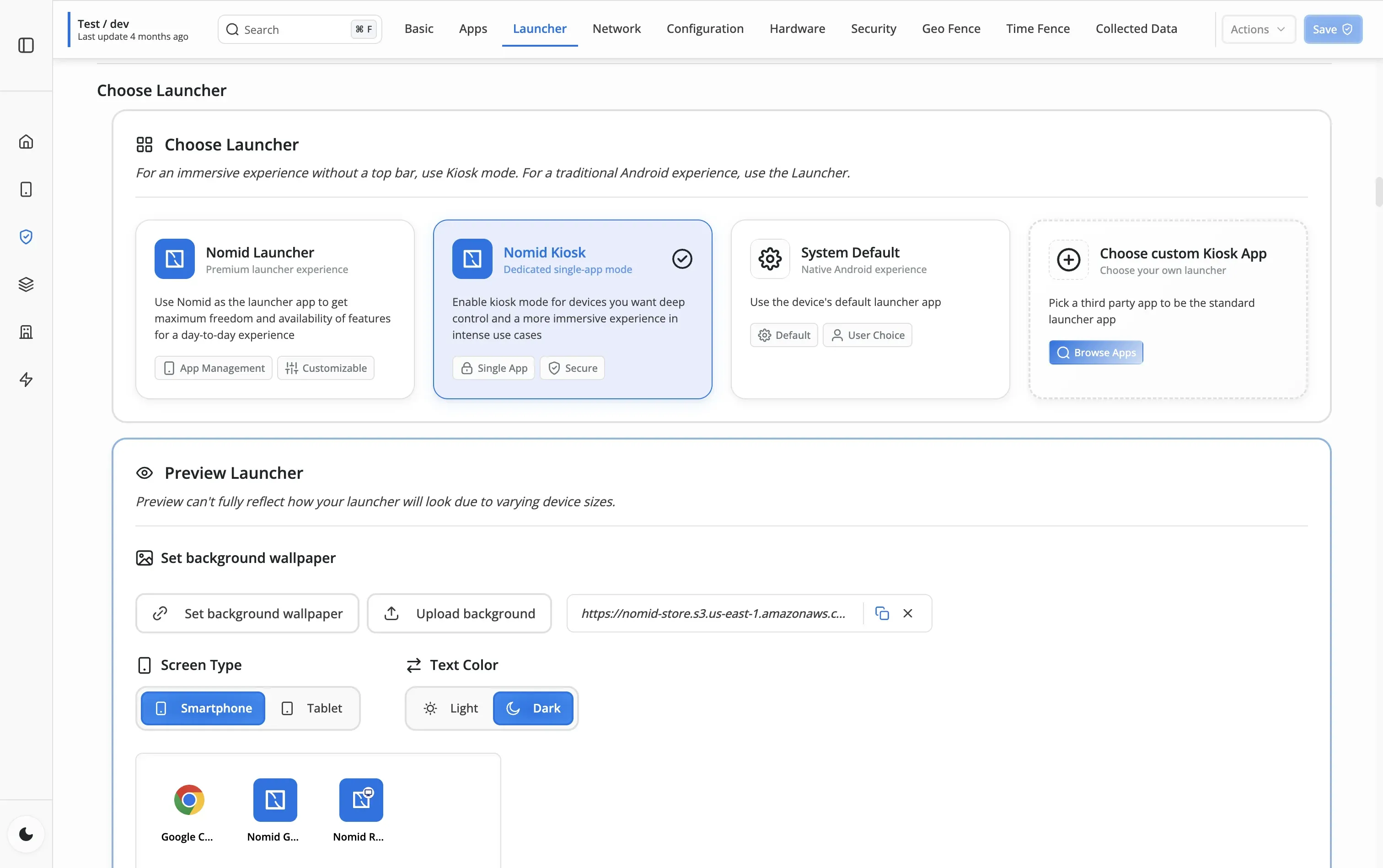
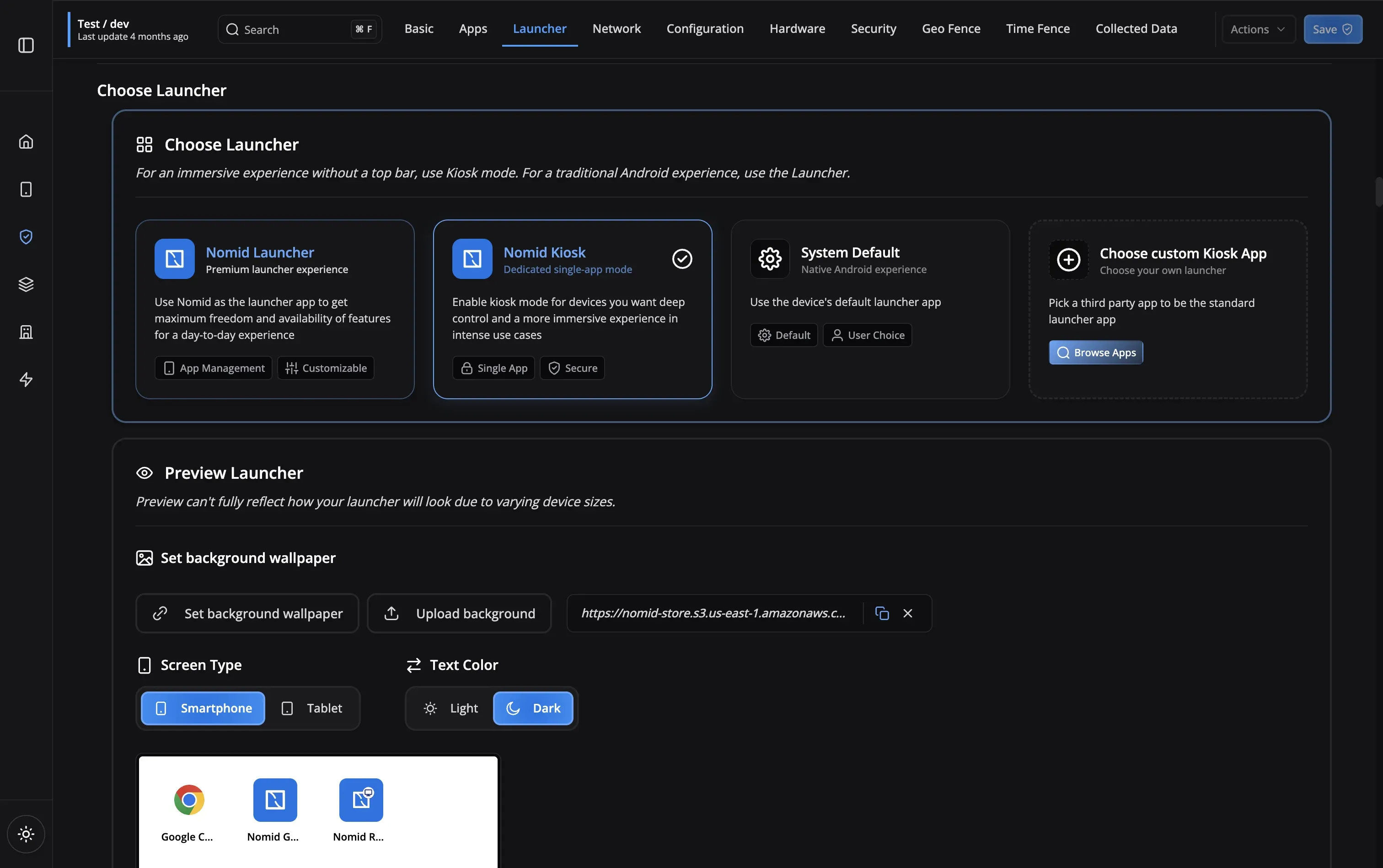
Kiosk Challenges
Real-World Kiosk Deployments
See how organizations lock down devices for specific purposes
Enterprise-Grade Security & Reliability
Tamper-Proof
Enterprise Security
Compliant
Global Deployment
Any Android Device
Remote Management
Instant Setup
Growing Community
Tamper-Proof
Enterprise Security
Compliant
Global Deployment
Any Android Device
Remote Management
Instant Setup
Growing Community
Frequently Asked Questions
Nomid Kiosk locks the device to a single application with no way to exit or access other features - ideal for public-facing kiosks. Nomid Launcher provides a multi-app mode where users can access multiple allowed apps through a custom launcher while blocking everything else - suitable for employee devices that need access to several work apps.
No. When Nomid Kiosk is configured, users cannot access device settings, and hardware buttons (home, back, recent apps) are disabled. Only administrators can change the device policy remotely through the Nomid portal to exit kiosk mode.
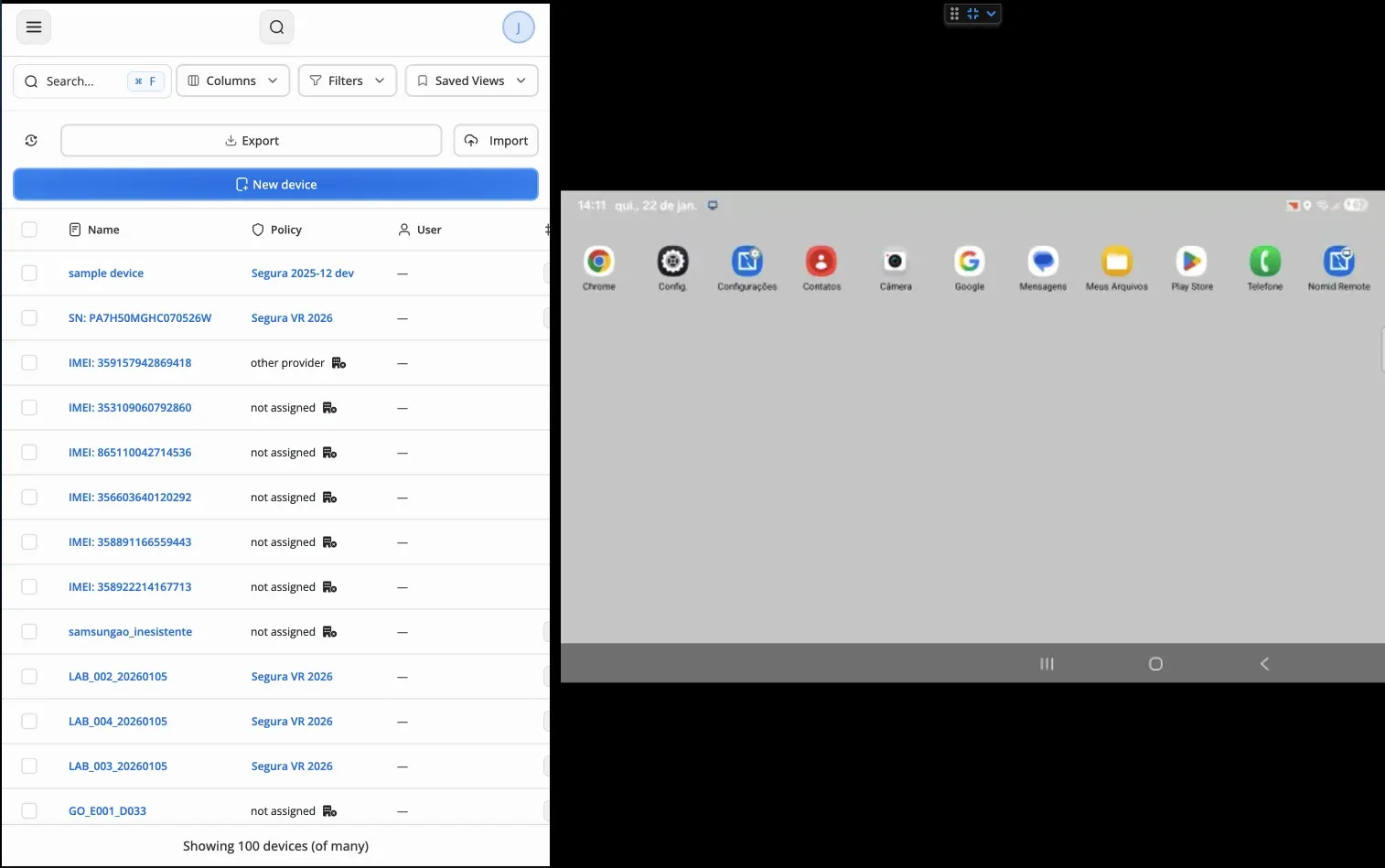
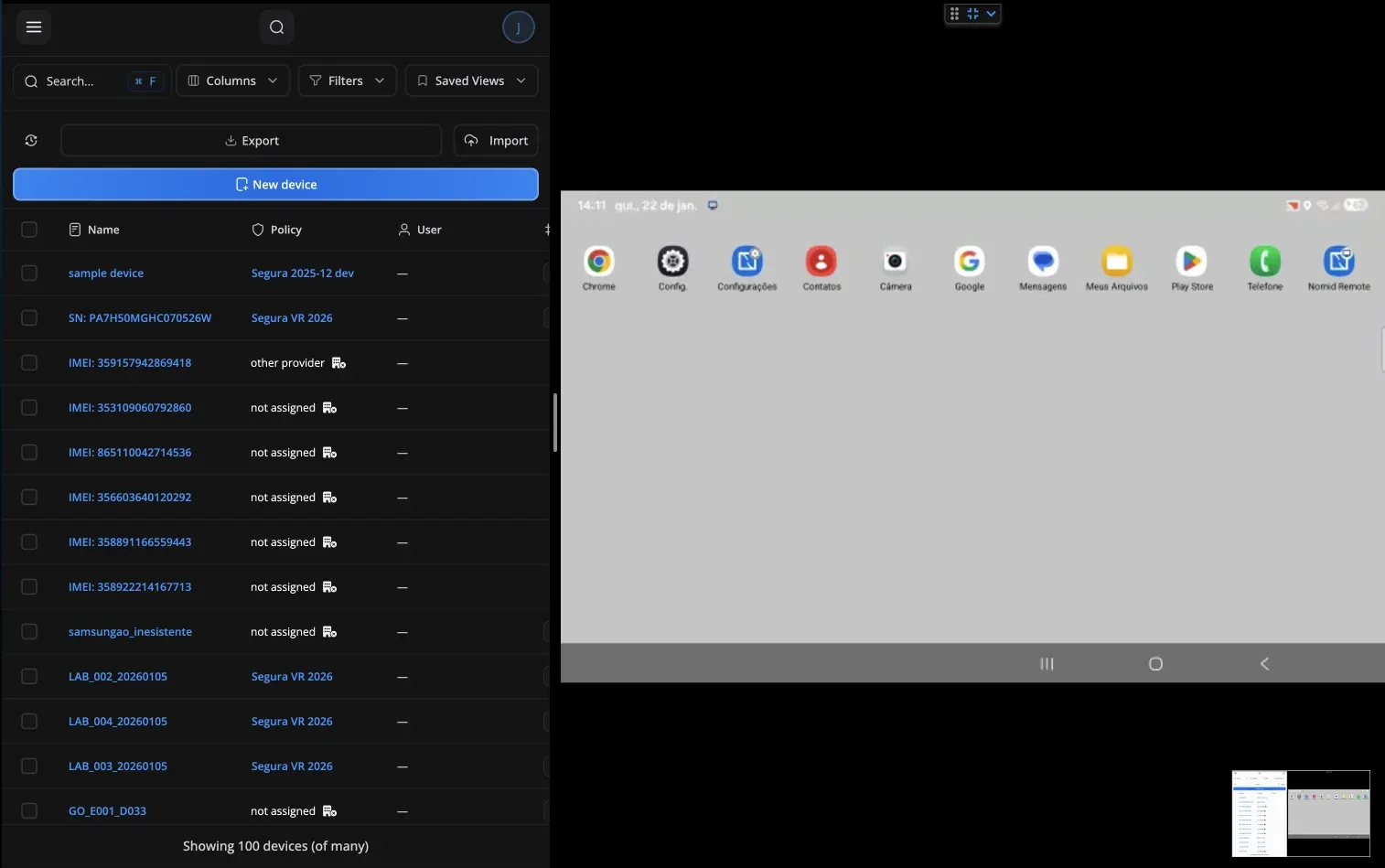
Use remote commands from the Nomid dashboard to reboot frozen devices, push policy updates, or lock devices for maintenance. You can also send notifications to devices and view command history to track all actions taken on each kiosk.
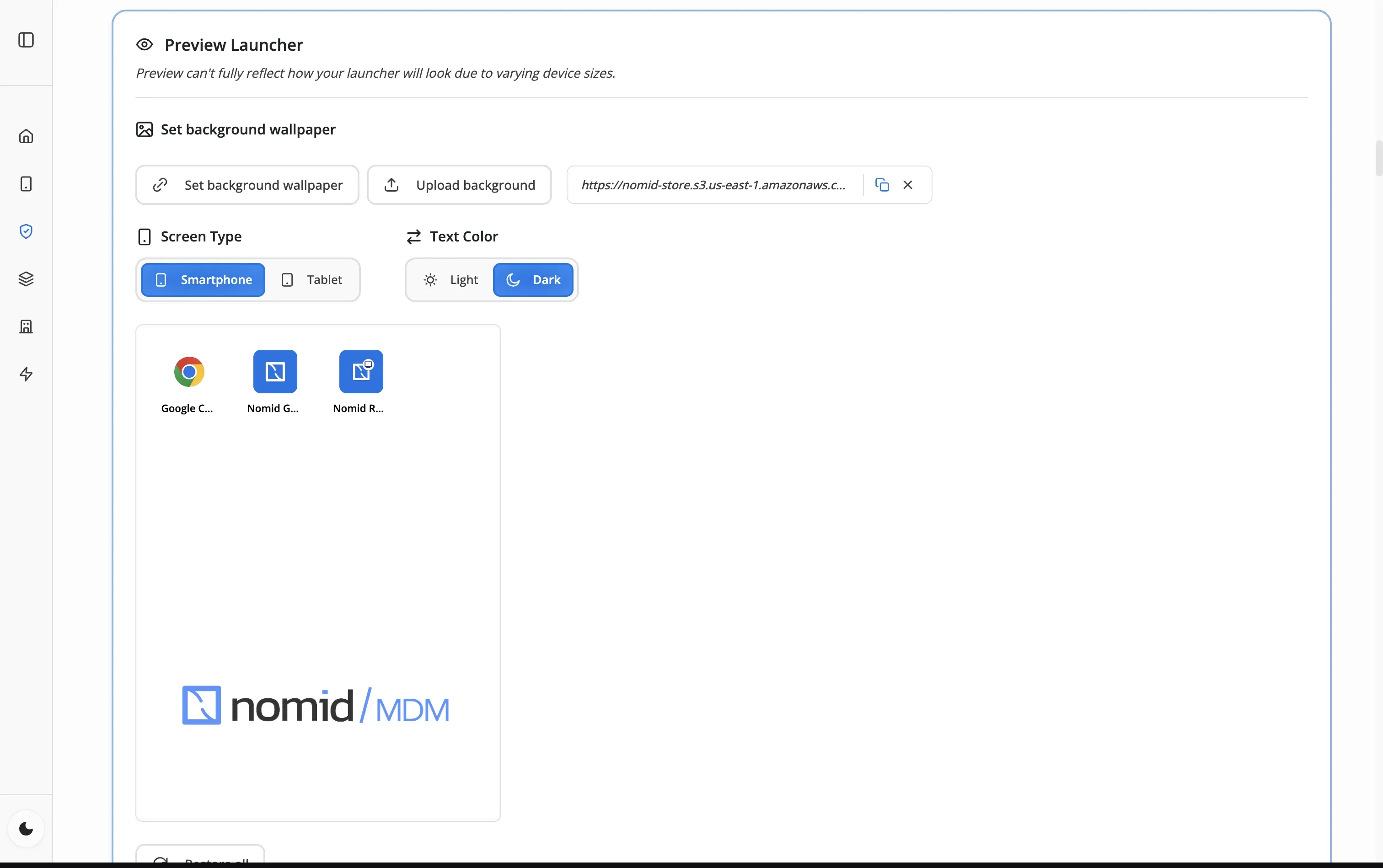
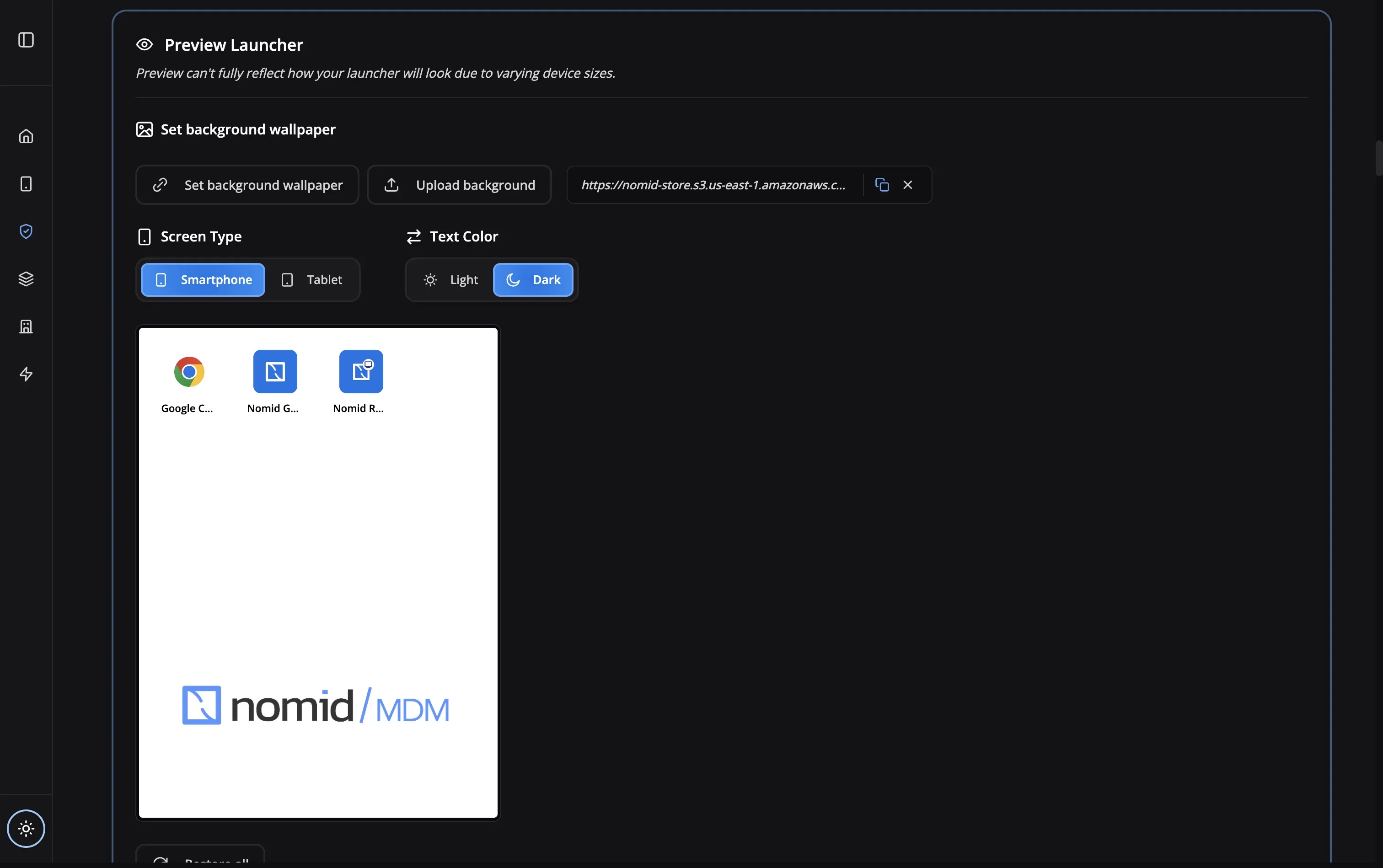
Yes! You can set custom wallpapers with your company branding and configure which apps appear in the Nomid Launcher. For single-app kiosk mode with Nomid Kiosk, the locked app controls the user interface.
Configure your policy to use the managed Play Store for app distribution. Apps are installed silently without user interaction. When you update the app in the Play Store, devices will receive the update automatically based on your policy settings.
Yes. You can change the device policy remotely from the Nomid dashboard to switch between Nomid Kiosk (single-app), Nomid Launcher (multi-app), or back to system default. Policy changes are applied instantly to the device.
Still have questions?
Our support team is here to help you get the most out of Nomid MDM.
Contact SupportReady to deploy secure kiosks?
Start managing your public-facing devices with kiosk mode MDM today