
Education Device Management
Manage student tablets and VR learning devices with secure policies and remote support. Comprehensive MDM for schools and universities.
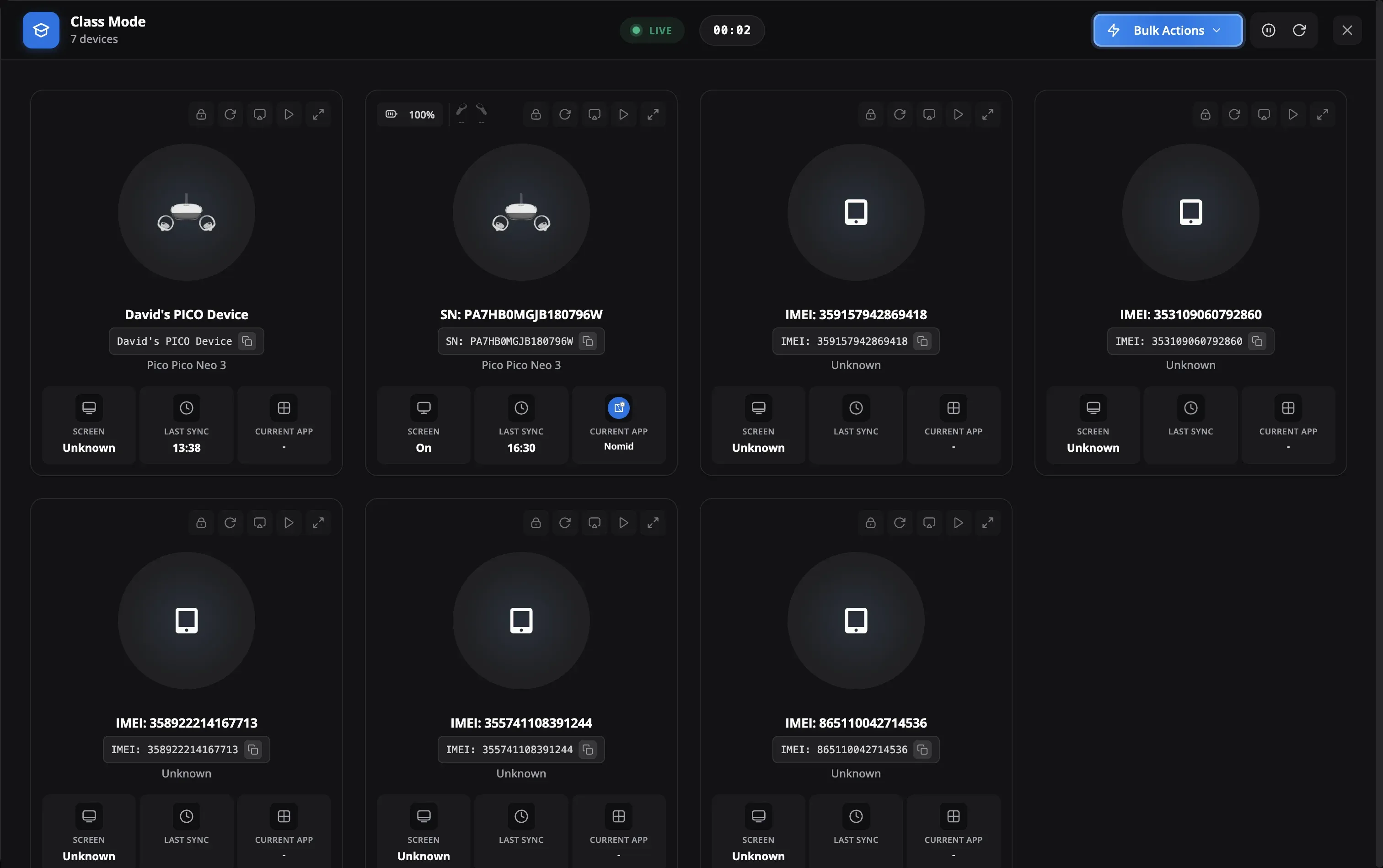
Education MDM Features
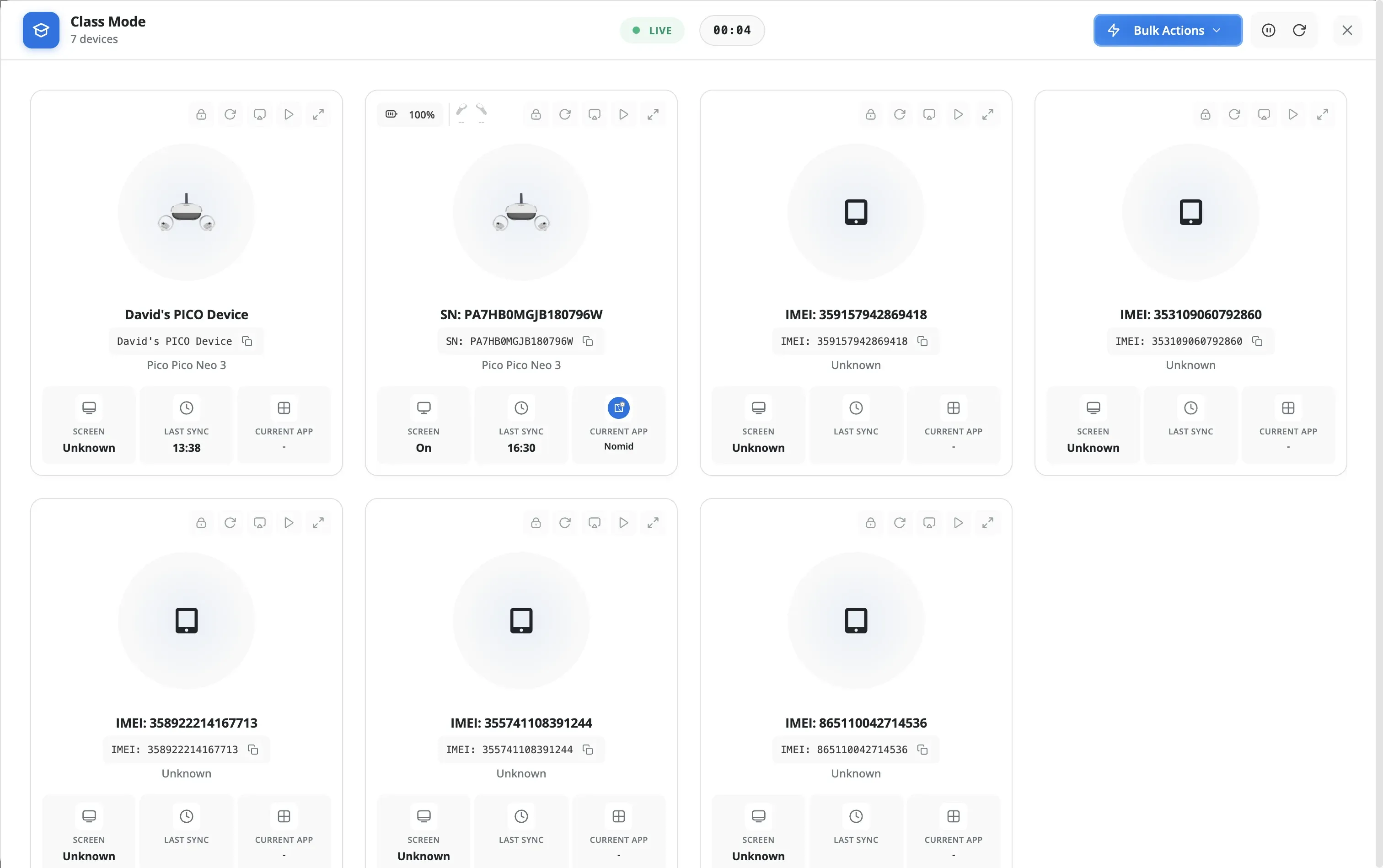
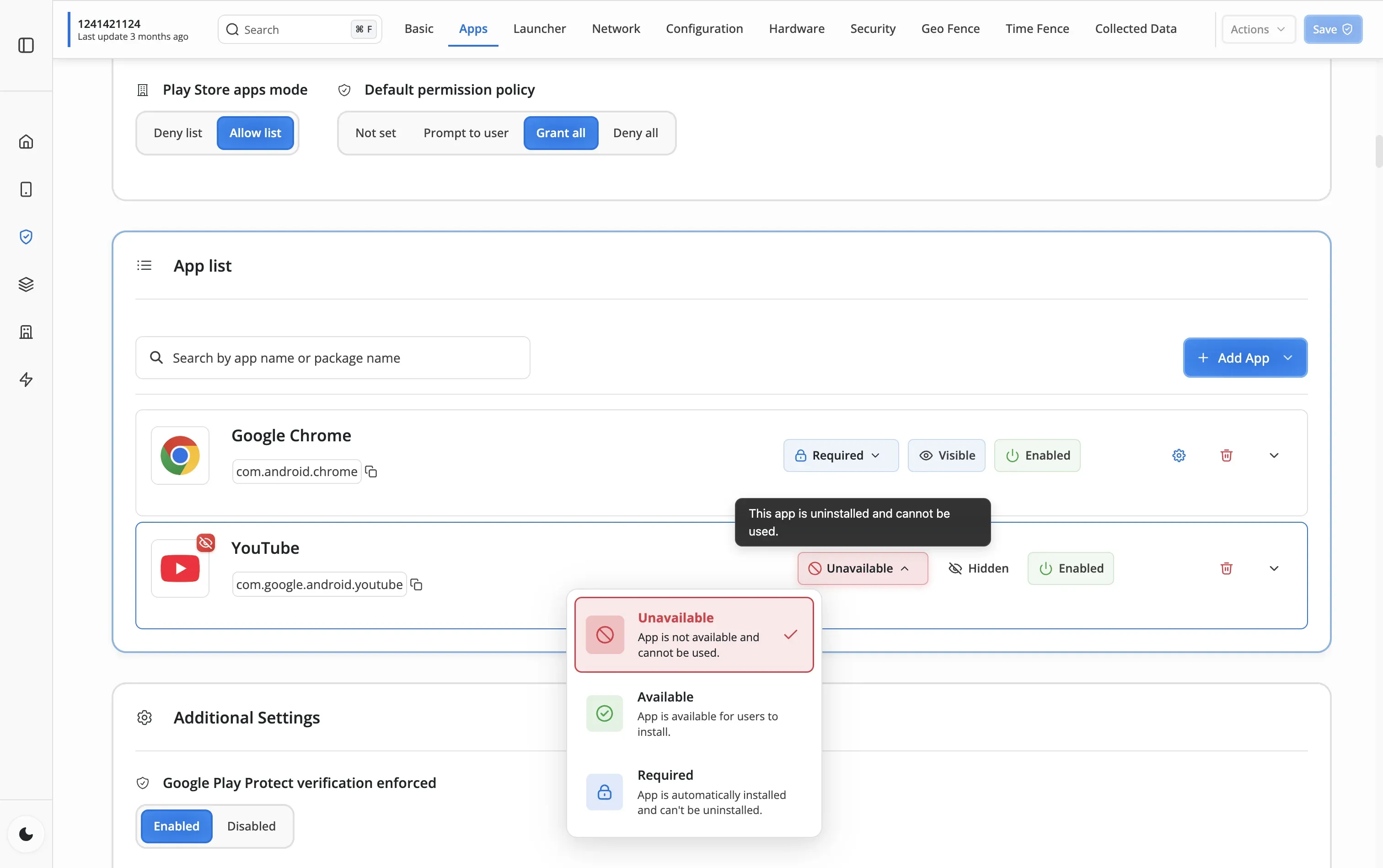
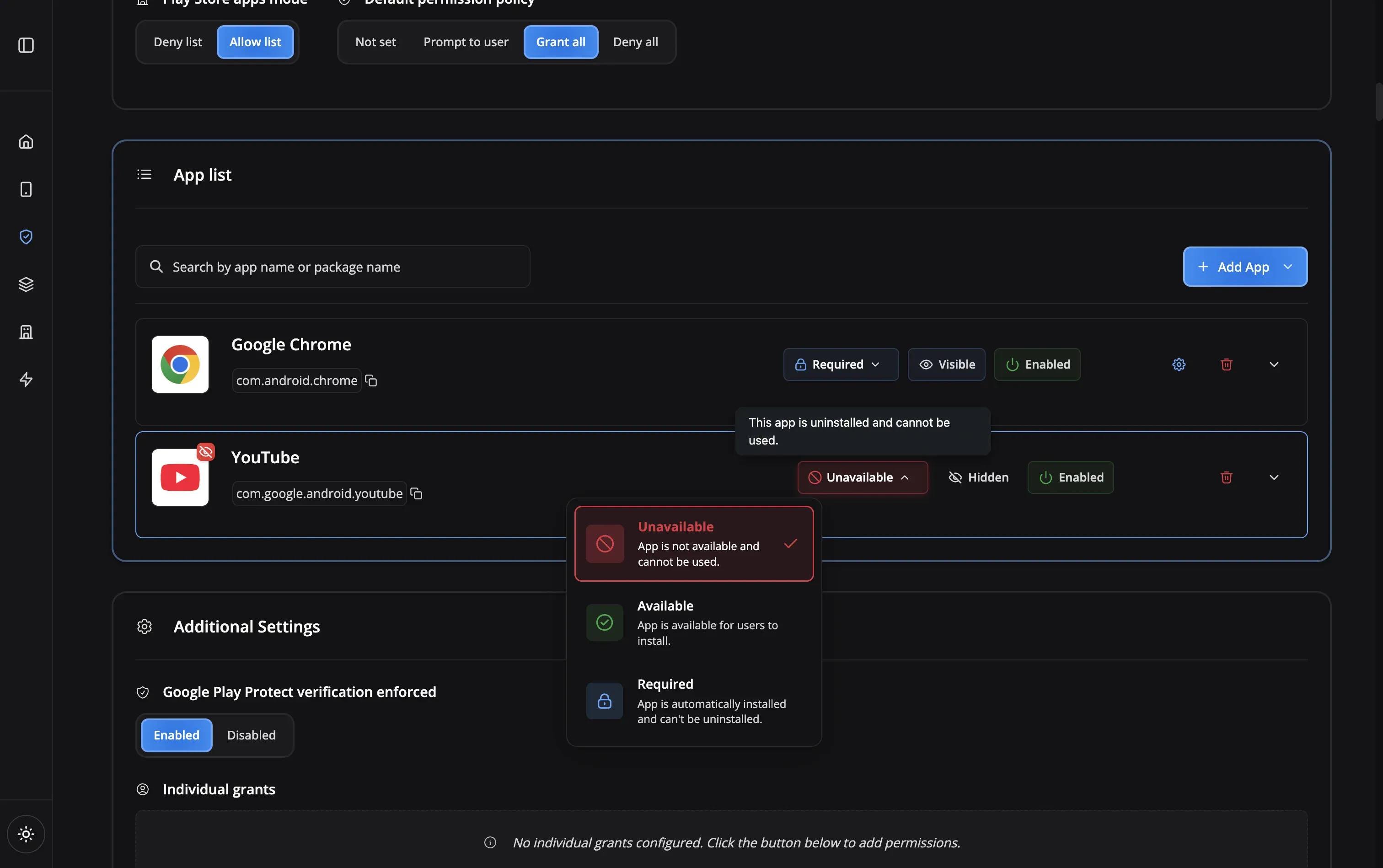
Education Challenges
Schools and districts face unique challenges managing student devices
Real-World Education Solutions
See how schools and districts use Nomid MDM for different educational scenarios
Built for Safe Learning
Security and compliance features designed for educational institutions
Nomid Kiosk
Single-app lockdown
App Allowlisting
Control app access
App Blocking
Block distractions
Remote Lock
Lock during exams
QR Enrollment
Quick device setup
Remote Reboot
Fix from anywhere
Policy Groups
Per-grade policies
Lost Mode
Find missing tablets
Nomid Kiosk
App Allowlisting
App Blocking
Remote Lock
QR Enrollment
Remote Reboot
Policy Groups
Lost Mode
Education MDM FAQ
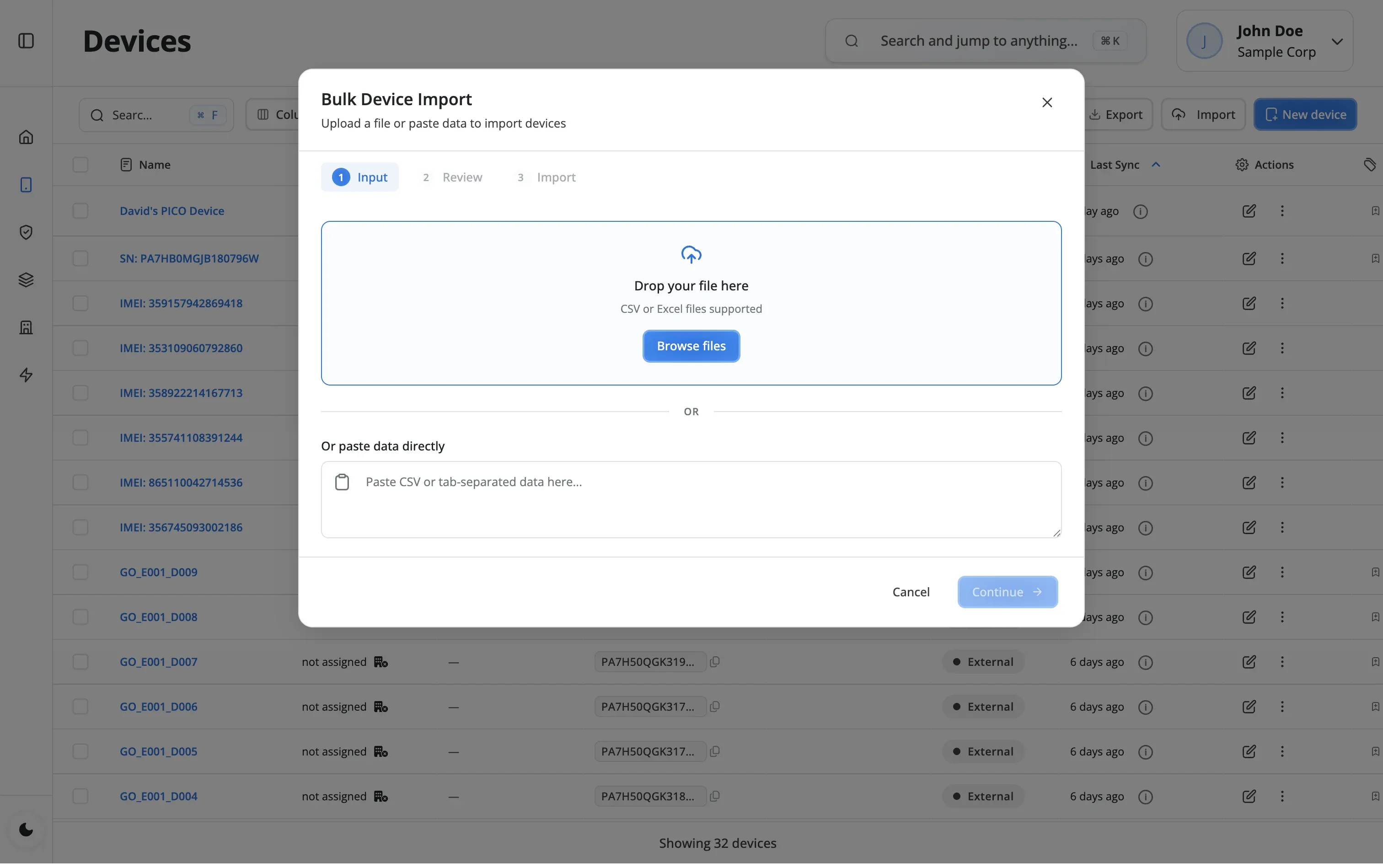
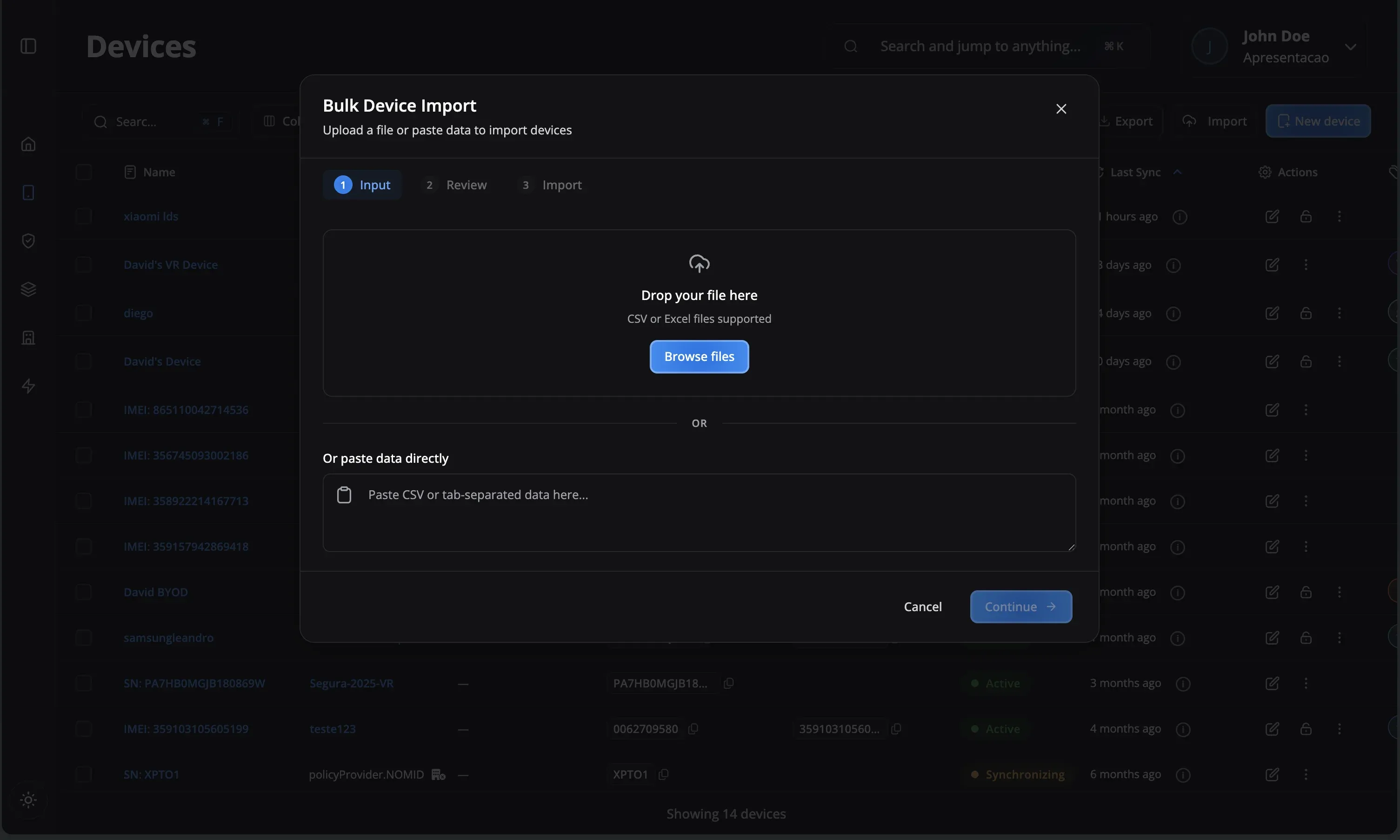
Use our QR code enrollment to quickly set up hundreds of devices. Simply generate QR codes for each grade level or class, factory reset the tablets, and have students scan the code during first setup. Devices will automatically download all approved apps and apply the correct policies. For larger deployments, use zero-touch enrollment to have devices pre-configured before distribution.
Yes! Nomid provides app-level control including Play Store allow list mode, app blocking by package name, and the ability to hide apps from the launcher. You can create policies that only allow approved educational apps, blocking social media and gaming apps from being installed or accessed.
Teachers can use Nomid Kiosk mode to lock devices to specific learning apps during lessons. Through the portal, authorized staff can remotely lock or unlock devices, send notifications, and change policies as needed - for example, switching to exam mode during tests.
You can collect the device's location on-demand, enable Lost Mode to lock the device and display a return message, or remotely wipe all corporate data to protect student information. Geofencing alerts can also notify you when devices leave school premises.
Absolutely! Create custom policies for each grade level, classroom, or device group. Elementary students might have stricter app restrictions and Kiosk mode, while high school students could use the multi-app launcher with more freedom. You can also differentiate between student and teacher device profiles.
Use remote device commands to reboot frozen devices, push policy updates, and silently install apps without requiring students to bring devices to the IT department. You can also send notifications to devices and change their configuration remotely through the Nomid portal.
Still have questions?
Our support team is here to help you get the most out of Nomid MDM.
Contact SupportReady to transform your classroom?
Start managing your educational devices with confidence today