 Nomid
Single-app kiosk
Wall-mounted site clocks
A shared tablet at an entrance or break room, locked to one app and used by every worker on site.
Android for time clocks
Lock a tablet or phone to one time-clock app, give each site or client its own policy, and support devices on the wall from a distance.
See how it works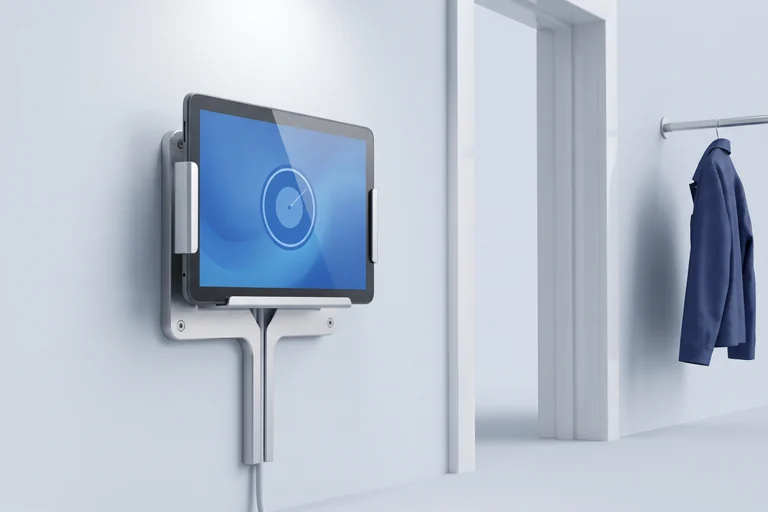
Built around the work
A tablet at the entrance is used by everyone, on every shift. Nobody should browse, change settings or close the app. When it stops working, the person who fixes it is often far away.
The workflow
Prepare the device, keep it inside the time-clock app, and know what to do when a site calls.
Set up
Enroll a new or factory-reset device with a QR code or, when eligible, zero-touch, and assign the policy for its site.
Explore enrollmentOn the wall
Use single-app kiosk mode on eligible devices, so the screen opens in the app and stays there.
Explore kiosk modeWhen a site calls
Check the device in Nomid and use available remote tools before anyone takes it off the wall.
Explore remote supportDevice roles
A shared tablet at an entrance or break room, locked to one app and used by every worker on site.
A phone carried by a supervisor or crew, with the time-clock app and the few work apps the job needs.
Device roles are illustrative. Available controls depend on hardware, Android version, and management mode.
Explore the product
Start with the capabilities behind this use case, then build a rollout around your actual devices.
Keep an eligible device inside one approved app, with a temporary exit path for authorized use.
Give each site or end client its own policy, with its apps, network settings and restrictions.
Investigate an eligible device when a site reports a problem, without a trip to the wall.
Before you deploy
Yes, on eligible Android devices. Single-app kiosk mode keeps the device inside the app you choose. Test the app and the policy on the hardware you plan to mount.
No. Nomid manages the device and the apps on it. Your time-clock provider supplies the app, the attendance records and any biometric features.
The enrollment QR code can allow mobile data during setup, so a device with a SIM card can be enrolled without Wi-Fi. Coverage and data use depend on the site and the carrier.
Yes. The partner view shows devices across the companies you support, and you open each client’s company to manage its devices. The MSP page shows how it works.
Explore Nomid with your own devices, or plan your deployment with our team.
