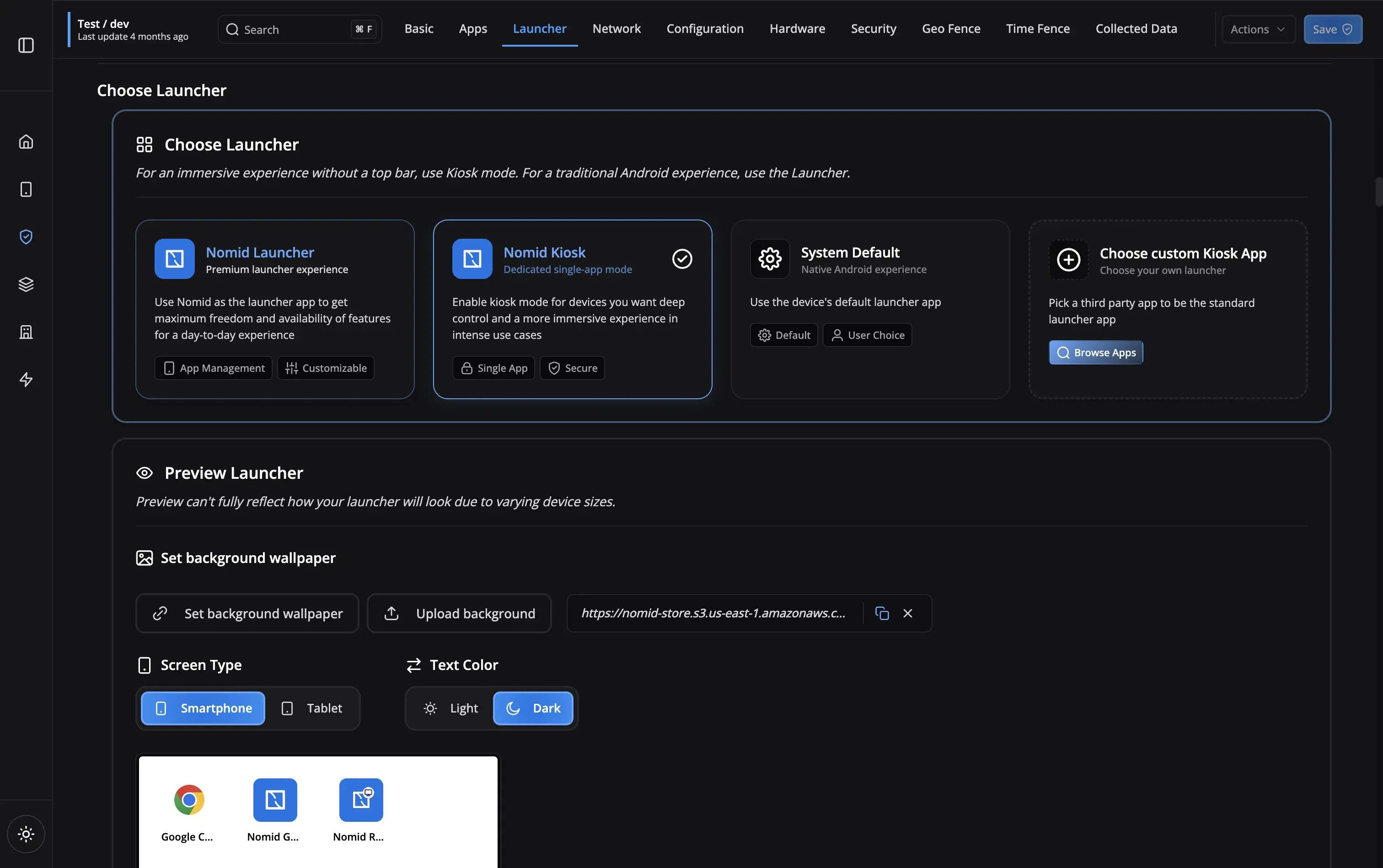
Custom Launcher
Create branded, custom home screen experiences

Configure single-app, multi-app, web kiosk, or branded launcher experiences, then deploy and support them remotely from one MDM console.
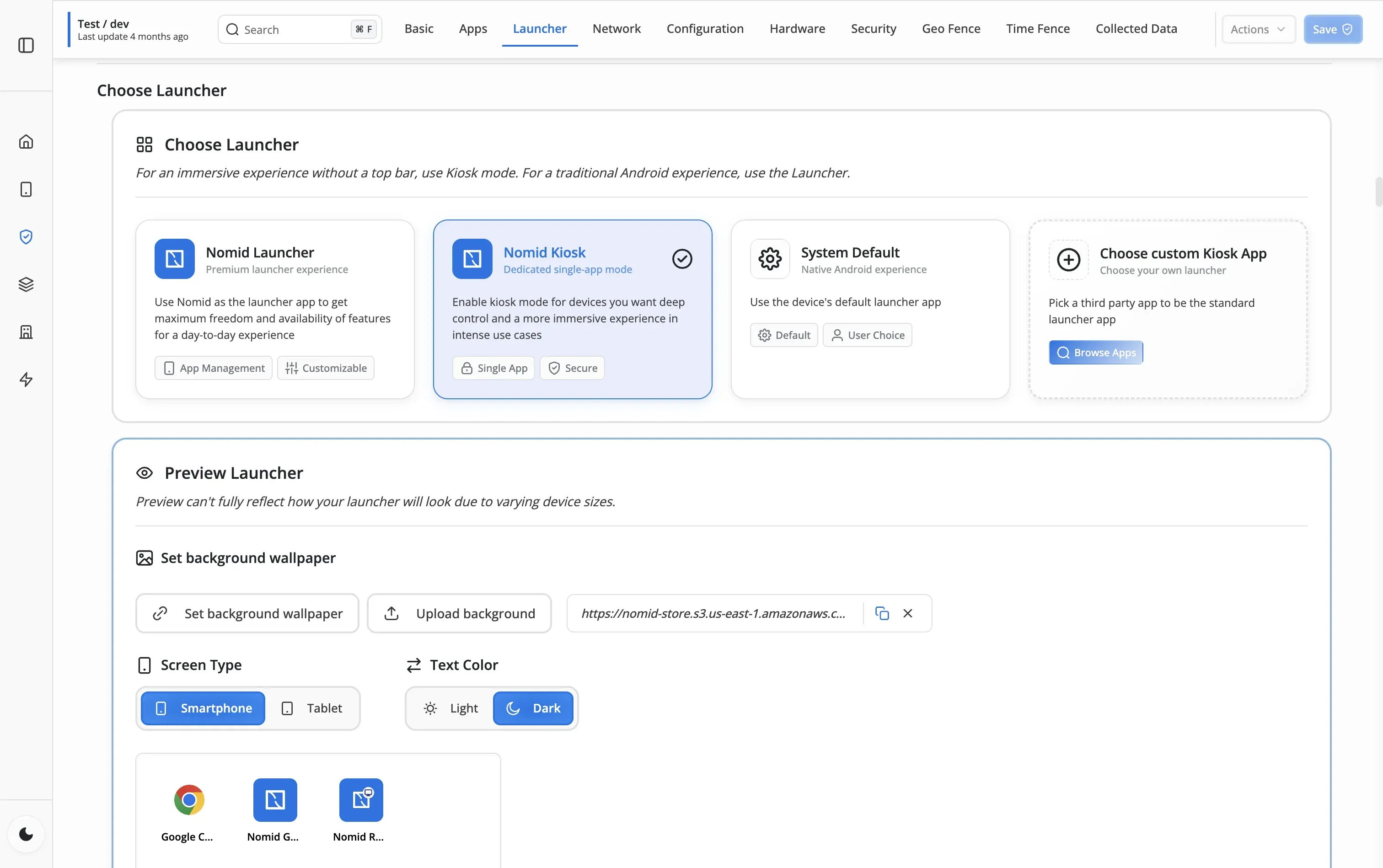
Android kiosk mode turns a company-owned device into a dedicated endpoint for one app, an approved app set, a website, or a branded launcher. Nomid MDM centralizes the restrictions, app deployment, configuration changes, and remote support needed to operate those devices at scale.
Create branded, custom home screen experiences
Allow access to a curated set of applications while blocking everything else, perfect for employee devices or shared tablets.
Lock the device to run only one application, ideal for dedicated point-of-sale systems, digital signage, or information kiosks.
Turn devices into locked-down web browsers
Prevent unauthorized access to device settings and sensitive data
Keep users focused on their tasks without distractions
Minimize user errors and support tickets with locked-down devices
Maintain a professional, branded experience across all devices
Choose between single-app, multi-app, web kiosk, or custom launcher mode based on your use case. Each mode offers different levels of restriction and flexibility.
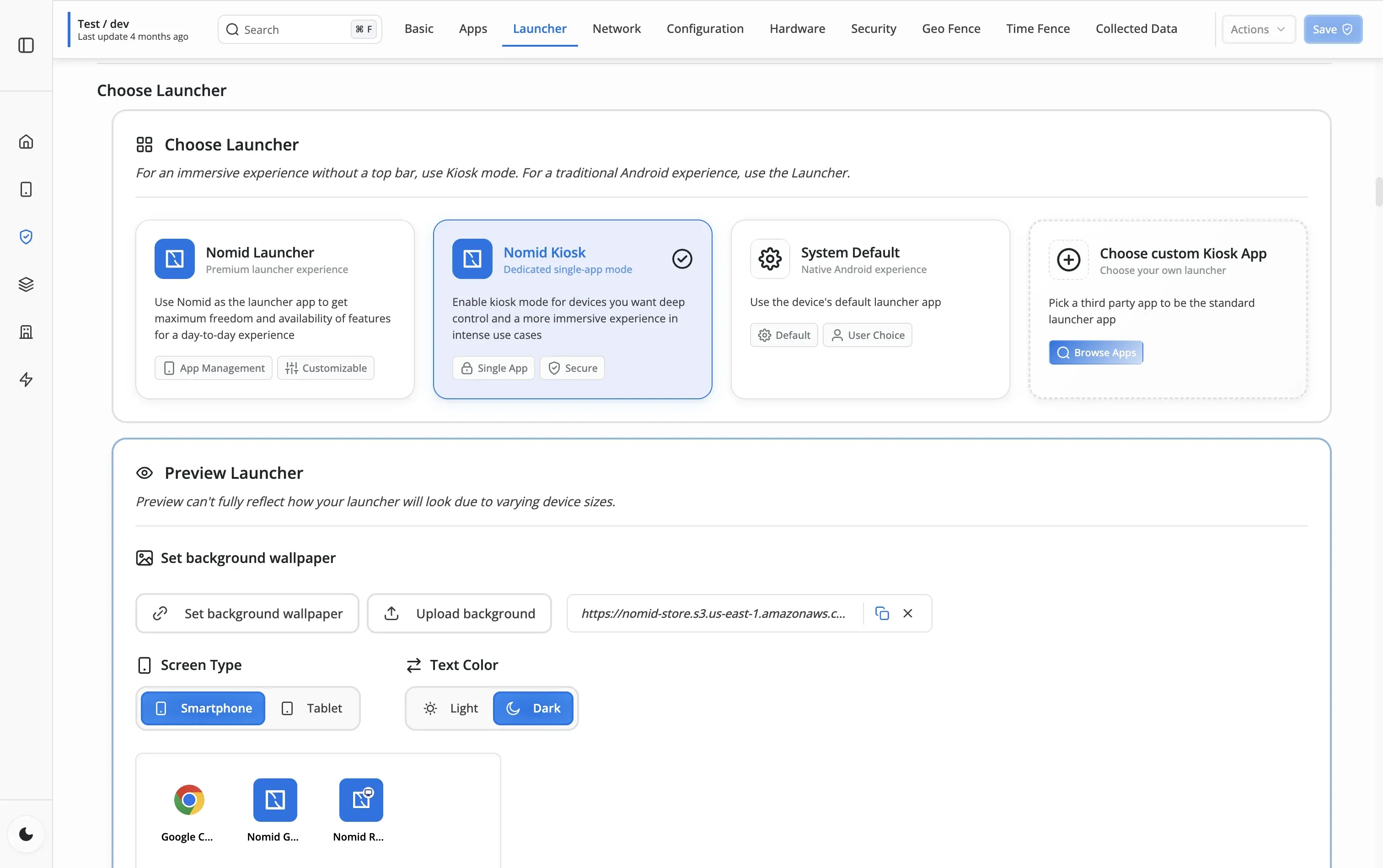
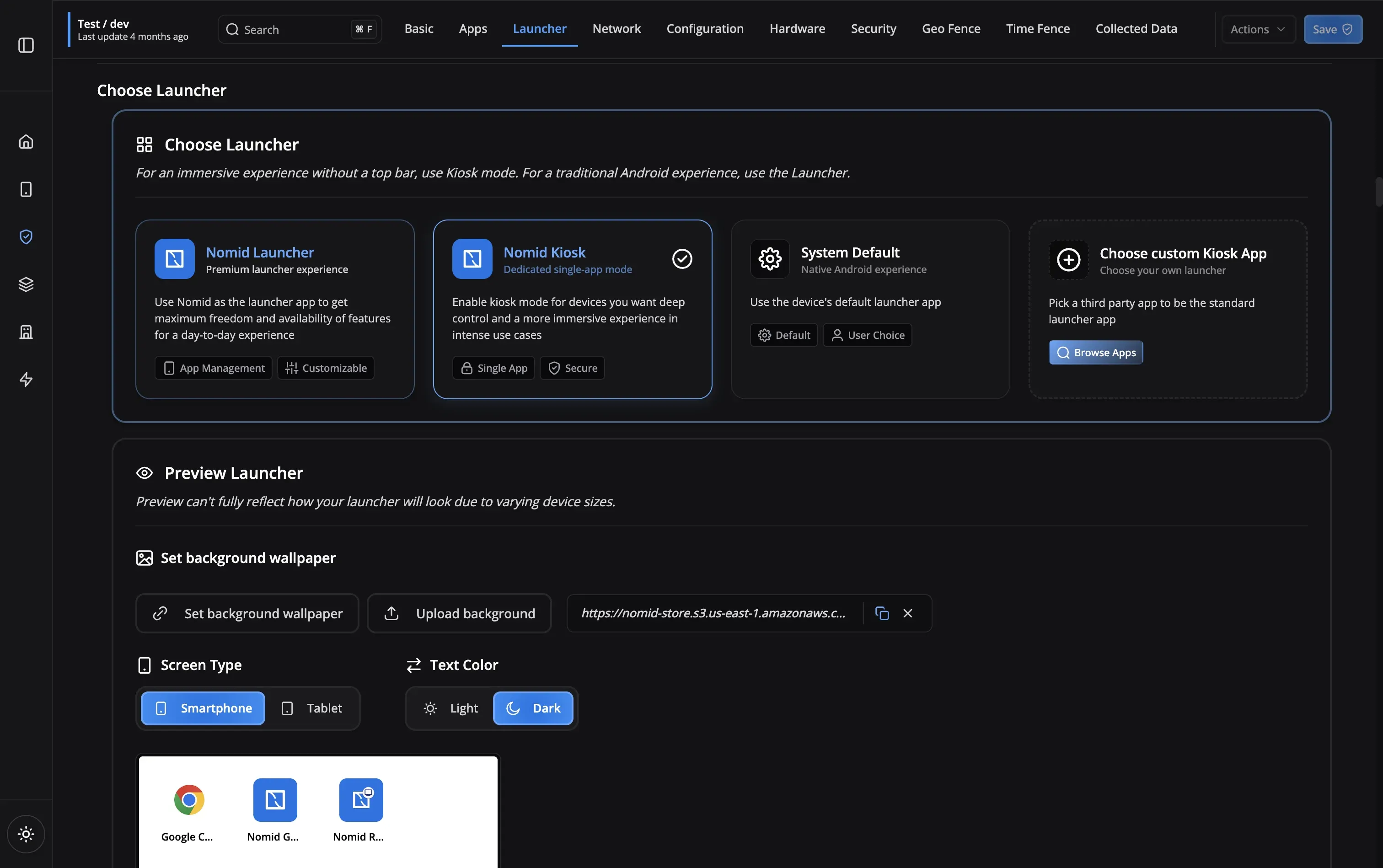
Select which apps to allow, customize the launcher appearance, set up auto-restart rules, and configure security settings. Our intuitive interface makes configuration a breeze.
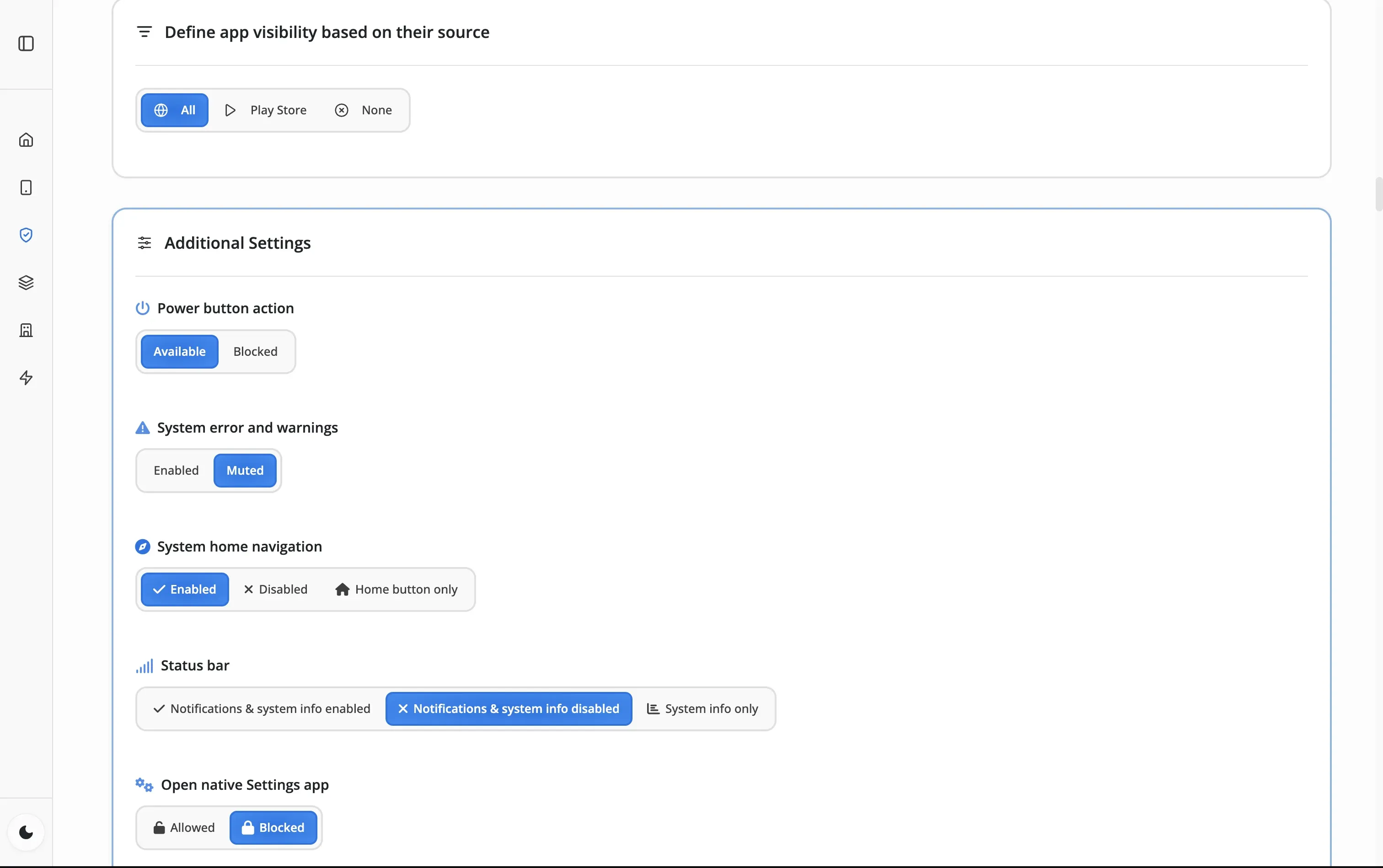
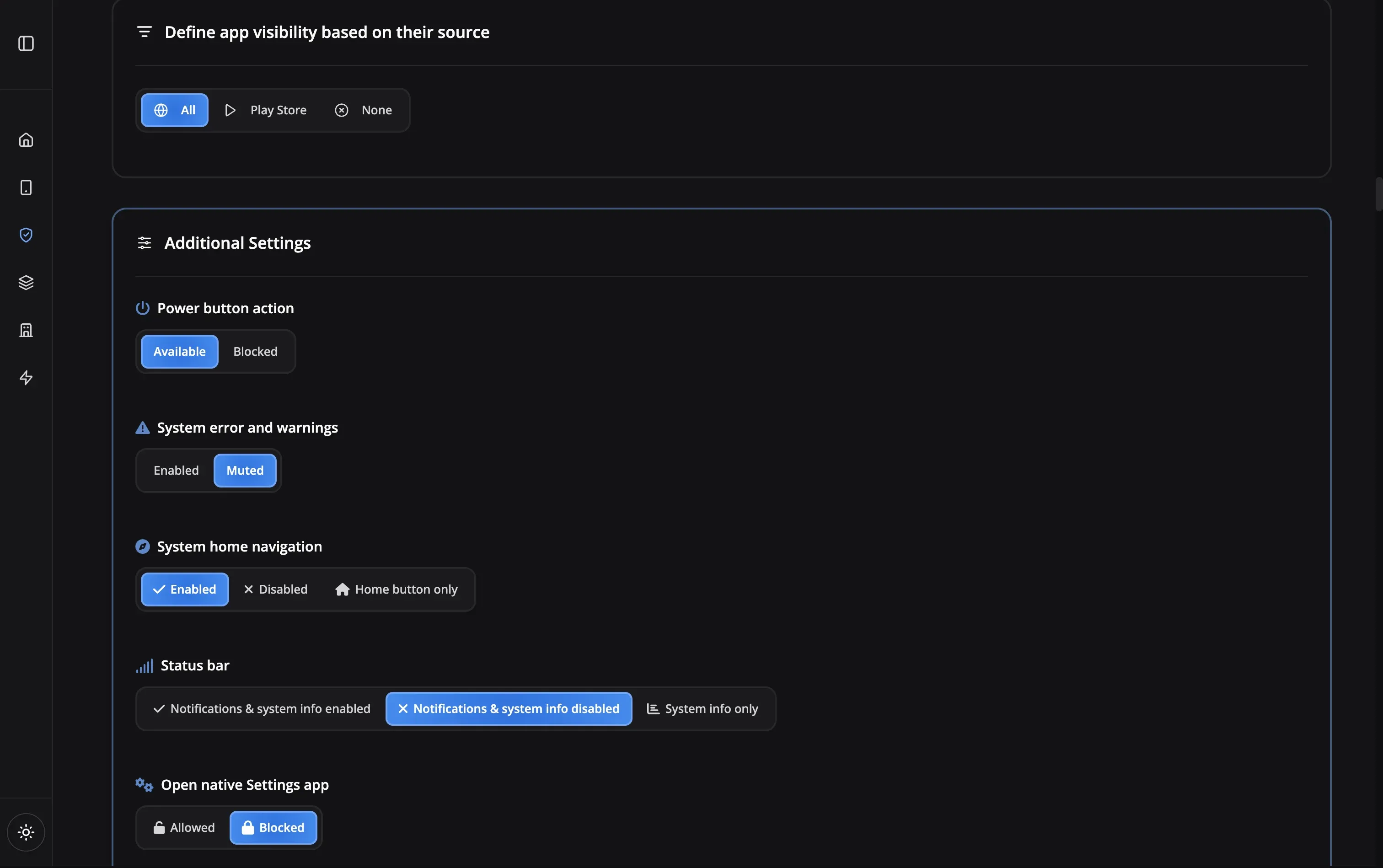
Push your kiosk configuration to devices instantly. Changes take effect immediately, and you can update settings remotely at any time without touching the devices.
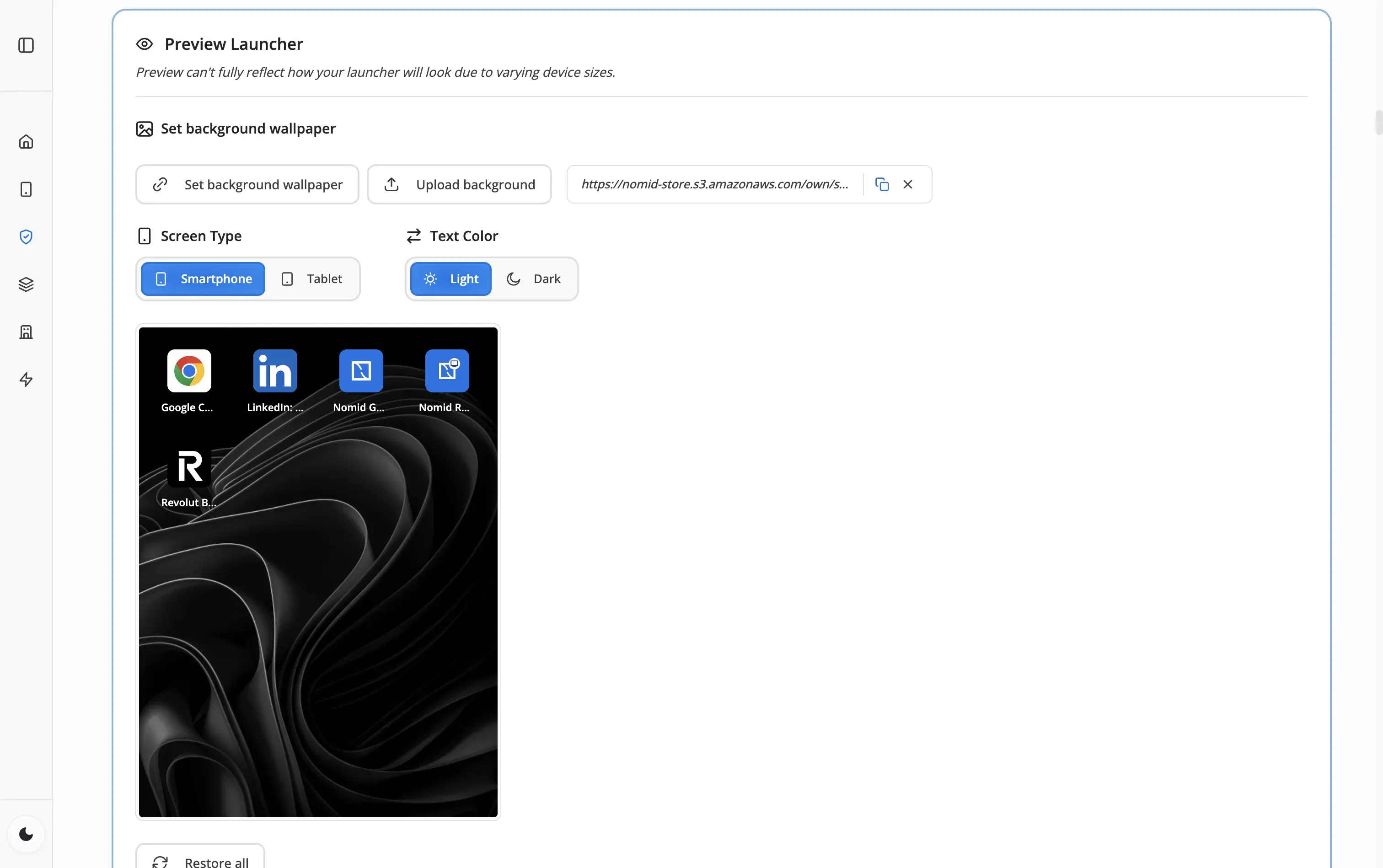
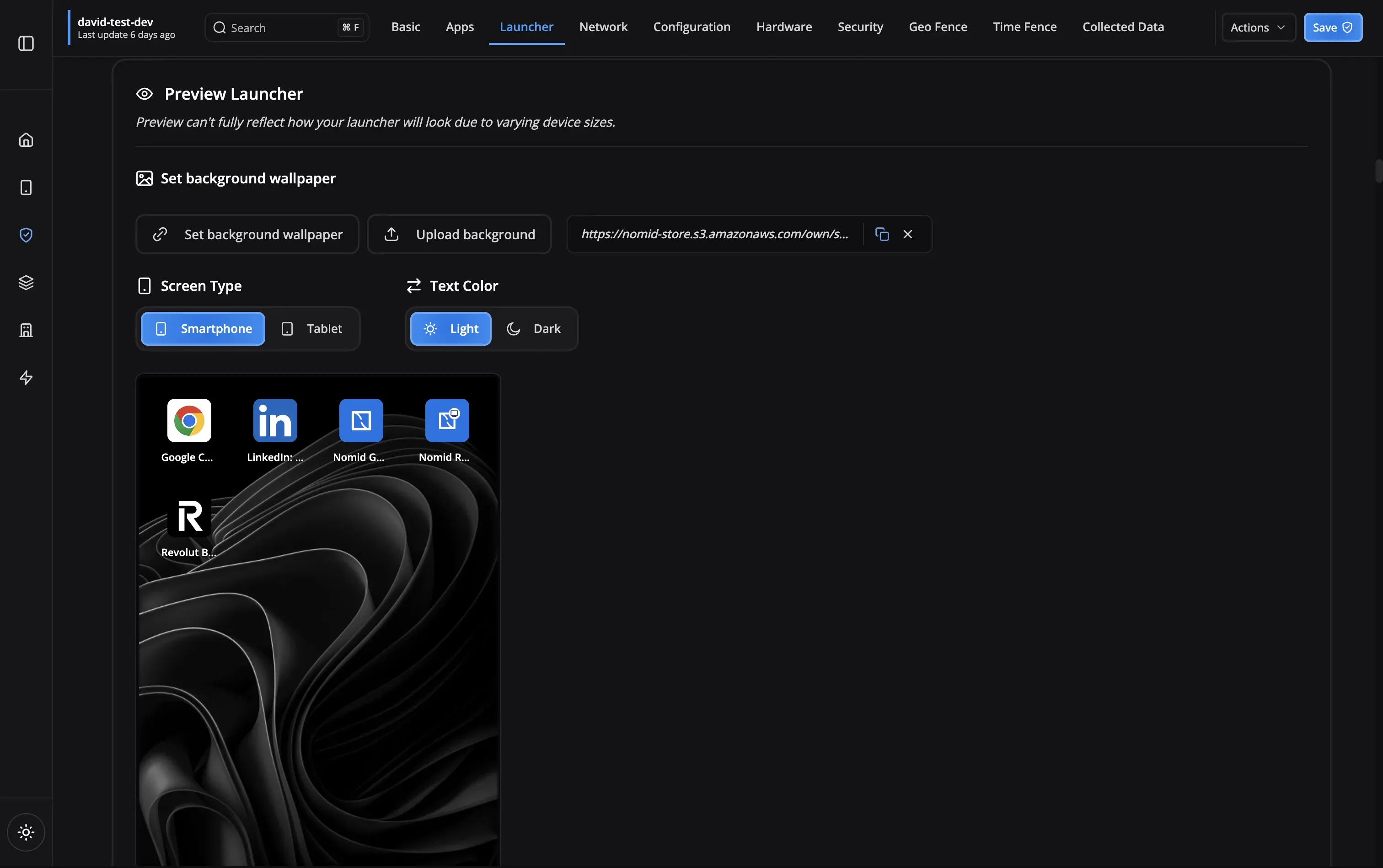
Track kiosk health, receive alerts for issues, and manage your fleet from the dashboard. Auto-restart ensures kiosks stay operational 24/7.
Transform tablets into dedicated point-of-sale terminals
Display promotional content and information continuously
Patient check-in kiosks and medical form collection
Student testing devices and learning stations
Hotel check-in kiosks and guest information displays
Production line monitoring and quality control stations
Features that keep your kiosks running smoothly
Auto-Restart
Self-healing kiosks
Education Ready
Perfect for classrooms
24/7 Monitoring
Always watching
Offline Mode
Works without internet
Quick Deploy
Setup in minutes
Remote Config
Update from anywhere
Retail Certified
Optimized for POS systems
Tamper-Proof
Secure lockdown
Auto-Restart
Education Ready
24/7 Monitoring
Offline Mode
Quick Deploy
Remote Config
Retail Certified
Tamper-Proof
Single-app mode locks the device to run only one application, ideal for dedicated purposes like digital signage or POS. Multi-app mode allows access to multiple pre-approved apps, perfect for shared devices where users need limited functionality.
No, users cannot exit kiosk mode without administrator credentials. The home button, back button, and system settings are disabled. Only authorized administrators can unlock or reconfigure the device.
Apps can be updated remotely through the Nomid MDM dashboard. You can schedule updates during off-hours or push them immediately. Devices will update automatically without user intervention.
Yes! With our custom launcher feature, you can add your company logo, choose colors, organize app icons, and create a branded experience that matches your organization's identity.
Nomid MDM includes auto-restart functionality. If an app crashes, it automatically relaunches within seconds. You'll also receive an alert so you can investigate any persistent issues.
Kiosk mode is designed for company-owned, dedicated devices. For BYOD scenarios, we recommend using work profiles which provide app restrictions while maintaining user privacy.
Our support team is here to help you get the most out of Nomid MDM.
Contact SupportLearn the setup, security, app maintenance, and remote support decisions behind a reliable kiosk deployment.
Read the guideSee how kiosk controls support self-service, digital signage, retail, healthcare, and field workflows.
Explore kiosk use casesKiosk mode is included on every plan — even free. Free plan — up to 10 devices, no credit card required.